How to Use the Modrinth Launcher for Easy Mod Management in 2026
Filed under Vanilla-Enhanced Modpacks & QoL · How we create content
Key Takeaways
| Point | Details |
|---|---|
| Free & open-source | The Modrinth App is completely free and open-source, with no paywalled features or premium tiers. |
| Multi-loader support | Modrinth supports Fabric, Forge, Quilt, and NeoForge profiles so you can manage every mod type in one place. |
| One-click updates | The launcher detects outdated mods and updates them in a single click, eliminating manual file management. |
| Profile isolation | Each modpack profile is sandboxed, so one broken mod can't corrupt your other setups. |
| Modrinth hosts 50,000+ mods | The platform has grown to over 50,000 projects, making it one of the largest Minecraft mod repositories. |
| Gaia-ready setup | Keeping your performance mods updated via Modrinth ensures a stable, lag-free connection to servers like Gaia Legends. |
Table of Contents
- What Is the Modrinth Launcher?
- How to Download and Install the Modrinth App
- How Do You Create and Manage Mod Profiles?
- Best Ways to Find and Install Mods on Modrinth
- Why Is Keeping Your Mods Updated So Important?
- Tips for Organizing Your Minecraft Mods in 2026
- How to Put This Into Practice on Gaia Legends
- Conclusion
- Frequently Asked Questions
- Recommended
Most players who've wrestled with a messy mods folder — dragging JARs in, forgetting which version they're on, breaking everything on a Minecraft update — know the pain of manual mod management. The Modrinth launcher guide you're reading right now exists to end that pain for good. Whether you're building a performance-focused vanilla-plus setup or chasing a full modpack experience, Modrinth's app turns a chaotic folder into a clean, one-click workflow. Let's walk through every step.
What Is the Modrinth Launcher?
The Modrinth launcher is a free, open-source Minecraft launcher built around Modrinth's own mod repository, giving you search, install, and update tools for mods and modpacks in one unified interface.
Modrinth is a mod-hosting platform and launcher developed as a modern alternative to CurseForge. Unlike the old manual approach — download a JAR, drop it in .minecraft/mods, pray — the Modrinth App treats every mod as a managed package. You can install, disable, update, or remove mods with a single click, and every profile is isolated so your speedrun setup never interferes with your survival world.
The platform hosts over 50,000 projects including mods, modpacks, resource packs, and shaders (via Modrinth). That breadth means you'll rarely need to leave the app to find what you want.
It supports all four major mod loaders:
- Fabric — lightweight, fast-updating, ideal for performance mods
- Forge — the widest legacy mod compatibility
- Quilt — a Fabric fork with extra API features
- NeoForge — the community-maintained Forge successor for 1.20.1+
If you're building a vanilla-plus modpack, Modrinth is the fastest way to get there.
How to Download and Install the Modrinth App
Downloading the Modrinth App takes under two minutes: grab the installer from modrinth.com, run it, log in with your Microsoft account, and you're ready to create your first profile.
Step-by-Step Installation
- Go to modrinth.com and click Download App in the top navigation.
- Choose your OS — Windows, macOS, or Linux installers are all available.
- Run the installer. On Windows, you may see a SmartScreen prompt; click More Info → Run Anyway since the app is open-source and safe.
- Launch the app and sign in with your Microsoft/Xbox account (the same one you use for Minecraft).
- The app will detect your existing Java installations automatically.
Note: The Modrinth App requires Java 17 or higher for Minecraft 1.18+ profiles. If you're running an older Java version, the app will prompt you to install the correct one before launching.
That's it. No separate Minecraft launcher required — Modrinth handles launching the game directly.
How Do You Create and Manage Mod Profiles?
Profiles in the Modrinth App are isolated environments — each one has its own mod list, loader version, and game version, so you can run Fabric 1.21.4 and Forge 1.20.1 side by side without conflict.
Creating a New Profile
Click the + button in the left sidebar and choose New Profile. You'll pick:
- Game version (e.g., 1.21.4)
- Mod loader (Fabric, Forge, Quilt, or NeoForge)
- Loader version (usually the latest stable)
- A profile name you'll recognize later
Pro Tip: Name profiles descriptively — "Vanilla Plus 1.21.4 Fabric" beats "Profile 3." You'll thank yourself when you have six profiles running.
Installing a Full Modpack vs. a Custom Profile
You have two routes:
| Approach | Best For | Setup Time |
|---|---|---|
| Install a Modpack | Pre-built experiences (e.g., Better Minecraft) | ~2 minutes |
| Custom Profile | Hand-picked mod lists | 10–20 minutes |
| Import from .mrpack | Sharing setups with friends | ~1 minute |
For a curated starting point, check out the best Minecraft modpacks for a vanilla-plus experience — many are available as one-click installs directly inside Modrinth.
Best Ways to Find and Install Mods on Modrinth
The Modrinth App's built-in search lets you filter mods by loader, game version, category, and download count — making it far faster to find quality mods than browsing any external website.
Using the Search Filters
Inside your profile, click Add Mods. The search panel gives you:
- Category filters — Performance, QoL, Library, Adventure, etc.
- Loader filter — only shows mods compatible with your profile's loader
- Game version filter — automatically matches your profile version
This matters a lot. The Modrinth platform uses a project-level compatibility tagging system, so a search for "sodium" inside a Fabric 1.21.4 profile will only show the Fabric-compatible build (via Modrinth).
Recommended Mods to Install First
For a performance-first vanilla-plus setup, start with these categories:
- Performance — Sodium, Lithium, FerriteCore
- QoL — Jade, Xaero's Minimap, AppleSkin
- Visual — Iris Shaders, Continuity
For a deeper breakdown of which mods are worth your time, the 7 best Minecraft QoL mods for vanilla worlds in 2026 is a great companion read. And if you're on Forge rather than Fabric, the best Forge Minecraft mods for vanilla+ gameplay covers the equivalent loader-specific picks.
Warning: Don't install mods from outside Modrinth into a Modrinth-managed profile by dropping JARs manually into the folder. The app won't track those files, so they won't be updated or flagged for conflicts. Always add mods through the app interface.
Why Is Keeping Your Mods Updated So Important?
Outdated mods are the single most common cause of Minecraft crashes in modded installs — keeping them current through Modrinth's update system prevents the vast majority of incompatibility errors.
Minecraft itself updates frequently. When Mojang ships a new release, mods that haven't been updated will often throw ClassNotFoundException or MixinApplyError crashes on launch. Modrinth tracks upstream mod versions and surfaces an Update Available badge on any mod that has a newer release matching your profile's game version and loader.
Fabric, for example, releases loader updates independently of Minecraft — Fabric Loader 0.16.x introduced changes that broke several older mixin-heavy mods (via FabricMC). The Modrinth App catches these mismatches before you ever hit Play.
How to Run a Bulk Update
- Open your profile.
- Click the Update All button in the top-right of the mod list.
- Review the changelog summaries (Modrinth pulls these from mod authors automatically).
- Confirm — the app downloads and replaces files in seconds.
This workflow is especially useful when you're running a stack of mods similar to what's covered in the Better Minecraft modpack guide, where dozens of interdependent mods all need to stay in sync.
Tips for Organizing Your Minecraft Mods in 2026
Smart profile organization in the Modrinth App saves hours of debugging: use one profile per playstyle, export .mrpack backups before major updates, and disable rather than delete mods you're testing.
Profile Organization Strategies
- One profile per playstyle — keep your survival QoL profile separate from your creative building profile
- Export before updating — use Export Profile → .mrpack to snapshot your working setup before a bulk update
- Disable, don't delete — toggling a mod off keeps it in your list for easy re-enable; deleting it means re-searching later
- Use profile notes — Modrinth lets you add a description to each profile; use it to log what the profile is for and when you last tested it
Sharing Modpacks with Friends
The .mrpack format is Modrinth's portable modpack file. Export it from your profile, send the file to a friend, and they import it via Import → From File. The app then downloads all the correct mod versions automatically — no manual file sharing needed. This is how many small communities distribute their custom vanilla-plus modpacks without needing a CurseForge page.
If your pack includes storage mods, point your friends toward the best Minecraft storage management mods guide so they understand how to configure Sophisticated Storage or Iron Chests once they're in-game.
How to Put This Into Practice on Gaia Legends
Once your Modrinth profiles are dialed in, connecting to Gaia Legends is the natural next step. The server is optimized for players running a clean performance mod stack — think Sodium, Lithium, and FerriteCore — and the smoother your client runs, the better your experience on a busy SMP.
Here's how to get set up:
- Create a Fabric 1.21.x profile in Modrinth (match the version Gaia Legends is running).
- Install your performance mods via the Modrinth search — Sodium and Lithium are both available with one click.
- Add the server IP (
[gaialegends.pro](https://gaialegends.pro)) to your in-game server list and connect.
Gaia Legends offers a few features that pair especially well with a Modrinth-managed setup:
- Crossplay support — Java and Bedrock players share the same world, so your Fabric performance mods give you a client-side edge without locking out friends on other platforms.
- Non-pay-to-win economy — every advantage comes from skill and progression, not purchases, which means your optimized client setup actually matters.
- Active SMP community — the server runs regular events where a stable, high-FPS client makes a real difference in competitive play.
Gaia Legends is free to join, non-pay-to-win, and supports Java + Bedrock crossplay. Join at gaialegends.pro and start your legend today.
Conclusion
The Modrinth launcher guide boils down to three core habits that will save you hours of frustration.
- Use profiles religiously — one profile per playstyle keeps mods isolated and debugging fast.
- Run bulk updates before every play session — outdated mods cause the majority of modded crashes, and Modrinth makes updates a single click.
- Export
.mrpackbackups before any major update — you can always roll back to a working state in under a minute.
Download the Modrinth App at modrinth.com, build your first profile today, and spend your time actually playing — not wrestling with JAR files.
Frequently Asked Questions
What is the Modrinth launcher and how does it work for a Modrinth launcher guide?
The Modrinth launcher (officially called the Modrinth App) is a free, open-source Minecraft launcher that connects directly to the Modrinth mod repository. You create isolated profiles for each mod loader and game version, then search and install mods from inside the app. It tracks versions, surfaces updates, and lets you export your setup as a portable .mrpack file — all without touching your file system manually.
Is the Modrinth App free to use?
Yes, the Modrinth App is completely free with no premium tier or paywalled features. The underlying platform is also open-source, meaning the community can audit and contribute to the codebase. Modrinth generates revenue through optional creator monetization on the platform, not by charging users.
Does the Modrinth launcher support Forge mods?
Yes. The Modrinth App supports Fabric, Forge, Quilt, and NeoForge. When you create a profile, you select your loader, and the mod search automatically filters to show only compatible mods. Most legacy Forge mods are available on Modrinth, though some older ones may still only be on CurseForge.
Can I use the Modrinth App alongside the official Minecraft Launcher?
Yes, they coexist without conflict. The Modrinth App manages its own profiles and game instances separately from the official launcher. Your vanilla game data in the official launcher is untouched. Many players use Modrinth for modded play and the official launcher for vanilla or Realms sessions.
How do I update all my mods at once in Modrinth?
Open your profile, then click the Update All button in the top-right corner of the mod list. The app checks each mod against the latest version compatible with your profile's game version and loader, then downloads replacements in bulk. Always export a .mrpack backup first so you can revert if an update introduces a bug.
What is the difference between Modrinth and CurseForge for organizing Minecraft mods?
Both are mod repositories with launcher apps, but Modrinth is fully open-source, has no ads in the app interface, and uses a cleaner project-tagging system for compatibility filtering. CurseForge has a larger legacy catalog but has faced criticism for its closed-source launcher and monetization model. For new modded setups in 2026, most Fabric and NeoForge players prefer Modrinth for its speed and transparency.
Recommended
- Minecraft Event Hosting Guide for Every Server Size | Gaia Legends
- 7 Best Steampunk Block Palettes for Copper Minecraft Builds 2026 | Gaia Legends
- What is the Altar SMP Plugin? A Guide for Minecraft Servers 2026 | Gaia Legends
- How to Level Up Minecraft Server Rank Progression Fast in 2026 | Gaia Legends
Ready to play? Join Gaia Legends today — no pay-to-win, Java + Bedrock crossplay.
- Java:
join.gaialegends.pro - Bedrock:
join.gaialegends.pro— Port19132
Further reading
These references were recorded with the article; specific claims have not been matched to source excerpts.
Frequently Asked Questions
What is the Modrinth launcher and how does it work for a Modrinth launcher guide?
The Modrinth launcher (officially called the Modrinth App) is a free, open-source Minecraft launcher that connects directly to the Modrinth mod repository. You create isolated profiles for each mod loader and game version, then search and install mods from inside the app. It tracks versions, surfaces updates, and lets you export your setup as a portable `.mrpack` file — all without touching your file system manually.
Is the Modrinth App free to use?
Yes, the Modrinth App is completely free with no premium tier or paywalled features. The underlying platform is also open-source, meaning the community can audit and contribute to the codebase. Modrinth generates revenue through optional creator monetization on the platform, not by charging users.
Does the Modrinth launcher support Forge mods?
Yes. The Modrinth App supports Fabric, Forge, Quilt, and NeoForge. When you create a profile, you select your loader, and the mod search automatically filters to show only compatible mods. Most legacy Forge mods are available on Modrinth, though some older ones may still only be on CurseForge.
Can I use the Modrinth App alongside the official Minecraft Launcher?
Yes, they coexist without conflict. The Modrinth App manages its own profiles and game instances separately from the official launcher. Your vanilla game data in the official launcher is untouched. Many players use Modrinth for modded play and the official launcher for vanilla or Realms sessions.
How do I update all my mods at once in Modrinth?
Open your profile, then click the Update All button in the top-right corner of the mod list. The app checks each mod against the latest version compatible with your profile's game version and loader, then downloads replacements in bulk. Always export a .mrpack backup first so you can revert if an update introduces a bug.
What is the difference between Modrinth and CurseForge for organizing Minecraft mods?
Both are mod repositories with launcher apps, but Modrinth is fully open-source, has no ads in the app interface, and uses a cleaner project-tagging system for compatibility filtering. CurseForge has a larger legacy catalog but has faced criticism for its closed-source launcher and monetization model. For new modded setups in 2026, most Fabric and NeoForge players prefer Modrinth for its speed and transparency.
Related guides
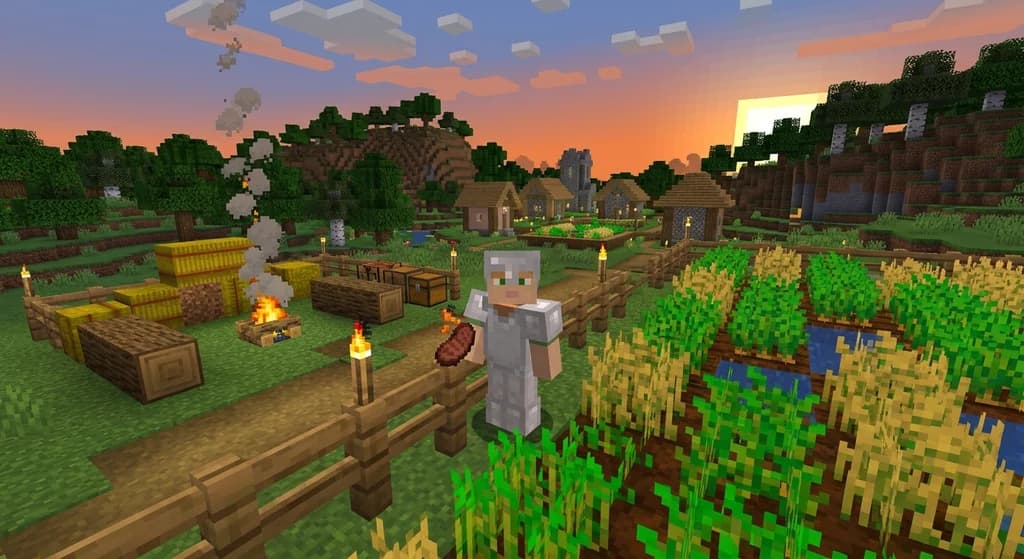
AppleSkin Mod Overview for Minecraft 1.21
Discover the AppleSkin mod for Minecraft Java Edition 1.21+. This quick reference covers hunger and saturation display, features, compatibility with modpacks like lelMc and Shozamaks Optimized, and installation tips.
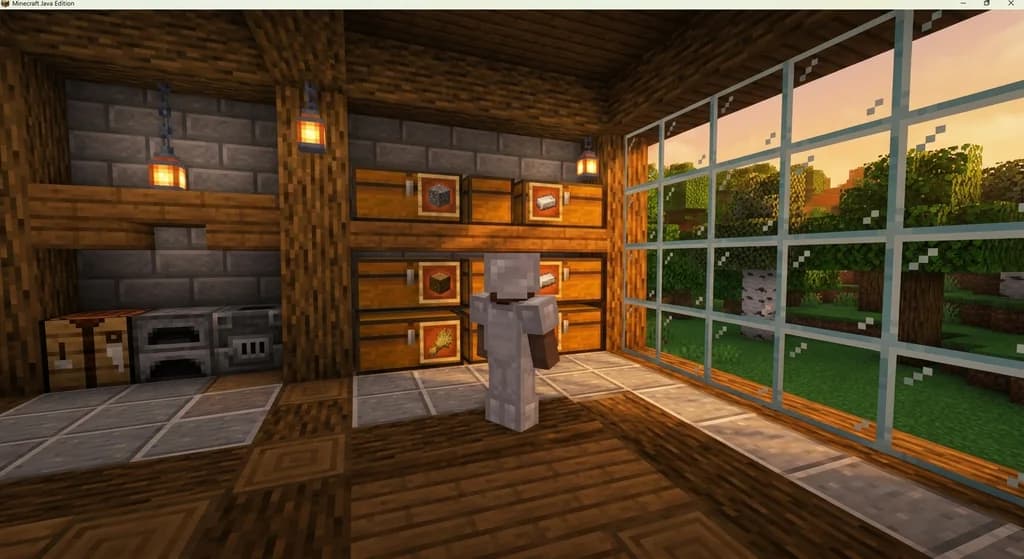
7 Best Minecraft QoL Mods That Improve Your Vanilla World in 2026
Discover the 7 best Minecraft QoL mods in 2026 that improve inventory, navigation, and performance without breaking vanilla feel. Client-side picks for...
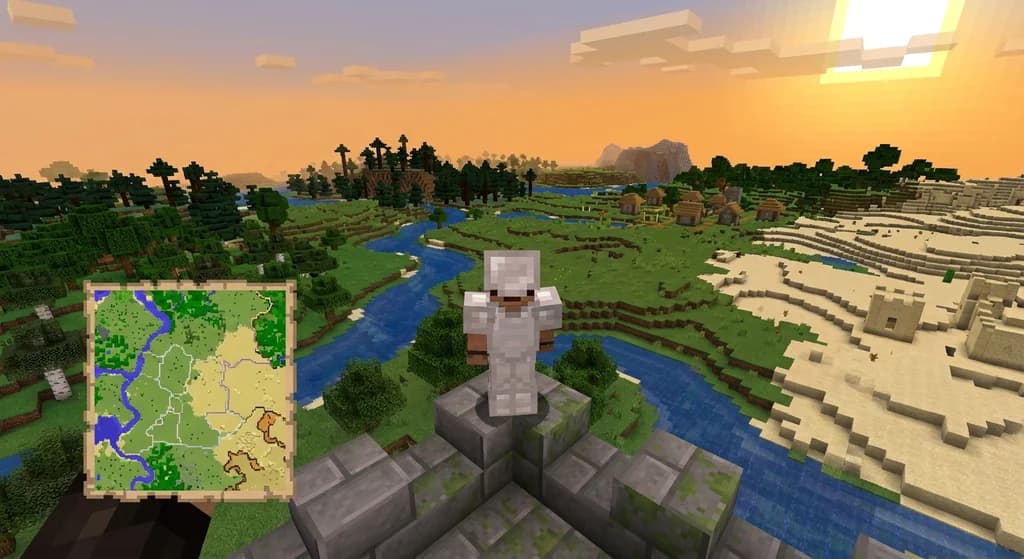
Xaero's Minimap and World Map: Server Integration Mods
Discover how mods like MapSyncer and ClanCraft integrate Xaero's Minimap and World Map with Minecraft servers: syncing explored terrain, adding land claims, and sharing waypoints for better multiplayer coordination.
How to Manage Mod Updates and Dependencies in Minecraft 2026
Learn how to manage mod updates and dependencies in Minecraft 2026. Avoid crashes, fix conflicts, and keep your modpack stable with these expert tips.
Have a question or another approach?
Compare notes with other readers. Include your edition and version when discussing mechanics.