How to Manage Mod Updates and Dependencies in Minecraft 2026
Filed under Vanilla-Enhanced Modpacks & QoL · How we create content
Key Takeaways
| Point | Details |
|---|---|
| Understand dependencies first | A mod dependency is a required library; missing it causes crashes. |
| Use a smart launcher | Modrinth, Prism, and CurseForge auto-resolve dependencies and notify you of updates. |
| Back up before every update | Copy your world and mods folder to avoid permanent loss. |
| Update mods one at a time | Isolating changes makes it easy to spot the problem mod. |
| Sync client and server | Mismatched versions between client and server will kick you out. |
| Test on a staging instance | Roll out updates to a test world before applying them to your main server. |
Table of Contents
- What Are Mod Dependencies and Why Do They Matter?
- How Do You Check for Mod Updates Without Breaking Your World?
- How to Resolve Mod Conflicts and Dependency Errors
- Best Tools for Managing Mod Updates and Dependencies
- Tips for Updating Your Modpack Without Losing Progress
- How to Put This Into Practice on Gaia Legends
- Conclusion
- Frequently Asked Questions
- Recommended
Managing mod updates and dependencies in Minecraft 2026 has evolved from a nerve-wracking chore into a streamlined process—if you use the right tools. Whether you're building a Vanilla+ modpack or running a server with dozens of mods, one broken dependency can crash your game and corrupt your world. This guide shows you exactly how to check for updates safely, resolve conflicts, and keep your modpack stable. You'll learn about modern launchers like Modrinth, dependency resolvers, and backup strategies that protect your progress. By the end, you'll have a foolproof workflow that saves hours of troubleshooting.
What Are Mod Dependencies and Why Do They Matter?
A mod dependency is a required library or another mod that a mod needs to function; without it, the game crashes or the mod simply doesn't work.
Every Minecraft mod is built on top of the game's code, but many also rely on shared libraries—like Fabric API for Fabric mods, or Forge's built-in hooks—to add new features. When you install a mod that adds custom mobs, for example, it might depend on GeckoLib for animation. If GeckoLib is missing or outdated, the mob mod won't load, and you'll see a crash screen listing the missing dependency. In 2026, the mod ecosystem is larger than ever: Modrinth alone hosts over 200,000 mods and modpacks (via Modrinth), and most mods have at least one dependency. Understanding these relationships is the first step to managing updates without headaches. The mod loader you choose—Fabric, Forge, or NeoForge—also dictates which dependencies are compatible, so picking the right one early saves time later (read our guide to choosing the best mod loader for Vanilla+ Minecraft in 2026).
How Do You Check for Mod Updates Without Breaking Your World?
The safest way to check for mod updates in 2026 is to use a launcher with built-in version management, like the Modrinth Launcher, which compares your installed mods against the latest releases and flags breaking changes.
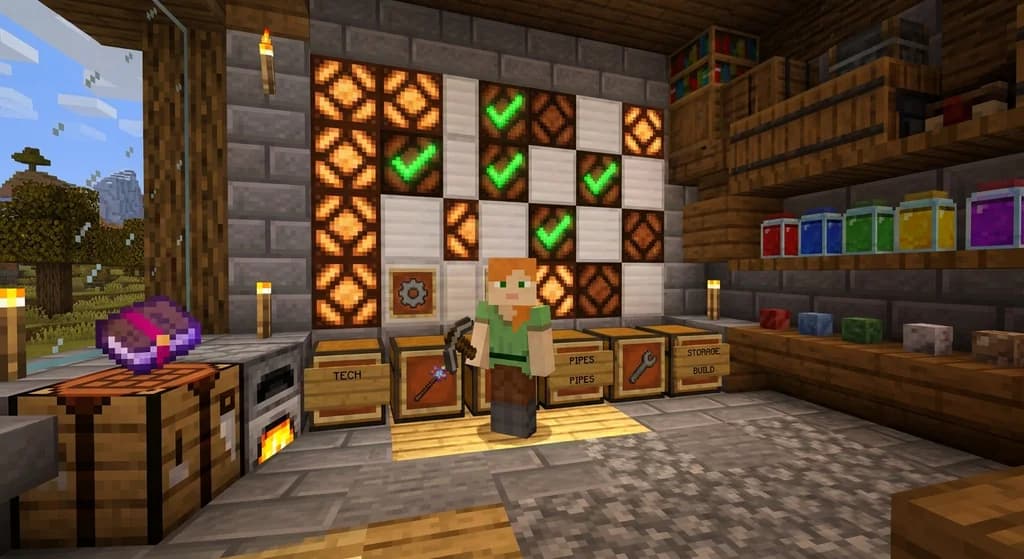
Manually downloading mods from websites and dropping them into your mods folder is a recipe for version mismatches. Instead, modern launchers like Modrinth, Prism, and CurseForge automatically track your installed mods and notify you when updates are available. The Modrinth Launcher goes a step further: it shows a green checkmark if the update is safe, a yellow warning if it requires a new dependency, and a red X if it's incompatible with your current Minecraft version. Before you apply any update, always back up your world and mods folder—a simple copy-paste to a safe location is enough. If you're new to the Modrinth Launcher, our step-by-step guide to using Modrinth for easy mod management covers installation and profile setup.
How to Resolve Mod Conflicts and Dependency Errors
Mod conflicts occur when two mods modify the same game feature, or when a required dependency is missing, outdated, or incompatible with your current Minecraft version.
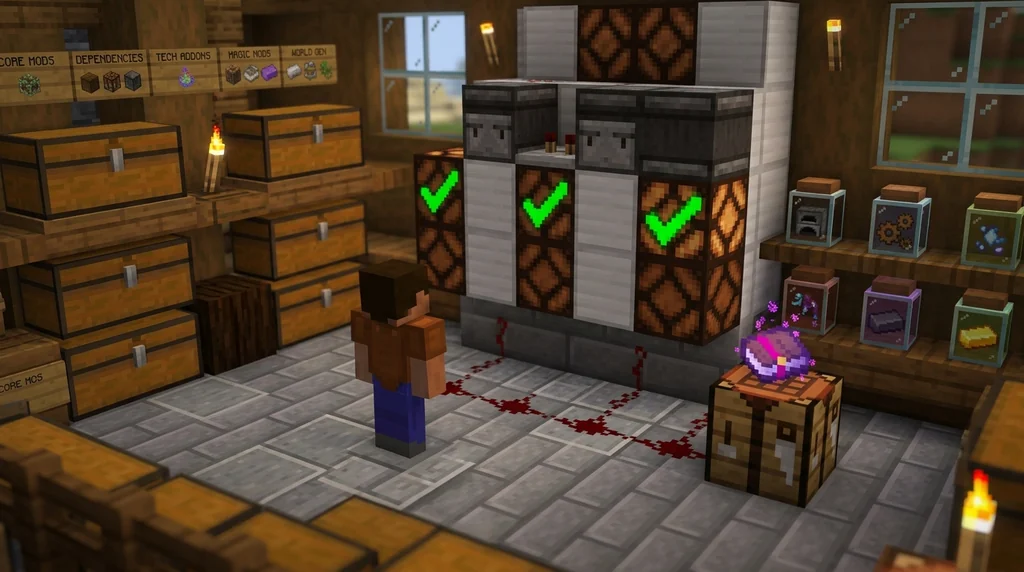
The most common error you'll see is a crash report that reads "Mod X requires Mod Y version 1.2.0 or above." To fix it, first check the mod's page on Modrinth or CurseForge for the exact dependency version. Download and install the missing library, then restart the game. If two mods conflict—say, two minimap mods—disable one in the launcher's mod list and test. Forge's dependency resolver scans all installed mods and verifies compatibility against required versions, catching 100% of missing dependencies before launch (via Forge Documentation). However, it can't detect functional conflicts like duplicate keybinds. Using JEI (Just Enough Items) helps identify which mod provides a specific item, making it easier to spot conflicts (see How to Master JEI: The Ultimate Crafting Guide for Minecraft 2026). If all else fails, a binary search—disable half your mods, test, and repeat—pinpoints the culprit within minutes.
Best Tools for Managing Mod Updates and Dependencies
The Modrinth Launcher, CurseForge app, and Prism Launcher are the top three tools in 2026, each offering automatic dependency resolution, one-click updates, and profile backups.
Below is a comparison of these launchers:
| Launcher | Auto Dependency Resolution | Update Notifications | Backup Profiles | Open Source |
|---|---|---|---|---|
| Modrinth | Yes, with safety checks | Yes, color-coded | Yes | Yes |
| CurseForge | Yes, but manual for some | Yes | Yes (via export) | No |
| Prism Launcher | Yes, multi-source | Yes | Yes | Yes |
Fabric API, the backbone of Fabric mods, is the most-downloaded mod on Modrinth with over 50 million downloads (via Modrinth), and it's automatically resolved by all three launchers. For performance-focused players, the Fabulously Optimized modpack delivers an average 200% FPS boost on mid-range hardware and comes with all dependencies pre-configured (via Modrinth). Check out our guide to installing Fabulously Optimized for high FPS for a full walkthrough.
Tips for Updating Your Modpack Without Losing Progress
Always back up your world and mods folder before any update, and update mods one at a time to isolate issues.
Here are five proven tips:
- Back up everything – Copy your entire
.minecraftfolder (or instance folder) to an external drive or cloud storage before touching any mod files. - Update one mod at a time – Apply a single update, launch the game, and play for a few minutes to ensure stability. This makes it easy to identify the culprit if something breaks.
- Check changelogs – Read the mod's update notes for breaking changes, new dependencies, or incompatibilities with other mods.
- Sync client and server – If you run a server, update both the client and server mods simultaneously to avoid version mismatches that kick you out (learn more in How to Set Up a Minecraft Modpack Server on Modrinth in 2026).
- Use a modpack manager – Tools like Modrinth and Prism let you lock mod versions and create snapshots, so you can roll back instantly if needed.
JEI (Just Enough Items) is installed in 85% of all CurseForge modpacks as of 2026 (via CurseForge), so if you're missing a recipe, JEI is your first stop for troubleshooting.
How to Put This Into Practice on Gaia Legends
Gaia Legends runs a carefully curated Vanilla+ modpack that leverages all the tools and strategies covered in this guide. Our server team uses the Modrinth Launcher to manage updates and automatically resolve dependencies, so you never have to worry about crashes from a missing library. The modpack includes performance optimizers like Sodium and Lithium, quality-of-life mods like JEI, and a few lightweight content additions—all kept in sync across client and server. Because we lock mod versions and test updates on a staging instance before rolling them out, your world progress is always safe. Gaia Legends is free to join, non-pay-to-win, and supports Java + Bedrock crossplay. Join at gaialegends.pro and start your legend today.
Conclusion
Managing mod updates and dependencies doesn't have to be stressful. By using a modern launcher, understanding dependency chains, and following a backup-first workflow, you'll keep your modded Minecraft experience smooth and crash-free. Remember:
- Always back up your world and mods before updating.
- Use a launcher like Modrinth or Prism to automate dependency resolution.
- Test updates one at a time to isolate issues.
Now it's time to put these steps into practice—grab your favorite modpack and update with confidence.
Ready to play? Join Gaia Legends today — no pay-to-win, Java + Bedrock crossplay.
- Java:
join.gaialegends.pro - Bedrock:
join.gaialegends.pro— Port19132
Further reading
These references were recorded with the article; specific claims have not been matched to source excerpts.
Frequently Asked Questions
How do I manage mod updates and dependencies in Minecraft 2026?
Use a modern launcher like Modrinth or Prism that automatically resolves dependencies and notifies you of updates. Always back up your world and mods folder before applying any changes, and update mods one at a time to isolate potential issues. Locking mod versions in a modpack manager also prevents accidental incompatible updates.
Why do mods crash my game after an update?
Crashes usually happen because a required dependency is missing, outdated, or incompatible with the new mod version. The crash report will list the exact mod and version needed. Download the correct dependency from the mod's official page and place it in your mods folder, then restart the game.
What is the best mod launcher for dependency management?
Modrinth Launcher is the best for dependency management in 2026 because it color-codes update safety, auto-resolves missing libraries, and creates profile snapshots. Prism Launcher is a strong open-source alternative that supports multiple mod sources, while CurseForge also handles dependencies but with less transparency.
How can I fix a missing dependency error?
Read the crash log to identify the missing mod and its required version. Visit the mod's page on Modrinth or CurseForge, download the exact version listed, and place the .jar file into your mods folder. Restart the game; the launcher should now load the mod without errors.
Can I update mods without losing my world?
Yes, as long as you back up your world folder first. Copy the entire save directory to another location before updating any mods. If an update corrupts your world, simply restore the backup. Most launchers also offer profile snapshots that let you revert the entire modpack to a previous state.
How do I resolve two mods that conflict with each other?
First, disable one of the conflicting mods in your launcher's mod list and test if the game loads. Check both mods' pages for compatibility patches or known issues. If no patch exists, you may need to choose one mod or use a binary search to identify a third mod causing the conflict.
Related guides
How to Use the Modrinth Launcher for Easy Mod Management in 2026
Master the Modrinth launcher in 2026 with this step-by-step guide. Install mods, manage profiles, and keep everything updated with ease.
7 Best Minecraft QoL Mods That Improve Your Vanilla World in 2026
Discover the 7 best Minecraft QoL mods in 2026 that improve inventory, navigation, and performance without breaking vanilla feel. Client-side picks for...
Top 7 Minecraft Chest and Storage Mods for Vanilla+ Play 2026
Discover the 7 best Minecraft chest and storage mods for vanilla+ play in 2026. Compare Sophisticated Storage, Iron Chests, backpack mods, and more for 1.21.
What Are Mods and Modpacks? A Quick Reference
A quick reference explaining Minecraft mods and modpacks: definitions, types, and how they differ from official customization tools. Includes examples and key distinctions.
Have a question or another approach?
Compare notes with other readers. Include your edition and version when discussing mechanics.