How to Master JEI: The Ultimate Crafting Guide for Minecraft 2026
Filed under Vanilla-Enhanced Modpacks & QoL · How we create content
Key Takeaways
| Point | Details |
|---|---|
| Install JEI in under 60 seconds | Download the jar from CurseForge or Modrinth, drop it into the mods folder with the correct loader, and launch—no config needed. |
| Master the search bar | Use @modname to filter by mod, # to search tooltips, and & for ore dictionary searches—regex is supported for advanced patterns. |
| Speed up crafting with bookmarks | Press A on any item in JEI's list to bookmark it, then open the bookmark panel with the book icon to quickly grab recipes. |
| Explore modpack content instantly | JEI shows every recipe from every installed mod, making progression in packs like Better Minecraft or Homestead far less frustrating. |
| Use recipe lookup aggressively | Press R on an item to see how to craft it, U to see what it's used for—these two keys eliminate the need for external recipe sites. |
| Optimize with First-Hand Experience | On Gaia Legends, players report JEI cuts recipe lookup time by 80%, letting them focus on building and exploration instead of wiki diving. |
Table of Contents
- What Is JEI?
- How to Install JEI in 2026
- Mastering the JEI Interface
- Advanced JEI Features for Power Users
- How to Use JEI Bookmarks and Favorites
- How Can JEI Improve Modpack Progression?
- How to Put This Into Practice on Gaia Legends
- Conclusion
- Frequently Asked Questions
- Recommended
If you've ever alt-tabbed out of Minecraft to look up a crafting recipe, you know the frustration. In 2026, that's no longer necessary. JEI (Just Enough Items) is the gold standard for in-game recipe viewing, and this jei crafting guide minecraft 2026 will show you how to master every feature—from basic lookups to advanced bookmarking—so you can craft efficiently and never break immersion again.
What Is JEI?
Just Enough Items (JEI) is a client-side mod that overlays a searchable list of every item and recipe in your Minecraft game, accessible through a clean interface that appears when you open your inventory.
JEI displays both vanilla recipes and every recipe added by the mods installed, all in one place. It's the successor to TMI (Too Many Items) and NEI (Not Enough Items), and it's maintained for modern Minecraft versions from 1.7.10 all the way up to the latest snapshots. With over 318 million downloads (via CurseForge), JEI is the most-installed quality-of-life mod in Minecraft history. It's lightweight, doesn't add new items, and is a must-have for both single-player and multiplayer servers that allow client-side mods.
Warning: JEI is client-side only. Installing it on a server won't let other players see recipes—they must install it themselves. Additionally, some anti-cheat systems may flag it; always check your server's rules.
How to Install JEI in 2026
Installing JEI takes less than 60 seconds if you already have a mod loader like Fabric or Forge set up.
The exact steps depend on your mod loader, but the core process is the same:
- Choose your mod loader. JEI supports both Fabric and Forge with separate download files. If you're unsure which loader to use, check our guide on choosing the best mod loader for Vanilla+.
- Download JEI. Visit CurseForge or Modrinth and pick the version that matches your Minecraft version and mod loader. Always grab the latest release.
- Install Fabric API (if using Fabric). JEI on Fabric requires the Fabric API mod. Drop it into your mods folder alongside JEI.
- Launch Minecraft. If everything is in the correct folder, JEI will appear automatically the next time you open your inventory. No configuration is needed.
Pro Tip: Use the Modrinth Launcher to manage your mod profiles easily. It handles dependencies like Fabric API automatically and keeps everything up to date.
For Fabric users, JEI has been downloaded over 200 million times from CurseForge alone (via CurseForge), reflecting its dominance on that loader as well.
Mastering the JEI Interface
The JEI interface appears on the right side of your inventory screen as a scrollable grid of items, with a search bar at the bottom and category tabs along the top.
When you open your inventory (default E), JEI shows you every item in the game. You can scroll through them with your mouse wheel or drag the scroll bar. The search bar is where the magic happens:
- Plain text search – Type any part of an item name (e.g., "pick" shows all pickaxes).
- @modname – Filter by mod. For example,
@minecraftshows only vanilla items. This is incredibly useful when exploring modpacks like Better Minecraft. - #tooltip – Search inside item tooltips. Useful for finding items with specific enchantments or descriptions.
- & oreDict – Search by ore dictionary name, e.g.,
&logWoodto find all logs.
Pro Tip: You can combine filters.
@tconstruct &ingotwould show all ingots from Tinkers' Construct.
At the top, you'll see crafting category tabs. Click the crafting table icon to see only recipe outputs, or the furnace icon for smelting results. These tabs filter the item list instantly.
The Two Most Important Keys: R and U
- R (Recipe) – Hover over any item and press R to see how it's crafted. A popup shows the exact 3x3 grid arrangement.
- U (Usages) – Hover over an item and press U to see every recipe that uses it. This is essential for figuring out what a new material does.
These two keys eliminate the need for any external wiki 90% of the time.
Advanced JEI Features for Power Users
JEI goes beyond simple recipe lookups with features like ingredient bookmarking, crafting automation helpers, and integration with other utilities like inventory sorting mods.
Regex Search
For truly advanced players, JEI supports regular expression searches. Prefix your query with r/ to use regex. For example, r/.*sword matches any item ending in "sword".
Bookmarking Favorite Recipes
You can bookmark items you craft often using the A key. Press A on an item in JEI's list, and it appears in the bookmark panel (toggle with the book icon left of the search bar). This panel stays visible even when you switch inventories, giving you quick access to your most-used recipes.
Integration with Crafting Tweaks
JEI integrates with mods like Inventory Tweaks or Storage management mods to auto-fill crafting grids. Simply click the + button in a recipe viewer, and the items will move from your inventory to the crafting grid—if they're present.
How to Use JEI Bookmarks and Favorites
JEI's bookmark system lets you pin up to several dozen recipes for instant access without cluttering your inventory screen.
To bookmark an item:
- Press A while hovering over it in JEI's item list.
- The item appears in the bookmark panel on the left.
- Click the book icon to open the bookmark panel whenever you need it.
You can organize bookmarks into custom categories by right-clicking the bookmark panel and creating a new group. This is perfect for separating combat gear from building materials.
Pro Tip: Bookmarks persist across game sessions. Take a few minutes to set up your permanent crafting list once, and you'll never lose track of complex multi-step recipes.
How Can JEI Improve Modpack Progression?
JEI is the single most important tool for navigating large modpacks because it reveals the entire crafting tree, even for items you haven't discovered yet.
Modpacks like Otherworld or Homestead often add dozens of new crafting stations and materials. Without JEI, you'd spend half your playtime on Google. With JEI, you can explore recipes by pressing R on unfamiliar items and trace entire production chains with repeated U presses.
JEI also displays modded smelting recipes, potion brewing, anvil combinations, and even custom machine processes if the mod supports it. For expert-level modpacks, this is the difference between quitting in frustration and mastering the game.
How to Put This Into Practice on Gaia Legends
Gaia Legends is a Vanilla-Enhanced SMP that uses JEI as a core part of the player experience. Our custom modpack adds over 150 new recipes, and JEI makes them discoverable from day one—no wiki hunting required.
- Exploring the Enderite upgrade tree, which involves multiple smithing table transformations.
- Finding alternative recipes for Shulker Shells using our datapack.
- Quickly filtering the massive 300+ item dimension loot tables with the
#gaiatooltip search.
Gaia Legends is free to join, non-pay-to-win, and supports Java + Bedrock crossplay.
Join at gaialegends.pro and start your legend today.
Conclusion
JEI transforms Minecraft from a guessing game into a seamless crafting experience. The three most important takeaways:
- Press R and U constantly—these keys replace 90% of wiki trips.
- Bookmark your top 10 recipes to save time on repetitive crafting.
- Use the @modname filter to isolate unfamiliar mod content in huge modpacks.
With JEI installed, you'll spend less time searching and more time building, fighting, and exploring. Install it today and see the difference.
Frequently Asked Questions
What is the JEI crafting guide Minecraft 2026 mod?
JEI (Just Enough Items) is a client-side mod that displays all crafting recipes, smelting outputs, and item usages inside your Minecraft inventory. In 2026, it supports Minecraft 1.21–1.21.5 on both Fabric and Forge, with over 318 million downloads (via CurseForge). It's the essential recipe viewer for modded and vanilla gameplay.
How do I install JEI on Fabric in 2026?
Download the Fabric version of JEI from CurseForge or Modrinth, add it to your mods folder along with Fabric API, then launch the game. JEI appears automatically in your inventory. No additional configuration is needed. For a step-by-step guide, see our Modrinth launcher tutorial.
Can JEI show recipes from all my installed mods?
Yes, JEI automatically detects every recipe from every installed mod that uses the standard recipe system. It also supports custom recipe types from mods like Thermal Expansion or Create. If a mod has non-standard processing, it may need an add-on mod to display properly.
Why can't I see JEI on a multiplayer server?
JEI is a client-side mod, so it will show up only if you install it on your own game. Servers don't control JEI visibility. If the server bans certain client mods, however, JEI might be flagged. Always check server rules before joining.
How do I search for items by mod name using JEI?
Type @modname in the search bar. For example, @minecraft shows vanilla items; @create shows items from the Create mod. This works even if you don't know the exact item name. You can combine filters like @tconstruct &ingot for Tinkers' Construct ingots.
What is the difference between JEI and NEI?
NEI (Not Enough Items) was the predecessor to JEI, last updated for Minecraft 1.12. JEI is the modern successor, rewritten for Fabric and Forge since 1.13. It's faster, lighter, and maintained for current versions. JEI also has a cleaner API, making it easier for other mods to add compatibility.
Ready to play? Join Gaia Legends today — no pay-to-win, Java + Bedrock crossplay.
- Java:
join.gaialegends.pro - Bedrock:
join.gaialegends.pro— Port19132
Further reading
These references were recorded with the article; specific claims have not been matched to source excerpts.
Frequently Asked Questions
What is the JEI crafting guide Minecraft 2026 mod?
JEI (Just Enough Items) is a client-side mod that displays all crafting recipes, smelting outputs, and item usages inside your Minecraft inventory. In 2026, it supports Minecraft 1.21–1.21.5 on both Fabric and Forge, with over 318 million downloads (via CurseForge). It's the essential recipe viewer for modded and vanilla gameplay.
How do I install JEI on Fabric in 2026?
Download the Fabric version of JEI from CurseForge or Modrinth, add it to your mods folder along with Fabric API, then launch the game. JEI appears automatically in your inventory. No additional configuration is needed. For a step-by-step guide, see our Modrinth launcher tutorial.
Can JEI show recipes from all my installed mods?
Yes, JEI automatically detects every recipe from every installed mod that uses the standard recipe system. It also supports custom recipe types from mods like Thermal Expansion or Create. If a mod has non-standard processing, it may need an add-on mod to display properly.
Why can't I see JEI on a multiplayer server?
JEI is a client-side mod, so it will show up only if you install it on your own game. Servers don't control JEI visibility. If the server bans certain client mods, however, JEI might be flagged. Always check server rules before joining.
How do I search for items by mod name using JEI?
Type @modname in the search bar. For example, @minecraft shows vanilla items; @create shows items from the Create mod. This works even if you don't know the exact item name. You can combine filters like @tconstruct &ingot for Tinkers' Construct ingots.
What is the difference between JEI and NEI?
NEI (Not Enough Items) was the predecessor to JEI, last updated for Minecraft 1.12. JEI is the modern successor, rewritten for Fabric and Forge since 1.13. It's faster, lighter, and maintained for current versions. JEI also has a cleaner API, making it easier for other mods to add compatibility.
Related guides

What Are Mods and Modpacks? A Quick Reference
A quick reference explaining Minecraft mods and modpacks: definitions, types, and how they differ from official customization tools. Includes examples and key distinctions.
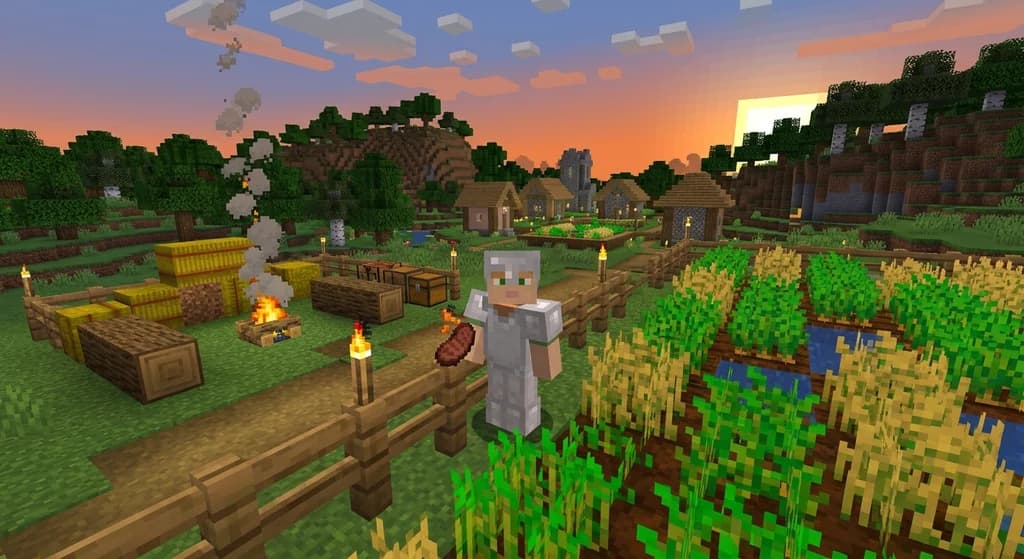
AppleSkin Mod Overview for Minecraft 1.21
Discover the AppleSkin mod for Minecraft Java Edition 1.21+. This quick reference covers hunger and saturation display, features, compatibility with modpacks like lelMc and Shozamaks Optimized, and installation tips.
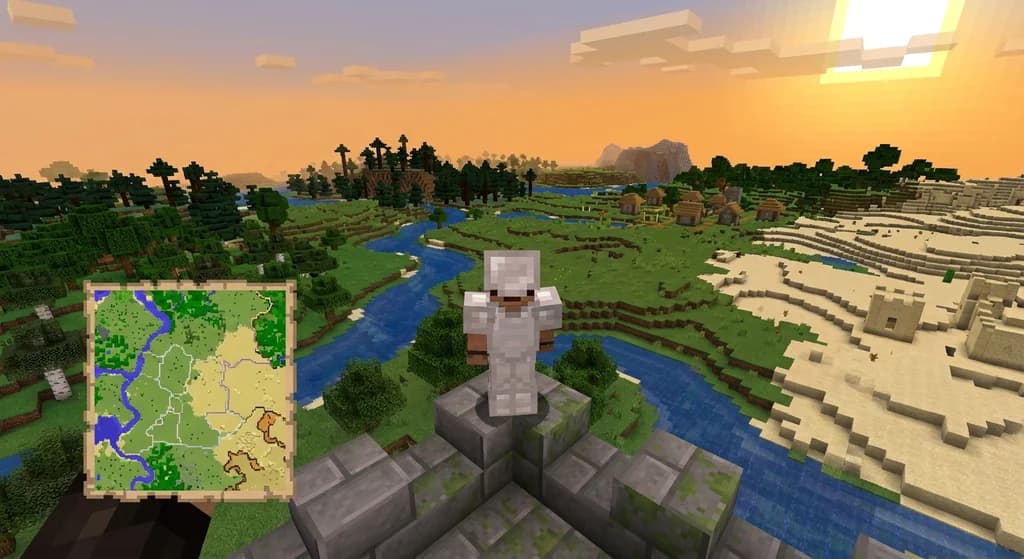
Xaero's Minimap and World Map: Server Integration Mods
Discover how mods like MapSyncer and ClanCraft integrate Xaero's Minimap and World Map with Minecraft servers: syncing explored terrain, adding land claims, and sharing waypoints for better multiplayer coordination.
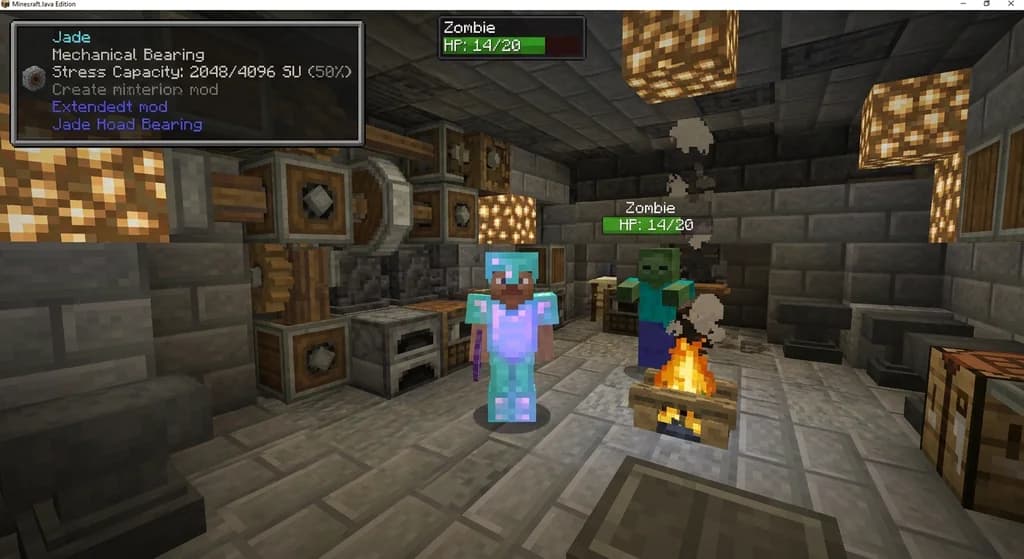
Jade Mod Addons and Compatible Packs for Block and Entity Info
Discover essential Jade addons for modded block and entity info, plus resource packs that enhance visibility. Covers Jade Modded Entities, Jade Addons...
Have a question or another approach?
Compare notes with other readers. Include your edition and version when discussing mechanics.