What is the Better Minecraft Modpack? A Complete 2026 Guide
Filed under Vanilla-Enhanced Modpacks & QoL · How we create content
Key Takeaways
| Point | Details |
|---|---|
| What it is | Better Minecraft is a vanilla-plus modpack on CurseForge that adds biomes, structures, mobs, and QoL mods without replacing core gameplay. |
| Two versions exist | Better MC runs on both Fabric (BMC4) and Forge (BMCF), so you can pick the mod loader that fits your existing setup. |
| Performance matters | Pair Better MC with Sodium or Lithium to keep FPS stable even with 100+ mods loaded simultaneously. |
| Installation is easy | Use the CurseForge or Modrinth launcher to install Better Minecraft in a few clicks — no manual file juggling needed. |
| Storage gets crowded fast | Add Sophisticated Storage or Iron Chests early, before your inventory becomes unmanageable mid-playthrough. |
| Multiplayer ready | Better MC is designed for SMP servers — all players just need the same modpack version installed to join together. |
Table of Contents
- What is the Better Minecraft Modpack?
- What Does Better Minecraft Actually Add?
- Better MC Fabric vs Forge: Which Should You Choose?
- How to Install the Better Minecraft Modpack in 2026
- Best Performance Tips for Better Minecraft
- How to Put This Into Practice on Gaia Legends
- Conclusion
- Frequently Asked Questions
- Recommended
If you've ever wished Minecraft felt bigger — more biomes, more structures, more reasons to explore — without turning into a completely different game, the Better Minecraft modpack is almost certainly what you're looking for. It's one of the most downloaded vanilla-plus modpacks on CurseForge, and for good reason: it threads the needle between "more content" and "still feels like Minecraft" better than almost anything else out there.
This guide breaks down exactly what Better Minecraft includes, how it compares across mod loaders, how to install it cleanly in 2026, and how to keep your FPS from tanking once you've got 100+ mods loaded.
What is the Better Minecraft Modpack?
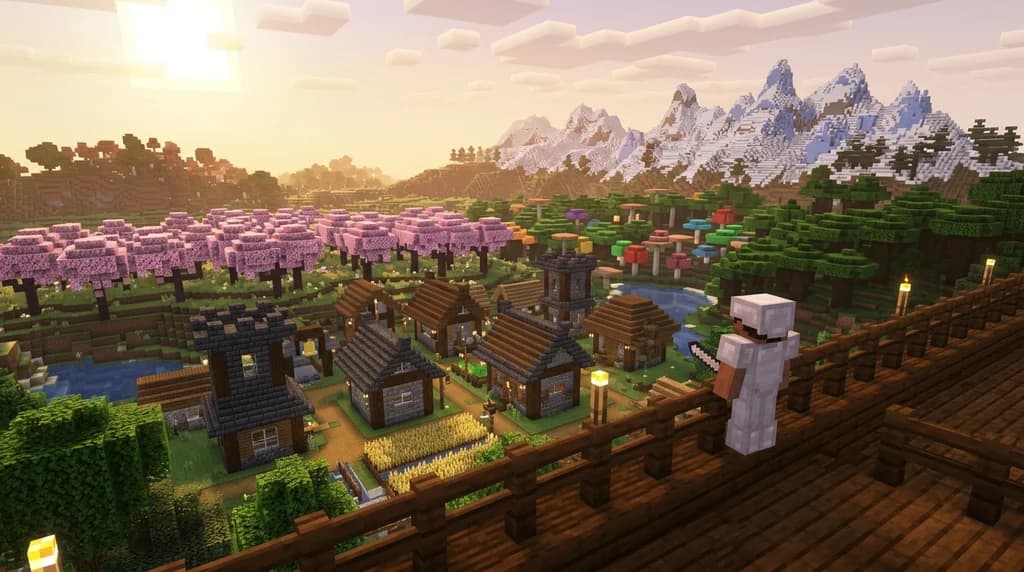
Better Minecraft (often abbreviated BMC) is a curated vanilla-plus modpack available on CurseForge that bundles together hundreds of mods focused on biomes, structures, mobs, and quality-of-life improvements — all tuned to work together without conflicts. It doesn't add tech trees, magic systems, or questing frameworks. The goal is simple: take the Minecraft you already know and make it feel richer, deeper, and more alive.
The pack has been maintained across multiple major Minecraft versions and consistently ranks among the top downloaded modpacks on CurseForge. It's designed to be playable in both singleplayer and multiplayer SMP environments, which is a big part of why it's so popular with friend groups and server communities.
Note: Better Minecraft is not an official Mojang product. It's a community-curated modpack built by the BMC team and hosted on CurseForge. Always download from the official CurseForge page to avoid modified or malicious versions.
What Does Better Minecraft Actually Add?
Better MC packs a lot in without feeling overwhelming. Here's a breakdown of the major content categories:
Biomes and World Generation
The pack includes mods like Biomes O' Plenty and Oh The Biomes You'll Go, adding dozens of new surface and cave biomes. Your world generation becomes dramatically more varied — expect bamboo forests, crystal caves, lavender fields, and volcanic peaks all within a single world.
Structures and Dungeons
Repurposed Structures and similar mods scatter new villages, towers, ruins, and dungeons across the world. Exploration actually rewards you now. Finding a dungeon mid-journey feels like a discovery, not a chore.
Mobs and Creatures
Alex's Mobs is the star here, adding over 80 new creatures — from grizzly bears and mantis shrimp to endergrade and cachalot whales. Each mob has unique drops and behaviors, making the world feel genuinely alive.
Quality of Life
The pack layers in essential QoL mods: JEI (Just Enough Items) for recipe lookup, Waystones for fast travel, Xaero's Minimap for navigation, and inventory management tools that make survival far less tedious. For a deeper look at the best standalone QoL additions, check out 7 Best Minecraft QoL Mods That Improve Your Vanilla World in 2026.
Pro Tip: Install a waystone at your base on Day 1. Once you start exploring the expanded biomes, getting home without one becomes a real problem.
Better MC Fabric vs Forge: Which Should You Choose?
Better Minecraft ships in two main flavors, and picking the right one matters.
| Version | Mod Loader | Best For | Typical Mod Count |
|---|---|---|---|
| BMC4 (Fabric) | Fabric | Performance, modern mods | 100–150 mods |
| BMCF (Forge) | Forge | Broader mod compatibility | 130–180 mods |
Fabric is generally faster and more lightweight. If you're on a mid-range or lower-end PC, BMC4 is the smarter pick — Fabric mods like Sodium and Lithium slot in cleanly and give you a meaningful FPS boost. For more on building your own custom stack on either loader, see How to Build Your Own Vanilla Plus Minecraft Modpack in 2026.
Forge offers wider compatibility with older and more complex mods. If you already have a favorite Forge mod you can't live without, BMCF keeps your options open. For a curated list of the best Forge additions, 7 Best Forge Minecraft Mods for Vanilla+ Gameplay in 2026 is worth a read.
Warning: Don't mix Fabric and Forge mods in the same instance. They are not cross-compatible, and attempting to do so will crash your game at launch. Stick to one loader per profile.
How to Install the Better Minecraft Modpack in 2026
Installing Better MC is straightforward if you use a modern launcher. Here's the cleanest method:
Using the CurseForge App (Recommended)
- Download and install the CurseForge App from curseforge.com.
- Open the app, click Minecraft, then Browse Modpacks.
- Search for "Better Minecraft" — look for the official BMC pack by the BetterMC team.
- Select your preferred version (BMC4 for Fabric, BMCF for Forge) and click Install.
- Once installed, click Play. The launcher handles Java, mod downloads, and version matching automatically.
Using the Modrinth App
Modrinth has become a strong alternative launcher in 2026. Search for Better Minecraft, select the version, and install — the process mirrors CurseForge almost exactly.
Note: Always allocate enough RAM before launching. Better Minecraft with 100+ mods needs at least 4 GB of RAM assigned to run without constant stuttering. 6–8 GB is the sweet spot for most players.
Allocating RAM in CurseForge
- Open the CurseForge App → click the gear icon (Settings).
- Go to Minecraft → Java Settings.
- Drag the memory slider to at least 4096 MB (4 GB).
Best Performance Tips for Better Minecraft
Loading 100+ mods puts real pressure on your system. These optimizations make a measurable difference.
Add Sodium or OptiFine
If you're on the Fabric version (BMC4), Sodium is your best friend. According to the Sodium GitHub repository, Sodium dramatically reduces CPU overhead during chunk rendering compared to vanilla — many players report doubling or tripling their FPS on mid-range hardware. On Forge, Embeddium (a Forge port of Sodium) achieves similar results.
Use Lithium for Server-Side Performance
Lithium optimizes game logic — mob AI, block ticking, chunk loading — without changing any gameplay mechanics. It pairs perfectly with Sodium and is already bundled in some versions of Better MC, but worth confirming it's active in your mod list.
Lower Render Distance Strategically
With biome mods active, your world generates far more varied terrain per chunk. Dropping render distance from 16 to 10–12 chunks can recover significant FPS without losing the visual experience that makes Better MC special.
For players on lower-end hardware, the full breakdown in 7 Essential Minecraft Performance Mods for Low-End PCs (2026) covers every optimization worth making.
Manage Your Storage Early
Better MC adds dozens of new resources, and your chests will overflow fast. Set up a proper storage system before you hit the mid-game. The guide on How to Solve Minecraft Storage Problems with Vanilla Plus Mods walks through the best options — Sophisticated Storage is particularly well-suited to Better MC's item variety.
How to Put This Into Practice on Gaia Legends
Understanding Better Minecraft is one thing — actually running it smoothly on a server is another. Gaia Legends is built specifically for players who want the vanilla-plus experience without the technical headaches.
The server offers one-click modpack installer support, meaning you can get a Better Minecraft-compatible environment running in minutes rather than spending an evening wrestling with config files. The server infrastructure is optimized for modded play, with pre-tuned Java flags and memory allocation that keep chunk loading smooth even with large player counts.
A few things that make Gaia Legends stand out for Better MC players:
- Pre-configured world generation tuned to work with biome expansion mods — no corrupted world borders or biome blending issues.
- Crossplay support so Java and Bedrock players can explore the same world together.
- Non-pay-to-win economy — every player competes on equal footing, which matters a lot in a survival SMP with expanded loot tables.
Gaia Legends is free to join, non-pay-to-win, and supports Java + Bedrock crossplay. Join at gaialegends.pro and start your legend today.
Conclusion
The Better Minecraft modpack is one of the smartest entry points into modded Minecraft because it respects the game you already love. Here are the three things worth remembering:
- Pick your loader intentionally — Fabric (BMC4) for performance, Forge (BMCF) for compatibility.
- Install performance mods from day one — Sodium and Lithium prevent the FPS issues that drive most players away from modded play.
- Set up storage before you need it — Better MC's expanded loot and resources will overwhelm a basic chest setup faster than you expect.
Now go install it. Your vanilla world is about to get a lot more interesting.
Ready to play? Join Gaia Legends today — no pay-to-win, Java + Bedrock crossplay.
- Java:
join.gaialegends.pro - Bedrock:
join.gaialegends.pro— Port19132
Further reading
These references were recorded with the article; specific claims have not been matched to source excerpts.
Frequently Asked Questions
What is the Better Minecraft modpack and is it free?
The Better Minecraft modpack is a free, community-curated vanilla-plus modpack available on CurseForge and Modrinth. It bundles together hundreds of compatible mods covering new biomes, structures, mobs, and quality-of-life improvements. You download it for free through the CurseForge App or Modrinth launcher — no purchase beyond owning Minecraft Java or Bedrock Edition is required.
How many mods does Better Minecraft include?
Better Minecraft typically includes between 100 and 180 mods depending on the version and mod loader. The Fabric version (BMC4) tends to be leaner at around 100–150 mods, while the Forge version (BMCF) often runs 130–180. The exact count varies by Minecraft version and pack update, so always check the CurseForge page for the current mod list.
What Minecraft version does Better Minecraft support in 2026?
Better Minecraft has been updated to support modern Minecraft versions including 1.20.x and 1.21.x releases. The CurseForge page lists all supported versions — always install the pack version that matches your preferred Minecraft release. Running a mismatched version is the most common cause of crashes on first launch.
Can I play Better Minecraft on a multiplayer server with friends?
Yes — Better Minecraft is designed for SMP multiplayer. Every player needs to have the same modpack version installed on their client. The easiest approach is to share the CurseForge pack link with your friends so everyone installs the identical version. Server-side, you'll need a modded server jar (Fabric or Forge) with the same mods installed.
Does Better Minecraft work on low-end PCs?
Better Minecraft is demanding — 100+ mods require real resources. A minimum of 4 GB RAM allocated to Minecraft is needed, and 6–8 GB is recommended. On low-end hardware, use the Fabric version (BMC4) with Sodium and Lithium added, lower your render distance to 8–10 chunks, and disable fancy graphics. This combination makes the pack playable on most mid-range laptops.
What is the difference between Better Minecraft and other vanilla-plus modpacks?
Better Minecraft focuses specifically on expanding the vanilla experience — more biomes, mobs, and structures — without adding tech mods, magic systems, or quest books. Other vanilla-plus packs like Vanilla Tweaks or Create: Above and Beyond shift the gameplay loop more dramatically. If you want Minecraft to feel bigger but still familiar, Better MC is the most focused option in that category.
Related guides
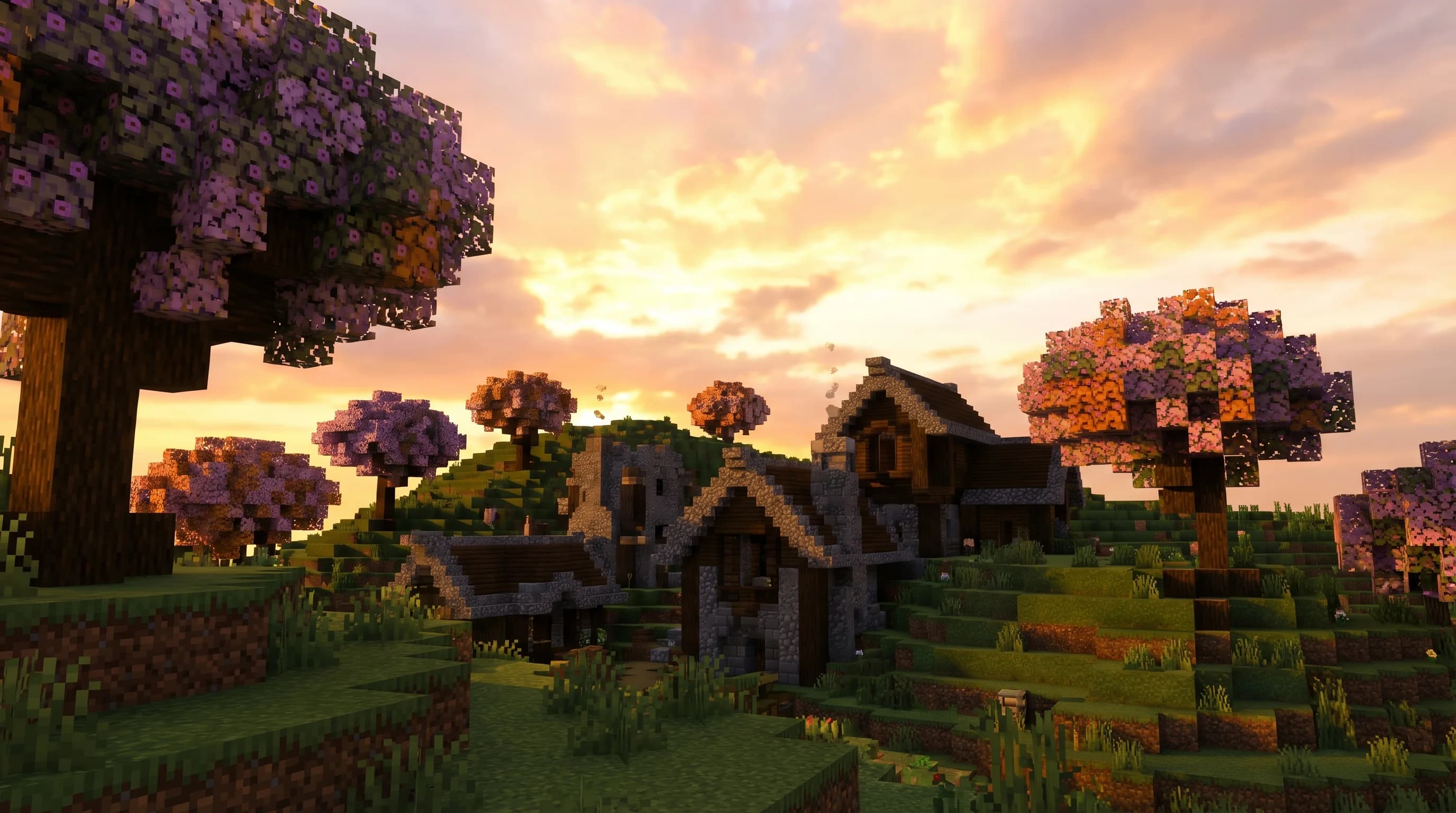
7 Best Vanilla Plus Modpacks Like Better Minecraft in 2026
Looking for the best Better Minecraft modpack alternatives in 2026? Here are 7 top vanilla plus modpacks that enhance survival without breaking the feel.
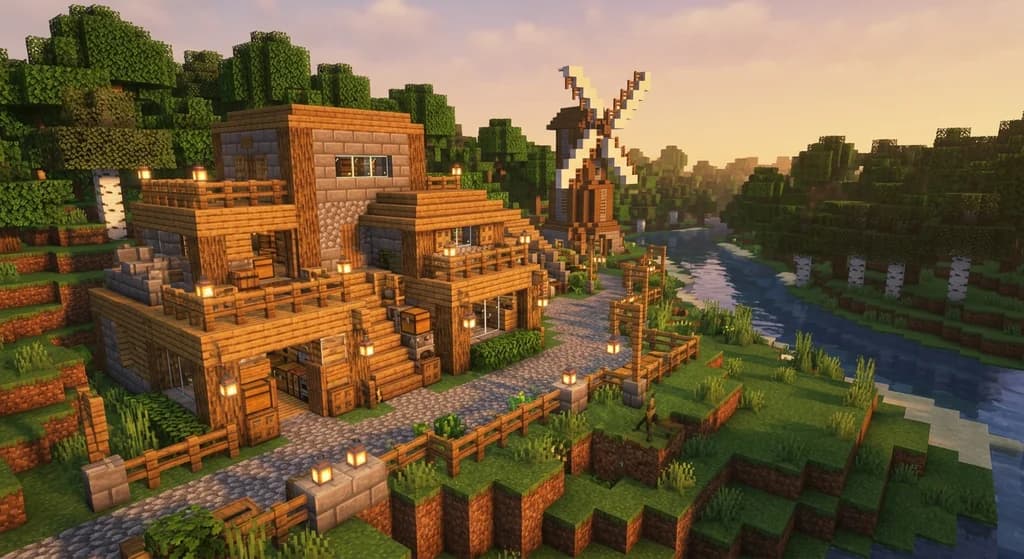
Best Minecraft Modpacks for a Vanilla-Plus Experience in 2026
Discover the best Minecraft modpacks for a vanilla-plus experience in 2026. Compare top picks, performance tips, and CurseForge essentials for every...
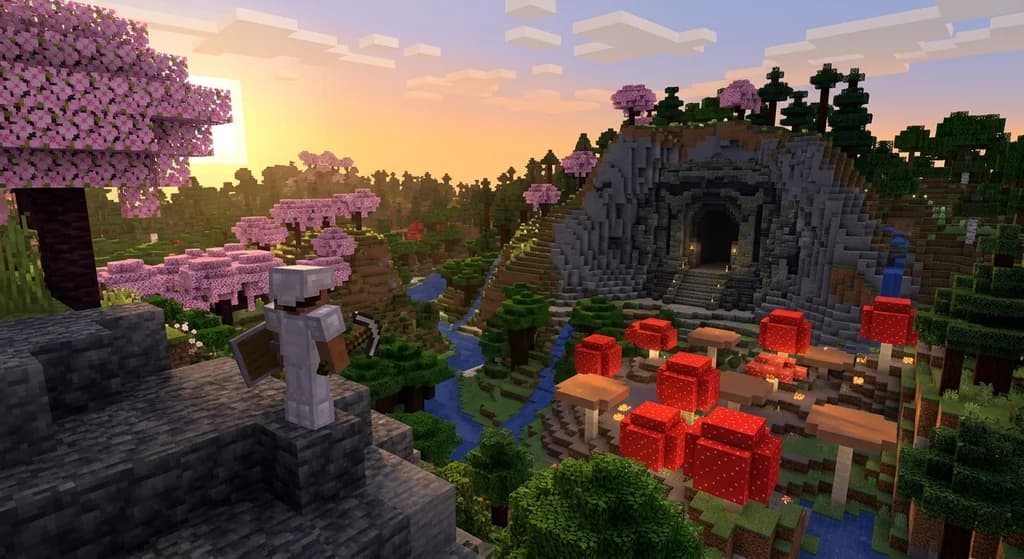
How to Install and Play Better Minecraft: The 2026 Ultimate Guide
Learn how to install and play the Better Minecraft modpack in 2026. Mod list, performance tips, and the best vanilla-plus experience explained step by step.
What is the Homestead Minecraft Modpack? Complete 2026 Guide
Learn what the Homestead Minecraft modpack is, which mods it includes, how to install it, and why it's one of the best cozy farming modpacks in 2026.
Have a question or another approach?
Compare notes with other readers. Include your edition and version when discussing mechanics.