How to Install and Play Better Minecraft: The 2026 Ultimate Guide
Filed under Vanilla-Enhanced Modpacks & QoL · How we create content
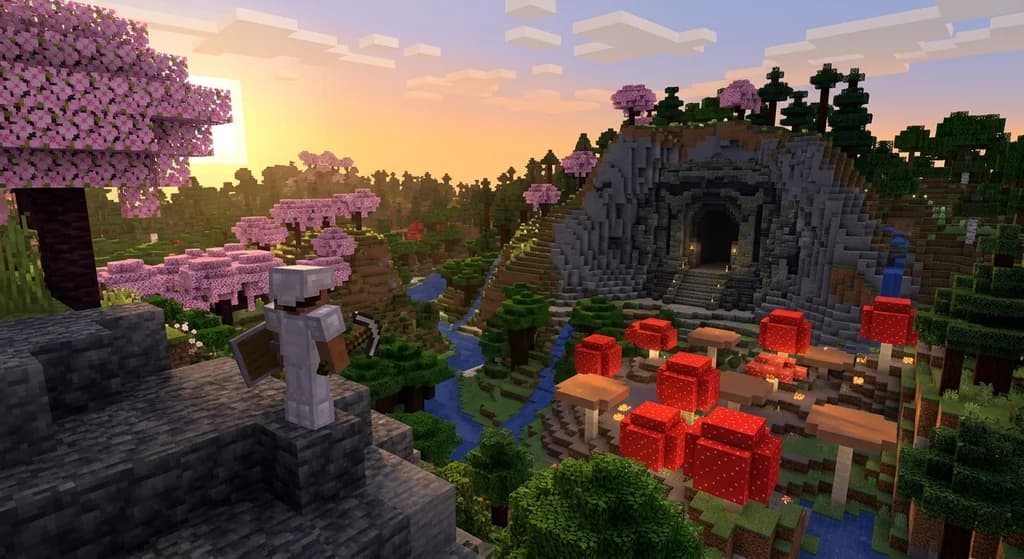
Key Takeaways
| Point | Details |
|---|---|
| What it is | Better Minecraft is a 200+ mod collection that enhances vanilla gameplay with biomes, dungeons, and QoL upgrades. |
| RAM matters | Allocate at least 6 GB of RAM before launching to avoid stuttering and world-generation crashes. |
| Use a launcher | CurseForge and Modrinth App both support one-click install — no manual file juggling required. |
| Performance first | Pairing Better Minecraft with Sodium or Embeddium can dramatically cut frame drops during exploration. |
| Server play is possible | Dedicated servers running Better Minecraft need optimized hardware to handle the extra world-gen load. |
| Backup always | Create a world backup before updating the modpack — breaking changes between versions are common. |
Table of Contents
- What Is the Better Minecraft Modpack?
- What Are the Best Mods Included in Better Minecraft?
- How to Install Better Minecraft in 2026
- Best Performance Settings for Better Minecraft
- Why Better Minecraft Beats Playing Vanilla Alone
- Tips for Getting the Most Out of Better Minecraft
- How to Put This Into Practice on Gaia Legends
- Conclusion
- Frequently Asked Questions
- Recommended
Most players who try the Better Minecraft modpack for the first time say the same thing: "Why didn't I start here?" It takes everything you love about vanilla survival and quietly makes it bigger, deeper, and more alive — without flipping the game into something unrecognizable. New biomes sprawl across your world. Dungeons wait underground. Your inventory finally makes sense. If you've been curious about modded Minecraft but scared of the complexity, Better Minecraft is the ideal entry point. This guide walks you through exactly what it is, what's inside, how to install it, and how to run it without lag.
What Is the Better Minecraft Modpack?
Better Minecraft is a curated modpack — available on both CurseForge and Modrinth — that bundles over 200 mods focused on expanding vanilla Minecraft's world generation, exploration, combat, and quality of life, while preserving the core survival loop players already know. It's not a total conversion. It's vanilla Minecraft with the volume turned up.
The pack exists in multiple editions. The most popular are BTMC [FORGE] and BTMC [FABRIC], each targeting different mod-loader ecosystems. Both aim for the same goal: a richer world that still feels like home.
Note: "Better Minecraft" is a modpack name, not an official Mojang product. Always download it from CurseForge or Modrinth to avoid unofficial, potentially malware-laced copies.
What Are the Best Mods Included in Better Minecraft?
The pack's strength is curation. Here's a breakdown of the major categories and standout mods inside:
| Category | Notable Mods | What They Add |
|---|---|---|
| World Generation | Terralith, William Wythers' Overhauled Overworld | 100+ new biomes and terrain shapes |
| Dungeons & Structures | Dungeons Arise, YUNG's Better series | Epic castles, towers, and underground ruins |
| Mobs | Alex's Mobs, Aquaculture 2 | Dozens of new creatures and fish species |
| Quality of Life | JEI, Waystones, Inventory Tweaks | Recipe lookup, fast travel, auto-sort |
| Performance | Sodium / Embeddium, Lithium | Higher FPS and faster chunk loading |
| Ambience | Ambient Sounds, Dynamic Lights | Immersive audio and handheld torch lighting |
Every mod in the list was chosen to complement the others. You won't find two mods fighting over the same mechanic.
Why the Mod Count Matters
According to the CurseForge project page, Better Minecraft [FORGE] has accumulated over 40 million downloads across its versions, making it one of the most-downloaded modpacks on the platform. That install base means active community support, fast bug fixes, and a huge wiki of player-written guides.
Pro Tip: If you're new to modded Minecraft, start with the Fabric edition — it tends to load faster and crash less than the Forge version on lower-end hardware.
How to Install Better Minecraft in 2026
Installation takes less than 15 minutes if you follow these steps in order.
Step 1 — Install a Launcher
You have two solid choices:
- CurseForge App — download from curseforge.com. Best if you already use CurseForge for other games.
- Modrinth App — download from modrinth.com. Cleaner UI, faster updates, and open-source.
Either launcher handles mod downloads, Java version management, and profile isolation automatically.
Step 2 — Search and Install the Modpack
- Open your launcher and navigate to Browse Modpacks.
- Search for "Better Minecraft".
- Select the edition matching your preference (Forge or Fabric) and the Minecraft version you want.
- Click Install and wait for the download to finish.
Warning: Double-check the Minecraft version number before installing. Better Minecraft releases exist for 1.19, 1.20, and 1.21 — and they are NOT cross-compatible. Installing the wrong version wastes time and can corrupt your launcher profile.
Step 3 — Allocate Enough RAM
This is the step most players skip — and then wonder why their game stutters.
- In your launcher, find Profile Settings or Java Settings for the Better Minecraft profile.
- Set minimum RAM to 6 GB and maximum to 8 GB for a smooth solo experience.
- If you're hosting a local server for friends, allocate at least 8–10 GB.
Step 4 — Launch and Generate Your World
Hit Play, let the mods load (first launch takes 2–4 minutes), then create a new world. Use the "Large Biomes" world type for the most dramatic terrain — Terralith's mountains look incredible at that scale.
Best Performance Settings for Better Minecraft
Even on a decent PC, 200+ mods create overhead. These settings keep your frames healthy.
- Set Simulation Distance to 6–8 chunks (not 12).
- Disable entity shadows in video settings.
- Enable Sodium's "Use Block Face Culling" option if you're on the Fabric edition.
- Lower Smooth Lighting to Minimum if you're below 60 FPS.
- Turn off Weather Particles — they're expensive and you barely notice them.
The Sodium mod, available on Modrinth, is specifically designed to replace Minecraft's rendering engine with a more efficient one. According to Modrinth's project page, Sodium has been downloaded over 100 million times, a testament to how universally it improves performance across modpacks.
Why Better Minecraft Beats Playing Vanilla Alone
Vanilla Minecraft is brilliant. But after a few hundred hours, the world starts feeling predictable. You know where the biomes spawn, what the dungeons look like, and which mobs to expect. Better Minecraft solves this without asking you to learn an entirely new game.
The best vanilla-plus modpacks — and Better Minecraft sits at the top of that list — add content that feels like it should have been in the base game. Waystones let you fast-travel between discovered locations. JEI (Just Enough Items) shows you every recipe without opening a wiki. Alex's Mobs populates forests and oceans with creatures that react intelligently to your presence.
This is what separates Better Minecraft from heavier modpacks like All the Mods or SkyFactory: it respects the vanilla design language.
Tips for Getting the Most Out of Better Minecraft
Explore Before You Build
Resist the urge to settle immediately. Better Minecraft's world generation — powered by Terralith — produces dramatic terrain that rewards exploration. Spend your first two in-game days walking. You'll find a better base location than you'd ever pick at spawn.
Use Waystones Early
Waystones are craftable fast-travel stones you can place at key locations. Set one at your base and one near each major dungeon. Fast travel makes the larger, spread-out world manageable instead of exhausting.
Check JEI Before Mining
JEI (Just Enough Items) shows you every crafting recipe in the modpack. Before you mine for hours hunting a specific ore, check JEI — some new mods add alternative crafting paths that save significant time.
Don't Rush the Nether
The Nether in Better Minecraft is significantly more dangerous than vanilla thanks to additional mobs and structures. Go in with full iron armor minimum, a shield, and a waystone already placed at your portal.
Warning: Some Better Minecraft versions include mods that alter Nether generation. If you update the modpack mid-playthrough, your existing Nether chunks may generate mismatched terrain at unexplored borders. Explore cautiously after updates.
How to Put This Into Practice on Gaia Legends
Understanding the Better Minecraft modpack is one thing — experiencing it on a server that can actually handle it is another. Large modpacks stress server hardware hard: world generation spikes, entity tracking, and chunk loading all compete for CPU time simultaneously.
Gaia Legends runs on optimized server hardware specifically configured to handle the demands of modded and vanilla-enhanced gameplay. Our infrastructure uses high-frequency processors and NVMe storage to keep chunk generation fast and tick rates stable — the two biggest pain points for modpack servers. You won't spend your session watching a loading screen while a new biome renders.
Beyond hardware, Gaia Legends offers a non-pay-to-win progression system, meaning every advantage you earn comes from gameplay — not a store. We support both Java and Bedrock crossplay, so your friends can join regardless of platform. Regular server events and an active community mean there's always something happening beyond solo survival.
Gaia Legends is free to join, non-pay-to-win, and supports Java + Bedrock crossplay. Join at gaialegends.pro and start your legend today.
Conclusion
The Better Minecraft modpack is the smartest way to fall in love with Minecraft all over again. Here are the three things to walk away with:
- Allocate at least 6 GB of RAM before your first launch — it's the single biggest quality-of-life change you can make.
- Use a launcher (CurseForge or Modrinth App) for one-click installs and clean profile management.
- Explore before settling — the world generation in Better Minecraft rewards patience with landscapes vanilla can't match.
Install it tonight. Your next 500 hours of Minecraft are waiting.
Recommended
- How to Unlock Rare Minecraft Items via Server Ranks (2026)
- 7 Best Minecraft Server Event Ideas to Boost Engagement in 2026
- 7 Best Analogous Block Palettes for Cohesive Minecraft Builds (2026)
- What is a Minecraft SMP? How to Choose the Best Server in 2026
Ready to play? Join Gaia Legends today — no pay-to-win, Java + Bedrock crossplay.
- Java:
join.gaialegends.pro - Bedrock:
join.gaialegends.pro— Port19132
Further reading
These references were recorded with the article; specific claims have not been matched to source excerpts.
Frequently Asked Questions
What is the Better Minecraft modpack and is it safe to download?
The Better Minecraft modpack is a curated collection of 200+ mods that expands vanilla Minecraft with new biomes, dungeons, mobs, and quality-of-life features while keeping the core survival experience intact. It is completely safe when downloaded from CurseForge or Modrinth — the two official modpack platforms. Avoid third-party sites offering 'free downloads,' as these sometimes bundle malware.
How much RAM do I need to run Better Minecraft without lag?
You need a minimum of 6 GB of RAM allocated to the Better Minecraft modpack for a stable solo experience. If you plan to host a local multiplayer server for friends, allocate 8–10 GB. Setting RAM too low is the most common cause of stuttering, long load times, and world-generation crashes in large modpacks.
What is the difference between Better Minecraft Forge and Fabric editions?
Both editions contain similar content, but they run on different mod loaders. The Forge edition has broader mod compatibility and a longer history, while the Fabric edition typically loads faster, crashes less often, and benefits from performance mods like Sodium. If you're on lower-end hardware, start with Fabric. If you want the widest mod compatibility, choose Forge.
Can I play Better Minecraft on a multiplayer server with friends?
Yes. Better Minecraft has a server pack available alongside the client pack on CurseForge and Modrinth. All players need the same modpack version installed on their clients. Hosting the server requires a machine with at least 8 GB of RAM dedicated to the server process and a stable internet connection, since world generation is significantly heavier than vanilla.
What are the best vanilla-plus modpacks similar to Better Minecraft in 2026?
If you enjoy Better Minecraft, other strong vanilla-plus modpacks worth trying include Vanilla Plus (Fabric), Craftoria, and the Create: Above and Beyond pack for players who want light automation. Each preserves the survival feel while adding meaningful content. Better Minecraft remains the most beginner-friendly of the group due to its polish and massive community support.
How do I update Better Minecraft without breaking my existing world?
Before updating, back up your entire world folder — copy it to a separate location outside your launcher's instance folder. Then update the modpack through your launcher. Load your world and check for any obvious errors in the F3 debug screen. If a mod was removed in the update, items from that mod may disappear from your inventory, so review the changelog before updating.
Related guides
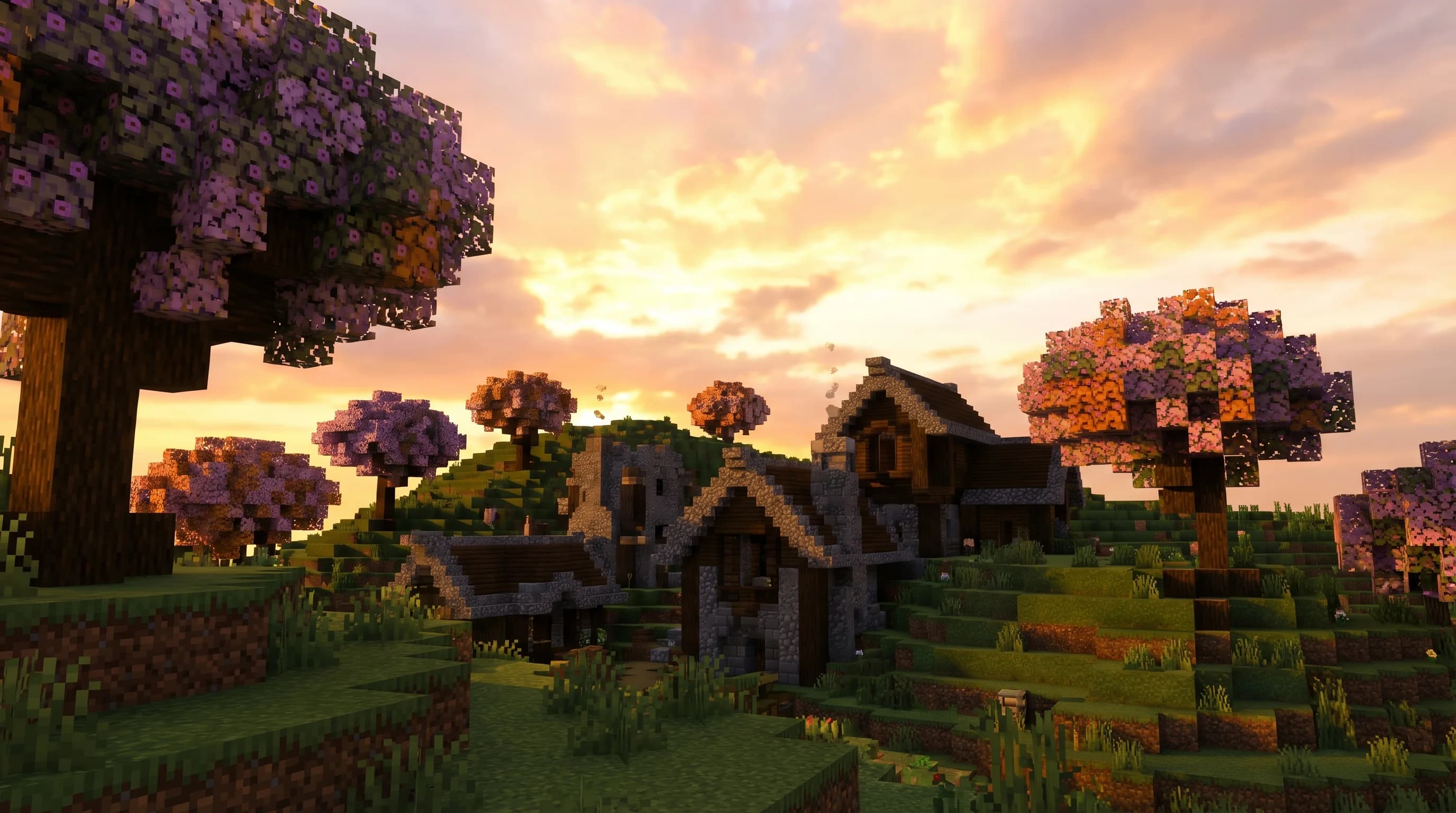
7 Best Vanilla Plus Modpacks Like Better Minecraft in 2026
Looking for the best Better Minecraft modpack alternatives in 2026? Here are 7 top vanilla plus modpacks that enhance survival without breaking the feel.
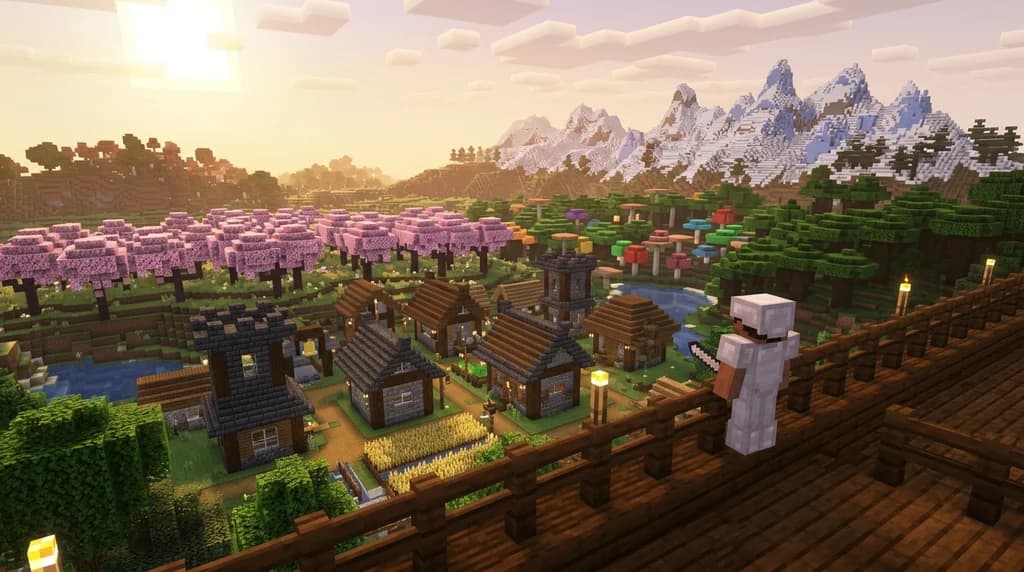
What is the Better Minecraft Modpack? A Complete 2026 Guide
Discover what the Better Minecraft modpack is, what mods it includes, and how to install it in 2026. Your complete guide to the best vanilla-plus modpack...
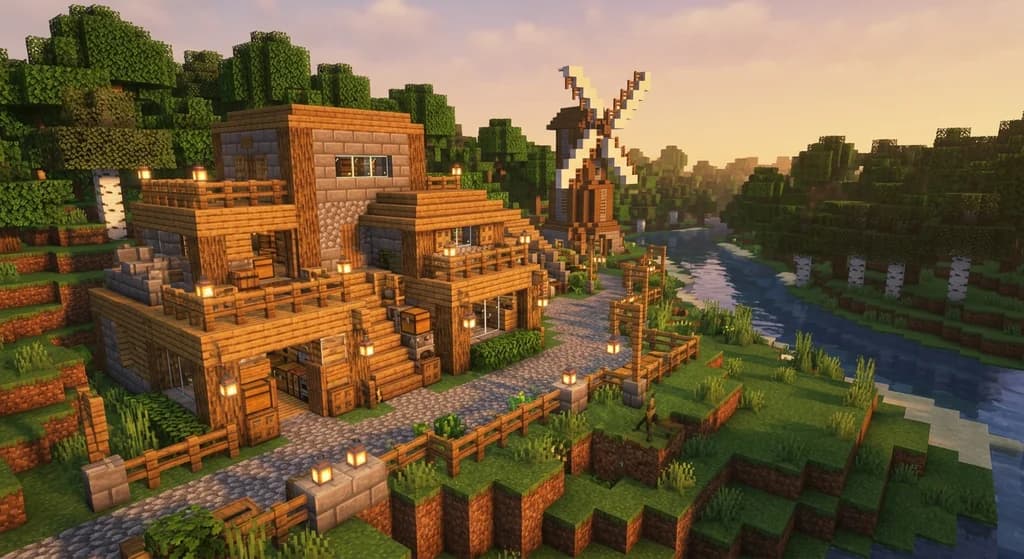
Best Minecraft Modpacks for a Vanilla-Plus Experience in 2026
Discover the best Minecraft modpacks for a vanilla-plus experience in 2026. Compare top picks, performance tips, and CurseForge essentials for every...
What is the Homestead Minecraft Modpack? Complete 2026 Guide
Learn what the Homestead Minecraft modpack is, which mods it includes, how to install it, and why it's one of the best cozy farming modpacks in 2026.
Have a question or another approach?
Compare notes with other readers. Include your edition and version when discussing mechanics.