Best Minecraft Modpacks for a Vanilla-Plus Experience in 2026
Filed under Vanilla-Enhanced Modpacks & QoL · How we create content
Key Takeaways
| Point | Details |
|---|---|
| Vanilla-plus defined | A vanilla-plus modpack enhances Minecraft's core loop with QoL mods, performance fixes, and light content additions — without replacing the base game feel. |
| Better Minecraft leads the pack | Better Minecraft on CurseForge remains the most-downloaded vanilla-plus modpack in 2026, with hundreds of curated mods that feel like official additions. |
| Performance matters for multiplayer | Pairing your modpack with Sodium, Lithium, and FerriteCore can dramatically cut RAM usage and improve server tick rates. |
| CurseForge vs Modrinth | CurseForge hosts the largest modpack library while Modrinth is gaining fast with faster update cycles and open-source-friendly licensing. |
| Check mod loader compatibility | Fabric-based packs load faster and have lighter overhead; Forge packs offer the widest mod selection — NeoForge is the modern Forge successor to watch. |
| Storage mods make or break the experience | A dedicated chest and storage mod is one of the first things veteran players add to any vanilla-plus pack. |
Table of Contents
- What Is a Vanilla-Plus Modpack?
- Best Vanilla-Plus Modpacks for 2026
- How to Choose the Right Modpack for You
- Top Performance Mods to Add to Any Pack
- Tips for Playing Vanilla-Plus Modpacks on a Server
- How to Put This Into Practice on Gaia Legends
- Conclusion
- Frequently Asked Questions
- Recommended
Most players who burn out on vanilla Minecraft don't actually want a completely different game. They want the same world — just with fewer annoyances and a little more to discover. That's exactly what the best Minecraft modpack in the vanilla-plus category delivers. Instead of overhauling combat, magic systems, and progression from scratch, these packs polish what's already there. They fix the inventory frustrations, add biome variety, tighten up performance, and sprinkle in new crafting paths — all without making you feel like you're playing a different game entirely.
This guide breaks down the top vanilla-plus modpacks available in 2026, explains what makes each one tick, and gives you the practical advice you need to run them smoothly — especially in multiplayer.
What Is a Vanilla-Plus Modpack?
A vanilla-plus modpack is a curated collection of mods that enhances Minecraft's default survival experience without replacing its core identity. Think of it as Minecraft with the rough edges sanded off. You still punch trees, build bases, fight the Ender Dragon — but now your inventory sorts itself, your frames stay smooth, and the world generates with far more interesting biomes and structures.
The term "vanilla-plus" gets used loosely, but the clearest definition is: any modpack where a new player could jump in without reading a wiki. If your first hour still feels like Minecraft, it's vanilla-plus.
What Separates Vanilla-Plus from Modded Minecraft?
The line is real but blurry. A full modded experience — think RLCraft or SkyFactory — rewrites progression, adds new dimensions, and often requires hours of tutorial reading. A vanilla-plus pack adds maybe 50–150 mods, most of which you'll barely notice until you appreciate them. The gameplay loop stays familiar; the friction just disappears.
Best Vanilla-Plus Modpacks for 2026
Here are the top picks, ranked by how well they preserve the vanilla feel while genuinely improving the game.
| Modpack | Mod Loader | Focus | Best For |
|---|---|---|---|
| Better Minecraft | Forge / Fabric | Biomes, structures, QoL | All-around vanilla-plus |
| Vanilla Tweaks (pack) | Fabric | Pure QoL, no content bloat | Minimalists |
| Create: Above and Beyond | Forge | Automation + vanilla feel | Tech-curious players |
| Prominence II | Forge | Adventure, structures, RPG-lite | Exploration fans |
| Fabulously Optimized | Fabric | Performance-first | Low-end PCs |
Better Minecraft — The Community Favorite
Better Minecraft is the modpack most players point to when they say "vanilla-plus." It bundles biome mods like Oh The Biomes You'll Go, structure packs, quality-of-life fixes, and performance mods into a single install. The result feels like an official Mojang expansion more than a third-party mod collection.
It's available on CurseForge in both Forge and Fabric flavors, so you can pick the loader that suits your hardware. For a deep walkthrough of installing and configuring it, check out our guide on how to install and play Better Minecraft.
Create: Above and Beyond — Automation Without Losing the Soul
If you want to automate your farm and still feel the satisfaction of a hand-built base, Create: Above and Beyond is the pick. The Create mod's visual, physics-driven machines fit naturally into a survival world — gears turn, belts spin, waterwheels power your mill. It's the rare tech pack that doesn't feel like a spreadsheet simulator.
Fabulously Optimized — Performance as a Feature
Fabulously Optimized is technically a Fabric modpack, but its philosophy is pure vanilla-plus: keep the game looking and feeling like Minecraft, just running at twice the frame rate. It bundles Sodium, Lithium, and a handful of visual parity mods so you get OptiFine-level visuals without the performance penalty. If your PC struggles, start here before anything else. See our full breakdown of 7 essential Minecraft performance mods for low-end PCs for the individual mods that power packs like this.
Pro Tip: Before installing any modpack, check the recommended RAM allocation on its CurseForge or Modrinth page. Most vanilla-plus packs run well on 4–6 GB; allocating more than 8 GB can actually hurt performance due to Java garbage collection pauses.
How to Choose the Right Modpack for You
Picking the right pack comes down to three questions:
- What's your goal? Pure survival polish → Better Minecraft or Vanilla Tweaks. Automation → Create. Performance → Fabulously Optimized.
- What's your mod loader preference? Fabric packs start faster and use less RAM. Forge (and its modern successor, NeoForge) supports a wider mod ecosystem. Check neoforged.net for the latest NeoForge releases.
- Are you playing solo or with friends? Multiplayer packs need server-side performance mods and must match between client and server. Fabric's Lithium is a server-side-only mod that optimizes game logic without requiring clients to install anything.
Warning: Never mix Fabric and Forge mods in the same instance. The two loaders are incompatible, and attempting to merge them will crash your game on launch. Always verify your modpack's loader before adding individual mods.
Modrinth vs CurseForge in 2026
Both platforms host excellent packs. CurseForge has the larger legacy library and is where Better Minecraft lives. Modrinth is growing fast, with a reputation for faster update cycles and cleaner mod licensing. Many mod authors now publish on both. For vanilla-plus in 2026, either platform works — just use the official app for each to avoid downloading from unofficial mirrors.
Top Performance Mods to Add to Any Pack
Even the best-curated modpack benefits from a performance layer. These are the mods worth adding to almost any vanilla-plus install:
- Sodium — replaces the rendering engine for massive FPS gains on Fabric
- Lithium — optimizes server-side game logic (mob AI, physics, chunk loading)
- FerriteCore — reduces memory usage, sometimes by hundreds of megabytes
- Starlight (or Moonrise) — rewrites the light engine to eliminate chunk-load stutters
- ModernFix — cuts startup time and idle RAM usage on Forge/NeoForge packs
For the full Forge-specific performance picture, our post on the 7 best Forge Minecraft mods for vanilla-plus gameplay covers each one in detail with version compatibility notes.
Tips for Playing Vanilla-Plus Modpacks on a Server
Multiplayer vanilla-plus is where these packs really shine — but it takes a bit of setup to get right.
Sync Your Modpack Version
Every player on the server must run the exact same modpack version. A single mod mismatch causes connection errors. Use a shared modpack profile exported from CurseForge or the Modrinth app and send it to your friends directly.
Add a Storage Mod Early
Vanilla chests become a nightmare fast once your modpack adds new materials. A dedicated storage solution — like Sophisticated Storage or Iron Chests — saves your sanity before you're drowning in copper ingots and deepslate bricks. Our roundup of the top 7 Minecraft chest and storage mods for vanilla-plus play compares the best options with screenshots and feature breakdowns.
Set Server RAM Correctly
Most vanilla-plus packs need at least 4 GB of server RAM for a smooth experience with 5–10 players. Allocate 6–8 GB for packs with heavy world generation mods (like those using Terralith or Oh The Biomes You'll Go). Over-allocating causes GC pauses; under-allocating causes constant lag spikes.
Note: If you're running a Forge-based pack, server startup times can be long — sometimes 3–5 minutes on first launch while mods register. This is normal. Subsequent starts are faster once the registry cache is built.
How to Put This Into Practice on Gaia Legends
Understanding vanilla-plus modpacks is one thing — actually running them smoothly in multiplayer is where most players hit walls. That's where Gaia Legends comes in.
Gaia's server infrastructure is built specifically to handle the kinds of curated vanilla-plus packs covered in this guide. The hosting environment uses optimized RAM allocation tuned for modded Minecraft, so you're not fighting Java garbage collection pauses when 20 friends are online. The server runs with pre-configured performance layers — including Lithium-equivalent optimizations — so chunk loading stays smooth even during large exploration sessions.
Gaia also supports Java and Bedrock crossplay, which means your friends on console or mobile can join the same world without needing to install a modpack themselves. And because Gaia is non-pay-to-win, every player has the same access to the vanilla-plus experience — no paid kits, no premium biomes, just the game as it should be.
Whether you want to run Better Minecraft with a friend group or experiment with Create-style automation on a shared server, Gaia's infrastructure handles the heavy lifting so you can focus on playing.
Gaia Legends is free to join, non-pay-to-win, and supports Java + Bedrock crossplay. Join at gaialegends.pro and start your legend today.
Conclusion
Vanilla-plus modpacks are the smartest way to fall back in love with Minecraft in 2026. Here are the three things worth remembering:
- Better Minecraft is the best all-around starting point — it's polished, well-maintained, and feels like Mojang made it themselves.
- Performance mods like Sodium, Lithium, and FerriteCore belong in every pack, especially for multiplayer.
- Storage and QoL mods are the unsung heroes — add them early and you'll never look back.
Pick one pack from the list above, install it through CurseForge or Modrinth, and give it a proper weekend. The vanilla-plus experience rewards patience, and once it clicks, vanilla-only starts to feel incomplete.
Frequently Asked Questions
What is the best Minecraft modpack for a vanilla-plus experience in 2026?
The best Minecraft modpack for vanilla-plus in 2026 is Better Minecraft, available on CurseForge in both Forge and Fabric versions. It adds biome variety, new structures, and quality-of-life improvements while keeping the core survival loop intact. For performance-focused players, Fabulously Optimized on Fabric is the best lightweight alternative.
What is the difference between vanilla-plus and fully modded Minecraft?
Vanilla-plus modpacks enhance the base game without replacing its identity — you still follow the same progression from wood tools to the Ender Dragon. Fully modded packs like RLCraft or SkyFactory overhaul progression, add new dimensions, and often require tutorial reading before you can start. If the first hour still feels like Minecraft, it's vanilla-plus.
Are vanilla-plus modpacks available on CurseForge and Modrinth?
Yes. Both CurseForge and Modrinth host vanilla-plus modpacks in 2026. CurseForge has the larger legacy library, including Better Minecraft. Modrinth is growing quickly with faster update cycles. Many popular packs publish on both platforms simultaneously — use the official launcher app for each to stay safe.
Do vanilla-plus modpacks work on multiplayer servers?
Yes, but every player must run the exact same modpack version as the server. Use a shared profile exported from CurseForge or Modrinth and distribute it to your group. Performance mods like Lithium are server-side only and don't require clients to install them, making them ideal for shared servers.
How much RAM do vanilla-plus modpacks need?
Most vanilla-plus modpacks run well with 4–6 GB of RAM allocated to Minecraft. Packs with heavy world generation mods (Terralith, Oh The Biomes You'll Go) benefit from 6–8 GB on the server side. Avoid allocating more than 8 GB unless the pack specifically recommends it — excess RAM causes Java garbage collection pauses that feel like lag spikes.
What mod loader should I use for vanilla-plus modpacks in 2026?
Fabric is the best choice for performance-focused vanilla-plus packs — it starts faster and uses less RAM. Forge (and its modern successor NeoForge) supports the widest mod selection and is required for packs like Better Minecraft's Forge edition. Check the modpack's page for its required loader before installing, and never mix Fabric and Forge mods in the same instance.
Recommended
- How Minecraft updates in 2026 will transform your gameplay | Gaia Legends
- How to Play Minecraft Multiplayer With Friends Safely in 2026 | Gaia Legends
- What is the Best Minecraft Custom Items List for Servers 2026 | Gaia Legends
- 7 Best Triadic Block Palettes for Vibrant Minecraft Builds 2026 | Gaia Legends
Ready to play? Join Gaia Legends today — no pay-to-win, Java + Bedrock crossplay.
- Java:
join.gaialegends.pro - Bedrock:
join.gaialegends.pro— Port19132
Frequently Asked Questions
What is the best Minecraft modpack for a vanilla-plus experience in 2026?
The best Minecraft modpack for vanilla-plus in 2026 is Better Minecraft, available on CurseForge in both Forge and Fabric versions. It adds biome variety, new structures, and quality-of-life improvements while keeping the core survival loop intact. For performance-focused players, Fabulously Optimized on Fabric is the best lightweight alternative that prioritizes frame rate and smooth chunk loading.
What is the difference between vanilla-plus and fully modded Minecraft?
Vanilla-plus modpacks enhance the base game without replacing its identity — you still follow the same progression from wood tools to the Ender Dragon. Fully modded packs like RLCraft or SkyFactory overhaul progression, add new dimensions, and often require tutorial reading before you can start. If the first hour still feels like Minecraft, it's vanilla-plus.
Are vanilla-plus modpacks available on CurseForge and Modrinth?
Yes. Both CurseForge and Modrinth host vanilla-plus modpacks in 2026. CurseForge has the larger legacy library, including Better Minecraft. Modrinth is growing quickly with faster update cycles. Many popular packs publish on both platforms simultaneously — use the official launcher app for each to stay safe and avoid unofficial mirrors.
Do vanilla-plus modpacks work on multiplayer servers?
Yes, but every player must run the exact same modpack version as the server. Use a shared profile exported from CurseForge or Modrinth and distribute it to your group. Performance mods like Lithium are server-side only and don't require clients to install them, making them ideal additions to any shared vanilla-plus server setup.
How much RAM do vanilla-plus modpacks need?
Most vanilla-plus modpacks run well with 4–6 GB of RAM allocated to Minecraft. Packs with heavy world generation mods like Terralith or Oh The Biomes You'll Go benefit from 6–8 GB on the server side. Avoid allocating more than 8 GB unless the pack specifically recommends it — excess RAM causes Java garbage collection pauses that feel like lag spikes.
What mod loader should I use for vanilla-plus modpacks in 2026?
Fabric is the best choice for performance-focused vanilla-plus packs — it starts faster and uses less RAM. Forge and its modern successor NeoForge support the widest mod selection and are required for packs like Better Minecraft's Forge edition. Check the modpack's page for its required loader before installing, and never mix Fabric and Forge mods in the same instance.
Related guides
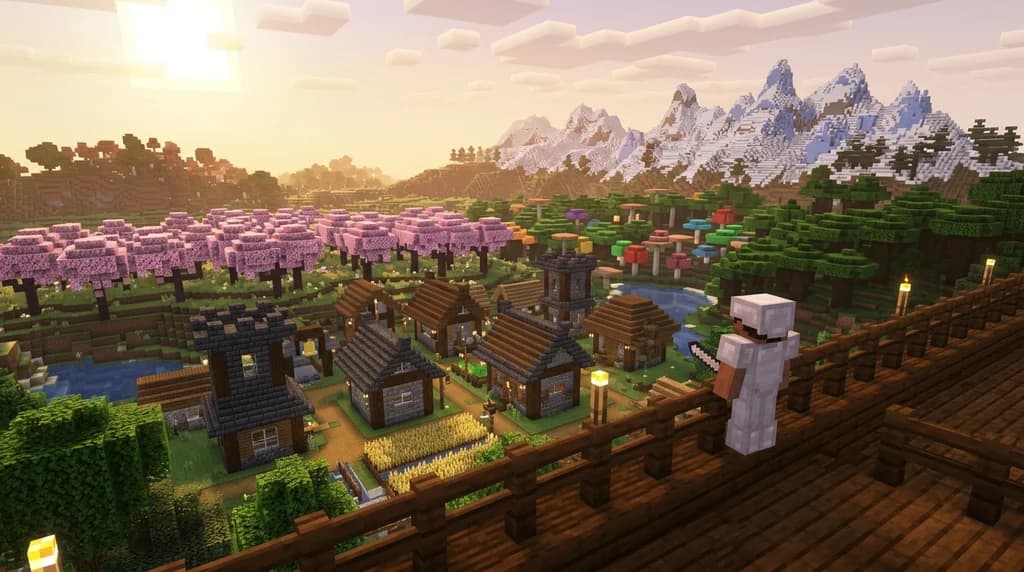
What is the Better Minecraft Modpack? A Complete 2026 Guide
Discover what the Better Minecraft modpack is, what mods it includes, and how to install it in 2026. Your complete guide to the best vanilla-plus modpack...

How to Install and Play Better Minecraft: The 2026 Ultimate Guide
Learn how to install and play the Better Minecraft modpack in 2026. Mod list, performance tips, and the best vanilla-plus experience explained step by step.
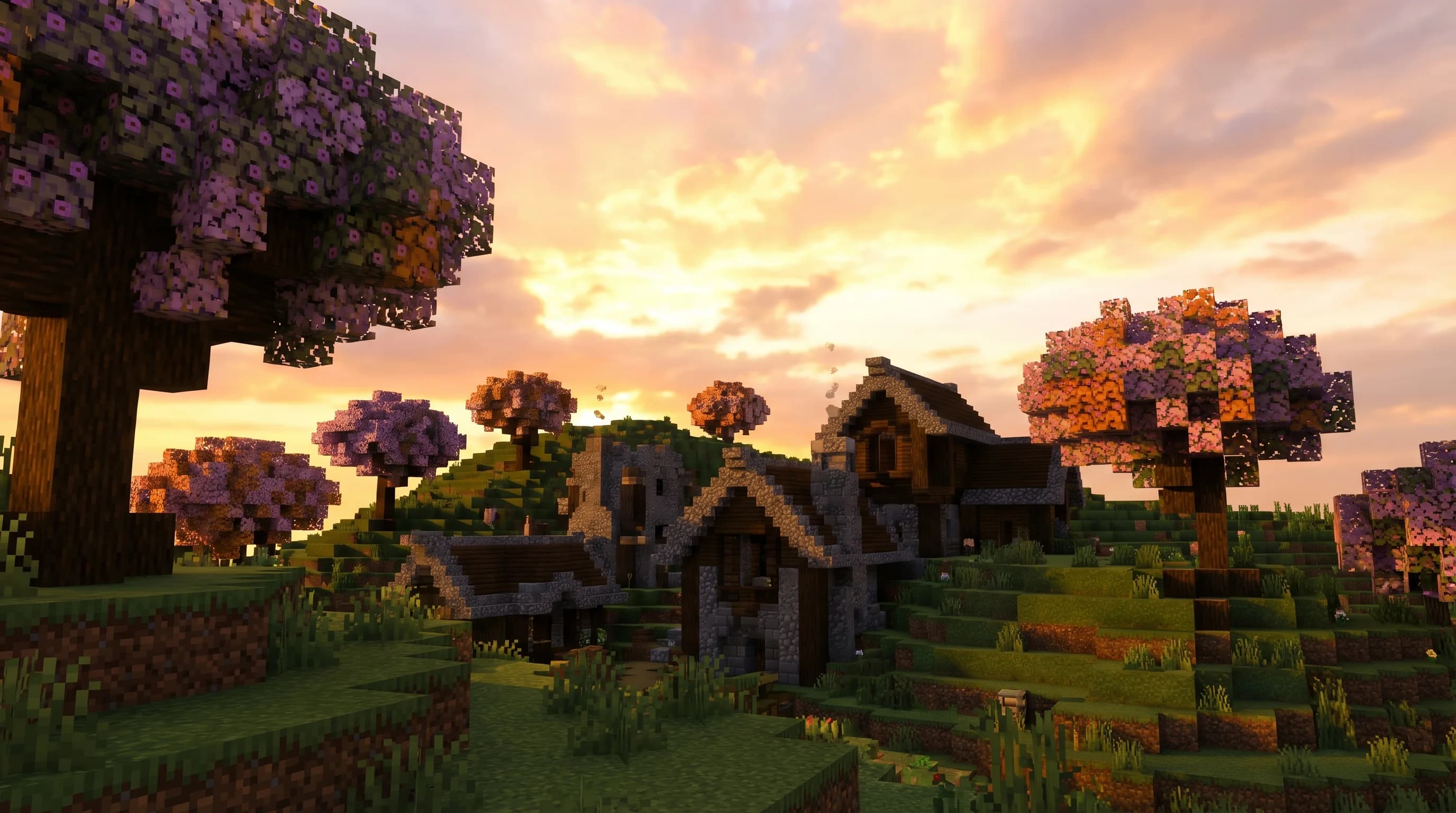
7 Best Vanilla Plus Modpacks Like Better Minecraft in 2026
Looking for the best Better Minecraft modpack alternatives in 2026? Here are 7 top vanilla plus modpacks that enhance survival without breaking the feel.
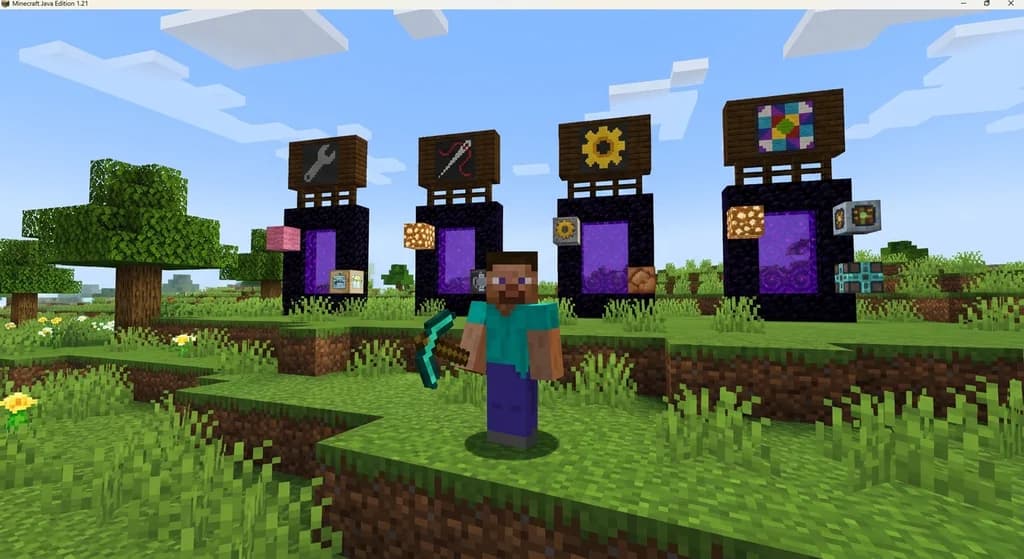
How to Choose the Best Mod Loader for Vanilla+ Minecraft in 2026
Confused about Forge vs Fabric vs NeoForge vs Quilt for Vanilla+ Minecraft in 2026? Learn which mod loader offers the best performance, mod compatibility,...
Have a question or another approach?
Compare notes with other readers. Include your edition and version when discussing mechanics.