How to Build Your Own Vanilla Plus Minecraft Modpack in 2026
Filed under Vanilla-Enhanced Modpacks & QoL · How we create content

Key Takeaways
| Point | Details |
|---|---|
| Pick Fabric first | Fabric loads faster and has the widest selection of performance and QoL mods for 2026. |
| Performance layer is non-negotiable | Sodium, Lithium, and FerriteCore together can more than double your FPS on mid-range hardware. |
| Build in layers | start with performance, then add QoL, then immersion — never dump 80 mods in at once. |
| Test after every layer | adding 5–10 mods at a time makes crash diagnosis fast and painless. |
| Stay under 80 mods | beyond that, load times spike and mod conflicts multiply rapidly. |
| Use Modrinth App or Prism Launcher | both support one-click mod updates and clean profile management in 2026. |
Table of Contents
- What Is a Vanilla Plus Modpack?
- How to Choose the Right Mod Loader
- How to Build Your Modpack in Layers
- Best QoL Mods to Include in 2026
- Tips for Keeping Your Modpack Stable
- How to Put This Into Practice on Gaia Legends
- Conclusion
- Frequently Asked Questions
- Recommended
Most players who try to build a vanilla plus modpack make the same mistake: they dump 60 mods into a folder all at once, hit play, and immediately get a crash screen. Building a great modpack isn't about finding the most mods — it's about layering the right ones in the right order. This guide walks you through exactly how to build a vanilla plus modpack from scratch in 2026, whether you're playing solo or connecting to a server.
What Is a Vanilla Plus Modpack?
A vanilla plus modpack is a curated collection of mods that improve Minecraft's quality of life, performance, and visual polish without replacing its core survival loop or adding entirely new progression systems. The goal is to make the base game feel like the version Mojang would have shipped if they had more time — not to transform it into a different game entirely.
That distinction matters. A vanilla plus modpack keeps mob behavior, biome generation, and crafting recipes recognizable. It fixes annoyances (inventory management, minimap, tooltip info) and boosts performance, but it doesn't add magic systems, tech trees, or custom dimensions. If you want to explore packs that go further, check out our roundup of the Best Minecraft Modpacks for a Vanilla-Plus Experience in 2026.
How to Choose the Right Mod Loader
Your mod loader is the foundation. Every mod you add must be compatible with it, so choose before you pick a single mod.
Fabric vs. Forge vs. NeoForge in 2026
| Loader | Load Speed | Mod Library Size | Best For |
|---|---|---|---|
| Fabric | Fastest | Largest for QoL/performance | Vanilla plus, performance-focused packs |
| NeoForge | Moderate | Largest for tech/magic mods | Heavy modpacks, Forge mod ports |
| Quilt | Fast | Smaller, Fabric-compatible | Experimental or modder-focused builds |
Fabric is the right choice for vanilla plus in 2026. It boots faster, and the most important performance mods — Sodium, Lithium, and FerriteCore — are all Fabric-native. According to the Fabric project's own documentation, Fabric's lightweight design is intentionally built to minimize overhead compared to heavier loader frameworks.
Note: Some mods you love from older packs may only exist on Forge or NeoForge. If compatibility is a concern, check Modrinth's loader filter before committing to Fabric.
Which Launcher to Use
- Modrinth App — Clean UI, one-click mod updates, built-in modpack hosting
- Prism Launcher — Open-source, supports every loader, excellent profile isolation
- CurseForge App — Largest mod library, but heavier client
Prism Launcher is the community favorite for custom pack building because each instance is fully isolated — a broken mod in one profile can't touch another.
How to Build Your Modpack in Layers
Don't install everything at once. Build in three distinct layers and test between each one.
Layer 1 — Performance
Install these first and verify the game launches cleanly before adding anything else:
- Sodium — replaces the rendering engine for dramatically higher FPS
- Lithium — optimizes game logic (mob AI, physics, chunk loading)
- FerriteCore — reduces RAM usage by optimizing how block states are stored in memory
- Indium — required for Sodium compatibility with Fabric Rendering API mods
According to Modrinth's download statistics, Sodium has surpassed 30 million downloads, making it the most-downloaded Minecraft mod on the platform as of 2025.
Layer 2 — Quality of Life
Once performance is solid, add the mods that fix daily annoyances:
- Jade — shows what block or mob you're looking at, with mod-aware tooltips
- JEI (Just Enough Items) — recipe browser, works in any inventory screen
- Xaero's Minimap + World Map — lightweight, server-compatible mapping
- Inventory Profiles Next — auto-sorts inventory with a single keybind
- Roughly Enough Resources — pairs with JEI to show mob drops and chest loot
For storage specifically, the right mods make a huge difference in long survival sessions. Our guide to the Top 7 Minecraft Chest and Storage Mods for Vanilla+ Play 2026 covers the best options in detail.
Layer 3 — Immersion
These are optional but elevate the experience:
- Ambient Sounds — adds wind, rustling leaves, and distant ambience per biome
- Sound Physics Remastered — makes sound bounce off blocks realistically
- Continuity — enables connected textures (glass panes look seamless)
- Distant Horizons — renders low-detail terrain far beyond your normal render distance
Pro Tip: Add immersion mods one at a time. Sound and shader mods are the most common sources of frame-rate surprises on mid-range GPUs.
Best QoL Mods to Include in 2026
Here's a quick-reference table of the essential QoL mods for a vanilla plus build:
| Mod | What It Does | Loader |
|---|---|---|
| Jade | Block/entity info tooltips | Fabric + NeoForge |
| JEI | In-game recipe browser | Fabric + NeoForge |
| Xaero's Minimap | Lightweight minimap + waypoints | Fabric + Forge |
| Inventory Profiles Next | Auto-sort, refill, lock slots | Fabric |
| AppleSkin | Shows saturation and hunger values | Fabric + Forge |
| Mouse Tweaks | Drag-to-fill, scroll-to-move items | Fabric + Forge |
If you prefer Forge for any reason, the 7 Best Forge Minecraft Mods for Vanilla+ Gameplay in 2026 has a fully Forge-compatible equivalent list.
Warning: Always check that every mod targets the exact same Minecraft version. A single mod built for 1.21.3 in a 1.21.4 pack will prevent the game from launching — and the error message won't always tell you which mod is the culprit.
Tips for Keeping Your Modpack Stable
Stability is what separates a modpack you actually play from one that sits broken in a launcher.
Keep Your Mod Count Manageable
Aim for 40–75 mods for a vanilla plus experience. Beyond 80, load times climb steeply and the chance of two mods conflicting on the same event or registry entry rises fast. FerriteCore's GitHub documentation notes that memory savings become critical at higher mod counts because each additional mod multiplies block state registrations.
Read the Crash Log
When the game crashes, the relevant error is almost always near the bottom of the latest.log file inside your instance folder. Search for Caused by: — that line names the offending mod 90% of the time.
Use a Dedicated Instance
Never add mods to your default Minecraft installation. Prism Launcher and the Modrinth App both create isolated instances, so your vanilla worlds stay safe no matter what you install.
Check Mod Compatibility Pages
Modrinth and CurseForge both list known incompatibilities on mod pages. Spend 30 seconds reading the description before installing — it saves hours of debugging.
For players who want a pre-built starting point instead of building from scratch, the 7 Best Vanilla Plus Modpacks Like Better Minecraft in 2026 covers curated packs you can import and customize.
How to Put This Into Practice on Gaia Legends
Everything in this guide applies directly to playing on Gaia Legends — our survival SMP at gaialegends.pro. The server is designed around a vanilla plus philosophy, so client-side mods like Sodium, Jade, Xaero's Minimap, and JEI all work seamlessly without any server-side configuration needed.
A few Gaia-specific tips:
- Xaero's World Map integrates with our server's coordinate system, so you can pin waypoints to your base, the marketplace, and community farms from day one.
- Jade displays custom entity names and health bars for the unique mobs in our world events — a small thing that makes a big difference in combat.
- FerriteCore is especially valuable on Gaia because our world has been running long enough that chunk data is dense — lower RAM usage means smoother chunk loading in older, built-up areas.
Gaia Legends is free to join, non-pay-to-win, and supports Java + Bedrock crossplay. Join at gaialegends.pro and start your legend today.
Conclusion
Building a vanilla plus modpack in 2026 comes down to three principles:
- Start with performance. Sodium, Lithium, and FerriteCore are the foundation — install them first, test, then build upward.
- Add QoL in the second layer. Jade, JEI, and Xaero's Minimap fix the most common friction points without changing what Minecraft fundamentally is.
- Stay disciplined about mod count. Keep it under 80, test in batches, and read crash logs when things go wrong.
You don't need a hundred mods to have a great experience. You need the right fifty. Now go build something worth logging in for.
Ready to play? Join Gaia Legends today — no pay-to-win, Java + Bedrock crossplay.
- Java:
join.gaialegends.pro - Bedrock:
join.gaialegends.pro— Port19132
Further reading
These references were recorded with the article; specific claims have not been matched to source excerpts.
Frequently Asked Questions
How do I build a vanilla plus modpack from scratch in 2026?
To build a vanilla plus modpack in 2026, start by installing Prism Launcher or the Modrinth App, then create a new Fabric instance for your target Minecraft version. Add performance mods first (Sodium, Lithium, FerriteCore), test that the game launches, then layer in QoL mods like Jade, JEI, and Xaero's Minimap. Aim for 40–75 mods total and test after every batch of additions.
What is the difference between vanilla plus and a full modpack?
A vanilla plus modpack improves Minecraft's performance, QoL, and visuals without replacing its core survival loop. A full modpack typically adds new dimensions, tech trees, magic systems, or completely overhauled progression. Vanilla plus feels like a polished version of the base game; a full modpack feels like a different game built on Minecraft's engine.
Which mod loader is best for a vanilla plus modpack in 2026?
Fabric is the best mod loader for vanilla plus builds in 2026. It has the fastest load times and hosts the most important performance mods — Sodium, Lithium, and FerriteCore — natively. NeoForge is a solid alternative if you need specific mods that haven't been ported to Fabric, but for a lightweight QoL-focused pack, Fabric wins.
What are the best performance mods for Minecraft in 2026?
The core performance trio for 2026 is Sodium (rendering engine replacement for higher FPS), Lithium (game logic optimization for mob AI and chunk loading), and FerriteCore (RAM reduction by optimizing block state memory). Together, these three mods can more than double FPS on mid-range hardware and significantly reduce load times.
How many mods should a vanilla plus modpack have?
A well-balanced vanilla plus modpack typically contains between 40 and 75 mods. Going above 80 mods increases load times noticeably and raises the risk of mod conflicts. Keeping your count lean also makes crash diagnosis much faster — you can narrow down a problem mod in minutes instead of hours.
Can I use client-side mods on a multiplayer server?
Yes — client-side mods like Sodium, Jade, JEI, Xaero's Minimap, and FerriteCore work on any standard multiplayer server without needing server-side installation. They only affect what your client renders or displays. Always avoid mods that give unfair advantages (X-ray, speed hacks) on servers, as those violate most server rules and can get you banned.
Related guides

AppleSkin Mod Overview for Minecraft 1.21
Discover the AppleSkin mod for Minecraft Java Edition 1.21+. This quick reference covers hunger and saturation display, features, compatibility with modpacks like lelMc and Shozamaks Optimized, and installation tips.
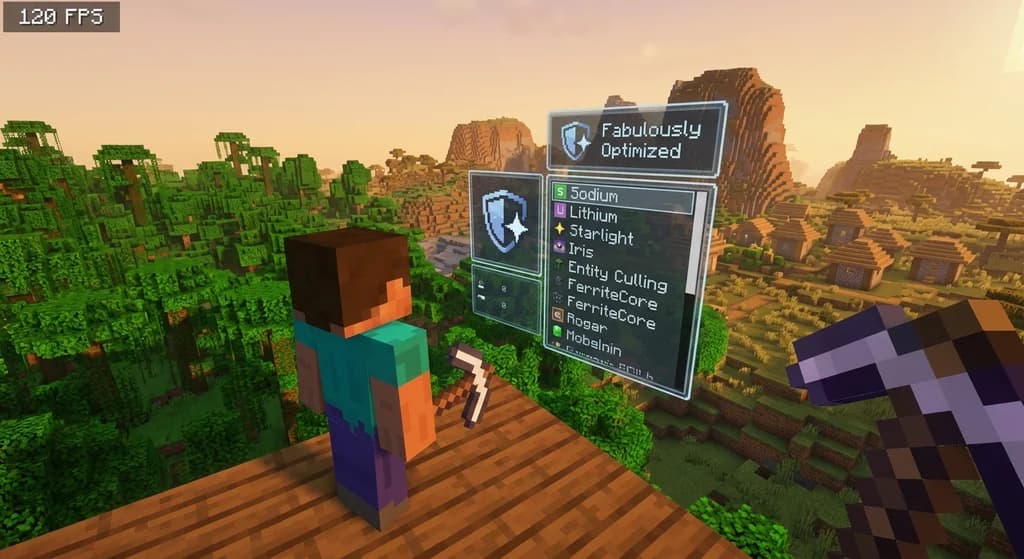
How to Install the Fabulously Optimized Modpack for High FPS (2026)
A complete 2026 guide to installing the Fabulously Optimized modpack. Boost FPS 200%+ with Fabric mods. Step-by-step setup, pro tips, and Gaia Legends...

How to Use the Modrinth Launcher for Easy Mod Management in 2026
Master the Modrinth launcher in 2026 with this step-by-step guide. Install mods, manage profiles, and keep everything updated with ease.
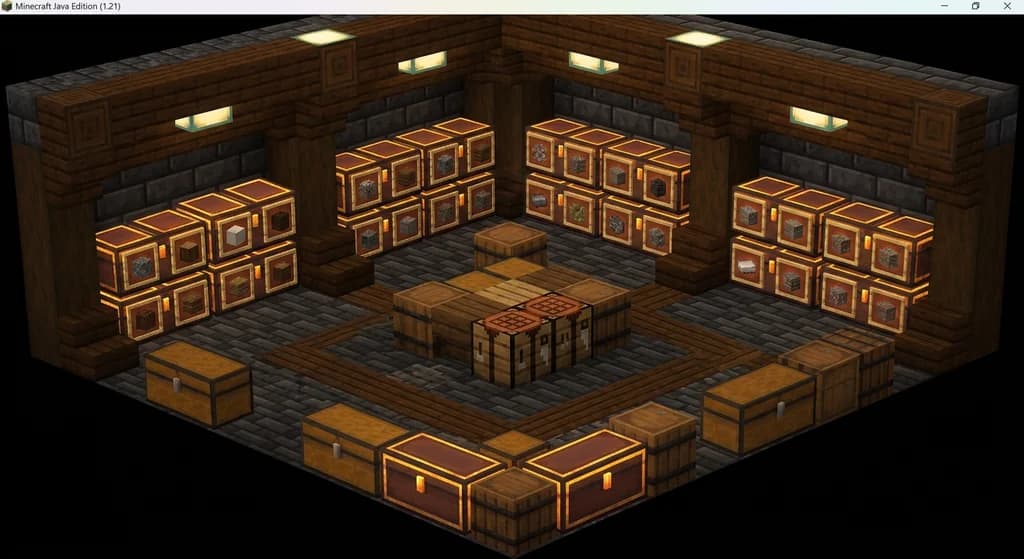
How to Solve Minecraft Storage Problems with Vanilla Plus Mods
Struggling with chest clutter? This guide covers the best Minecraft storage management mods — Sophisticated Storage, Iron Chests, and more — to fix your...
Have a question or another approach?
Compare notes with other readers. Include your edition and version when discussing mechanics.