AppleSkin Mod Overview for Minecraft 1.21
Filed under Vanilla-Enhanced Modpacks & QoL · How we create content
Version scope: Minecraft Java Edition 1.21+
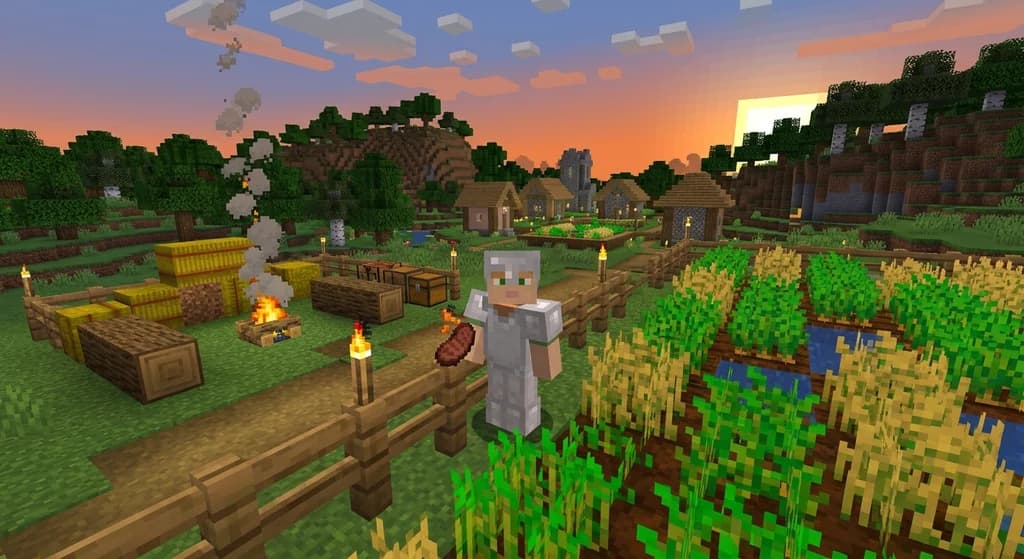
Key Takeaways
| Point | Details |
|---|---|
| AppleSkin displays hunger saturation | AppleSkin displays hunger saturation and exhaustion values on the food bar, giving you precise food management data. |
| It's a client-side mod that works on vanilla servers | no server-side installation required. |
| AppleSkin is bundled in | AppleSkin is bundled in popular optimization and QoL modpacks like lelMc and Shozamaks Optimized. |
| Resource pack users may | Resource pack users may need a compatibility fix (e.g., Origin Realms Hungerbar Fix) to keep AppleSkin working. |
| Available for Fabric and | Available for Fabric and Forge on Minecraft Java Edition 1.21 and later. |
| The mod also shows | The mod also shows the saturation value of any food item when hovering over it in your inventory. |
If you've ever eaten a piece of steak in Minecraft and wondered why you didn't start regenerating health immediately, the AppleSkin mod has your answer. This lightweight client-side mod adds a small-but-essential layer of information: it shows your saturation and exhaustion directly on the vanilla hunger bar, along with the nutritional breakdown of any food item in your inventory.
What Does AppleSkin Do Exactly?
AppleSkin adds two visual overlays to the familiar food bar:
- Saturation overlay – A translucent second layer above the hunger shanks that shows your current saturation. Saturation determines how long you can sprint, jump, and do other actions before your visible hunger starts dropping.
- Exhaustion indicators – Subtle tremors or color changes on the bar when you're about to lose a shank.
In your inventory, hovering over any food item shows its saturation-to-hunger ratio and the total saturation it provides. This turns vague food choices into precise data: a golden carrot, for example, gives far more saturation per hunger point than a cooked chicken, making it better for long exploration trips.
AppleSkin does not modify any server-side behavior — it's purely a HUD adjustment. This means you can install it on any server, even vanilla ones, without worrying about conflicts or bans. Some modpacks already bundle it: for example, lelMc is "Fabulously Optimized 12.0.0-alpha.5 base modpack with added quality of life mods such as AppleSkin, Gamma Utils, Freecam, Bobby and others."
Fabulously Optimized 12.0.0-alpha.5 base modpack with added quality of life mods such as AppleSkin, Gamma Utils, Freecam, Bobby and others.
Compatibility with Common Modpacks
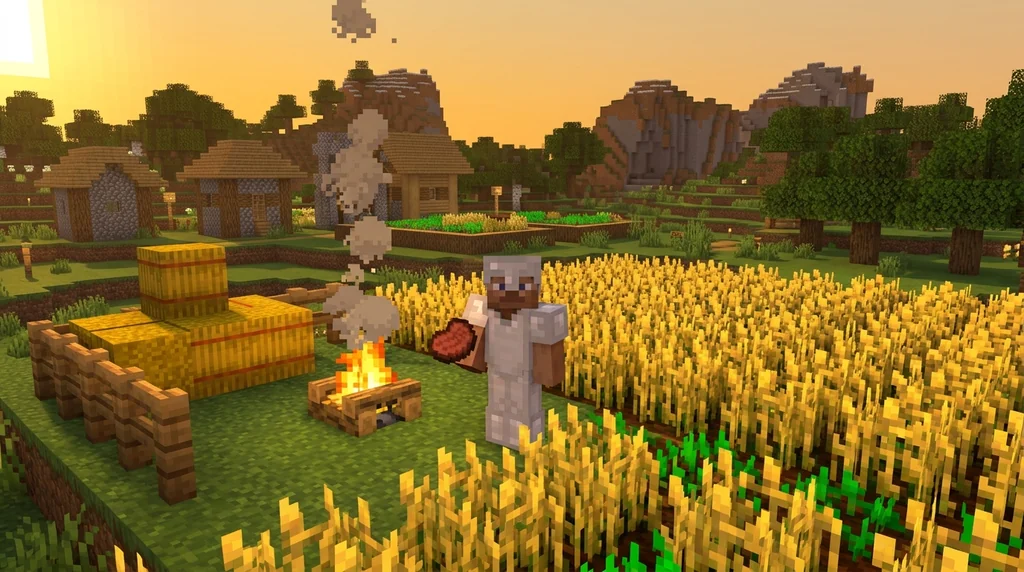
Because AppleSkin is such a natural fit for vanilla-plus gameplay, it appears in many lightweight optimization and QoL modpacks. Shozamaks Optimized, for instance, is a "lightweight Fabric modpack for Minecraft 1.21.x" that promises "maximum FPS, rendering optimization, and useful QoL mods (Sodium, Lithium, AppleSkin)."
Maximum FPS, rendering optimization, and useful QoL mods (Sodium, Lithium, AppleSkin).
If you're building your own modpack, adding AppleSkin is straightforward — it works with both Fabric and Forge. No special configuration is needed.
Dealing with Resource Pack Conflicts
Some resource packs change the texture of the hunger bar, which can cause AppleSkin's overlays to misalign or disappear. The community has created fixes for this. For example, the Origin Realms Hungerbar Fix resource pack "makes the AppleSkin mod and resourcepacks compatible again."
Similarly, a dedicated AppleSkin + Sapixcraft compatibility pack provides three color variants to match that popular resource pack.
If you use a custom resource pack, check for an AppleSkin compatibility add-on on Modrinth or CurseForge.
How to Install AppleSkin
- Download the mod for your mod loader (Fabric or Forge) from Modrinth or CurseForge. Make sure the version matches your Minecraft version (1.21+).
- Drop the
.jarfile into yourmodsfolder. If you use Fabric, you'll also need the Fabric API. - Launch the game. AppleSkin will activate automatically — no configuration required. You'll see the saturation layer immediately on the food bar.
That's it. No server-side installation, no config file tweaking. The mod is designed to be plug-and-play.
Why You Should Try AppleSkin
The vanilla hunger system is opaque. You don't know why you can't heal, or why that suspicious stew gave you barely any saturation. AppleSkin removes the guesswork, making food management as clear as your health bar. It's one of those mods that, once you've used it for an hour, you'll never want to play without it.
Sources
- Fabulously Optimized 12.0.0-alpha.5 base modpack with added quality of life mods such as AppleSkin, Gamma Utils, Freecam, Bobby and others. — lelMc
- Maximum FPS, rendering optimization, and useful QoL mods (Sodium, Lithium, AppleSkin). — Shozamaks Optimized
Frequently Asked Questions
Is AppleSkin allowed on multiplayer servers?
Yes. AppleSkin is a client-side only mod that does not modify any server-side mechanics or give an unfair advantage. Most servers, especially vanilla and survival servers, allow it. Check your server's mod policy if you are unsure.
Does AppleSkin work with OptiFine?
Yes, AppleSkin is compatible with OptiFine as long as both mods are installed correctly. If you use a resource pack that alters the hunger bar, you may need an AppleSkin compatibility fix (like the Origin Realms Hungerbar Fix).
How do I see saturation values in AppleSkin?
Hover over any food item in your inventory. AppleSkin displays a breakdown showing the hunger points restored and the saturation provided. On the food bar itself, saturation appears as a translucent overlay behind the hunger shanks.
Related guides

How to Use the Modrinth Launcher for Easy Mod Management in 2026
Master the Modrinth launcher in 2026 with this step-by-step guide. Install mods, manage profiles, and keep everything updated with ease.
Xaero's Minimap and World Map: Server Integration Mods
Discover how mods like MapSyncer and ClanCraft integrate Xaero's Minimap and World Map with Minecraft servers: syncing explored terrain, adding land claims, and sharing waypoints for better multiplayer coordination.
Client-Side Modpacks for Vanilla Minecraft Servers: A Quick Reference
Discover the best client-side modpacks that work on vanilla Minecraft servers. Enhance visuals, boost performance, and add QoL features without changing...
7 Best Minecraft QoL Mods That Improve Your Vanilla World in 2026
Discover the 7 best Minecraft QoL mods in 2026 that improve inventory, navigation, and performance without breaking vanilla feel. Client-side picks for...
Have a question or another approach?
Compare notes with other readers. Include your edition and version when discussing mechanics.