Client-Side Modpacks for Vanilla Minecraft Servers: A Quick Reference
Filed under Vanilla-Enhanced Modpacks & QoL · How we create content
Version scope: Java Edition 1.21+ (modpack versions vary)
Key Takeaways
| Point | Details |
|---|---|
| Client-side modpacks run only | Client-side modpacks run only on your game client, so vanilla servers treat them like normal gameplay. |
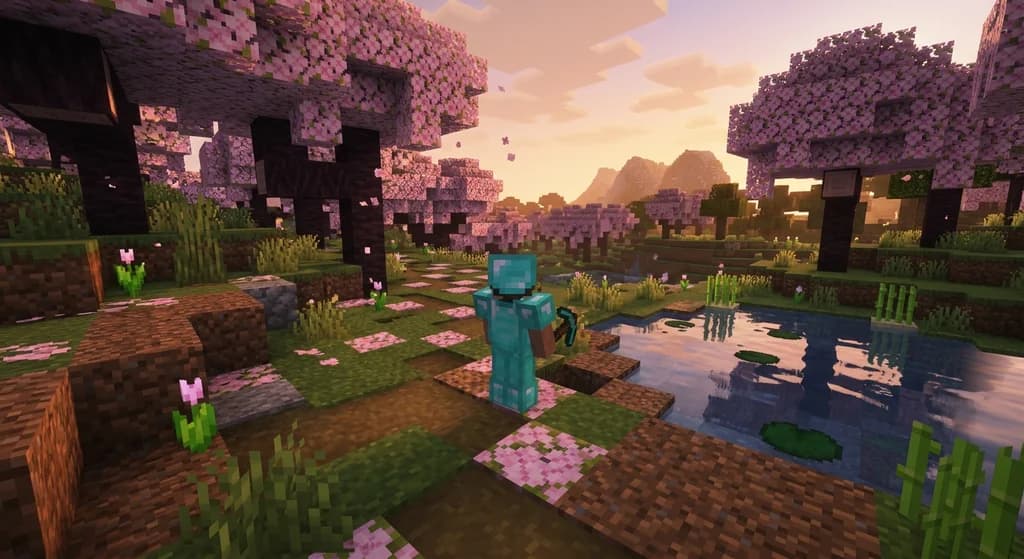
| They can dramatically improve | They can dramatically improve FPS, add shaders, minimaps, inventory sorting, and other quality-of-life features. |
| Lekkerman Clientside, FunkyClient, and | Lekkerman Clientside, FunkyClient, and Verosa are three well-maintained options on Modrinth. |
| Always check a server's | Always check a server's rules—some anti-cheat plugins may flag certain client-side mods (e.g., auto-totem). |
| Most pure visual and | Most pure visual and performance mods are safe and widely accepted on vanilla servers. |
You want to play on a vanilla Minecraft server with your friends, but you also want smoother framerates, a minimap, or maybe even shaders—without forcing everyone else to install anything. That's exactly where client-side modpacks come in.
What Exactly Are Client-Side Modpacks?
A client-side modpack is a collection of mods that only run on your game client. They don't change anything on the server side. The server sees your actions exactly as if you were playing vanilla—no new blocks, items, or mechanics are added. This means you can join any unmodified vanilla server and still enjoy all the extra features you've installed.
These modpacks fall into a few main categories:
- Performance – Mods like Sodium, Lithium, and Phosphor that boost FPS and reduce lag.
- Visual enhancement – Shaders, dynamic lighting, custom skyboxes, and better foliage.
- Quality of life – Minimaps, waypoints, inventory sorting, crafting helpers, and tooltips.
- Immersion – Sound enhancements, improved weather effects, and subtle tweaks that make the world feel more alive.
As long as a mod doesn't send new data to the server or try to automate player actions, it's generally safe for vanilla multiplayer.
Three Client-Side Modpacks Worth Trying
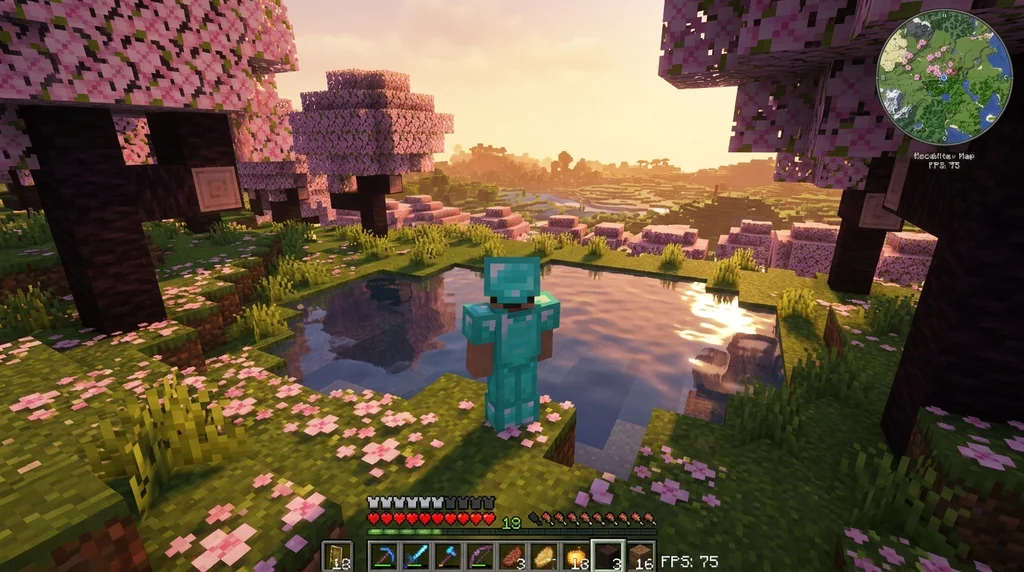
All of the modpacks below are available on Modrinth and are actively maintained. They're designed to work on vanilla servers without needing any server-side modifications.
1. Lekkerman Clientside
Lekkerman Clientside Client-side modpack, with which you can join vanilla servers.
This pack focuses on immersion and quality-of-life improvements. It includes mods for better visuals, inventory management, and small tweaks that make exploring more enjoyable. As the developer puts it, it "improves immersion and has many quality-of-life mods."
Improves immersion and has many quality-of-life mods.
2. FunkyClient
FunkyClient A clean, client-side modpack made to enhance Minecraft’s visuals, performance, and quality of life — without changing vanilla gameplay.
A clean, modern-looking pack that "enhance[s] Minecraft’s visuals, performance, and quality of life — without changing vanilla gameplay." It comes bundled with shaders, resource packs, and optimization mods. The creator describes it as "perfect for chill singleplayer or playing with friends on servers."
Perfect for chill singleplayer or playing with friends on servers.
3. Verosa
Verosa Vanilla Minecraft how it could be with proper optimization mods.
Verosa is a lightweight optimization pack for version 1.21.4. It promises high FPS even in the new Pale Garden biome. The description says you can "play on any and all 1.21.4 Servers without the worry of mods halting you're fun." It's strictly client-side optimization, so it's safe for any vanilla server.
Enjoy the Pale Garden with high FPS, Play on any and all 1.21.4 Servers without the worry of mods halting you're fun.
All three modpacks can be found on Modrinth and require a mod loader such as Fabric or Quilt. Installation is straightforward: download the modpack file, place it in your mods folder (or use a launcher like Prism that handles packs), and launch the game.
How to Install and Use a Client-Side Modpack
- Install a mod loader – Fabric is the most common choice for client-side mods. Download the Fabric installer and run it for your Minecraft version.
- Get the modpack – Visit the Modrinth page for Lekkerman Clientside, FunkyClient, or Verosa, and download the latest version that matches your Minecraft version.
- Place it in the mods folder – For Fabric, the mods folder is located at
.minecraft/mods. If you're using a multi-instance launcher, each instance has its own mods folder. - Launch and join – Start the Fabric profile in the Minecraft launcher, then connect to any vanilla server. Your client-side enhancements will be active.
A Quick Word on Server Rules
Most vanilla servers welcome client-side mods, especially those that only improve performance or visuals. However, some servers with advanced anti-cheat plugins may flag mods that provide unfair advantages—for example, auto-totem, x-ray texture packs (which are actually resource packs, not mods), or movement hacks.
The resource pack system in Java Edition is separate: servers can force a custom resource pack via server.properties by setting require-resource-pack=true, but that's optional and doesn't affect client-side mods.
A resource pack can be set on a server by setting resource-pack to an HTTP(S) URL pointing to a ZIP archive resource pack in server.properties. A resource pack can be set on a server by setting resource-pack to an HTTP(S) URL pointing to a ZIP archive resource pack in server.properties. Players can also be forced to accept the resource pack by setting require-resource-pack=true; in this case, rejecting the resource pack disconnects the player from the server. Players can also be forced to accept the resource pack by setting require-resource-pack=true; in this case, rejecting the resource pack disconnects the player from the server.
This doesn't affect your ability to use client-side mods—it's just a way for servers to distribute textures or sounds. If you're unsure about a specific mod, check the server's rules or ask an admin.
Final Thoughts
Client-side modpacks are a fantastic way to enjoy vanilla servers with modern conveniences. Whether you want silky-smooth 144 FPS, a minimap to navigate, or shaders to make sunsets breathtaking, there's a modpack for you. Start with Lekkerman Clientside if you value immersion, FunkyClient for an all-in-one visual upgrade, or Verosa if you just need raw performance.
For more comparison between vanilla-enhanced packs, check out our guide on Fabulously Optimized vs Simply Optimized. And if you're not sure which pack fits your playstyle, our vanilla-enhanced modpack finder can help you narrow it down.
Sources
- Client-side modpack, with which you can join vanilla servers. — Lekkerman Clientside
- Improves immersion and has many quality-of-life mods. — Lekkerman Clientside
- A clean, client-side modpack made to enhance Minecraft’s visuals, performance, and quality of life — without changing vanilla gameplay. — FunkyClient
- Perfect for chill singleplayer or playing with friends on servers. — FunkyClient
- Vanilla Minecraft how it could be with proper optimization mods. — Verosa
- Enjoy the Pale Garden with high FPS, Play on any and all 1.21.4 Servers without the worry of mods halting you're fun. — Verosa
- A resource pack can be set on a server by setting resource-pack to an HTTP(S) URL pointing to a ZIP archive resource pack in server.properties. — Resource pack
- Players can also be forced to accept the resource pack by setting require-resource-pack=true; in this case, rejecting the resource pack disconnects the player from the server. — Resource pack
Frequently Asked Questions
Will client-side mods get me banned from a vanilla server?
It depends on the server's rules. Most vanilla servers allow performance and visual mods (like Sodium, shaders, minimaps). However, any mod that automates player actions or gives unfair advantages (e.g., auto-fishing, x-ray, kill-aura) is typically bannable. Always check the server's mod policy before joining.
Do I need to install anything on the server for client-side modpacks to work?
No. Client-side modpacks run entirely on your machine. The server doesn't know you're using them, as long as they don't send any mod-specific packets. Vanilla servers accept your connection normally.
Can I use shaders with these modpacks?
Yes. Packs like FunkyClient come with shaders pre-configured. Other packs may include Iris or OptiFine compatibility. Shaders are a purely visual client-side change and are safe for vanilla servers.
Do client-side modpacks work on Bedrock Edition servers?
This guide covers Java Edition. Bedrock Edition's modding ecosystem is different and usually relies on add-ons or behavior packs that may be server-specific. Some third-party launchers offer client-side tweaks, but they're less common and not as standardized.
Related guides
Inventory Organization Mods for Minecraft: Quick Reference
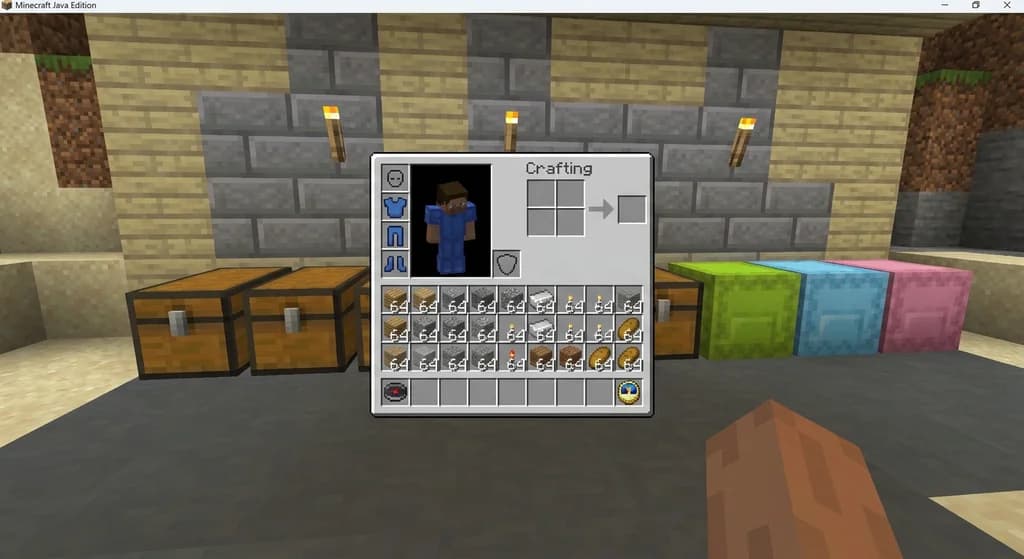
Quick reference for the best inventory organization mods in Minecraft, including InventoryTweaks, Playerautoma, and OFF Client. Learn their features, compatibility, and how to choose the right one.
Using a Base Modpack to Create Your Own Minecraft Modpack
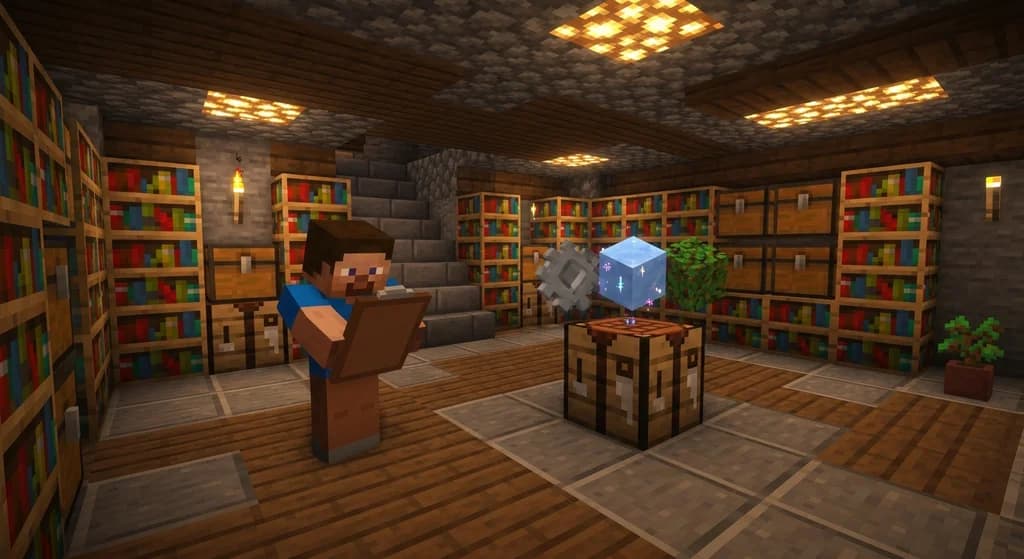
Learn how to use a base modpack as a foundation for your own custom Minecraft modpack. Cut setup time, avoid conflicts, and build the perfect pack for your playstyle.

What Are Mods and Modpacks? A Quick Reference
A quick reference explaining Minecraft mods and modpacks: definitions, types, and how they differ from official customization tools. Includes examples and key distinctions.

AppleSkin Mod Overview for Minecraft 1.21
Discover the AppleSkin mod for Minecraft Java Edition 1.21+. This quick reference covers hunger and saturation display, features, compatibility with modpacks like lelMc and Shozamaks Optimized, and installation tips.
Have a question or another approach?
Compare notes with other readers. Include your edition and version when discussing mechanics.