Using a Base Modpack to Create Your Own Minecraft Modpack
Filed under Vanilla-Enhanced Modpacks & QoL · How we create content
Version scope: Minecraft Java Edition (Fabric, Forge, NeoForge, 1.20+)
Key Takeaways
| Point | Details |
|---|---|
| A base modpack is | A base modpack is a curated starter kit of essential libraries and frameworks, saving you hours of dependency hunting. |
| Starting from a base | Starting from a base like 'Make A Modpack' or 'NijahPlay's Personal Pack' gives you a stable, conflict-free foundation. |
| You can layer your | You can layer your own content mods (biomes, mobs, tech) onto a base pack without worrying about core compatibility. |
| Base modpacks often include | Base modpacks often include performance optimizations (like Sodium) that keep your custom pack running smoothly. |
| Using a base modpack | Using a base modpack is the standard first step for modpack creators, from personal packs to full server overhauls. |
Creating your own Minecraft modpack from scratch can feel like assembling a puzzle where half the pieces are missing. You spend hours hunting down dependencies, only to find version conflicts or performance stutters. This is where a base modpack comes in.
A base modpack is a curated starter kit. It bundles the essential libraries, APIs, and utility mods you need to build upon. Instead of reinventing the wheel, you grab a solid foundation and then add your own favorite content mods on top. If you are new to the concept, our What Are Mods and Modpacks? A Quick Reference is a great place to start.
Why Every Modpack Creator Needs a Base Pack
Mods are user-created code that alter the base game. Within the community, the term refers specifically to unofficial code that requires a third-party loader.
Within the Minecraft community, the term is conventionally used in a strict sense to refer to unofficial, community-made code alterations that require third-party mod loaders.
A base modpack handles the "boring but vital" work. It includes the mod loaders (like Fabric API), common libraries (like Create or Sodium), and quality-of-life tweaks. This means you skip the dependency hunt and jump straight to the fun part: choosing the biomes, mobs, and mechanics that define your pack.
What a Good Base Modpack Includes
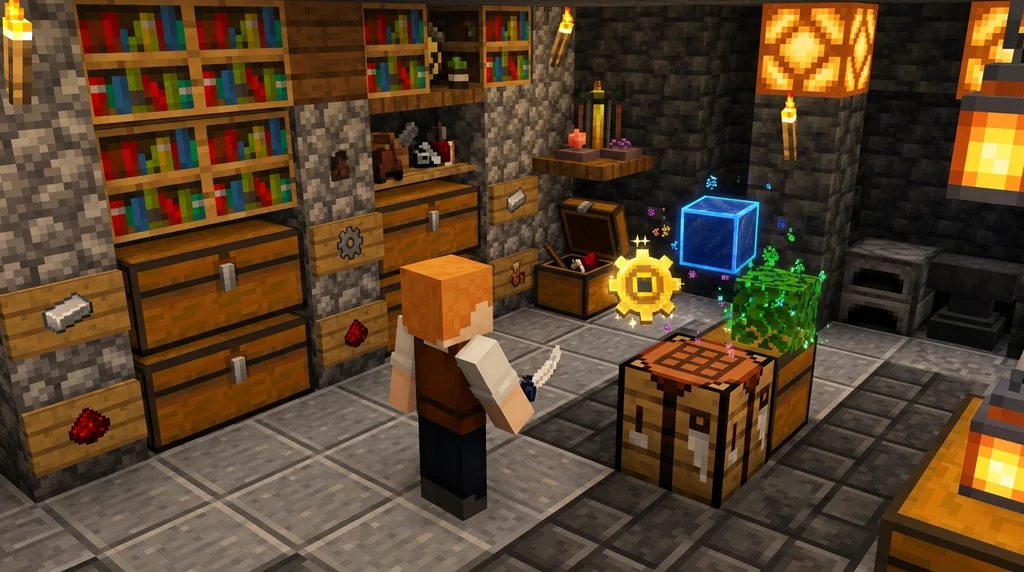
A well-crafted base pack focuses on stability and performance. It provides the frameworks that other mods rely on.
This modpack has base mods for you to create your own modpack.
For example, the "Make A Modpack" project on Modrinth explicitly provides base mods for you to start your own creation. Another excellent example is "NijahPlay's Personal Pack," which uses Sodium as a performance base and Iris for shaders.
With Sodium as a base, and Iris for shaders, I combine cutting edge and well tested mods to get the best possible performance without looking dull!
This approach gives you a pack that feels full of life and runs smoothly, without the bloat of content you might not want.
Choosing the Right Foundation for Your Modpack
Your choice of base pack depends on your goal:
- For a vanilla-enhanced pack: Look for packs built around utility and optimization mods. These improve the game without changing it drastically.
There are also utility mods serve to improve the game by adding or improving minor features while being close to vanilla (as not to change the game drastically). Optimization mods modify the game's rendering to improve frame rates and load times, making the game more accessible on lower-end hardware (see also Tutorial:Improving frame rate).
Projects like the Aged Light Modpack: Quick Reference show how a focused base can enhance the core experience.
- For a themed overhaul pack: Find a base that includes a major framework like Create (for industrial builds) or Cobblemon (for creature collecting). Projects like Industrial Odyssey show how a strong base enables complex, stable modpacks.
Featuring Create for mechanical automation and Tacz for tactical gunplay, it also includes a custom economy system designed for multiplayer gameplay.
- For server play: If you are building a pack for a server that doesn't allow server-side mods, a client-side base pack is essential. Our Client-Side Modpacks for Vanilla Minecraft Servers: A Quick Reference covers this perfectly.
Step-by-Step: From Base Pack to Custom Build
- Pick your platform: Decide between Fabric, Forge, or NeoForge. Your base pack must match.
- Download a base pack: Search Modrinth for terms like "base modpack" or "modpack foundation." Look for packs that are actively maintained.
- Install the base: Place it in your
modsfolder and run the game once to generate config files. - Layer your content: Add your chosen mods (e.g., a new biome mod, a mob mod, a tech mod). Add a few at a time to isolate potential conflicts.
- Test and iterate: Check for crashes, performance dips, or overlapping features. Remove or replace mods as needed.
Starting with a base modpack is the smartest way to create a stable, performant, and unique Minecraft experience without starting from zero. It's the foundation that lets your creativity do the building.
Sources
- Within the Minecraft community, the term is conventionally used in a strict sense to refer to unofficial, community-made code alterations that require third-party mod loaders. — Mod
- This modpack has base mods for you to create your own modpack. — Make A Modpack
- With Sodium as a base, and Iris for shaders, I combine cutting edge and well tested mods to get the best possible performance without looking dull! — NijahPlay's Personal Pack
- There are also utility mods serve to improve the game by adding or improving minor features while being close to vanilla (as not to change the game drastically). — Mod
- Optimization mods modify the game's rendering to improve frame rates and load times, making the game more accessible on lower-end hardware (see also Tutorial:Improving frame rate). — Mod
- Featuring Create for mechanical automation and Tacz for tactical gunplay, it also includes a custom economy system designed for multiplayer gameplay. — Industrial Odyssey
Frequently Asked Questions
Do I need coding experience to use a base modpack?
No. Base modpacks are designed for players and modpack creators alike. You download the pack, place it in your mods folder, and layer your own mods on top. No programming knowledge is required.
Can I add a base modpack to an existing save?
It depends on the mods you add. The base pack itself usually contains libraries and APIs that are safe to add to existing saves. However, adding content mods (like new biomes or blocks) to an existing save is risky and can corrupt your world. Always back up your saves before making changes.
What is the best base modpack for performance?
Packs built around optimization mods, like NijahPlay's Personal Pack which uses Sodium, are excellent for performance. Look for packs that explicitly mention rendering improvements and frame rate boosts.
Related guides
AppleSkin Mod Overview for Minecraft 1.21
Discover the AppleSkin mod for Minecraft Java Edition 1.21+. This quick reference covers hunger and saturation display, features, compatibility with modpacks like lelMc and Shozamaks Optimized, and installation tips.
What Are Mods and Modpacks? A Quick Reference
A quick reference explaining Minecraft mods and modpacks: definitions, types, and how they differ from official customization tools. Includes examples and key distinctions.
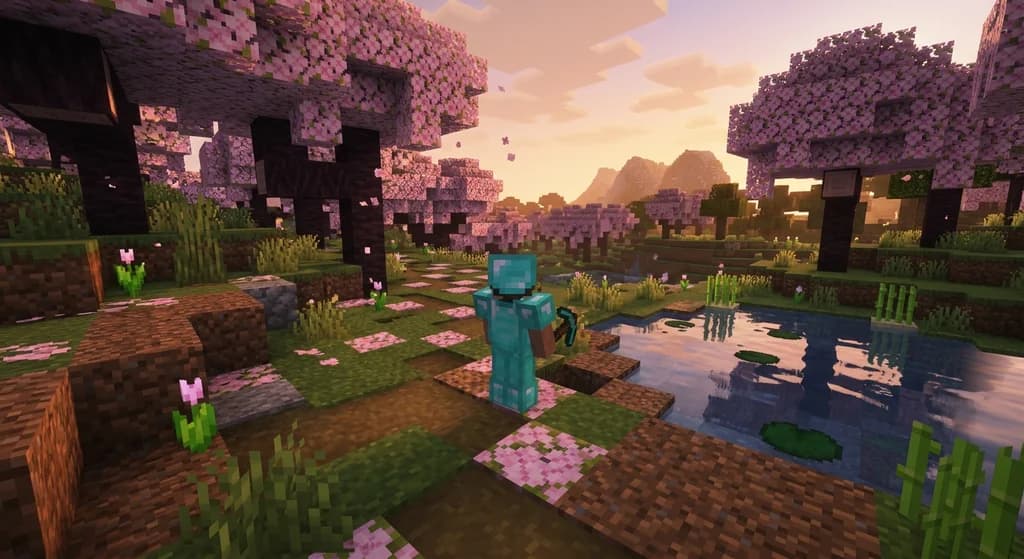
Client-Side Modpacks for Vanilla Minecraft Servers: A Quick Reference
Discover the best client-side modpacks that work on vanilla Minecraft servers. Enhance visuals, boost performance, and add QoL features without changing...
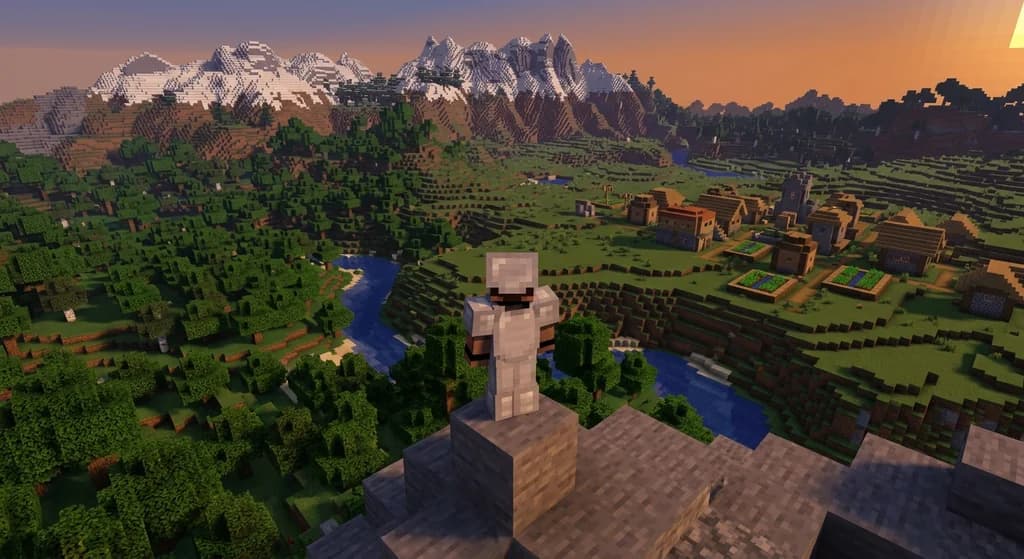
How to Use the Modrinth Launcher for Easy Mod Management in 2026
Master the Modrinth launcher in 2026 with this step-by-step guide. Install mods, manage profiles, and keep everything updated with ease.
Have a question or another approach?
Compare notes with other readers. Include your edition and version when discussing mechanics.