What Are Mods and Modpacks? A Quick Reference
Filed under Vanilla-Enhanced Modpacks & QoL · How we create content
Version scope: Not established
Key Takeaways
| Point | Details |
|---|---|
| A mod is unofficial | A mod is unofficial code injected into Minecraft to modify its behavior. |
| Mods require third-party mod | Mods require third-party mod loaders and are distinct from official data packs and add-ons. |
| Mods can adjust core | Mods can adjust core mechanics, fix bugs, or add entirely new features. |
| Modpacks bundle multiple mods | Modpacks bundle multiple mods together for a themed experience, like the Ultimate Thumbnail Creator. |
What Is a Minecraft Mod?
A mod (short for modification) is a piece of unofficial code that alters the game's behavior. The Minecraft wiki defines it as:
A mod (short for modification) is a piece of unofficial code that is injected into the game for the purpose of modifying its behavior.
Mods are user-created content that create unique experiences not present in vanilla Minecraft.
Mods are user-created content used to alter the base game to create unique experiences that are not usually present from the vanilla experience.
The community uses the term strictly for unofficial code that requires third-party mod loaders, distinguishing it from official customization features like data packs and resource packs.
Within the Minecraft community, the term is conventionally used in a strict sense to refer to unofficial, community-made code alterations that require third-party mod loaders. Because Minecraft is a unique case that supports both unofficial modification and official modification APIs simultaneously, the community generally maintains a practical distinction to avoid confusion between the two methods.
What Is a Modpack?
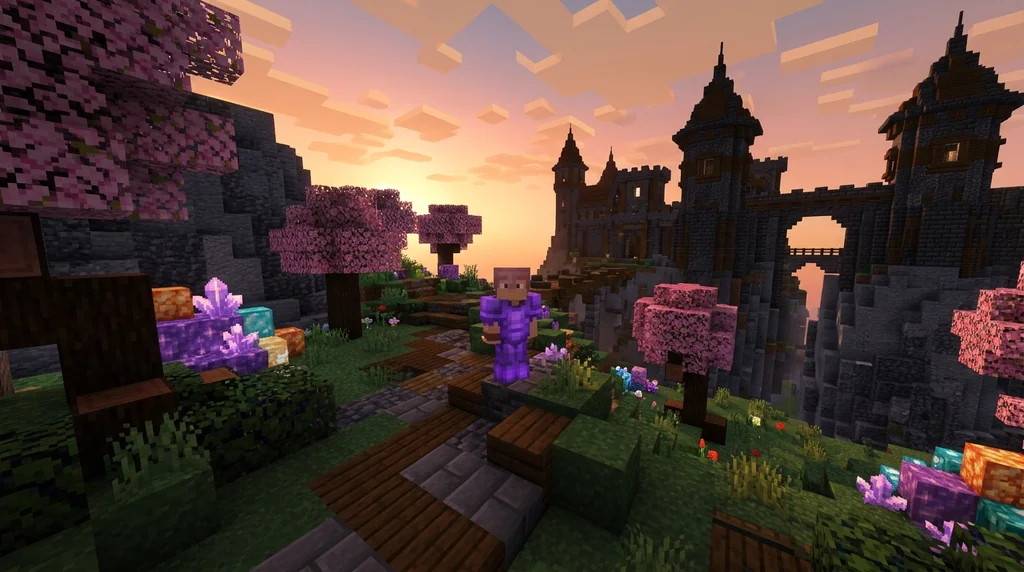
A modpack is a curated collection of mods packaged together for easy installation. Modpacks often focus on a theme—performance, content, or specific gameplay enhancements. For example, the "Ultimate Thumbnail Creator Modpack" on Modrinth bundles mods for thumbnail creation and performance.
This Modpack Has The BEST Thumbnail Creation Mods and Performance Mods on Modrinth!
Types of Mods
Mods come in various categories:
- Utility mods: Add minor features while staying close to vanilla.
- Optimization mods: Improve frame rates and load times, making the game more accessible on lower-end hardware.
Optimization mods modify the game's rendering to improve frame rates and load times, making the game more accessible on lower-end hardware (see also Tutorial:Improving frame rate).
- Content mods: Add new entities, items, blocks, world generation, or dimensions.
How Mods Differ from Official Customization
Minecraft offers official ways to customize the game, such as data packs, resource packs, and add-ons. These are supported by Mojang and do not require third-party tools. In contrast, mods are community-made and often need a mod loader.
The community maintains a practical distinction to avoid confusion.
For more on client-side modpacks that work on vanilla servers, see Client-Side Modpacks for Vanilla Minecraft Servers. For a deeper dive into the definition and distinctions, check out What Are Minecraft Mods? Definition and Overview.
Sources
- A mod (short for modification) is a piece of unofficial code that is injected into the game for the purpose of modifying its behavior. — Mod
- Mods are user-created content used to alter the base game to create unique experiences that are not usually present from the vanilla experience. — Mod
- Within the Minecraft community, the term is conventionally used in a strict sense to refer to unofficial, community-made code alterations that require third-party mod loaders. — Mod
- Because Minecraft is a unique case that supports both unofficial modification and official modification APIs simultaneously, the community generally maintains a practical distinction to avoid confusion between the two methods. — Mod
- This Modpack Has The BEST Thumbnail Creation Mods and Performance Mods on Modrinth! — The ULTIMATE Thumbnail Creator Modpack
- Optimization mods modify the game's rendering to improve frame rates and load times, making the game more accessible on lower-end hardware (see also Tutorial:Improving frame rate). — Mod
Related guides
Xaero's Minimap and World Map: Server Integration Mods
Discover how mods like MapSyncer and ClanCraft integrate Xaero's Minimap and World Map with Minecraft servers: syncing explored terrain, adding land claims, and sharing waypoints for better multiplayer coordination.
What Are Minecraft Mods? Definition and Overview
Learn the official Minecraft mod definition, how mods differ from data packs, types like utility and optimization mods, and community vs. Mojang usage.
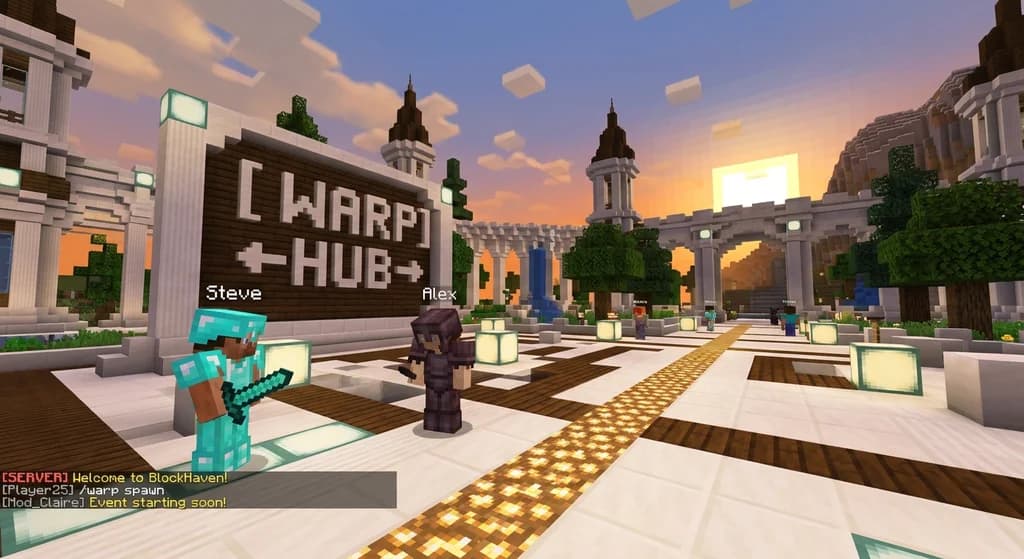
Verity Plugin for Minecraft: A Server Management Reference
A quick reference to the Verity plugin for Minecraft servers: lightweight modular tools for warps, perks, VIP features, staff commands, plus a mob...
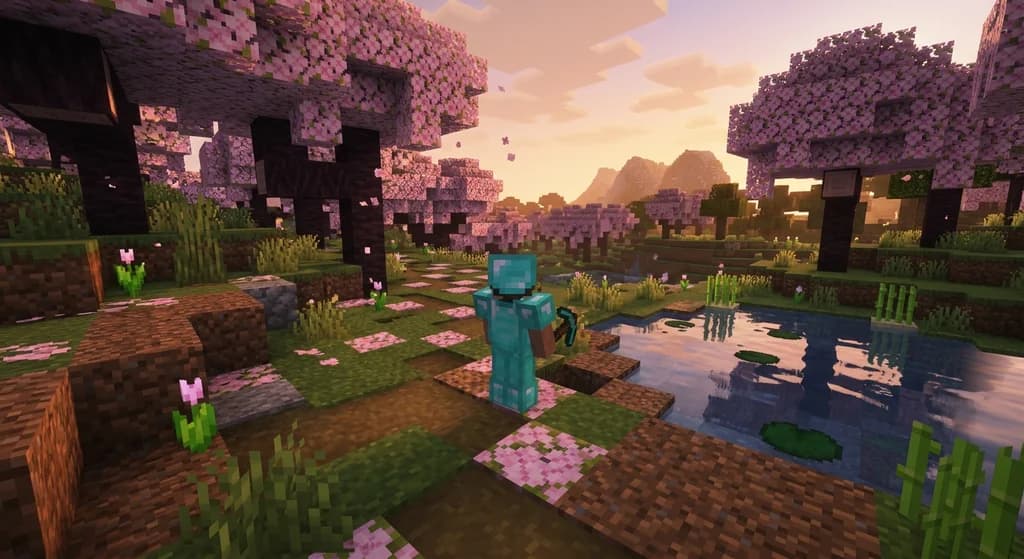
Client-Side Modpacks for Vanilla Minecraft Servers: A Quick Reference
Discover the best client-side modpacks that work on vanilla Minecraft servers. Enhance visuals, boost performance, and add QoL features without changing...
Have a question or another approach?
Compare notes with other readers. Include your edition and version when discussing mechanics.