How to Set Up a Profitable Minecraft Chest Shop: 2026 Guide
Filed under Minecraft Economy & Trading · How we create content
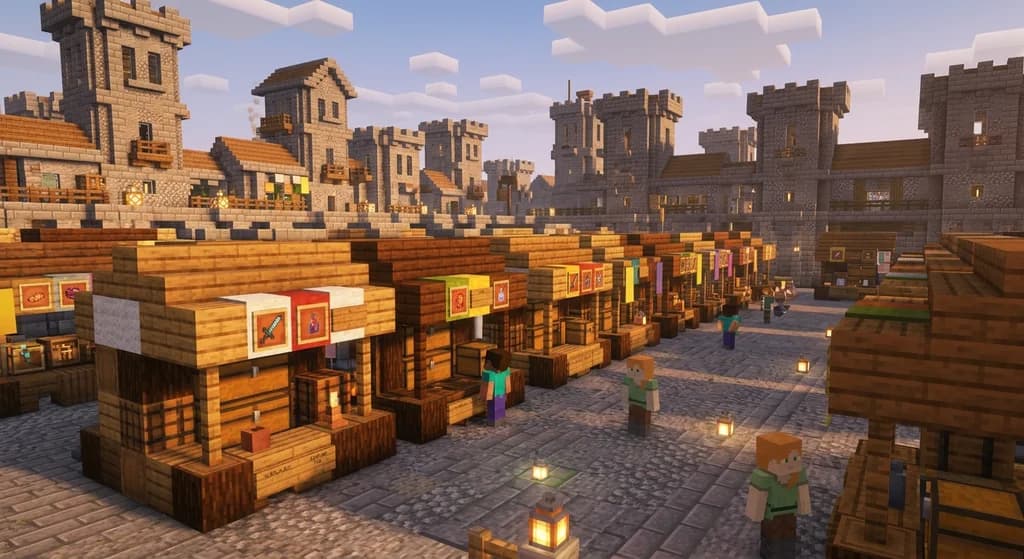
Key Takeaways
| Point | Details |
|---|---|
| Plugin basics matter | ChestShop and ShopGUI+ are the two dominant chest shop plugins — know which one your server uses before building anything. |
| Location is everything | A shop in a high-traffic spawn market earns dramatically more than an identical shop hidden in your base. |
| Stock high-demand items first | Renewable resources like wood, stone, and food sell consistently because players always need them. |
| Price with margin | Undercut competitors by 5–10% to attract buyers without racing to the bottom and killing your profit. |
| Restock on a schedule | An empty chest shop earns nothing — set a daily restocking routine or automate supply with farms. |
| Diversify your inventory | Shops that carry 8–12 SKUs outperform single-item shops because players prefer one-stop destinations. |
Table of Contents
- What Is a Minecraft Chest Shop?
- How to Set Up a Chest Shop with the ChestShop Plugin
- Best Items to Stock in Your Chest Shop
- How to Price Your Items for Maximum Profit
- Tips for a High-Converting Chest Shop Layout
- Common Mistakes That Kill Chest Shop Profits
- How to Put This Into Practice on Gaia Legends
- Conclusion
- Frequently Asked Questions
- Recommended
Most players set up a chest shop, slap a random price on it, and wonder why nobody buys. The real problem isn't the shop — it's the strategy behind it. A well-placed, well-stocked chest shop on an active SMP server can become a passive income machine that earns you currency while you're off mining. This Minecraft chest shop guide covers everything: plugin setup, item selection, pricing logic, and layout principles that actually move product.
What Is a Minecraft Chest Shop?
A Minecraft chest shop is a player-created storefront that allows other players to automatically buy or sell items from a chest, even when the shop owner is offline. It's the backbone of player-driven economies on SMP servers. Unlike villager trading, chest shops use server-side currency (usually managed by a plugin like Vault) and require no player interaction beyond setup and restocking.
The two most widely used chest shop plugins in 2026 are ChestShop and ShopGUI+. ChestShop uses physical signs attached to chests; ShopGUI+ uses a GUI menu. Most survival SMP servers default to ChestShop because it feels natural and visible in the world.
Note: Always check which plugin your server runs before building your shop. The sign format differs between plugins, and a wrong format means your shop simply won't work.
How to Set Up a Chest Shop with the ChestShop Plugin
Setting up a shop with the ChestShop plugin takes under two minutes once you know the sign format. Here's the exact process:
Step-by-Step Shop Creation
- Place a chest anywhere accessible to other players — ideally in a market area.
- Place a sign directly on the chest (top, side, or front face).
- Fill in the four sign lines using this format:
- Line 1: Your username (auto-filled by the plugin)
- Line 2: Quantity per transaction (e.g.,
64) - Line 3: Buy price : Sell price (e.g.,
B 50 : S 25— players buy for 50, sell to you for 25) - Line 4: Item name or ID (e.g.,
OAK_LOG)
- Stock the chest with the item you're selling.
- Test it by right-clicking the sign as another player (or in creative mode with an alt).
Pro Tip: Use
B [price]only if you want a buy-only shop. UseS [price]only for a sell-only shop. Combining both makes your shop more attractive to passing players.
The ChestShop plugin on CurseForge has been downloaded over 1,700,000 times, making it one of the most-installed economy plugins in the Minecraft server ecosystem.
Understanding Buy vs. Sell Prices
Your buy price is what customers pay you. Your sell price is what you pay customers who sell items to you. The spread between these two numbers is your profit margin. A common starting ratio is to set your sell price at 40–60% of your buy price — this gives you room to resell or simply profit from the transaction volume.
Best Items to Stock in Your Chest Shop
Not all items sell equally. The best chest shop items share three traits: they're in constant demand, they're farmable or renewable, and they save buyers significant time. For a deep breakdown of top-performing items by category, check out 7 Best Items to Sell on Minecraft SMP Servers: 2026 Market Guide.
Here's a quick-reference tier table for common shop inventory:
| Item Category | Examples | Demand Level | Restocking Effort |
|---|---|---|---|
| Building blocks | Oak logs, stone, deepslate | Very High | Low (farmable) |
| Food | Bread, cooked beef, golden carrots | High | Low (farmable) |
| Rare drops | Blaze rods, ender pearls, slimeballs | High | Medium |
| Enchanted books | Mending, Efficiency V, Protection IV | Very High | High |
| Redstone components | Redstone dust, pistons, observers | Medium-High | Low |
| Dyes & decorations | Wool, concrete, terracotta | Medium | Low |
Pro Tip: Enchanted books — especially Mending — are among the highest-margin items on most servers. One Mending book can sell for 10–50x the cost of raw materials if you run a villager trading hall. See how to maximize that supply chain in our How to Build a High-Efficiency Minecraft Trading Hall: 2026 Guide.
How to Price Your Items for Maximum Profit
Pricing is where most new shop owners stumble. Price too high and you get no sales. Price too low and you're subsidizing other players' progression.
The Competitive Pricing Framework
- Survey the market first. Walk through your server's market district and note what competitors charge for the same item.
- Undercut by 5–10%. This wins the sale without destroying your margin. A shop selling oak logs at 2.85 each beats one at 3.00 — buyers notice.
- Factor in your production cost. If a log costs you 0 (you chopped it yourself) vs. 1.5 (you bought it wholesale), your floor price differs dramatically.
- Adjust weekly. Server economies shift. An item that's scarce this week may be flooded next week when a new player sets up a farm.
Warning: Never price below your production cost just to undercut a competitor. A race to the bottom destroys your profits and destabilizes the server economy — other shop owners will resent it, and you'll burn out fast.
Price Anchoring with Bundle Deals
Offer bulk discounts on your sign. Instead of selling 1 log at 3 coins, sell 64 logs at 180 coins (a ~6% discount). Bulk transactions move more inventory per sign interaction and feel like a deal to buyers even when your per-unit margin stays healthy.
Tips for a High-Converting Chest Shop Layout
A great shop layout does two things: it attracts foot traffic and it makes buying frictionless. If you're building a full market stall rather than a single chest, these principles matter even more — and they pair well with the design concepts in How to Build a Pro Minecraft Trading Hall (2026 Layouts).
Location Principles
- Spawn proximity wins. Shops within 50–100 blocks of a server's spawn or market warp see dramatically more traffic than remote shops.
- Signage is advertising. Use a large, readable shop name built from banners or colored signs above your stall. Players scan markets fast.
- Group related items. Put all your building blocks together, all your food together. Buyers stay longer when they can fill multiple needs in one spot.
Physical Shop Design
- Use item frames above chests to show buyers what's inside at a glance — no sign-reading required.
- Light your shop well. A dark stall reads as abandoned. Sea lanterns and glowstone are clean and bright.
- Keep aisles at least 2 blocks wide so multiple players can browse simultaneously without bumping.
Common Mistakes That Kill Chest Shop Profits
Even a great setup fails without discipline. Here are the most common profit-killers:
- Letting the chest run empty. An empty chest shop earns nothing and trains buyers to skip you. Restock every 24–48 hours, or build automated farms that feed the chest directly.
- Ignoring the sell side. A buy-only shop misses out on acquiring cheap inventory from players who just want quick cash. A well-set sell price turns your shop into a self-restocking machine.
- Setting it and forgetting it. Server economies evolve. A price that was competitive in week one may be laughably overpriced by week four.
- Too many item types, too little stock. Spreading yourself thin across 30 item types with 10 units each means constant stockouts. Start with 6–8 items and keep them deep.
How to Put This Into Practice on Gaia Legends
Gaia Legends runs a custom player-driven economy built specifically for the kind of high-stakes chest shop trading this guide covers. The server features a dedicated spawn market district with pre-built shop plots you can claim and customize — no need to find a location or build from scratch. The in-game currency system is powered by Vault and integrates directly with the ChestShop plugin, so every sign format in this guide works exactly as described.
Two features make Gaia's economy especially rewarding. First, the dynamic market board near spawn displays the top-selling items each week, giving you real-time data to guide your pricing decisions. Second, the player auction house runs alongside chest shops, letting you flip rare drops for quick profit while your passive chest shop handles volume sales.
Gaia Legends is free to join, non-pay-to-win, and supports Java + Bedrock crossplay — so your whole crew can trade together regardless of platform. Join at gaialegends.pro and start your legend today.
Conclusion
Running a profitable chest shop comes down to three things:
- Setup done right — correct sign format, correct plugin, tested before you stock it
- Smart inventory — high-demand, renewable items priced 5–10% below the competition
- Consistent maintenance — restocking on schedule and adjusting prices as the market shifts
The players who dominate SMP economies aren't the ones with the most resources — they're the ones who treat their shop like a business. Pick your best two or three items, get your first shop live today, and expand from there. The market rewards action.
Ready to play? Join Gaia Legends today — no pay-to-win, Java + Bedrock crossplay.
- Java:
join.gaialegends.pro - Bedrock:
join.gaialegends.pro— Port19132
Further reading
These references were recorded with the article; specific claims have not been matched to source excerpts.
Frequently Asked Questions
What is a Minecraft chest shop guide and how does it help me make money?
A Minecraft chest shop guide teaches you how to set up automated player storefronts using plugins like ChestShop or ShopGUI+. These shops let other players buy and sell items from your chest even when you're offline. By stocking high-demand items, pricing competitively, and placing your shop in a high-traffic area, you can earn server currency passively while you focus on other gameplay.
What is the best plugin for chest shops in Minecraft in 2026?
ChestShop is the most widely used plugin for physical chest shops in 2026, with over 1.7 million downloads on CurseForge. It uses signs attached to chests and is straightforward to configure. ShopGUI+ is a strong alternative that uses a GUI menu instead of signs, which some players prefer. Check which plugin your server uses before building — sign formats differ between the two.
What are the best items to sell on a Minecraft economy server?
The best items to sell are high-demand and renewable: oak logs, stone, cooked food, blaze rods, ender pearls, slimeballs, and enchanted books like Mending and Efficiency V. Enchanted books typically carry the highest margins because they require significant effort to obtain but are always in demand. Building blocks and food sell consistently because every player needs them regardless of progression stage.
How do I set the right price for my chest shop items?
Survey competitor shops first, then undercut their prices by 5–10% to win sales without destroying your margin. Set your sell-to-player price at 40–60% of your buy price to create a profitable spread. Revisit prices weekly — server economies shift as new farms come online and item availability changes. Never price below your production cost just to beat a competitor.
How do I use the ChestShop plugin sign format correctly?
Place a chest, then attach a sign to it. Line 1 is your username (auto-filled). Line 2 is the quantity per transaction (e.g., 64). Line 3 is the price in format B [buy price] : S [sell price] — for example, B 50 : S 25. Line 4 is the item name or ID (e.g., OAK_LOG). Stock the chest with the item and right-click the sign to test it.
Why is my chest shop not getting any customers?
The most common reasons are poor location, empty stock, and uncompetitive pricing. A shop far from spawn or the market district gets little foot traffic. An empty chest earns nothing and trains buyers to skip you. If your prices are higher than nearby competitors, buyers will simply walk past. Fix location first, then price, then commit to restocking every 24–48 hours.
Related guides
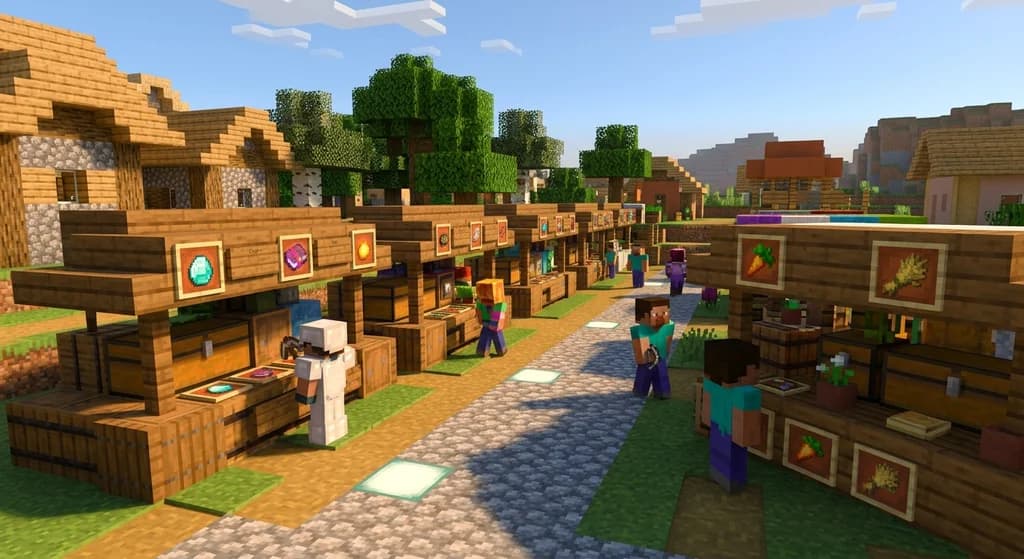
7 Best Items to Sell in Minecraft Player Chest Shops in 2026
Discover the 7 best items to sell in Minecraft chest shops in 2026. Maximize your SMP economy profits with this data-backed shop profit guide.
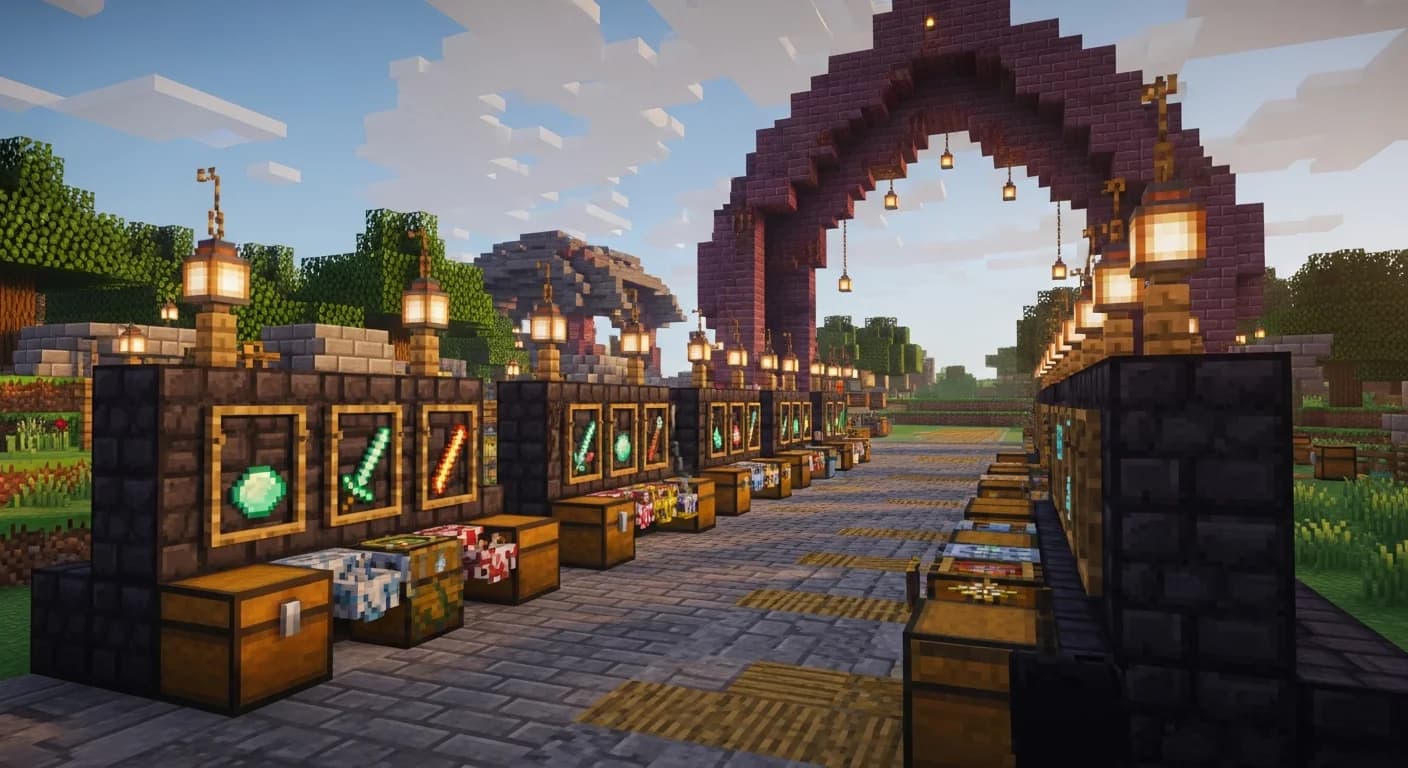
7 Best Items to Sell on Minecraft SMP Servers: 2026 Market Guide
Discover the 7 best items to sell on Minecraft servers in 2026. Maximize your SMP economy profits with this player market guide covering top-selling...
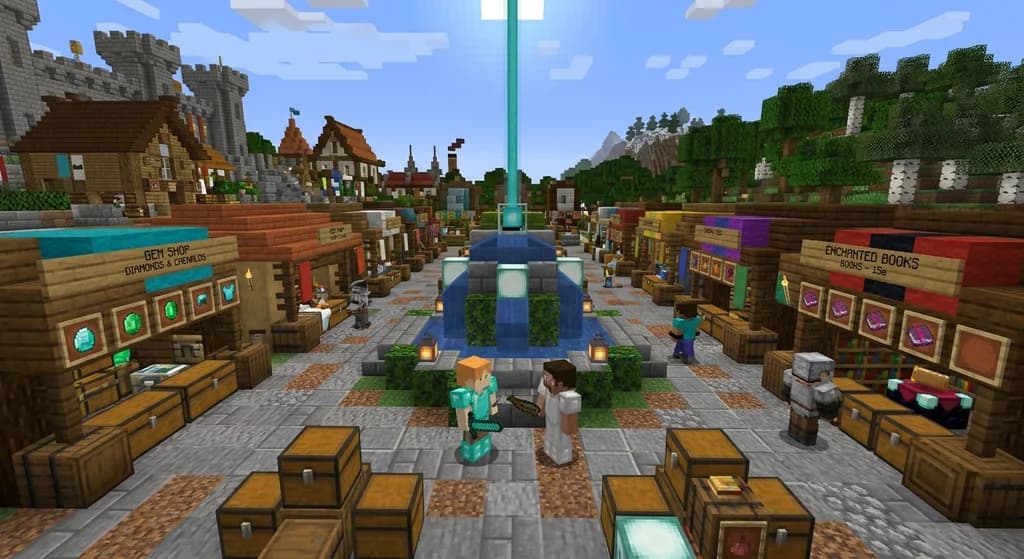
How to Price Items on a Minecraft Player Economy Server (2026)
Learn how to price items on a Minecraft player economy server in 2026. Master supply & demand, base costs, and market correction with tips from Gaia Legends.
How to Make Emeralds Fast with Minecraft Villager Professions in 2026
Learn the fastest ways to farm emeralds using Minecraft villager professions in 2026. Optimize trading halls, cure zombies, and master crop trading for...
Have a question or another approach?
Compare notes with other readers. Include your edition and version when discussing mechanics.