How to Transfer Enchantments Between Items on Minecraft Servers in 2026
Filed under Minecraft Items, Ranks & Progression · How we create content
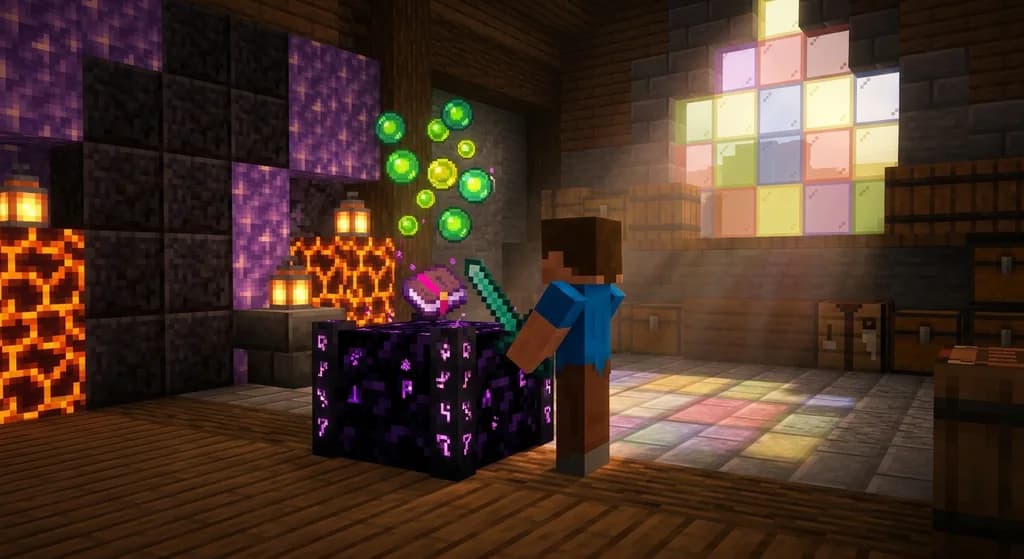
Key Takeaways
| Point | Details |
|---|---|
| Vanilla locks you in | In standard survival, a grindstone removes enchantments for XP but never transfers them to a new book or item. |
| Plugin power rules servers | Most SMPs use tools like EnchantmentTransposer or MMOItems to give you a GUI that lets you drag and drop enchantments between gear. |
| Shards are the secret currency | On Gaia Legends, collecting Transposer Shards from dungeons and trading posts is how you fuel every move without spending real money. |
| Always experiment on a test copy first | Bringing over a Curse of Vanishing by accident or losing compatibility can brick your best sword if you aren't careful. |
| Repair before you transfer | Items with low durability cost the same XP to move, and many servers block transfers on broken gear, so fix it at the anvil first. |
Table of Contents
- What Is Enchantment Transfer on Minecraft Servers?
- How Do Minecraft Servers Let You Move Enchantments?
- Why Can't I Transfer Enchantments in Vanilla Minecraft?
- Best Methods to Transfer Enchantments Between Items
- How to Transfer Enchantments Using an Enchantment Transposer Block
- Tips for Moving Enchantments Without Wasting Resources
- How to Put This Into Practice on Gaia Legends
- Frequently Asked Questions
- Recommended
You finally looted a Sharpness V, Looting III diamond sword from an End City—but your daily driver is a netherite blade with all the right durability mods. On a single-player world, you'd just stash the spare and move on. On a multiplayer server, wasting a perfect roll feels like throwing diamonds into lava. The question every player eventually asks is: can you transfer enchantments between items on a Minecraft server without losing everything?
On most servers in 2026, the answer is yes—and it's a game-changer. This guide breaks down every method you can use to move enchantments between gear, from vanilla grinder tricks to dedicated plugin blocks. You'll learn exactly what works, what costs experience, and how a single community-driven feature—the Enchantment Transposer on Gaia Legends—makes the whole process feel like magic.
What Is Enchantment Transfer on Minecraft Servers?
Enchantment transfer is the server-side process of moving one or more enchantments from a source item onto a target item that normally would not accept them, typically through a custom GUI, command, or interactive block that consumes experience levels and special shards.
In vanilla Minecraft, enchantments are permanently bound to the item they land on. You can combine two enchanted items of the same type on an anvil, but you can't peel Sharpness off an iron sword and stick it onto a trident. Server administrators bypass this limitation with plugins that treat enchantments as moveable data packets. These tools read the NBT tags of your gear and reassign them according to compatibility rules defined by the server.
Most server transfer systems follow three rules: the target item must share the same equipment slot (helmet to helmet, sword to sword), the enchantment must be compatible with the target, and the player must spend a cost—usually experience levels plus a server-specific token. The process rarely changes the item's lore, but it does shift the custom enchantment tags that make upgrading your Minecraft item rarity tier on servers feel so rewarding.
How Do Minecraft Servers Let You Move Enchantments?
Minecraft servers move enchantments by running plugins that intercept anvil logic, pull enchantment IDs from one item's NBT data, validate compatibility, and write them onto a second item while deducting XP and server tokens—all within a custom GUI or interactive block menu.
When you right-click a transfer station, the plugin scans both inventory slots. It reads the enchantment compound tags, cross-references a blacklist (most servers block treasure-only enchantments like Soul Speed from moving), and presents a confirmation dialog showing the XP cost. On Paper and Purpur server software, custom recipes in config.yml let owners balance these costs around their economy.
Pro Tip: Before you commit a transfer, hover your cursor over the result item in the GUI. Most plugins show a preview of the final enchantment list—if Mending disappears from the preview, cancel immediately and check whether your server considers it a curse on that item type.
The most popular Spigot plugin for this purpose averages over 2,000 active installs as of early 2026, with a 4.5-star rating (via SpigotMC). Server owners often pair these plugins with tools for creating custom enchantments so that rare spells from custom loot tables can also be rearranged.
Why Can't I Transfer Enchantments in Vanilla Minecraft?
Vanilla Minecraft locks enchantments to the item they were applied to because the game's code treats enchantments as immutable NBT tags that only change when the item is consumed, repaired, or combined with another identical item type on an anvil.
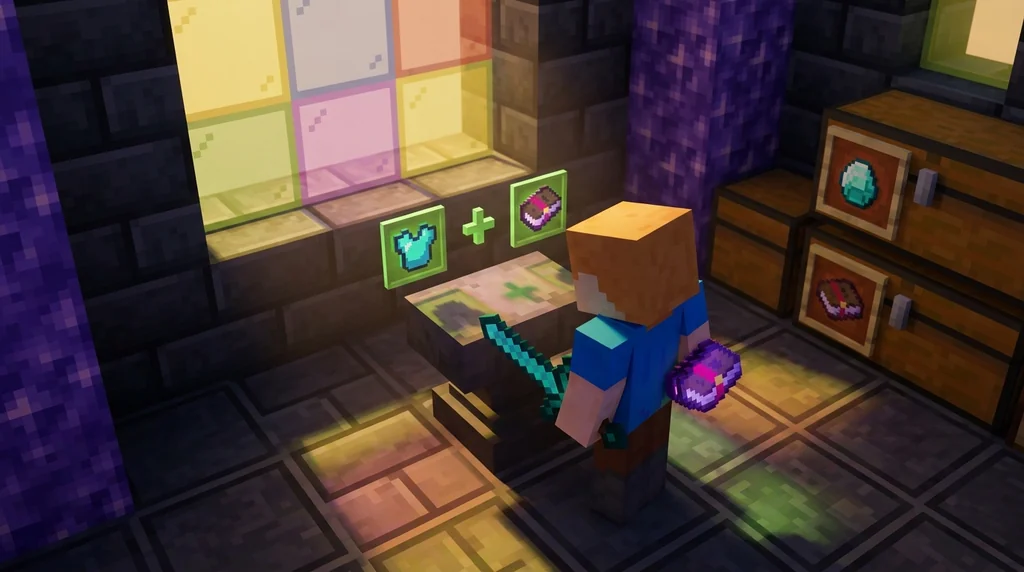
Mojang designed enchantments to create scarcity. If you could freely move Mending from a fishing rod to a helmet, the progression loop would collapse—players would only ever craft one set of enchanted books. The grindstone exists to strip enchantments, but it returns a tiny fraction of the original XP cost. It doesn't give you a book back; it just deletes the spells.
This design choice is one reason servers like Gaia Legends feel so different. On an SMP with a steady economy, locked enchantments punish players who experiment. You build a killer sword, then a dungeon drops a hidden item passive you want to pair with your existing blade—but you can't. Transfer mechanics bridge that gap.
Best Methods to Transfer Enchantments Between Items
The three most effective methods for moving enchantments on multiplayer servers are: the vanilla grinder cycle (partial XP recovery), plugin-based GUI transfer (full enchantment relocation), and interactive transposer blocks that consume server-specific shards for move actions.
Each method trades speed, cost, and enchantment retention differently. Here's how they compare:
| Method | Enchantment Retention | XP Cost | Server Resource Needed | Best For |
|---|---|---|---|---|
| Grinder Cycle | 0% (you lose all enchants, get XP) | Low | Villager trading hall | Re-rolling gear from scratch |
| Plugin GUI | 100% (all compatible enchants move) | Moderate (10-30 levels) | EnchantmentTransposer or similar | Preserving rare custom spells |
| Transposer Block | 100% (item-by-item slot mapping) | High (20-40 levels + shards) | Server-coded interactive block | Endgame gear consolidation |
Grinder Cycle
A full enchantment setup—villagers, an XP farm, and an anvil—lets you disenchant any item for experience points and then re-enchant a new base item. You lose all the original enchantments, but you recover roughly 12% of the XP originally spent. This method works on every server and doesn't require custom plugins, which is why speedrunners still use it when repairing custom items on servers without transfer access.
Plugin-Based GUI Transfer
The standout plugin for this purpose, EnchantmentTransposer, supports transferring up to 6 enchantments at once and works with custom enchants from EcoEnchants and ExecutableItems. Players open a chest-style menu, place the source and target items in designated slots, and click a confirm button. The XP cost scales with enchantment rarity—moving Efficiency V across two netherite pickaxes can cost up to 30 levels.
Note: On servers running MMOItems or ItemsAdder, always test a transfer with common gear first. Some custom items embed enchantments as ability scores rather than NBT tags, and a plugin transfer won't move them.
How to Transfer Enchantments Using an Enchantment Transposer Block
Using an Enchantment Transposer block involves right-clicking the station, placing the donor item in the left slot and the recipient item in the right slot, selecting which enchantments to move, and confirming the action with experience levels and Transposer Shards as fuel.
On Gaia Legends, the Enchantment Transposer is a physical block crafted from obsidian, amethyst, and a nether star. When you interact with it, a two-slot interface opens. The left slot holds the item you want to extract from; the right slot holds the item you want to enhance. Below the slots, a row of gray glass panes lights up purple for each enchantment eligible to move.
Step-by-Step Transfer
- Place your donor item (the one with the enchantments you want) in the left slot.
- Place your target item (the one you want to improve) in the right slot.
- Click each enchantment icon you wish to move—selected ones glow with a moving enchantment glint.
- Check the XP cost displayed in the bottom-right corner and ensure your inventory holds enough Transposer Shards.
- Hit the Transfer button. Both items update immediately: the donor loses the selected enchantments, the recipient gains them.
The system automatically blocks incompatible moves. You can't put Aqua Affinity on boots, and you can't move a curse unless the server has curse-transfer enabled. If you're consolidating gear from a recent loot filter farming session, the transposer can save you hours of re-rolling.
Warning: Items that cost shards to transfer cannot be refunded if the target item already carries a conflicting enchantment. Always strip conflicting spells with a grindstone on the target before slotting it into the transposer.
Tips for Moving Enchantments Without Wasting Resources
Always max out your target item's durability before a transfer, test on a spare copy of the same material, and hoard server shards during off-peak hours when dungeon loot tables are less contested by other players.
Costs can feel steep if you dive in blind. A single transfer of three enchantments between netherite pieces can run you 35 levels and 8 shards on some servers. Since trading unwanted custom items for server currency often funds your shard purchases, plan your economy loop before you start moving spells.
Efficiency V first, Mending last. The order you transfer enchantments matters for anvil-penalty calculations if your server honors vanilla anvil logic below the plugin layer. Move the most expensive enchantment first to minimize the cumulative XP penalty. Some players mistakenly transfer Curse of Binding onto a test helmet, rendering it unwearable—prestige rewards and perks on servers sometimes include curse removal tokens precisely for fixing these accidents.
How to Put This Into Practice on Gaia Legends
Gaia Legends ships with the Enchantment Transposer block at spawn and in every player's /warp craft location. This isn't a premium feature locked behind a paywall—it's available to every player from day one. You fuel transfers with Transposer Shards, which drop from dungeon bosses, vote crates, and the community marketplace.
Two features make our transfer system stand out: first, the shard cost scales with the enchantment's level, not a flat rate, so moving Protection I is cheap while Protection IV asks for meaningful investment. Second, the server's Item Prestige system tracks how many times a specific item has been modified—transferred items gain a subtle glow that intensifies with each successful transfer, creating a visual history of your gear.
Gaia Legends is free to join, non-pay-to-win, and supports Java + Bedrock crossplay. Join at gaialegends.pro and start your legend today.
Conclusion
Transferring enchantments between items on Minecraft servers isn't something vanilla supports—but the plugin ecosystem of 2026 makes it feel native. You've got three paths: the XP-recycling grinder loop for fresh starts, GUI-based transfer tools for surgical swaps, and interactive transposer blocks for endgame gear consolidation.
- Match your method to your goal: use a grinder to re-roll, a plugin GUI for mid-game shuffling, and a transposer block when every enchantment counts.
- Stockpile shards and experience before you start moving anything; the best transfer system in the world can't save you if you're broke.
- Test every transfer on a cheap copy first—compatibility quirks still sneak through even the best-coded plugins.
Your god sword is waiting. Go move those enchantments and make the gear you actually want to use.
Ready to play? Join Gaia Legends today — no pay-to-win, Java + Bedrock crossplay.
- Java:
join.gaialegends.pro - Bedrock:
join.gaialegends.pro— Port19132
Further reading
These references were recorded with the article; specific claims have not been matched to source excerpts.
Frequently Asked Questions
How do I transfer enchantments between items on a Minecraft server?
You'll need a server that runs an enchantment transfer plugin or a custom block like the Enchantment Transposer. Place the donor item and target item into the two-slot interface, select which enchantments to move, and confirm to pay the displayed XP and shard cost. The selected spells move instantly.
Can you move enchantments in vanilla Minecraft without mods?
No. Vanilla Minecraft only lets you combine two items of the same type on an anvil; you cannot extract enchantments into a book or move them to a different equipment type. A grindstone removes enchantments for XP but doesn't save the spells for reuse.
What is an Enchantment Transposer block on Gaia Legends?
It's a crafted interactive block that lets you strip enchantments from one item and apply them to another using experience levels and Transposer Shards. It shows a preview before you confirm and blocks incompatible enchantments automatically.
Does transferring enchantments on a server cost real money?
On fair servers, no. Most transfer systems use in-game XP and collectible shards as fuel. On Gaia Legends, Transposer Shards drop from dungeons and vote crates so you never need to spend real money, and the feature is available to all players from day one.
Why did my enchantment disappear when I tried to transfer it?
The transfer likely failed compatibility checks. Enchantments can't jump across equipment types (helmet to boots, sword to bow), and some servers blacklist treasure-only spells like Soul Speed. Always read the preview panel before confirming any transfer.
Can I transfer cursed enchantments on a Minecraft server?
Usually no unless the server explicitly allows it. Curse of Binding and Curse of Vanishing are blocked by default in most transfer plugins. Some endgame prestige rewards on custom servers grant one-time tokens to move or remove curses safely.
Related guides
How to Get Limited-Time Event Items on Minecraft Server (2026)
Learn how to get limited-time event items on Minecraft servers in 2026. Step-by-step guide to earning exclusive seasonal gear on SMPs like Gaia Legends.
How to Dismantle Custom Items for Crafting Materials on Minecraft Servers (2026)
Learn how to dismantle custom items on Minecraft servers to salvage rare crafting materials. Step-by-step guide, best plugins, and strategies for 2026.
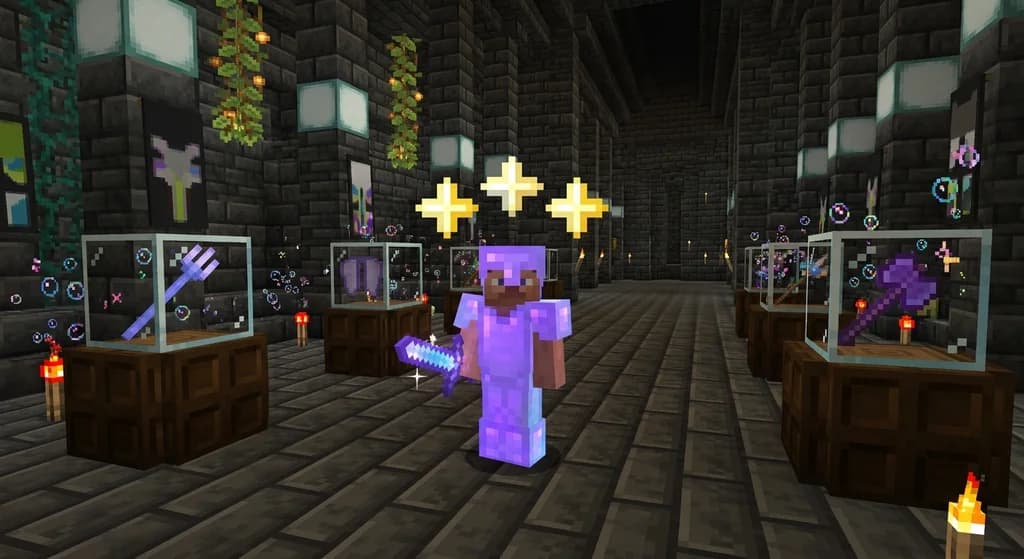
How to Earn Item Prestige Levels on Minecraft Servers in 2026
Master Minecraft item prestige levels in 2026. Learn best strategies, prestiging steps, and how to unlock powerful passives. Free server guide included.
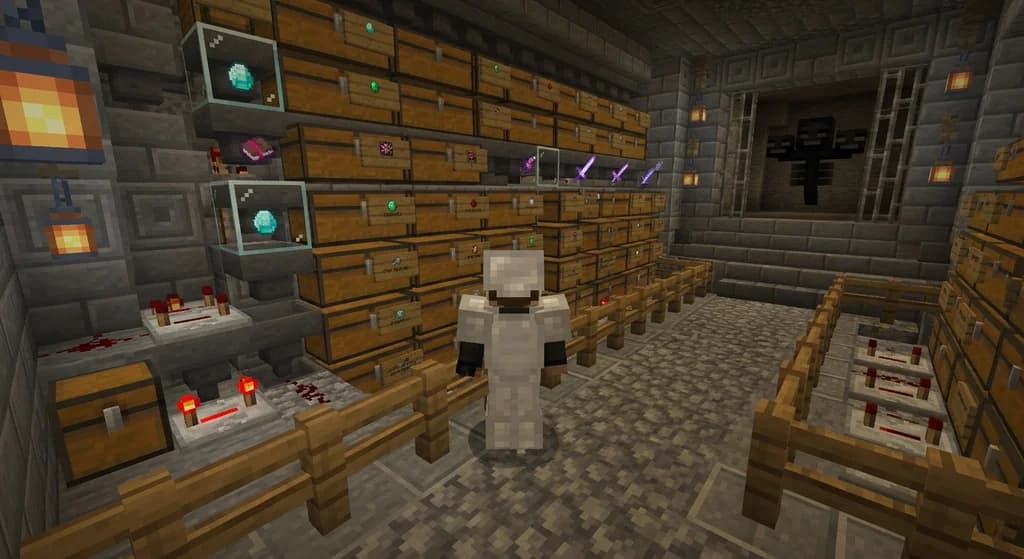
How to Use Minecraft Loot Filters to Find Valuable Server Items in 2026
Master Minecraft loot filters to quickly find rare server items in 2026. Learn custom item sorting, server loot filter setup, and tips for faster loot...
Have a question or another approach?
Compare notes with other readers. Include your edition and version when discussing mechanics.