How to Create Custom Enchantments on Minecraft Servers (2026)
Filed under Minecraft Items, Ranks & Progression · How we create content
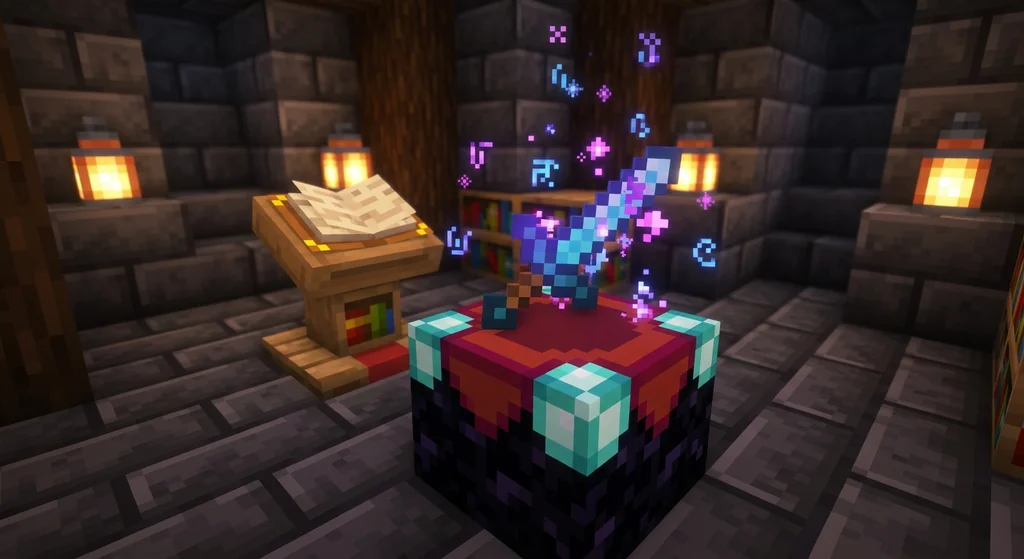
Key Takeaways
| Point | Details |
|---|---|
| Plugin choice is everything | AdvancedEnchantments and EcoEnchants are the top two custom enchantment plugins for 2026. |
| YAML configuration mastery | Every custom enchant's power, rarity, and conflict rules are controlled by editing simple text files on your server. |
| Balance defines your economy | Setting max enchant levels and disabling broken combos prevents one-shot kills and keeps your server fair. |
| Discovery drives engagement | Using an enchantment table GUI or custom loot tables makes finding rare enchants feel rewarding. |
| Gaia Legends uses a custom system | Our server integrates unique enchantments directly into the smithing table and quest rewards. |
Table of Contents
- What is a Minecraft Custom Enchantments Plugin?
- How to Install a Custom Enchantments Plugin on Your Server
- How to Configure Custom Enchantments Using YAML
- Why Does Balancing Custom Enchantments Prevent Server Ruin?
- How Do Players Obtain Custom Enchantments Without Breaking the Game?
- Top 4 Custom Enchantment Plugins for Minecraft 1.21+
- How to Put This Into Practice on Gaia Legends
- Frequently Asked Questions
- Recommended
Vanilla Minecraft gives you around 40 enchantments, but server players crave more. A minecraft custom enchantments plugin can triple that number, adding abilities like auto-smelting, lifesteal, or even lightning strikes to your gear. This guide will walk you through choosing a plugin, installing it, and configuring custom enchants so your server feels unique without becoming a chaotic mess.
What is a Minecraft Custom Enchantments Plugin?
A minecraft custom enchantments plugin is a server-side modification that adds new, non-vanilla enchantments to the game, ranging from combat abilities to utility perks, all configurable through simple text files. Instead of replacing the vanilla enchanting system, it usually extends it. You keep your Protection IV and Sharpness V, but you can now also find enchants like "Telekinesis" that instantly drops mined blocks into your inventory, or "Lifesteal" that heals you for a percentage of damage dealt.
These plugins are not mods; your players don't need to install anything. The server handles all the logic. When a player uses an enchantment table, opens a loot crate, or earns a reward from a quest, the plugin injects its custom enchants into the item's data. This makes them perfect for an SMP that wants to offer depth without creating barriers to entry. You can learn more about how custom items unlock deeper gameplay in our guide on unlocking hidden item passives on Minecraft servers.
How Custom Enchants Differ from Vanilla
Vanilla enchantments are hardcoded. Looting III always increases mob drops by 1 per level. A custom enchantments plugin lets you create "Headhunter III" that gives a 15% chance to drop a mob head, or "Experienced III" that grants double XP. The logic is brand new, written in Java by the plugin developer, but you control the numbers. This flexibility is why custom enchants are the backbone of many Minecraft item rarity tier systems on servers.
How to Install a Custom Enchantments Plugin on Your Server
Installing a custom enchantments plugin requires a Spigot, Paper, or Purpur server running Java 21, a downloaded plugin JAR file, and a server restart to generate the default configuration files. The process is identical to installing any other Bukkit plugin, but the initial configuration step is more critical because a misconfigured enchant can crash a server or create an invincible player.
- Choose a server jar: PaperMC or Purpur are recommended for 2026. They offer performance patches and API extensions that modern plugins rely on. Download the latest 1.21.x build.
- Download the plugin: Purchase or download your chosen plugin from a trusted marketplace like Polymart, BuiltByBit, or SpigotMC. Ensure it explicitly states compatibility with your server version.
- Upload the JAR: Stop your server. Place the plugin's
.jarfile into your server's/pluginsfolder. - Restart and configure: Start the server. The plugin will create a new folder inside
/pluginscontaining aconfig.ymland anenchants.yml(or similar). Stop the server again before editing these files to avoid data corruption.
Warning: Never edit YAML files while the server is running. A
/reloadcommand does not safely save complex plugin data and can lead to lost enchantments or corrupted player inventories. Always perform a full restart.
Verifying the Installation
After restarting, join your server and type /plugins. You should see your enchantment plugin listed in green. Then, type the plugin's main command (usually /ae for AdvancedEnchantments or /enchanter for others) to open the GUI. If the GUI opens, the plugin is working. If not, check your server's latest log file for errors. This process is very similar to setting up systems for trading custom items for server currency, where a clean plugin install is the first step to a working economy.
How to Configure Custom Enchantments Using YAML
Configuring custom enchantments means editing a YAML file to set the maximum level, applicable items, chance of obtaining, and conflict rules for every enchant, giving you precise control over server balance. YAML (YAML Ain't Markup Language) is a human-readable data format that uses indentation instead of brackets. A single extra space can break the file, so use a code editor like Notepad++ or VSCode, never a basic text editor.
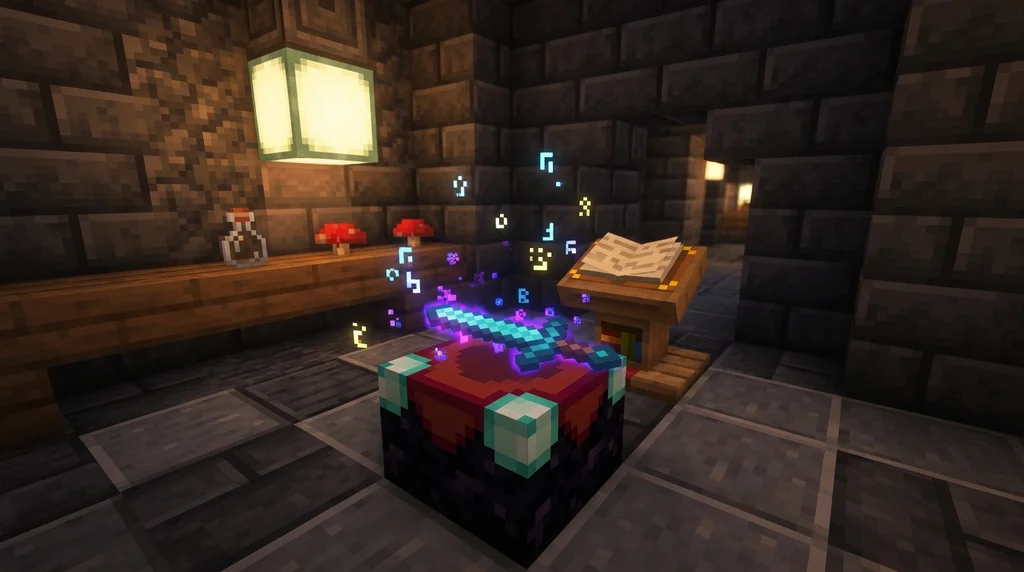
Here is a simplified example of what an enchant entry might look like in an enchants.yml:
enchants:
  Lifesteal:
    display-name: "Lifesteal"
    max-level: 3
    chance: 15.0
    items:
      - SWORD
      - AXE
    conflicts:
      - Sharpness
This snippet tells the plugin that Lifesteal can go up to level 3, has a 15% base chance to appear, only applies to swords and axes, and cannot be applied to an item that already has Sharpness. This conflict system is crucial; without it, players could stack multiple damage enchants and one-shot the Ender Dragon.
Key Configuration Options
- max-level: Controls the power ceiling. A higher max level usually means a stronger effect, but also a higher point cost in an anvil.
- chance: The percentage likelihood of this enchant appearing in an enchantment table slot. Rare enchants should have a low chance (1-5%).
- items: A whitelist of material types. Setting this incorrectly, like allowing a sword enchant on a pickaxe, can cause plugin errors.
- conflicts: A blacklist of other enchants. This is your primary tool for preventing overpowered item combinations.
Pro Tip: Start by copying the plugin's default configuration, then tweak one value at a time. Restart the server and test the change immediately. This iterative approach makes it easy to identify which change broke the game.
Why Does Balancing Custom Enchantments Prevent Server Ruin?
Balancing custom enchantments is the single most important administrative task because an overpowered enchant like a 50% instant-kill chance destroys PvP, crashes the in-game economy, and drives away new players who can't compete. The goal is to create side-grades, not upgrades. A player with a Lifesteal III sword should be able to beat a player with a Sharpness V sword through skillful play, not a stat check.
A common mistake new server owners make is setting the maximum level too high. A study of popular Minecraft servers shows that the most successful RPG servers cap custom enchantment power at roughly 30% stronger than a maxed-out vanilla equivalent (via Hypixel Forums). This prevents the "gear gap" from becoming insurmountable within a week of play.
The Economy Connection
Overpowered enchants inflate the economy. If one enchant is clearly the best, every player will grind for it. Its price in a player-run shop will skyrocket, and all other items become worthless. A balanced system creates demand for many different enchants. A miner might seek out Auto-Smelt, while a builder wants Replant, and a warrior wants Lifesteal. This diversity keeps your server's trade channels active and gives players a reason to repair custom items on Minecraft servers instead of throwing them away.
How Do Players Obtain Custom Enchantments Without Breaking the Game?
Players obtain custom enchantments through a modified enchantment table GUI, custom loot tables in structures, quest rewards, and a dedicated enchanter NPC, creating a rewarding progression path that feels earned rather than given. Simply handing out god gear from a kit is the fastest way to kill server longevity. The acquisition method should match the power level.
| Acquisition Method | Best For | Player Experience |
|---|---|---|
| Enchantment Table GUI | Common to Rare enchants | Familiar, uses existing XP and lapis mechanics |
| Custom Loot Tables | Rare to Epic enchants | Rewarding exploration of dungeons and bastions |
| Quest Rewards | Unique, untradeable enchants | Story-driven progression, high player engagement |
| Admin Shop / Enchanter NPC | Highly controlled, top-tier enchants | A money sink that removes currency from the economy |
Using custom loot tables is one of the most engaging methods. You can configure a plugin to add an enchanted book with a 5% drop chance from an Elder Guardian. This gives players a reason to revisit old content and explore your world. This ties directly into systems for earning rare items from quests, where the best rewards are often custom-enchanted books rather than raw diamonds.
The Enchanter NPC Strategy
Many servers use a virtual NPC that acts as a specialized enchanter. Players hand the NPC an item and a specific token or currency, and the NPC applies a custom enchant at a guaranteed rate. This is a powerful tool for removing excess currency from the game and giving players a guaranteed goal to work toward, similar to the mechanics described in our guide on unlocking prestige rewards and perks.
Top 4 Custom Enchantment Plugins for Minecraft 1.21+
The top custom enchantment plugins in 2026 are AdvancedEnchantments for its massive enchant library, EcoEnchants for its deep economic integration, ExcellentEnchants for its free and open-source model, and EnchantsSquared for its unique visual effects. Your choice depends on your server's theme, budget, and technical skill.
- AdvancedEnchantments (AE): The industry standard. It offers over 400 custom enchants and a robust GUI for players. It's a premium plugin but receives constant updates and has a massive community for support.
- EcoEnchants: Built by the EcoSuite team, this plugin is designed from the ground up to integrate with an in-game economy. It includes features like enchantment leveling and soulbound enchants that persist through death.
- ExcellentEnchants: A free and open-source alternative that has gained massive traction in 2026. It lacks the sheer volume of AE but is highly optimized, bug-free, and perfect for server owners on a budget.
- EnchantsSquared: Focuses on visually stunning enchants, like particle-heavy lightning strikes or fiery explosions. It's a great choice for a combat-focused server that wants to look flashy.
Note: Always check plugin reviews and last updated dates on SpigotMC.org or BuiltByBit. A plugin that hasn't been updated in 18 months is a security risk on a modern 1.21.x server.
How to Put This Into Practice on Gaia Legends
On Gaia Legends, we've built our custom enchantment system directly into the heart of our RPG progression. Instead of a separate plugin with a confusing GUI, our custom enchants are discovered through the smithing table and rare quest rewards. When you find a "Soulbound" enchantment tome in a dungeon chest, you can physically combine it with your favorite sword at a smithing table, watching the item transform before your eyes.
We've designed our enchants to complement our custom item rarities and hidden passives. A Legendary sword might have a unique passive that synergizes perfectly with a custom enchant, creating a build-defining item that feels truly yours. Gaia Legends is free to join, non-pay-to-win, and supports Java + Bedrock crossplay. Join at gaialegends.pro and start your legend today.
Conclusion
Custom enchantments are the most transformative feature you can add to a Minecraft server. They turn a simple diamond sword into a legendary weapon with a history and a playstyle. If you remember three things from this guide, let them be these:
- A minecraft custom enchantments plugin is server-side, meaning your players don't need to install anything.
- YAML configuration is your control panel for balance; master it to prevent an economic collapse.
- Acquisition methods like loot tables and quests are what make an enchant feel valuable, not just powerful.
Your server's next great adventure starts with a single custom enchant. Now get out there and enchant something awesome.
Ready to play? Join Gaia Legends today — no pay-to-win, Java + Bedrock crossplay.
- Java:
join.gaialegends.pro - Bedrock:
join.gaialegends.pro— Port19132
Further reading
These references were recorded with the article; specific claims have not been matched to source excerpts.
Frequently Asked Questions
What is the best minecraft custom enchantments plugin in 2026?
AdvancedEnchantments is widely considered the best premium plugin due to its 400+ enchants and active support. For a free option, ExcellentEnchants is a highly optimized, open-source alternative that runs smoothly on 1.21.x servers without any cost.
How do I make my own custom enchantment from scratch?
Creating a custom enchant from scratch requires writing a Java plugin using the Spigot/Paper API. You'll need to listen for events like damage or block break, apply your custom logic, and manage the enchant's lore on the item. Most server owners prefer configuring existing plugins instead.
Can players use custom enchantments without installing mods?
Yes. Custom enchantment plugins are server-side. Players join with a completely vanilla client and see the enchantments as colored lore text on their items. The server handles all the special effects and logic invisibly.
Why did my custom enchantment stop working after a server restart?
This usually happens if the YAML configuration file was edited while the server was online, causing the plugin to fail to save data properly. Always stop the server completely before editing config files, then restart it to apply changes safely.
How do I prevent custom enchantments from being too overpowered?
Use the conflict system in your config to block similar enchants from stacking, set low maximum levels, and test damage output extensively. A good rule is that a maxed custom weapon should be no more than 30% stronger than a maxed vanilla weapon.
How do I add custom enchantments to loot chests in my world?
Most plugins support custom loot tables. You edit the `loot.yml` config to specify which enchanted books can spawn in which vanilla structure chests, setting a percentage chance for each. This makes exploration the primary way to find rare enchants.
Related guides
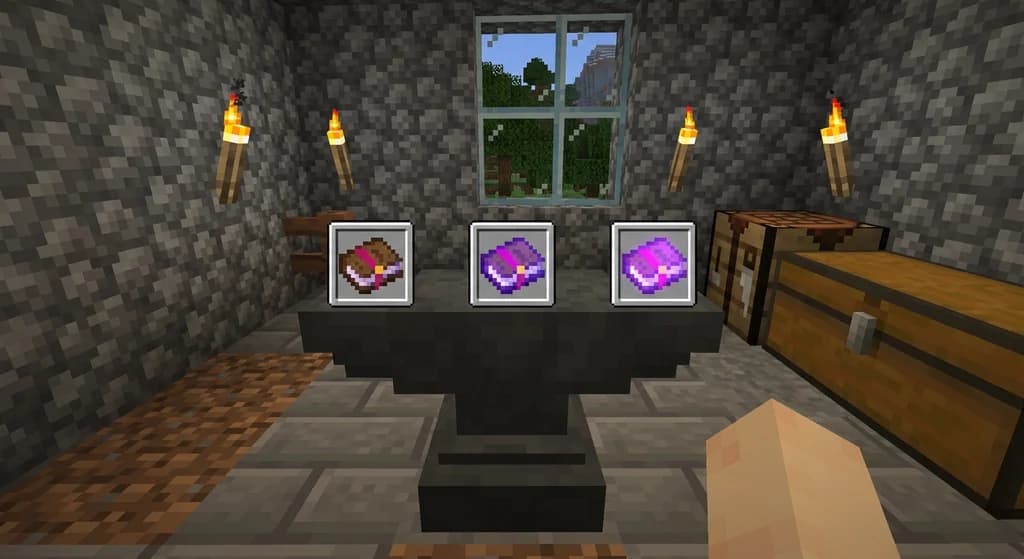
Combining Enchanted Books in Minecraft
Learn how to combine enchanted books in Minecraft. Discover the rules for upgrading and merging enchantments, the history of the feature in Java Edition, and key limitations.
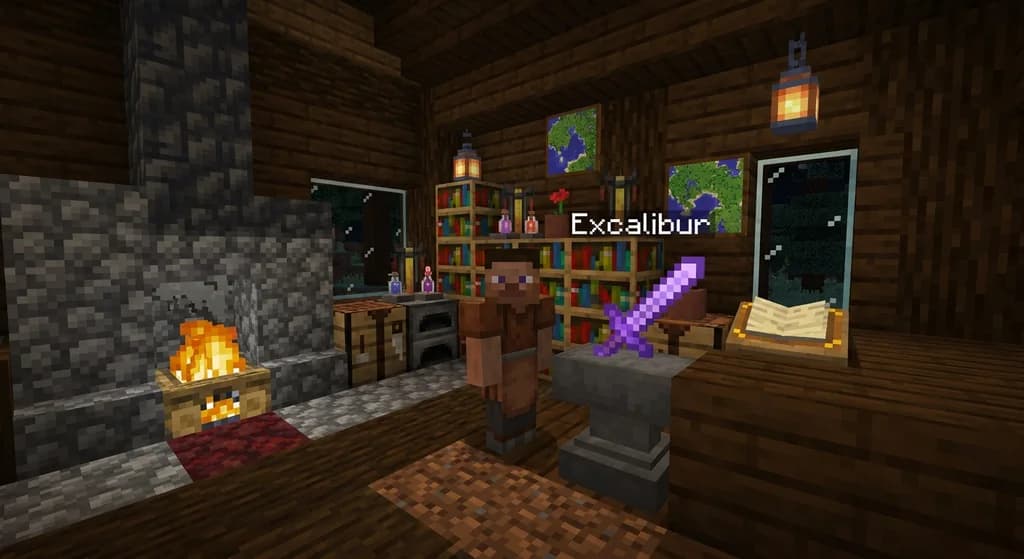
Custom Item Naming and Inventory Management in Minecraft Java Edition 1.4.2
Learn how to name custom items using NBT data in Minecraft Java Edition 1.4.2, plus the key inventory management upgrades introduced in snapshot 12w40a for map makers and players.
Minecraft Mods: Adding Custom Items and Progression Systems
Learn how Minecraft mods introduce custom items and progression systems. This quick reference explains the basics of modding new items, ranks, and server-side progression.
How the Ender Dragon's Ascension and Respawn Works in Minecraft
Discover how the Ender Dragon's death ascension works, how to respawn it using End crystals, the full 30-second respawn sequence, and key differences between Java and Bedrock editions.
Have a question or another approach?
Compare notes with other readers. Include your edition and version when discussing mechanics.