Custom Item Naming and Inventory Management in Minecraft Java Edition 1.4.2
Filed under Minecraft Items, Ranks & Progression · How we create content
Version scope: Java Edition 1.4.2
Key Takeaways
| Point | Details |
|---|---|
| Custom items in Java | Custom items in Java Edition 1.4.2 can be given a unique name using NBT data, specifically the [String] Name field. |
| Map makers can attach | Map makers can attach a lore history to items using the [NBT List / JSON Array] Lore list within the NBT structure. |
| Inventory management received a major quality-of-life upgrade | pressing number keys while hovering over an item swaps it with the corresponding hotbar slot. |
| Pick block (middle-click) now | Pick block (middle-click) now works on blocks represented as items in the inventory, such as redstone repeaters and tripwires. |
| Creative mode players can | Creative mode players can shift-click items to quickly transfer them between the hotbar and survival inventory. |
If you were building a custom Minecraft map or server back in 2012, Java Edition 1.4.2 (specifically snapshot 12w40a) was a quiet but powerful update. It introduced two significant features: the ability to name custom items using NBT data, and a suite of inventory management improvements that made organizing your gear much smoother.
How NBT Data Powers Custom Item Names and Lore
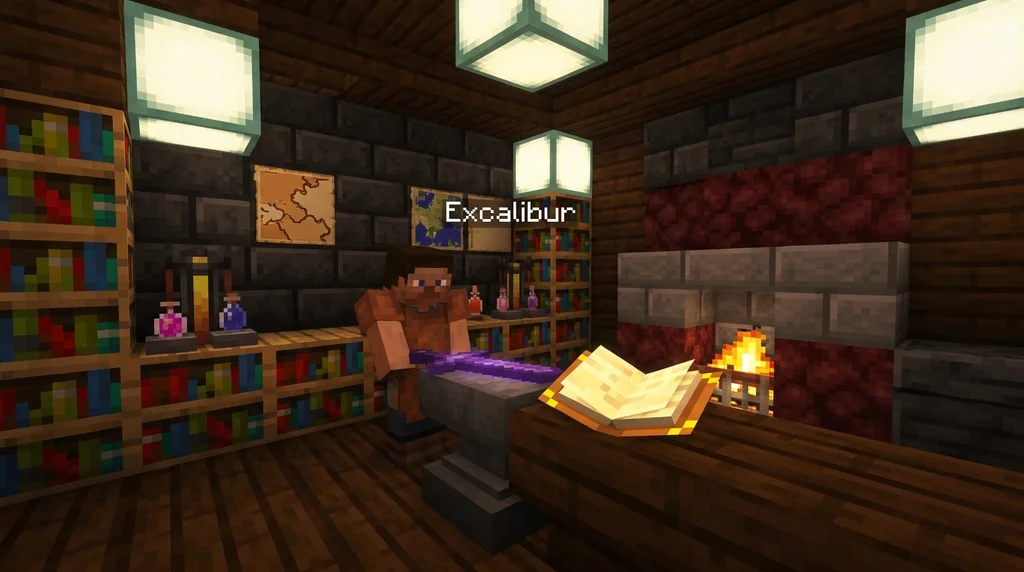
The headline feature for map makers and server operators was the introduction of the NBT format for items. This was a direct tool for creators who wanted to add depth to their worlds.
Java Edition 12w40a officially documented the new capability:
NBT format Custom items can now be named using NBT data (intended for custom map makers).
This meant you could now move beyond generic tooltips. By editing the NBT data of an item, you could give it a distinct identity.
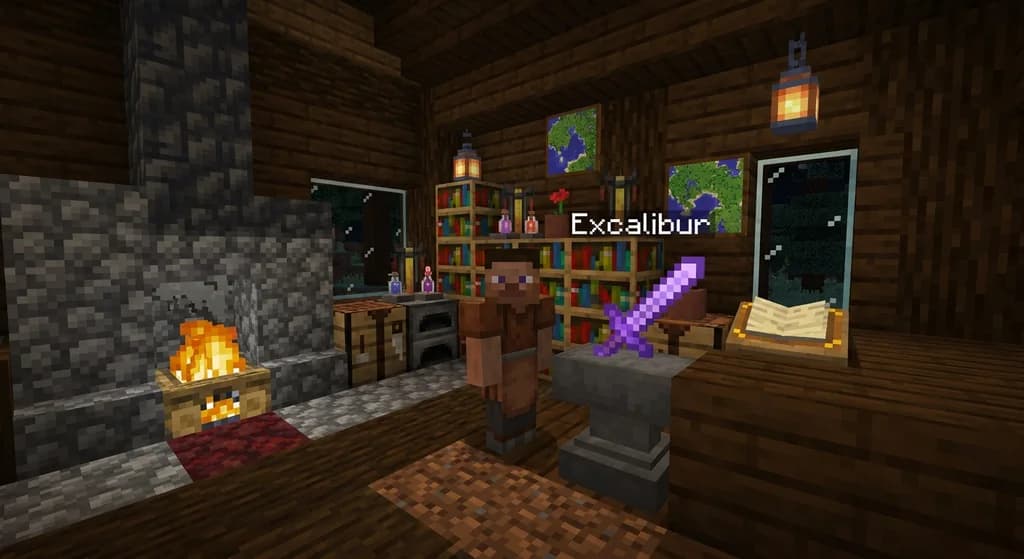
Using the NBT, it is possible to add custom [String] Name to items, as well as a [NBT List / JSON Array] Lore list for that item.
This gave creators two powerful tools:
- Custom Name: A simple
[String] Namefield allowed you to rename any item. A standard iron sword could become 'Sting of the Queen' or a plain diamond pickaxe could be 'The Mountain Breaker'. - Lore List: The
[NBT List / JSON Array] Lore listallowed you to attach a history or description to the item, visible to players. This was a huge step forward for immersive, story-driven map design.
For a modern take on this, check out our guide on Minecraft Mods: Adding Custom Items and Progression Systems.
Inventory Management Improvements in Snapshot 12w40a
The same snapshot didn't just stop at item customization. It brought several 'better management' changes to the inventory screen that players felt immediately.
Inventory Better management.
Hotkey Swapping
A massive time-saver was the new hotkey behavior. Instead of manually dragging items, you could now hover over an item in your inventory and press a number key (1-9).
Pressing the 1-9 hotkeys while hovering over an item puts that item into the corresponding hotbar slot.
If the slot was already occupied, the items would swap positions, making hotbar management incredibly fluid.
Pick Block and Creative Mode Enhancements
The pick block action (usually middle-click) was refined to work on blocks represented as items in the inventory, such as redstone repeaters, redstone dust, and tripwire.
For players in Creative mode, the update introduced shift-clicking to quickly transfer items between the hotbar and the Survival inventory.
In Creative mode, players can now shift-click items between the hotbar and the Survival inventory.
Finally, a subtle but important change prevented left-click actions from accidentally opening doors, pulling levers, pushing buttons, or opening trapdoors while interacting with the inventory.
The left-click action no longer opens doors, pulls levers, pushes buttons or opens trapdoors.
This change made inventory management less frustrating, as you no longer risked triggering world interactions while trying to rearrange your items.
For players on modern servers, learning How to Check Custom Item Leveling on a Minecraft Server can help you track your progress.
Sources
- NBT format Custom items can now be named using NBT data (intended for custom map makers). — Java Edition 12w40a
- Using the NBT, it is possible to add custom \[String\] Name to items, as well as a \[NBT List / JSON Array\] Lore list for that item. — Java Edition 12w40a
- Inventory Better management. — Java Edition 12w40a
- Pressing the 1-9 hotkeys while hovering over an item puts that item into the corresponding hotbar slot. — Java Edition 12w40a
- In Creative mode, players can now shift-click items between the hotbar and the Survival inventory. — Java Edition 12w40a
- The left-click action no longer opens doors, pulls levers, pushes buttons or opens trapdoors. — Java Edition 12w40a
Frequently Asked Questions
Can I still use NBT data to name items in modern Minecraft?
Yes, the NBT format and the ability to name items have been expanded upon in later versions of Java Edition. The fundamentals introduced in 1.4.2 remain the foundation for custom item creation and are widely used by map makers and server plugins today.
Is this feature available in Bedrock Edition?
No, this specific NBT naming implementation was introduced in the Java Edition. Bedrock Edition utilizes different scripting and data structures for custom items and inventory management. The `/give` command and item naming syntax in Bedrock function differently from the early NBT system in Java Edition 1.4.2.
Related guides
Minecraft Mods: Adding Custom Items and Progression Systems
Learn how Minecraft mods introduce custom items and progression systems. This quick reference explains the basics of modding new items, ranks, and server-side progression.
How to Check Custom Item Leveling on a Minecraft Server
Check a Minecraft server's custom item rules before grinding. Identify the documented XP source, track progress, and verify upgrade costs and resets.
How to Reroll Custom Item Stats on Minecraft Servers: 2026 Tutorial
Learn how to reroll custom item stats on Minecraft servers in 2026. Master reforging anvil mechanics, strategies for god rolls, and avoid common mistakes.
How to Unlock Minecraft Prestige Rewards and Perks on Servers in 2026
Discover how Minecraft prestige rewards and perks work in 2026. Learn to unlock ranks, cosmetics, and gameplay boosts step-by-step on SMPs and minigame...
Have a question or another approach?
Compare notes with other readers. Include your edition and version when discussing mechanics.