How to Create a Minecraft Server Staff Application Form (2026)
Filed under Minecraft Community & Social Play · How we create content
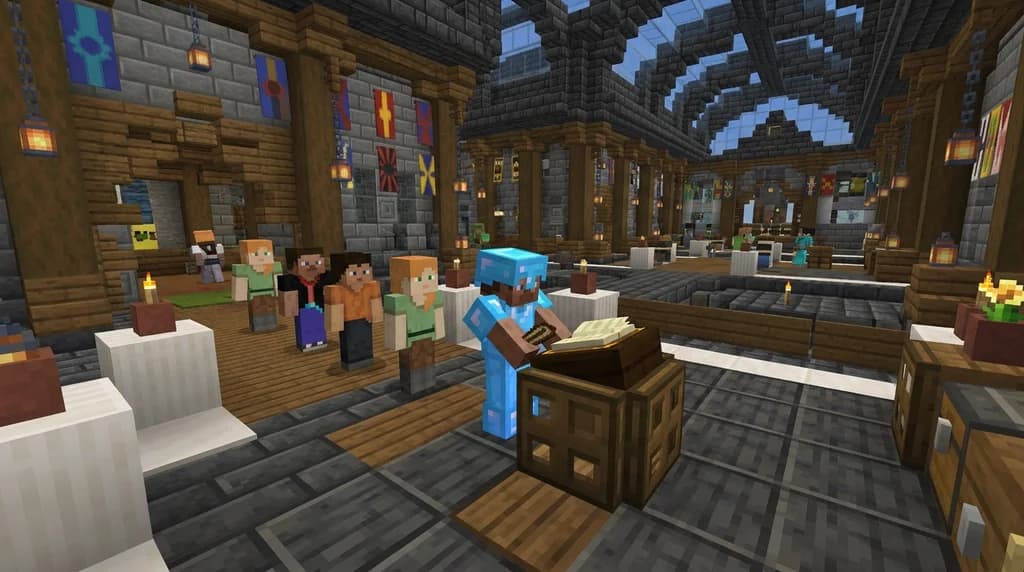
Key Takeaways
| Point | Details |
|---|---|
| Define roles first | Identify exactly which staff positions you need (moderator, builder, admin) to tailor your application questions. |
| Use a structured platform | Google Forms, Discord bots, or custom plugins streamline submissions and make review easier. |
| Ask scenario-based questions | Test problem-solving and rule knowledge with realistic in-game situations. |
| Implement a scoring rubric | A consistent scoring system helps remove bias and compare candidates fairly. |
| Include a trial period | New staff should pass a probationary phase before gaining full permissions. |
| Communicate decisions | Always notify applicants of acceptance or rejection to maintain community goodwill. |
Table of Contents
- What Is a Minecraft Server Staff Application Form?
- Why Does Your Server Need a Formal Staff Application Process?
- How to Build an Effective Staff Application Form
- Best Questions to Include on Your Staff Application
- How Do You Review Applications and Select Staff Fairly?
- Tips for Managing Your Staff Recruitment Pipeline
- How to Put This Into Practice on Gaia Legends
- Conclusion
- Recommended
Every Minecraft server owner knows the struggle: you need more hands to moderate chat, build spawn, or run events, but the moment you open recruitment, your Discord floods with one-word applications. A well-designed Minecraft server staff application form is the filter that separates serious candidates from the noise. In this guide, you’ll learn how to create an application that attracts qualified staff, what questions to ask, and how to review submissions fairly—all while keeping your community drama-free. Whether you run a survival SMP, a roleplay world, or a minigame network, a formal application process is the first step toward a reliable team.
What Is a Minecraft Server Staff Application Form?
A Minecraft server staff application form is a structured questionnaire that server owners use to collect information from players who want to become moderators, builders, admins, or other staff members, replacing chaotic DMs with a standardized screening process.
Instead of receiving random Discord messages saying “can i be mod,” you direct candidates to a form where they answer questions about their experience, availability, knowledge of your server rules, and how they would handle specific situations. This approach lets you compare applicants side by side, spot red flags early, and ensure every staff member shares your server’s values. A clear application process sets expectations early, which can reduce staff turnover (via SpigotMC Wiki).
Why Does Your Server Need a Formal Staff Application Process?
A formal application process saves you hours of manual screening, reduces staff drama, and ensures that every team member is vetted against the same criteria, building a more stable and trustworthy staff team.
Without a structured process, you’re relying on gut feelings and quick chats. That’s how you end up with a moderator who abuses power or a builder who ghosts after one project. By requiring every candidate to complete the same application, you create a fair, transparent system. It also shows applicants that you take your server seriously—mature players are more likely to apply when they see a professional approach. PlanetMinecraft’s community blog notes that servers with detailed application forms attract more mature applicants (via PlanetMinecraft).
Warning: Skipping an application process and promoting friends directly can quickly poison your community, leading to favoritism accusations and mass player departures.
A well-run staff team also powers your server’s events and long-term growth. For example, a dedicated events team can execute large-scale community events that keep players engaged, while a moderation team ensures fair play—both of which require reliable staff vetted through applications.
How to Build an Effective Staff Application Form
Building an effective staff application form starts with choosing the right platform, defining your roles, and crafting questions that reveal a candidate’s true personality and skills.
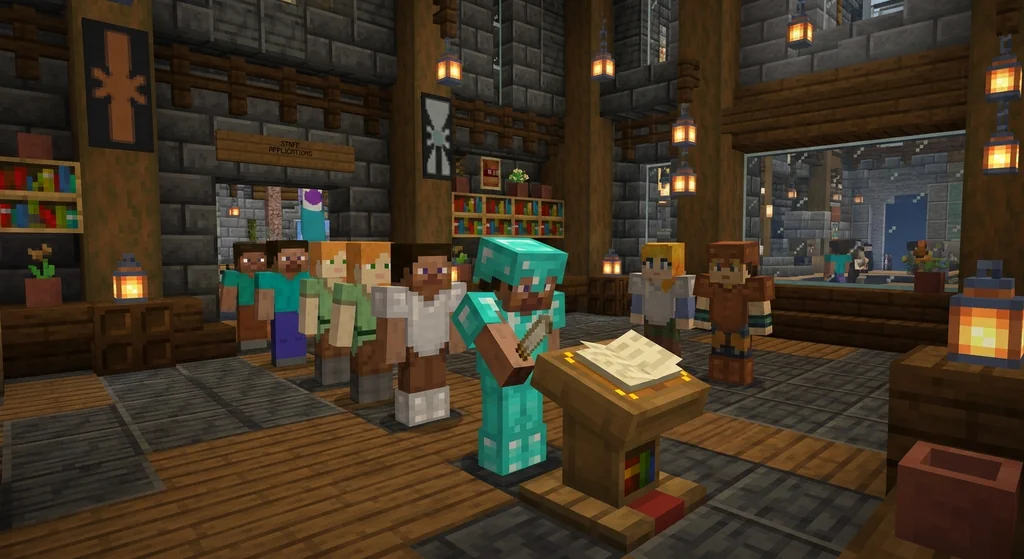
Choose Your Platform
Most server owners use Google Forms because it’s free, easy to set up, and integrates with Discord via webhooks. Google Forms is the most popular platform for server staff applications due to its ease of use and integration with Discord (via SpigotMC). Alternatively, you can use a Discord bot like Ticket Tool or a custom plugin on your server that lets players apply in-game. The key is to pick a tool that automatically collects responses in one place.
Define Staff Roles
Before writing questions, list every staff position you need. Common roles include:
- Moderator – enforces rules, mutes/kicks troublemakers, helps players.
- Builder – constructs spawn, event arenas, and server landmarks.
- Admin – manages plugins, config files, and server backend.
- Event Coordinator – plans and hosts community activities.
- Content Creator – makes videos, streams, or social media posts.
Each role requires different skills, so tailor your application sections accordingly. For a roleplay server, you might also need lore masters or character moderators—check out roleplay server features to see how staff can enhance immersion.
Structure the Form
A good application has three parts:
- Basic information – username, age (if required), timezone, Discord tag.
- Experience and skills – previous staff roles, building portfolio, plugin knowledge.
- Scenario questions – how they would handle a rule-breaker, a conflict with another staff member, or a server crisis.
Pro Tip: Use required markers only for essential fields. Too many mandatory questions can scare off good candidates who just want to show their interest.
Best Questions to Include on Your Staff Application
The best staff application questions combine factual background checks with open-ended scenarios that reveal a candidate’s judgment, communication style, and alignment with your server’s culture.
Here’s a comparison of question types and what they assess:
| Question Type | Example | What It Reveals |
|---|---|---|
| Availability | “How many hours per week can you dedicate, and which timezone are you in?” | Reliability and coverage gaps |
| Rule Knowledge | “What is our policy on griefing? Describe a situation where you’d enforce it.” | Understanding of server rules |
| Conflict Resolution | “Two players are arguing in chat. Walk us through your response step by step.” | De-escalation skills |
| Past Experience | “Have you been staff on another server? If so, why did you leave?” | Commitment and references |
| Motivation | “Why do you want to be staff on our server specifically?” | Genuine interest vs. power-seeking |
BuiltByBit forum users recommend including scenario-based questions to test problem-solving (via BuiltByBit). For roleplay-heavy servers, you might also ask applicants to demonstrate knowledge of roleplay etiquette rules or create a sample character backstory.
Note: If your server has a player government or election system, ask how they would interact with elected officials—this ties directly to establishing a player government.
How Do You Review Applications and Select Staff Fairly?
Fair staff selection requires a consistent scoring rubric, a multi-reviewer system, and a trial period that lets you evaluate real performance before granting full permissions.
Create a Scoring Rubric
Assign points to each answer (e.g., 1–5) based on clarity, maturity, and alignment with server values. For example:
- 5 – Exceptional answer, shows deep understanding and initiative.
- 3 – Adequate but lacks detail.
- 1 – One-word or irrelevant.
Add up scores to rank candidates. This removes gut-feel bias and helps you justify decisions if questioned.
Involve Trusted Staff
Never review applications alone. Have at least one other senior staff member score each application independently, then compare notes. This double-blind approach catches red flags you might miss and prevents favoritism.
Implement a Trial Period
A trial period for new staff helps evaluate performance before granting full permissions (via PaperMC Docs). During the trial (usually 1–2 weeks), limit their powers and assign a mentor. If they handle the pressure well, promote them; if not, thank them and move on.
Pro Tip: Use a private Discord channel for trial staff to ask questions and receive feedback—this builds confidence and reveals how they interact with the team.
Tips for Managing Your Staff Recruitment Pipeline
Managing your recruitment pipeline means keeping the application open continuously, communicating with applicants, and nurturing a pool of potential staff even when you’re not actively hiring.
- Keep applications open year-round. You never know when a staff member will go inactive. A steady trickle of applications gives you a ready bench.
- Respond to every applicant. A simple “We’ve received your application and will review it within 7 days” goes a long way. Ghosting applicants damages your server’s reputation.
- Create a waitlist. If you have more qualified candidates than positions, tell them they’re on a shortlist and reach out when a spot opens.
- Offer feedback. For rejected applicants who showed potential, give 2–3 sentences of constructive advice. They may reapply later and become your best staff.
- Document everything. Keep a spreadsheet with applicant scores, notes, and final decisions. This protects you if disputes arise and helps refine your process over time.
If your server runs donation drives or paid perks, your staff must handle money ethically. Refer to our guide on hosting a donation drive ethically to train staff on transparency. Also, staff often moderate player-run projects like a server newspaper, so their judgment matters.
How to Put This Into Practice on Gaia Legends
On Gaia Legends, we use a custom Google Forms application tailored to our SMP and roleplay community. Applicants answer scenario questions about griefing, chat moderation, and event planning, plus a section where they describe their ideal staff contribution. Our senior team scores each application with a shared rubric, and every new staff member undergoes a two-week trial with limited perms.
Gaia Legends is free to join, non-pay-to-win, and supports Java + Bedrock crossplay. Whether you want to apply for staff or just enjoy a drama-free community, we’d love to have you. Join at gaialegends.pro and start your legend today.
Conclusion
A well-designed staff application form is the backbone of a healthy Minecraft server—it filters out time-wasters, attracts dedicated helpers, and builds a team that shares your vision.
- Define your staff roles and tailor questions to the skills you need.
- Use a scoring rubric and trial period to make fair, informed hiring decisions.
- Keep your pipeline active and treat every applicant with respect.
Take an hour this week to set up your own application form. The payoff—a drama-free, capable staff team—is one of the best investments you can make for your server’s future.
Recommended
- Top 7 Best Melee Weapons for Minecraft Boss Fights (2026) | Gaia Legends
- How to Tell if a Minecraft Server IP is Safe: 7 Warning Signs (2026) | Gaia Legends
- How to Unlock and Use Artifact Weapons in Minecraft MMORPGs (2026) | Gaia Legends
- How to Submit a Minecraft Speedrun to the Leaderboards (2026) | Gaia Legends
Ready to play? Join Gaia Legends today — no pay-to-win, Java + Bedrock crossplay.
- Java:
join.gaialegends.pro - Bedrock:
join.gaialegends.pro— Port19132
Further reading
These references were recorded with the article; specific claims have not been matched to source excerpts.
Frequently Asked Questions
How do I create a Minecraft server staff application form?
Start by defining your staff roles, then choose a platform like Google Forms or a Discord bot. Build a form with three sections: basic info, experience, and scenario questions. Use a scoring rubric to review answers objectively, and always include a trial period before granting full permissions.
What questions should I ask on a staff application?
Ask about availability, rule knowledge, past experience, and motivation. Include scenario-based questions like “How would you handle two players arguing in chat?” to test problem-solving. Tailor questions to the role—builders might submit a portfolio, while moderators need conflict-resolution skills.
How do I review staff applications fairly?
Create a scoring rubric with points for each answer (1–5). Have at least two senior staff members score applications independently, then compare notes. This double-blind method reduces bias and helps you justify decisions if questioned.
Should I use Google Forms or a plugin for staff applications?
Google Forms is free, easy to set up, and integrates with Discord webhooks, making it the most popular choice. Plugins or Discord bots can offer in-game application features, but they require more technical setup. Choose whichever fits your server’s workflow best.
How long should a trial period for new staff be?
A trial period of 1–2 weeks is standard. During this time, limit permissions and assign a mentor to guide the new staff member. Evaluate their performance, communication, and reliability before promoting them to full staff.
How do I handle rejected applicants?
Always notify applicants of the decision, even if rejected. A polite message thanking them for their time maintains goodwill. If they showed potential, offer 2–3 sentences of constructive feedback so they can improve and reapply later.
Related guides
How to Write a Minecraft Server Code of Conduct in 2026
Learn how to write a Minecraft server code of conduct in 2026: practical templates, enforcement tips, and community-first wording that reduce griefing and...
Minecraft LAN Party Server Requirements
Get the exact hardware, software, and network requirements for hosting a Minecraft Java Edition LAN party. Includes CPU, RAM, Java version, and performance tuning tips.
Minecraft Capes: A Quick Reference
A complete quick reference to Minecraft capes. Learn what capes are, how to earn them in Java and Bedrock, and discover rare capes like the Yearn Cape, Migrator Cape, and MINECON capes.
Simulation Distance in Minecraft: Java vs Bedrock Comparison
Understand how simulation distance works in Minecraft Java and Bedrock editions. Compare settings, performance impact, and entity visibility rules for better gameplay.
Have a question or another approach?
Compare notes with other readers. Include your edition and version when discussing mechanics.