Minecraft LAN Party Server Requirements
Filed under Minecraft Community & Social Play · How we create content
Version scope: Minecraft Java Edition (PC)
Key Takeaways
| Point | Details |
|---|---|
| CPU single-core speed is | CPU single-core speed is the most critical hardware factor for hosting a Minecraft LAN server. |
| Allocate at least 1 | Allocate at least 1 GB of RAM to the server process (-Xmx 1G), plus extra memory for the operating system and desktop environment. |
| The required Java version | The required Java version changes with Minecraft updates; JRE 21 is required for versions 1.20.5 and later. |
| Players connect using the | Players connect using the host's local IP address; no port forwarding is required for a pure LAN party. |
| The Java Edition client | The Java Edition client explicitly displays 'Multiplayer (LAN)' in its window title when connected to a local server. |
| Use the soft max heap argument (`-XX | SoftMaxHeapSize=1G`) to manage memory efficiently during long sessions. |
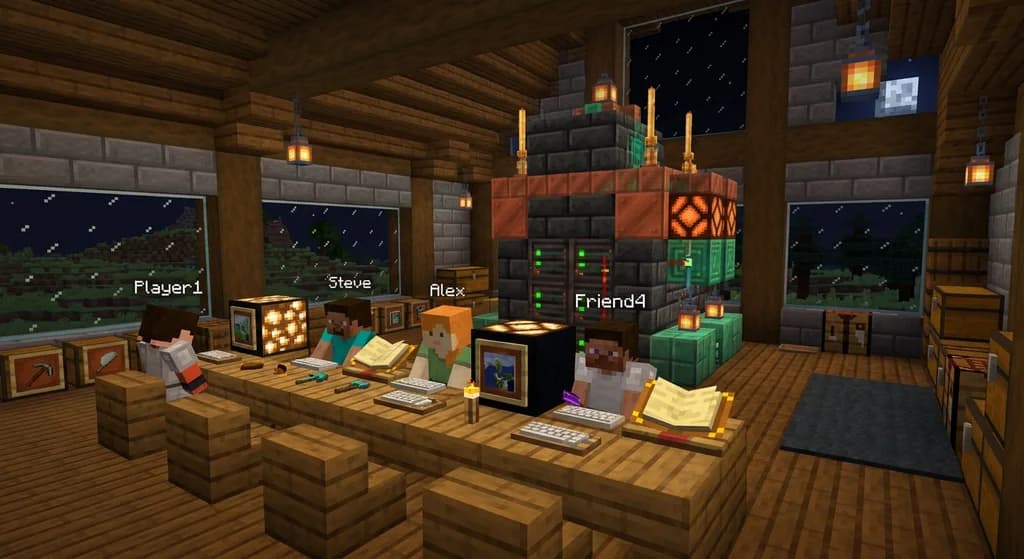
Planning a Minecraft LAN party? You don't need a datacenter—just a capable PC on your local network running the official server.jar. This quick reference covers exactly what you need for a smooth local multiplayer session with Minecraft Java Edition.
Hardware Requirements for a Dedicated LAN Server
The most critical component is your CPU. Minecraft's server tick rate relies heavily on single-threaded performance, though it can use a few cores.
A CPU with good single-core performance. A CPU with good single-core performance.
Memory is the next bottleneck. The server process needs a guaranteed minimum allocation, and your operating system requires its own pool to avoid laggy desktop performance.
At least 1 GB of RAM allocated for the server to run (-Xmn 128M -Xmx 1G). At least 1 GB of RAM allocated for the server to run (-Xmn 128M -Xmx 1G). If you are using Windows or a desktop-based Linux distribution, you should have at least 1 GB of additional physical RAM in the computer, so the graphics on the desktop don't become laggy. If you are using Windows or a desktop-based Linux distribution, you should have at least 1 GB of additional physical RAM in the computer, so the graphics on the desktop don't become laggy.
Software and Java Version Requirements
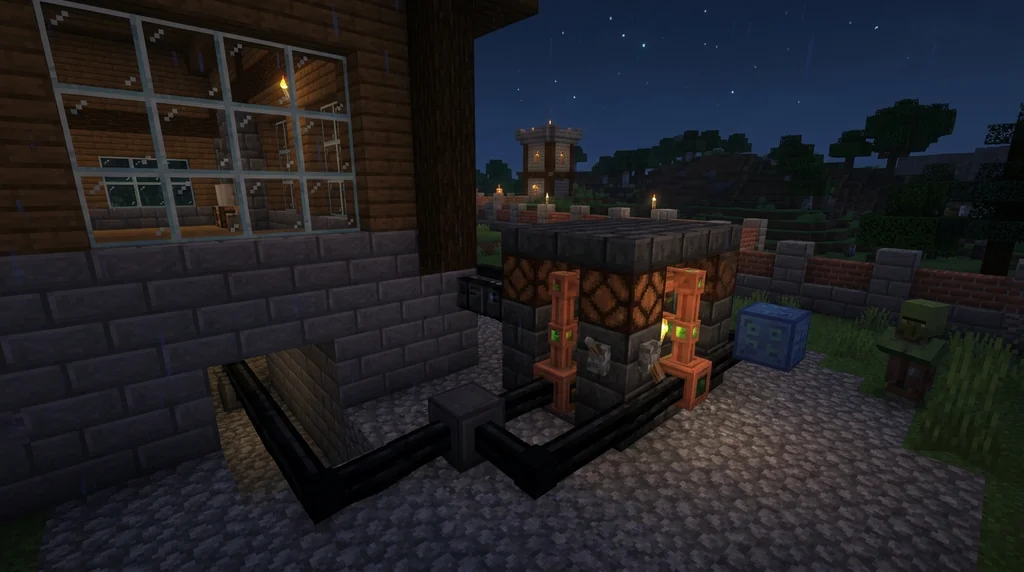
The Minecraft server is a Java application, so the correct runtime environment is mandatory.
A Java runtime (JRE), version 8 or higher. A Java runtime (JRE), version 8 or higher. The specific version required has risen over time. For the latest releases: For version 1.20.5, JRE version 21 is required. For version 1.20.5, JRE version 21 is required.
Network Configuration for Local Play
The beauty of a LAN party is that no port forwarding or public IP configuration is required. All traffic stays on your local router. Players connect via the host's local IP address (e.g., 192.168.x.x:25565). You can verify the connection type directly from the game client.
the window title also specifies the type of multiplayer server the player is on, such as on a LAN or third-party server. If applicable, the window title also specifies the type of multiplayer server the player is on, such as on a LAN or third-party server.
Tuning Your Server for Performance
The official Minecraft server requirements page recommends specific Java arguments for a LAN party setup to manage memory efficiently. For example, setting a soft cap at 1 GB while allowing the server to use up to 2 GB when necessary. In your server.properties file, keep simulation-distance and max-players reasonable for your hardware to prevent lag as your world grows.
For more details on running the server software itself, check out our Java Edition Server Software Quick Reference. You can also find a full list of configuration options in our Minecraft Server.properties Reference.
Sources
- A CPU with good single-core performance. — Server/Requirements
- At least 1 GB of RAM allocated for the server to run (-Xmn 128M -Xmx 1G). — Server/Requirements
- If you are using Windows or a desktop-based Linux distribution, you should have at least 1 GB of additional physical RAM in the computer, so the graphics on the desktop don't become laggy. — Server/Requirements
- A Java runtime (JRE), version 8 or higher. — Server/Requirements
- For version 1.20.5, JRE version 21 is required. — Server/Requirements
- If applicable, the window title also specifies the type of multiplayer server the player is on, such as on a LAN or third-party server. — Java Edition 1.15.2
Frequently Asked Questions
Can I host the LAN server on the same computer I play on?
Yes, it is possible to run the server and client on the same machine. However, this significantly increases the load on your CPU and RAM. You should allocate at least 2 GB of RAM to the server (`-Xmx 2G`) and ensure your CPU has strong multi-core performance to handle both processes. A dedicated machine is highly recommended for groups larger than 3-4 players.
What version of Java do I need for my LAN server?
The required Java version depends on your Minecraft server version. Older versions need JRE 8 or higher. Minecraft 1.18 requires JRE 17, and versions 1.20.5 and above require JRE 21. Always check the official server requirements for your specific build.
Do I need an internet connection for the LAN party to work?
No. Once you have downloaded the server software and any updates, all game traffic is handled by your local router. An internet connection is not required for the players to connect to each other.
How do other players find my server?
The server will appear in the LAN section of the Multiplayer menu if it is broadcasting correctly. Alternatively, players can use the Direct Connect option and enter the host computer's local IP address followed by the port (e.g., `192.168.1.10:25565`).
Related guides
Minecraft Capes: A Quick Reference
A complete quick reference to Minecraft capes. Learn what capes are, how to earn them in Java and Bedrock, and discover rare capes like the Yearn Cape, Migrator Cape, and MINECON capes.
Simulation Distance in Minecraft: Java vs Bedrock Comparison
Understand how simulation distance works in Minecraft Java and Bedrock editions. Compare settings, performance impact, and entity visibility rules for better gameplay.
How to Create and Manage a Minecraft Realms Server
Learn how to create and manage a Minecraft Realms server. Compare Realms Core vs Realms Plus pricing, requirements, and setup steps for Java and Bedrock...
Minecraft Server.properties Reference for Community Server Admins
Your complete quick reference to the Minecraft server.properties file for Java and Bedrock editions. Learn where it lives, how to edit it, and how server...
Have a question or another approach?
Compare notes with other readers. Include your edition and version when discussing mechanics.