Simulation Distance in Minecraft: Java vs Bedrock Comparison
Filed under Minecraft Community & Social Play · How we create content
Version scope: Java and Bedrock editions
Key Takeaways
| Point | Details |
|---|---|
| Java Edition treats simulation | Java Edition treats simulation distance as a global video setting tied to render distance, found in the Quality & Performance menu. |
| Bedrock Edition treats simulation | Bedrock Edition treats simulation distance as a per-world world option in the Advanced tab, controlling mob spawning and despawning. |
| In Java, the simulation | In Java, the simulation distance must ideally be lower than render distance due to the high performance cost of entity updates. |
| Entity visibility is a | Entity visibility is a separate system involving server broadcast range, client entity distance, and a hard 128-block horizontal limit. |
| Server admins can fine-tune | Server admins can fine-tune simulation distance and entity broadcast range in the server.properties file for Java Edition. |
If you've ever wondered why mobs stop moving in the distance, or why your redstone clock keeps running while you're far away, you've run into simulation distance. This setting controls how far the game actively updates entities and world mechanics around you. While the name is the same across editions, how it works in Java Edition versus Bedrock Edition is surprisingly different.
What Is Simulation Distance in Minecraft?
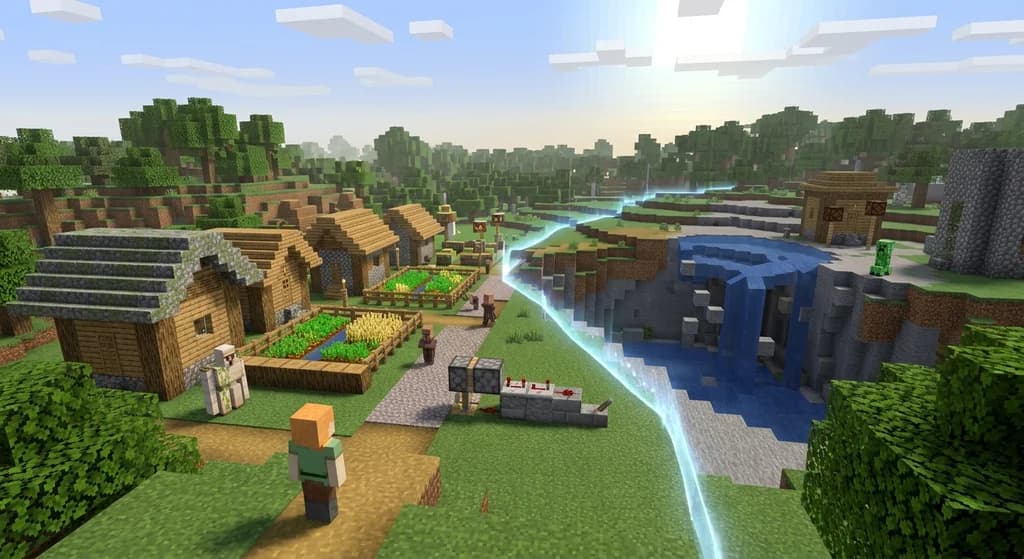
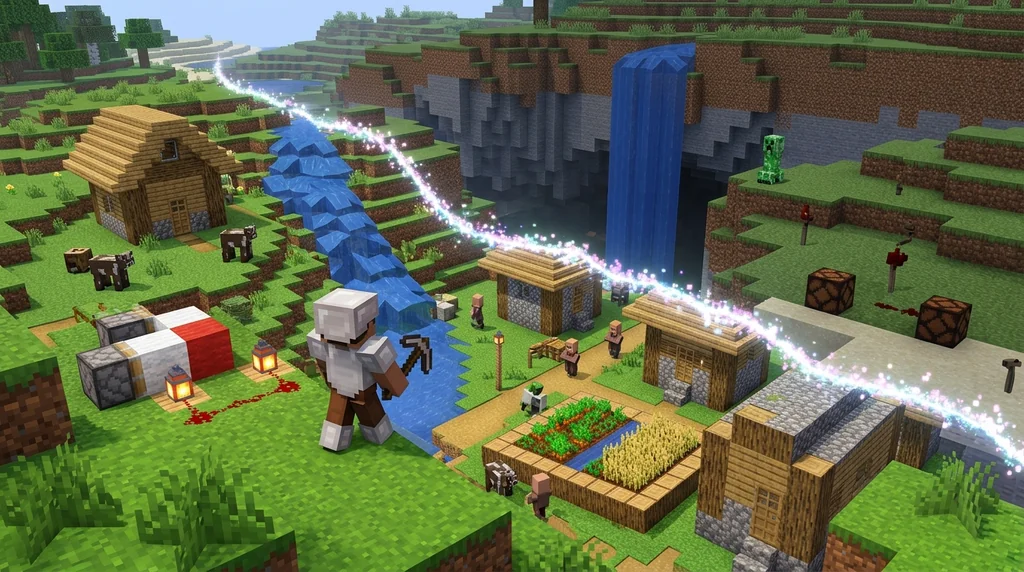
Simulation distance defines the area around the player where the game world is fully "ticked" — mobs move, crops grow, and redstone circuits operate. Beyond this zone, the world is rendered but effectively frozen.
The difference between editions starts with how they define the setting itself. The Minecraft wiki explains:
Simulation distance is a world option in Bedrock Edition that controls mob spawning and despawning, and tick updates.
It also clarifies the Java Edition approach:
In Java Edition, simulation distance is a video setting related to render distance, to restrict tick update distance.
How Simulation Distance Works in Java Edition
In Java Edition, you'll find simulation distance in the "Quality & performance" section of the Video Settings tab. It's a global setting—every world you play shares the same value. The simulation distance of the Minecraft server can also be modified in the file server.properties, and we have a full reference for that in our Minecraft Server.properties Reference for Community Server Admins.
A critical rule for Java Edition is that your simulation distance should always be less than or equal to your render distance. The wiki warns:
The simulation distance setting is ideally less than render distance because updating all entities within the simulation distance is more taxing on performance than the equivalent level of render distance.
Updating entities is far more demanding on CPU than simply rendering them, so keeping this number in check is essential for smooth gameplay. For a broader look at running Java Edition servers, check out our Java Edition Server Software Quick Reference.
How Simulation Distance Works in Bedrock Edition
Bedrock Edition takes a completely different approach. The simulation distance setting lives in the "Advanced" tab of the Create New World or Edit World screens. The simulation distance page explains:
The simulation distance control appears in the "Advanced" tab of the create new world screen or edit world screen.
Unlike Java, this setting is per-world. You can have one world with a very high simulation distance and another with a very low one. However, you cannot change it while the world is loaded.
The Three Layers of Entity Visibility
Whether you're on Java or Bedrock, what you see is not always what the server simulates. There are three distinct layers that hide entities from view.
First, the server stops broadcasting entity positions beyond a certain range, controlled by entity-broadcast-range-percentage in server.properties. Second, the client applies its own rendering limits. Render distance (in chunks) is multiplied by a magic number—about 8.5 for mobs and 2 for items—and then scaled by your Entity Distance percentage setting. According to the wiki:
Apparently, render distance (in chunks) multiplied by a magic number (about 8.5 for mobs, 2 for items) and scaled by the "entity distance" percentage gives the radius in blocks for a sphere around the player beyond which entities are hidden.
For example, at render distance 10 and 100% entity distance, a skeleton vanishes if you're more than 85 blocks directly above it. Third, there's a hard horizontal visibility cap of 128 blocks.
Finally, the client has a hard visibility limit of 128 blocks horizontally, defining another circular column.
Entities must fall within the intersection of the server broadcast sphere, the client rendering sphere, and this horizontal cylinder to be visible.
Performance Trade-Offs: Java vs Bedrock
The core trade-off comes down to flexibility versus simplicity.
Java Edition gives server operators fine-grained control. You can tweak server.properties to perfectly balance CPU load and gameplay needs. The downside is that it's a global setting—you can't have a performance-intensive world and a lightweight world on the same client without manually switching.
Bedrock Edition prioritizes ease of use. The per-world setting means you tailor the experience for each save file. The trade-off is less real-time flexibility; you have to plan ahead before loading a world.
Choosing the Right Setting for Your Playstyle
-
For server admins (Java): Keep simulation distance 1-2 chunks below your render distance. Use
entity-broadcast-range-percentageto limit network load on busy servers. Consider lower simulation distances for PvP or minigame servers where entity count matters more than distant mob behavior. -
For Bedrock players: Lower simulation distance on handheld or lower-end hardware to save battery and improve framerate. Increase it for immersive single-player exploration where you want mobs to behave naturally at greater distances.
-
For builders and farmers: A higher simulation distance keeps your redstone and crops active while you work further away. Just be mindful of the performance cost.
There's no single "best" setting. The right choice depends entirely on your hardware, your world, and what you're doing in it.
Sources
- Simulation distance is a world option in Bedrock Edition that controls mob spawning and despawning, and tick updates. — Simulation distance
- In Java Edition, simulation distance is a video setting related to render distance, to restrict tick update distance. — Simulation distance
- The simulation distance setting is ideally less than render distance because updating all entities within the simulation distance is more taxing on performance than the equivalent level of render distance. — Simulation distance
- The simulation distance control appears in the "Advanced" tab of the create new world screen or edit world screen. — Simulation distance
- Apparently, render distance (in chunks) multiplied by a magic number (about 8.5 for mobs, 2 for items) and scaled by the "entity distance" percentage gives the radius in blocks for a sphere around the player beyond which entities are hidden. — Simulation distance
- Finally, the client has a hard visibility limit of 128 blocks horizontally, defining another circular column. — Simulation distance
Related guides
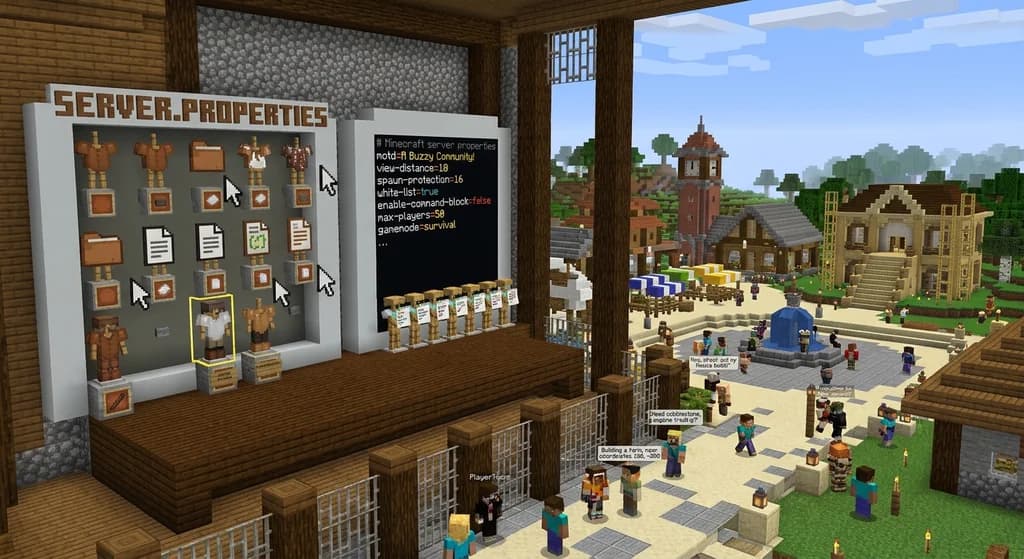
Minecraft Server.properties Reference for Community Server Admins
Your complete quick reference to the Minecraft server.properties file for Java and Bedrock editions. Learn where it lives, how to edit it, and how server...
How to Create and Manage a Minecraft Realms Server
Learn how to create and manage a Minecraft Realms server. Compare Realms Core vs Realms Plus pricing, requirements, and setup steps for Java and Bedrock...
Java Edition Server Software Quick Reference
A quick reference to Minecraft Java Edition server software. Learn about the official server.jar, its features, how to download and run it, and the basics...
Minecraft Community Challenges in Official Events: An Analysis
Explore the Garden Awakens community challenges, their Java and Bedrock rewards, and Mojang's separate live event server.
Have a question or another approach?
Compare notes with other readers. Include your edition and version when discussing mechanics.