How to Unlock Set Bonuses on Custom Items in Minecraft 2026
Filed under Minecraft Items, Ranks & Progression · How we create content
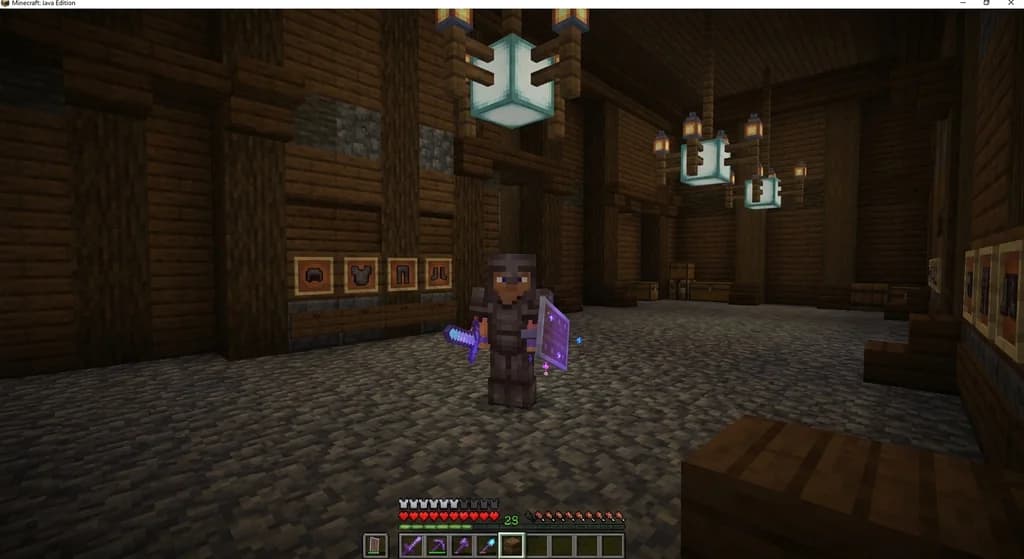
Key Takeaways
| Point | Details |
|---|---|
| Collect full set | Gather all armor and weapon pieces from the same named set to trigger bonuses. |
| Equip correctly | Wear or hold every piece simultaneously; some plugins require a right-click activation. |
| Check tooltips | Items in a set share a set name in lore or colored name tag—look for consistent formatting. |
| Progression impact | Set bonuses often tie into skill trees, reforging, and prestige levels for deeper customization. |
| Server rules vary | Always read your server's documentation to know the exact unlock method. |
| Gaia Legends example | Our server offers custom sets with unique bonuses that synergize with our skill system. |
Table of Contents
- What Are Set Bonuses on Custom Minecraft Items?
- How Do You Unlock Set Bonuses on a Minecraft Server?
- How to Identify Items That Belong to a Set
- What Happens When You Activate a Set Bonus?
- How Set Bonuses Fit into Server Progression Systems
- How to Optimize Your Set for Maximum Effect
- How to Put This Into Practice on Gaia Legends
- Conclusion
Imagine you’ve just looted the fifth piece of a legendary armor set from a dungeon boss. You equip the full set, and suddenly your character glows—damage numbers go up, speed increases, and a special ability unlocks. That’s the magic of minecraft custom item set bonuses. In 2026, more Minecraft servers use custom plugins to create unique item sets that reward collection and completion. This guide walks you through how set bonuses work, how to unlock them, and how to make the most of them on any server.
What Are Set Bonuses on Custom Minecraft Items?
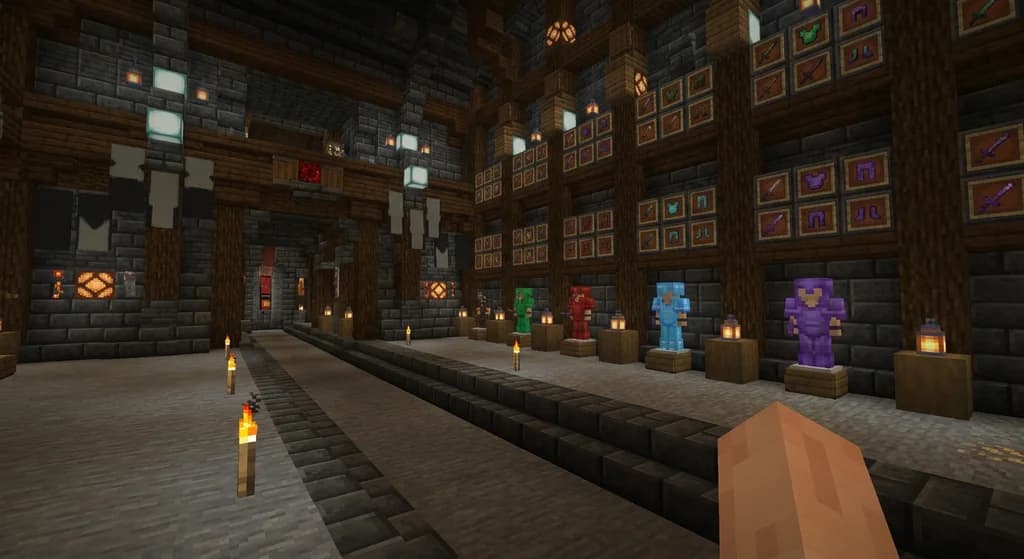
Set bonuses are additional effects activated when a player equips multiple pieces from the same custom item set, often granting powerful stats or abilities.
A set bonus is a gameplay mechanic borrowed from RPGs and MMOs. On a Minecraft server with custom items, a set consists of several items (typically armor and weapons) that share a name and thematic design. When you wear or hold a certain number of pieces from that set, the server automatically applies bonus effects—like extra damage, health regeneration, or unique particle effects. These bonuses are defined by the server's plugin configuration. Popular plugins for creating custom sets include MMOItems, ItemsAdder, and Oraxen (via SpigotMC). ItemsAdder alone has over 55,000 downloads on Spigot (via ItemsAdder Spigot Page), showing how widespread custom sets are.
How Plugins Define Set Bonuses
MMOItems lets server owners create up to 10 set effects per set (via MMOItems Wiki). Each effect triggers when a player equips a specific number of set pieces. For example, wearing 2 pieces might grant +10% speed, and 4 pieces might grant +30% damage. The plugin also supports conditional triggers, like only while in combat.
ItemsAdder uses a simple YAML configuration where you define a set name and list of items, then assign bonuses like extra hearts or permanent potion effects. Over 50,000 servers use ItemsAdder for custom content (via ItsMiru's Spigot Resource).
Note: Not all servers use set bonuses. Check your server's official documentation or discord to confirm if sets are supported.
How Do You Unlock Set Bonuses on a Minecraft Server?
Unlocking set bonuses typically requires wearing specific armor pieces or holding weapons and tools from the same set simultaneously, as defined by the server's plugin configuration.
Here’s the general process:
-
Obtain all required pieces. You might need 4, 5, or 6 items depending on the server. These could come from crafting, looting, boss drops, or server events. For example, limited-time event items often belong to exclusive sets (see our guide on How to Get Limited-Time Event Items on Minecraft Server (2026)).
-
Equip the items. Place armor in the correct slots and hold the weapon/tool. Some plugins require you to have the items in your inventory or even in specific slots.
-
Trigger the bonus. In most cases, the bonus activates automatically as soon as you equip the minimum number of pieces. A message might appear: “Set Bonus Active!” Other servers require a right-click with a certain item or using a command like
/set activate. -
Keep the gear on. Removing any piece deactivates the bonus. Some servers provide a grace period of a few seconds.
Warning: If you die and drop items, you may lose the set bonus until you retrieve them. Always keep a backup set in a safe chest.
How to Identify Items That Belong to a Set
Custom items in a set usually share a naming pattern, a colored name tag, or a lore line indicating they are part of a named set.
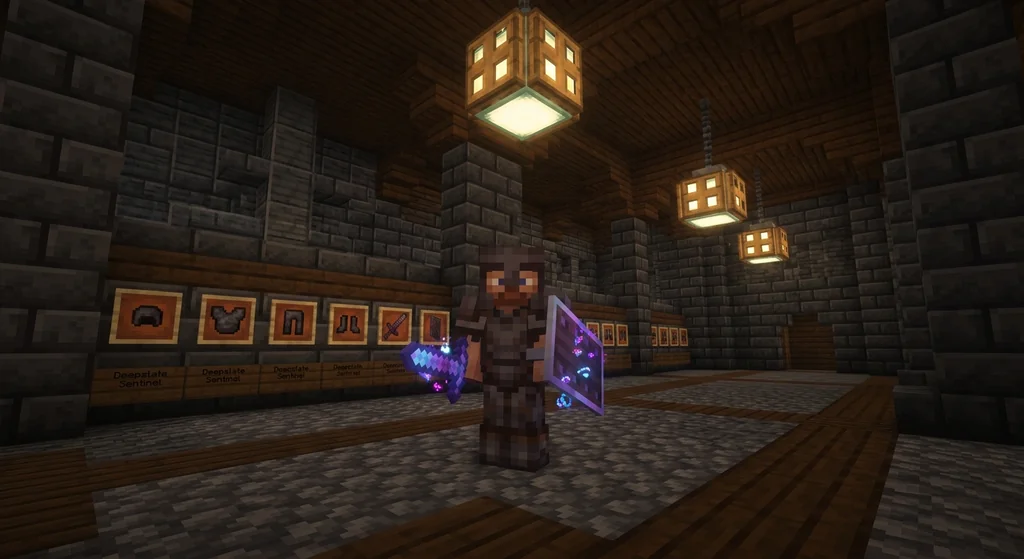
Look for these signs in the item’s tooltip:
- Set Name in Lore: e.g., “Part of the Dragon Slayer Set (1/5)”
- Color Theme: All pieces may have the same name color (e.g., gold names)
- Consistent Rarity: Items from the same set often share a rarity tag (Rare, Epic, Legendary)
- Unique Item IDs: Plugin-based items have IDs that start with the set name
If you're unsure, ask your server community. On Gaia Legends, our custom items display the set name in the lore and a unique border color. Many servers also publish a set list on their wiki or website.
What Happens When You Activate a Set Bonus?
Activating a full set bonus can grant passive effects like increased damage, health regeneration, speed, or unique abilities that persist as long as the set remains equipped.
Common bonuses include:
- Stat boosts: +20% attack damage, +15% movement speed, +10% armor toughness
- Permanent potion effects: Strength II, Regeneration, Speed II
- Unique abilities: Double jump, fire aura, extra enchantment chance on attack
- Visual effects: Glowing armor, particle trails, custom sounds
MMOItems allows each set to have up to 10 custom triggers (via MMOItems Wiki ), including on-hit, on-kill, and on-damage-taken effects.
Pro Tip: Set bonuses stack with other modifiers like custom enchantments and reforged stats. For maximum power, you'll want to reroll custom item stats on your set pieces to complement the bonus.
How Set Bonuses Fit into Server Progression Systems
Server economies often tie set bonuses to progression by requiring players to craft, loot, or earn each piece, encouraging exploration and endgame play.
Set bonuses aren’t just about combat power—they drive long-term engagement. On many servers, completing a set is a milestone. Here’s how they integrate with other systems:
- Skill Trees: Some servers let you unlock passive abilities that boost set bonuses. See our guide on How to Unlock Skill Trees on Minecraft Servers in 2026 Guide.
- Reforging: You can reroll individual piece stats to better fit the set’s strengths.
- Dismantling: If you change builds, you can dismantle custom items for crafting materials and use those materials to upgrade other set pieces.
- Prestige Levels: Some servers allow you to earn item prestige levels on set pieces, unlocking higher tier bonuses.
How to Optimize Your Set for Maximum Effect
Optimizing your set involves combining set bonuses with custom enchantments, reforging, and prestige levels to surpass base stats.
Follow these tips:
1. Prioritize Completing the Set First
Don’t waste resources reforging pieces until you have the full set. The set bonus is often more powerful than any single stat roll.
2. Sync Your Enchantments with the Bonus
If your set grants fire resistance, avoid wearing a fire protection helm. Instead, use protection or thorns. Consider creating custom enchantments that complement your set’s weaknesses.
3. Transfer Good Enchantments
When upgrading pieces, you can transfer enchantments between items to keep your best enchants on the set.
4. Use Loot Filters to Farm Missing Pieces
If you need a specific set piece from a dungeon, use a Minecraft loot filter to auto-sort it from chests.
5. Check for Set Combos
Some servers have hidden combos where wearing two different sets with a shared theme unlocks unique cross-set bonuses. Experiment or ask experienced players.
How to Put This Into Practice on Gaia Legends
At Gaia Legends, we’ve designed a custom set system that rewards dedication and smart progression.
Our sets, like the Frostwarden Set and Infernal Set, each grant unique bonuses—life steal, extra damage to specific mob types, and temporary flight. To unlock a set bonus on Gaia Legends, you equip all 5 pieces (helmet, chestplate, leggings, boots, and weapon) and a message confirms activation. We also integrate set bonuses with our skill tree: for example, the “Elementalist” skill node increases set bonus effectiveness by 15%.
Gaia Legends is free to join, non-pay-to-win, and supports Java + Bedrock crossplay. Our economy is balanced so that every set is achievable through gameplay, not purchases. Ready to collect them all? Join at gaialegends.pro and start your legend today.
Conclusion
- Set bonuses turn item collection into a strategic goal — they reward full sets with powerful effects.
- Unlocking set bonuses is straightforward: equip the required pieces, and the plugin handles the rest.
- Integrate your set with other progression systems like skill trees, reforging, and prestige for maximum power.
Now that you know how to unlock and optimize set bonuses, jump into your favorite server and start collecting. Remember, the full set is always stronger than the sum of its parts.
Recommended
- How to Create Your Own Block Palettes in Minecraft (2026)
- What is the Michael Reeves Minecraft Modpack? (2026 Guide)
- How to Use the Minecraft Trading Wiki to Maximize Villager Deals in 2026
- How to Master the Gaia Legends Fishing Minigame in 2026: Tips & Tricks
Ready to play? Join Gaia Legends today — no pay-to-win, Java + Bedrock crossplay.
- Java:
join.gaialegends.pro - Bedrock:
join.gaialegends.pro— Port19132
Further reading
These references were recorded with the article; specific claims have not been matched to source excerpts.
Frequently Asked Questions
What is a Minecraft custom item set bonus?
A **minecraft custom item set bonus** is an extra ability or stat boost that activates when you equip multiple pieces from the same custom item set on a server. These bonuses are defined by plugins like MMOItems and ItemsAdder and can include damage increases, potion effects, or unique skills.
How do I know if a server has set bonuses?
Check the server's documentation, wiki, or discord. Look for mentions of custom items with lore that says 'Part of [Set Name]'. Many servers announce sets in their shop or progression guide. If items have consistent colored names and matching lore, set bonuses are likely present.
Do I need all pieces of a set to get the bonus?
Not always. Some servers grant partial bonuses at 2, 3, or 4 pieces, with the full bonus at 5 or 6. For example, wearing 2 pieces might give +10% speed, and 4 pieces give +20% damage. Check the tooltip or server wiki for the specific requirements.
Can set bonuses stack with enchantments?
Yes. Set bonuses are additive with vanilla enchantments and custom enchantments. For example, a set that grants Strength II stacks with a Sharpness V sword. Some servers limit stacking to prevent overpowered combinations, so read your server's rules.
What happens if I remove one piece of the set?
The set bonus deactivates immediately. You lose all the extra effects until you re-equip the missing piece. Some servers have a short cooldown before the bonus reappears—usually 5–10 seconds—to prevent combat toggle abuse.
Can I get set bonuses from event items?
Yes, many servers release limited-time event sets that come with temporary set bonuses. These sets are often only available during events or seasons. Check the server's event schedule and our guide on limited-time event items for more details.
Related guides
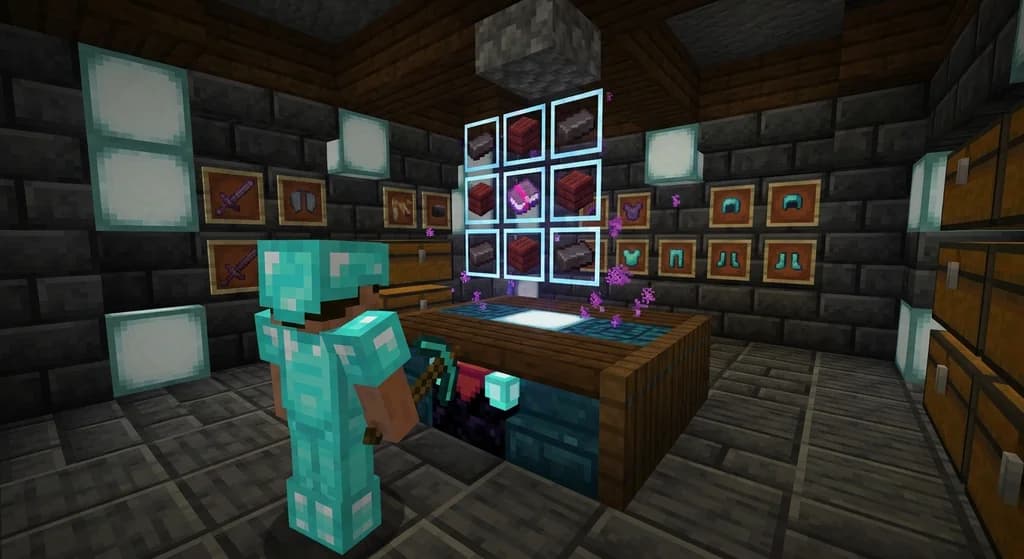
How to Craft Custom Items on Minecraft Servers in 2026: Recipe Guide
Learn how to craft custom items on Minecraft servers in 2026. Master custom crafting recipes, server-side plugins, and discover exclusive gear on Gaia...
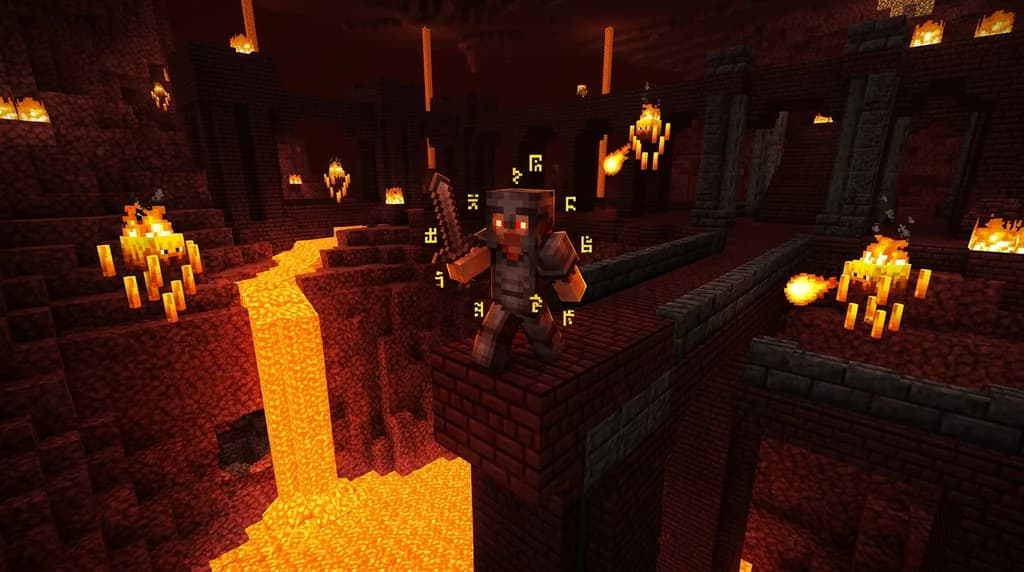
What is a Minecraft Soulbound Item? How to Keep Your Gear 2026
Learn what Minecraft soulbound items are, how the soulbound enchantment works, and how to keep your gear on death in 2026 — server mechanics explained.
How to Unlock Rare Minecraft Items via Server Ranks (2026)
Discover how server rank tiers unlock rare Minecraft items, custom gear, and exclusive rewards — plus how Gaia Legends' rank system works in 2026.
How to Use Custom Item Attributes on Minecraft Servers
Learn how Minecraft Java Edition's attribute system works for custom items on servers, including the 1.21 modifier ID overhaul, the /attribute command, and plugin considerations.
Have a question or another approach?
Compare notes with other readers. Include your edition and version when discussing mechanics.