How to Set Up Anti-Griefing Measures on Minecraft Servers (2026)
Filed under Minecraft Community & Social Play · How we create content

Key Takeaways
| Point | Details |
|---|---|
| Understand griefing | Griefing is intentional destruction of builds, and it's preventable with the right tools. |
| Use CoreProtect for rollbacks | CoreProtect logs every block change and lets you roll back to any point in time. |
| Layer your defenses | Combine block logging, region protection, and automated backups for comprehensive protection. |
| Build a community | Clear rules, trained staff, and positive engagement reduce griefing before it starts. |
| Back up daily | Regular backups are your safety net; they restore your world in minutes if all else fails. |
Table of Contents
- What Is Griefing on Minecraft Servers?
- How Do Anti-Griefing Plugins Work?
- How to Set Up CoreProtect for Block Logging and Rollbacks
- Best Anti-Griefing Plugins for Minecraft Servers in 2026
- Tips for Preventing Griefing Beyond Plugins
- Why Regular Backups Are Your Last Line of Defense
- How to Put This Into Practice on Gaia Legends
- Conclusion
- Frequently Asked Questions
- Recommended
Griefing turns thriving Minecraft communities into ghost towns overnight. One rogue player with a lava bucket can undo weeks of work. The good news? You can stop it. This guide covers how to prevent griefing on Minecraft servers in 2026 with plugins, backups, and smart community design. Whether you run a small survival world or a large network, these measures will keep your players safe.
What Is Griefing on Minecraft Servers?
Griefing is the intentional destruction or theft of another player's creations without consent, ranging from block griefing to spawn killing.
In Minecraft, griefing takes many forms: pouring lava over builds, breaking chests to steal items, destroying redstone contraptions, or even killing livestock. It's not just about property damage—griefing can ruin the social fabric of your server. If disputes escalate, knowing how to resolve Minecraft player disputes becomes essential. The worst griefers exploit trust, so understanding the threat is the first step to stopping it.
How Do Anti-Griefing Plugins Work?
Anti-griefing plugins monitor server events, log every block change, and let you roll back damage with a single command.
Most anti-griefing plugins run on server software like Paper, which powers over 60% of all Minecraft servers (via PaperMC). They hook into the server's event system to track who placed or broke each block, opened chests, or killed entities. This data is stored in a database, allowing admins to inspect griefing incidents and revert the world to a previous state. Some plugins also enforce land claims, preventing unauthorized building or destruction in protected areas. If your server has connection issues, check out common fixes for Minecraft multiplayer not working before installing plugins.
How to Set Up CoreProtect for Block Logging and Rollbacks
CoreProtect is the most popular block-logging plugin, recording every placement, break, and container interaction so you can inspect and undo griefing instantly.
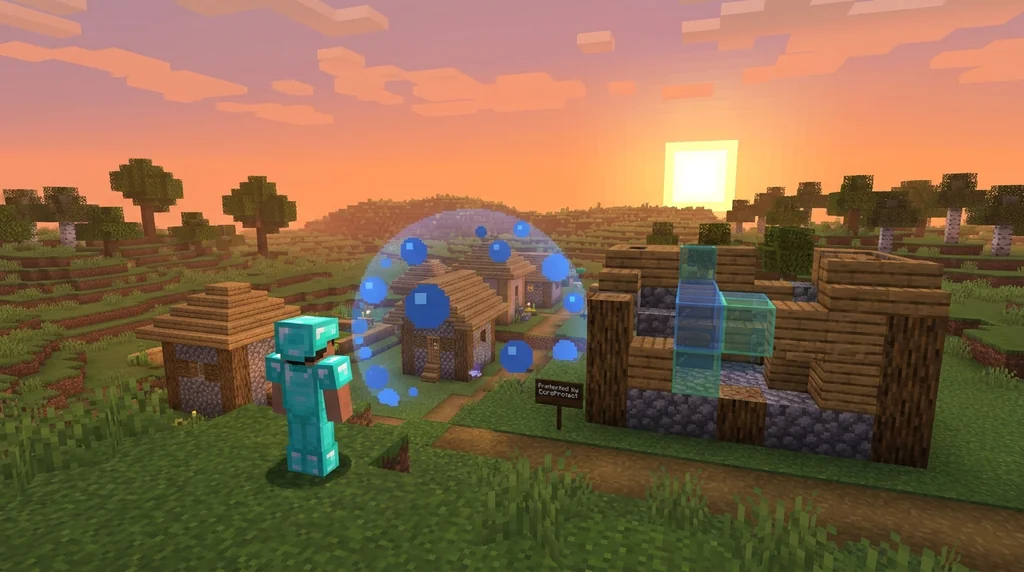
- Download CoreProtect from Spigot and place the JAR in your server's
pluginsfolder. - Restart the server to generate the configuration files.
- Set up a MySQL database (recommended for large servers) to store logs efficiently. Edit
config.ymlwith your database credentials. - Use commands like
/co inspectto check who broke a block, or/co rollback u:playername t:1hto undo all actions by a player in the last hour.
Pro Tip: Combine CoreProtect with a land-claim plugin so that only claimed areas need frequent rollbacks—saving database space.
Having a reliable staff team is crucial for monitoring logs. Learn how to create a Minecraft server staff application form to recruit trustworthy moderators.
Best Anti-Griefing Plugins for Minecraft Servers in 2026
The top anti-griefing plugins combine block logging, region protection, and automated backups to create a multi-layered defense.
| Plugin | Primary Function | Download Count |
|---|---|---|
| CoreProtect | Block logging & rollbacks | 4.8M+ (via SpigotMC) |
| GriefPrevention | Land claiming & protection | 2.2M+ (via SpigotMC) |
| WorldGuard | Region-based permissions | 1.3M+ (via SpigotMC) |
| LWC Extended | Chest & door locking | 1.8M+ (via SpigotMC) |
- CoreProtect gives you forensic-level detail for every block interaction.
- GriefPrevention lets players claim land with a golden shovel, automatically preventing outsiders from building or breaking.
- WorldGuard is ideal for protecting spawn areas, minigame regions, and admin zones with precise flags.
- LWC Extended locks chests, doors, and furnaces so only the owner can access them.
Warning: Using too many plugins without proper configuration can cause lag. Always test on a staging server first.
Tips for Preventing Griefing Beyond Plugins
Plugins catch most griefers, but a strong community and clear rules prevent many incidents before they happen.
- Whitelist your server during early growth to vet every new member.
- Write clear rules and display them at spawn. Specify consequences for griefing, theft, and harassment.
- Train your staff to handle reports calmly and consistently. A well-moderated server deters troublemakers.
- Encourage positive engagement by starting a player-run newspaper or hosting community events. Players who feel invested are less likely to grief.
- Use a reporting system with evidence collection (screenshots, logs) so admins can act fairly.
Why Regular Backups Are Your Last Line of Defense
Even the best plugins can't stop a determined griefer with operator access, but daily backups ensure you can restore your world in minutes.
Automated backups are non-negotiable. Schedule your server to save the world folder at least once a day, and store copies off-site (cloud storage or a separate machine). In a worst-case scenario—like an admin going rogue—you can roll back the entire server to a clean state. If you need funding for backup storage, consider hosting an ethical donation drive.
How to Put This Into Practice on Gaia Legends
Gaia Legends takes server protection seriously. Our Server Protection Suite automatically backs up every player build every hour and retains snapshots for 30 days. If griefing occurs, our staff can roll back individual claims in seconds using integrated CoreProtect logs. We also enforce clear community guidelines and have a dedicated moderation team.
Gaia Legends is free to join, non-pay-to-win, and supports Java + Bedrock crossplay. Whether you're a builder, explorer, or redstone engineer, you can create without fear of losing your work. Join at gaialegends.pro and start your legend today.
Conclusion
Griefing is a solvable problem. By layering block logging, land protection, and regular backups, you can make your server virtually grief-proof. Remember:
- Install CoreProtect and a land-claim plugin immediately.
- Automate daily backups and store them off-site.
- Build a community that values respect and creativity.
Don't wait for the first lava disaster. Set up these measures now and give your players the safe space they deserve.
Frequently Asked Questions
Recommended
- How to Defeat the Creaking in Minecraft 2026: Complete Combat Guide | Gaia Legends
- How to Choose Between Prison and Skyblock Servers in Minecraft 2026 | Gaia Legends
- How to Build Custom Dungeons for Minecraft MMORPGs (2026) | Gaia Legends
- How to Profit from Minecraft Wandering Trader Deals in 2026 | Gaia Legends
Ready to play? Join Gaia Legends today — no pay-to-win, Java + Bedrock crossplay.
- Java:
join.gaialegends.pro - Bedrock:
join.gaialegends.pro— Port19132
Further reading
These references were recorded with the article; specific claims have not been matched to source excerpts.
Frequently Asked Questions
How do I prevent griefing on my Minecraft server in 2026?
Start with a block-logging plugin like CoreProtect to record all changes. Add a region protection plugin like GriefPrevention or WorldGuard to let players claim land. Enable automatic daily backups to roll back any damage. Finally, establish clear rules and train moderators to enforce them.
What is the best anti-griefing plugin for Minecraft?
There's no single best plugin—layering is key. CoreProtect is essential for logging and rollbacks. GriefPrevention excels at user-friendly land claiming. WorldGuard protects spawn and admin regions. Combine them for comprehensive coverage.
Can I prevent griefing without plugins?
Yes, but it's much harder. You can whitelist trusted players, use command blocks to protect areas, and rely on manual backups. However, plugins automate protection and give you forensic tools that vanilla lacks.
How do I roll back griefing on my server?
With CoreProtect, use `/co rollback u:playername t:1h` to undo all actions by a player in the last hour. You can also roll back a specific area or time range. Always test rollbacks on a backup first.
What should I do if an admin griefs my server?
Immediately revoke their operator permissions and restore from the most recent backup. Limit OP access to only the most trusted staff, and use a permissions plugin to restrict dangerous commands.
How often should I back up my Minecraft server?
At least once a day. For busy servers, hourly backups are safer. Automate the process with a plugin or script, and store copies off-site in case of hardware failure.
Related guides
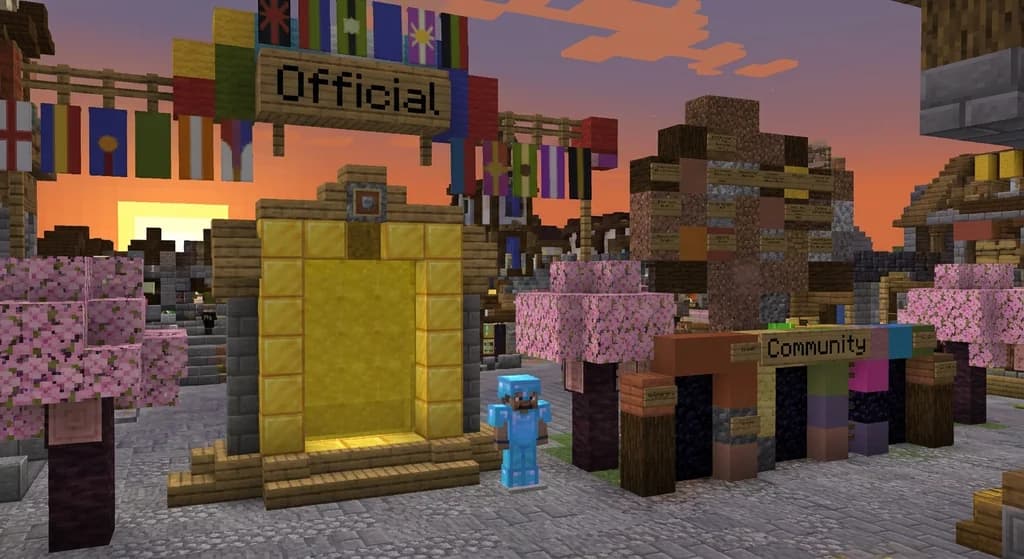
Official vs Community Minecraft Server Lists: A Comparison
Deciding where to find your next Minecraft server? Compare the official Mojang-vetted server list against community directories. We break down safety, variety, and vetting to help you choose.
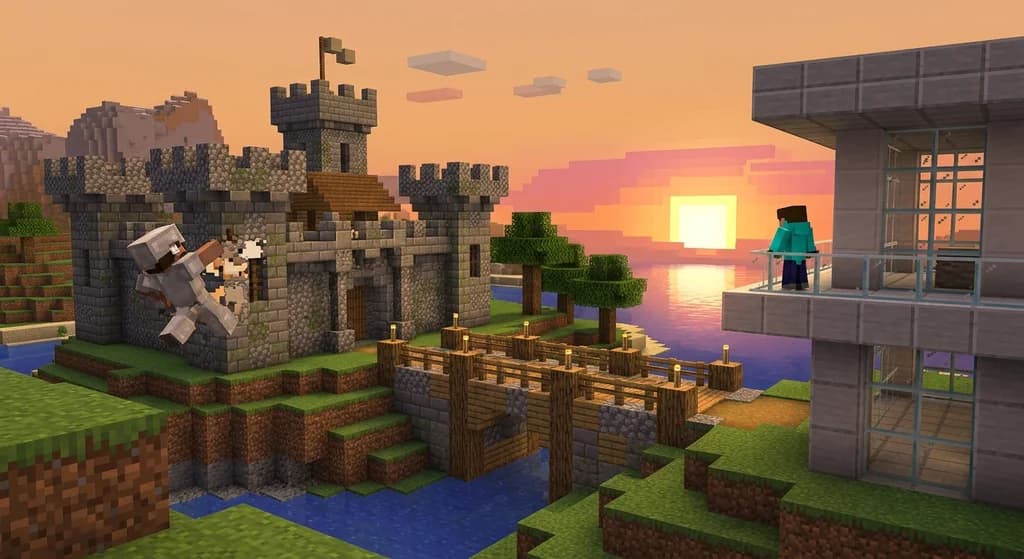
Java vs Bedrock Edition: Key Feature Differences
Trying to decide between Minecraft Java and Bedrock Edition? This comparison covers the key feature differences, from redstone mechanics and UI design to exclusive content and performance.
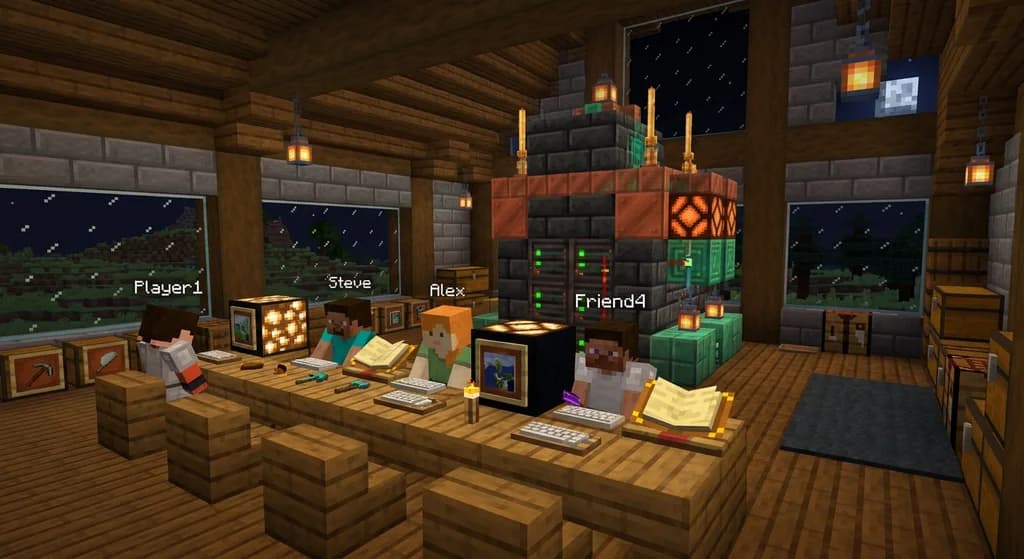
Minecraft LAN Party Server Requirements
Get the exact hardware, software, and network requirements for hosting a Minecraft Java Edition LAN party. Includes CPU, RAM, Java version, and performance tuning tips.
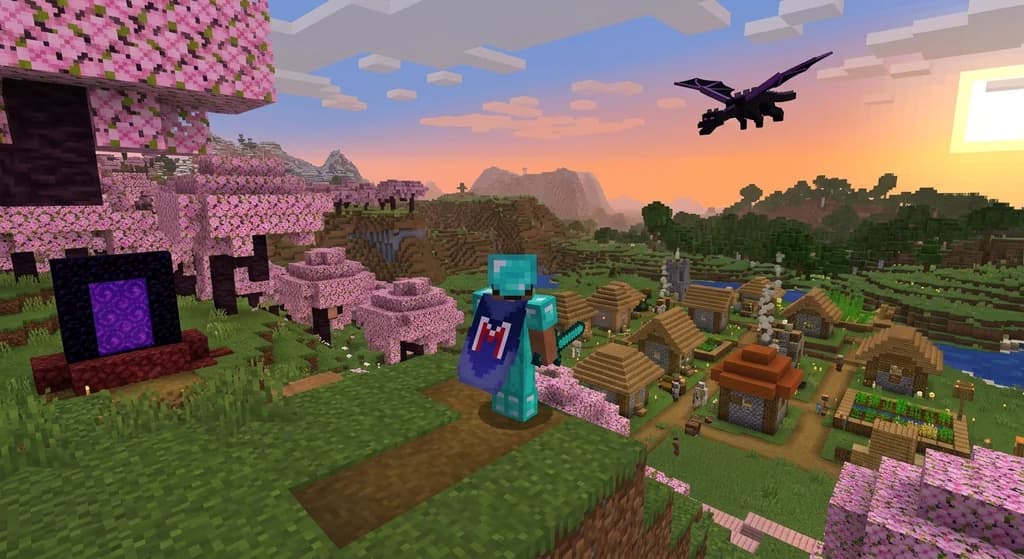
Minecraft Capes: A Quick Reference
A complete quick reference to Minecraft capes. Learn what capes are, how to earn them in Java and Bedrock, and discover rare capes like the Yearn Cape, Migrator Cape, and MINECON capes.
Have a question or another approach?
Compare notes with other readers. Include your edition and version when discussing mechanics.