Official vs Community Minecraft Server Lists: A Comparison
Filed under Minecraft Community & Social Play · How we create content
Version scope: General Minecraft (Java & Bedrock)
Key Takeaways
| Point | Details |
|---|---|
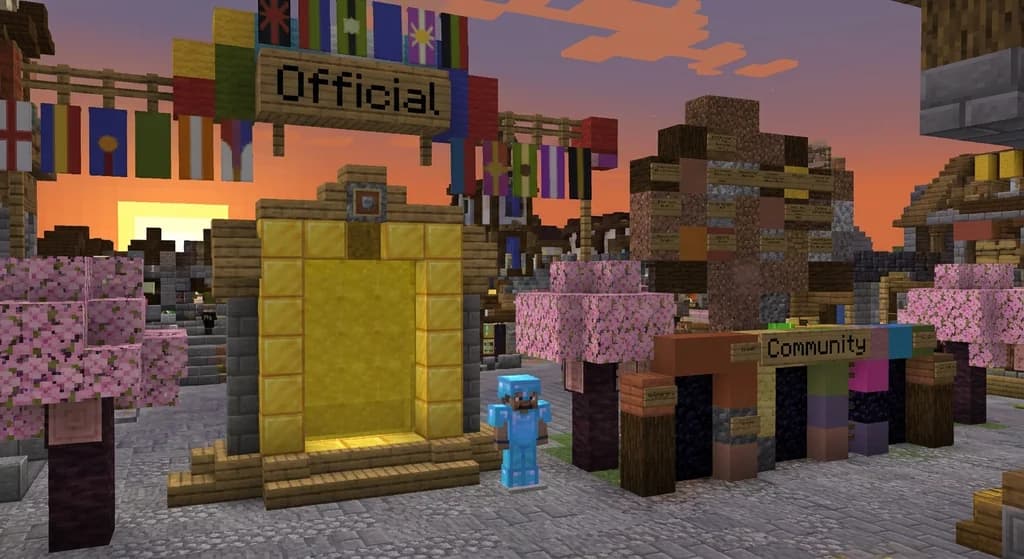
| The Official Minecraft Server | The Official Minecraft Server List is vetted by GamerSafer and Mojang for compliance and safety. |
| Community server lists offer | Community server lists offer a wider variety but lack centralized moderation. |
| Official servers must comply | Official servers must comply with MUG and EULA and provide contact information. |
| Community lists allow any | Community lists allow any server owner to advertise their IP address. |
| The in-game server list | The in-game server list menu lets you manage, ping, and reorder your saved servers. |
| Mojang also hosts official | Mojang also hosts official Live Event servers in Bedrock Edition. |
How the Official Minecraft Server List Works
The Official Minecraft Server List is exactly what it sounds like: a curated directory of servers that have been reviewed and approved. As the Server list page notes:
The Official Minecraft Server List is published by GamerSafer and Mojang Studios.
This isn't just a random collection. Every server on this list has been thoroughly vetted by both GamerSafer and the Mojang Enforcement Team to ensure it complies with the Minecraft Usage Guidelines and EULA. The Server list page elaborates:
All servers listed on the website are required to comply with Minecraft Usage Guidelines (MUG) and End-user license agreement (EULA), and have been vetted by both GamerSafer and the Mojang Enforcement Team.
To get listed, server owners must provide official contact information and clearly state the purpose of their server. The list also includes server badges awarded by GamerSafer to highlight additional safety features. You'll find a variety of server types here, from minigames and SMPs to creative builds.
The tradeoff: You get a high baseline of trust and safety, but the selection is limited to servers that pass the vetting process. It's the safest way to discover a new server, especially for younger players or those new to multiplayer.
The Landscape of Community Server Lists
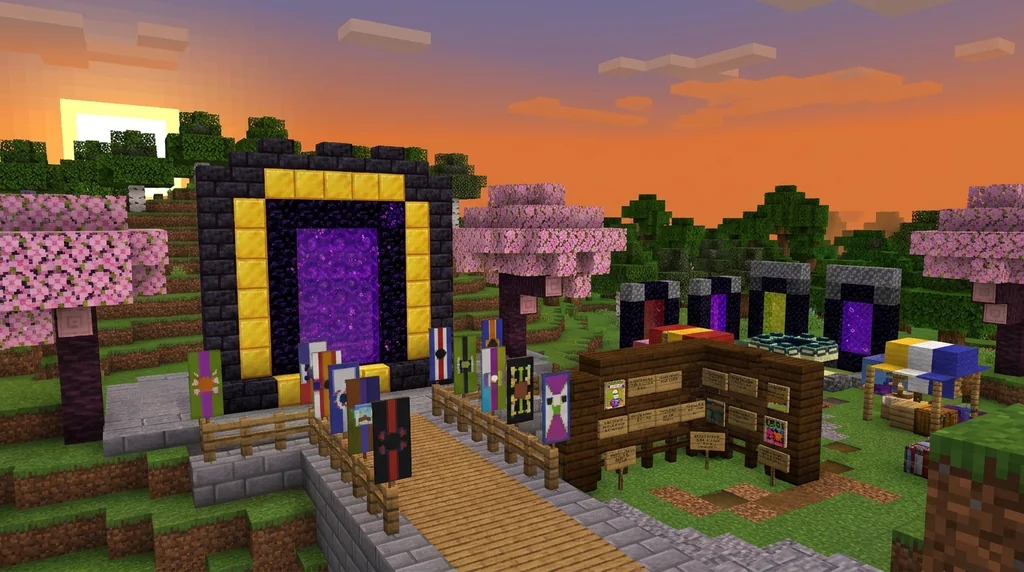
Community server lists are the wild west of server discovery. They are public directories where server owners can freely advertise their servers. The Server list page describes:
Public server lists allow server owners to advertise their servers by listing their IP address and other information for players to discover.
These lists are often found on dedicated websites, Minecraft forums, Reddit communities, and Discord servers. The barrier to entry is low—anyone with a server IP can submit their listing.
The tradeoff: The sheer volume and variety is unmatched. You can find niche roleplay servers, experimental game modes, and communities that don't fit the official list's criteria. However, because there is no centralized vetting, you need to be more careful. Checking a server's community, uptime, and rules before joining is always a good practice.
How to Use the In-Game Server List Menu
Regardless of where you find a server, you'll manage it through the in-game server list. According to the Server list page:
The server list is a menu screen where players can join and manage the servers they visit.
This menu shows you the server's status, player count, and connection quality. You can save servers, reorder them, and directly connect by manually entering an address. The game also automatically lists LAN-based servers at the bottom of this screen.
A Special Category: Official Live Event Servers
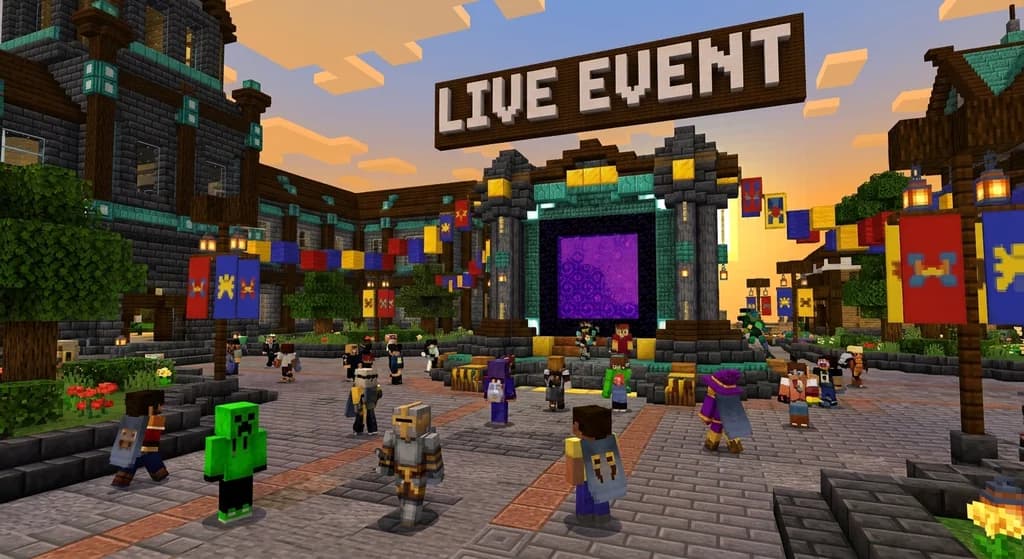
Beyond the permanent server list, Mojang Studios occasionally hosts official Live Event servers in Bedrock Edition. The Event servers page explains:
In-game live events, known officially as Live Events, and internally as Gatherings, are public multiplayer servers hosted by Mojang Studios for a limited amount of time in Bedrock Edition.
These are temporary, official multiplayer experiences tied to game drops or community events. They appear as a dedicated button on the title screen when active.
Choosing the Right Path for You
So, which should you use?
- Choose the Official Server List when: Safety and compliance are your top priorities. You want a guaranteed baseline of quality and a family-friendly environment.
- Choose Community Lists when: You are looking for a specific niche, a unique game mode, or a larger variety of servers. You are comfortable doing a bit of your own research to find a good community.
There's no single right answer. Many players use both—they find their safe, long-term home on a vetted official server, and explore wild, creative community servers for new experiences. The best approach is to understand the tradeoffs and choose the tool that fits your current goal.
If you are thinking of starting your own server, understanding these lists is crucial. You can learn more about the technical side in our guide on Minecraft Server.properties Reference for Community Server Admins or the business side with How to Create and Manage a Minecraft Realms Server.
Sources
- The Official Minecraft Server List is published by GamerSafer and Mojang Studios. — Server list
- All servers listed on the website are required to comply with Minecraft Usage Guidelines (MUG) and End-user license agreement (EULA), and have been vetted by both GamerSafer and the Mojang Enforcement Team. — Server list
- Public server lists allow server owners to advertise their servers by listing their IP address and other information for players to discover. — Server list
- The server list is a menu screen where players can join and manage the servers they visit. — Server list
- In-game live events, known officially as Live Events, and internally as Gatherings, are public multiplayer servers hosted by Mojang Studios for a limited amount of time in Bedrock Edition. — Event servers
Frequently Asked Questions
Is the Official Minecraft Server List safe for kids?
Yes. All servers on the official list are vetted by GamerSafer and Mojang to comply with Minecraft Usage Guidelines and the EULA, making it the safest option for discovering new servers.
Can I get my server on the Official Server List?
Yes, but it requires meeting specific standards. Servers must comply with the MUG and EULA, provide official contact information, and state their purpose. They are reviewed by the Mojang Enforcement Team.
Are community server lists dangerous?
Not inherently, but they lack centralized moderation. You should always research a server's community, rules, and uptime before joining. The official list prioritizes safety, while community lists prioritize variety and ease of submission.
Related guides
Minecraft Community Challenges in Official Events: An Analysis
Explore the Garden Awakens community challenges, their Java and Bedrock rewards, and Mojang's separate live event server.
How to Create and Manage a Minecraft Realms Server
Learn how to create and manage a Minecraft Realms server. Compare Realms Core vs Realms Plus pricing, requirements, and setup steps for Java and Bedrock...
How to Find the Best Minecraft Community for You in 2026
Learn how to find a Minecraft community that fits your playstyle in 2026. Compare server types, spot toxic signs, and discover active servers with our...
How to Write a Minecraft Server Code of Conduct in 2026
Learn how to write a Minecraft server code of conduct in 2026: practical templates, enforcement tips, and community-first wording that reduce griefing and...
Have a question or another approach?
Compare notes with other readers. Include your edition and version when discussing mechanics.