7 Best Analogous Block Palettes for Minecraft Builds (2026)
Filed under Minecraft Build Palette & Block Harmony · How we create content
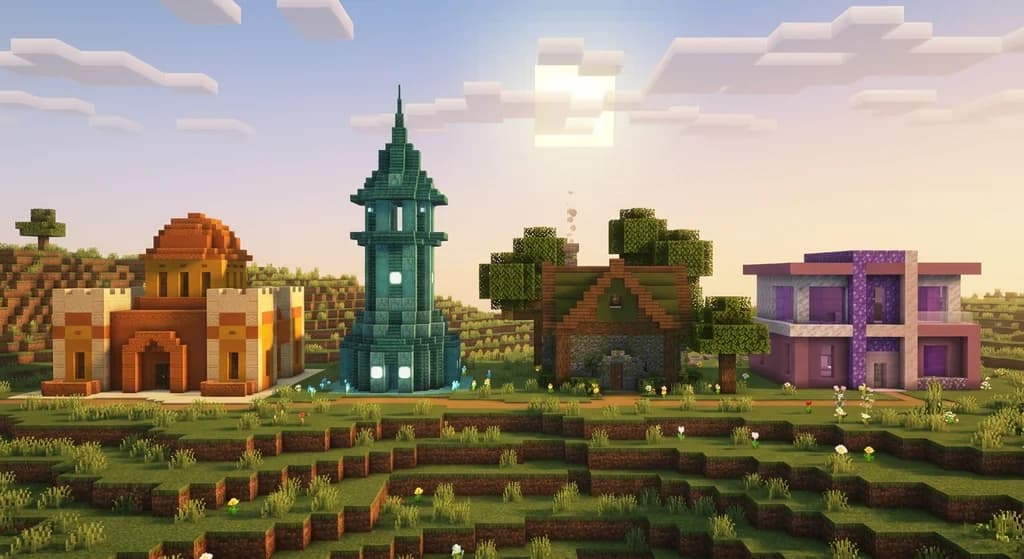
Key Takeaways
| Point | Details |
|---|---|
| Analogous = Neighbors | Analogous palettes use blocks from adjacent hues, creating smooth, eye-pleasing transitions with no jarring contrast. |
| The 3-Block Formula | Every great analogous palette has a dominant block (60%), a supporting tone (30%), and an accent (10%). |
| Warm Palettes Win Competitions | Warm-hued analogous builds using terracotta, copper, and sandstone consistently score highest in build judge feedback. |
| Texture Beats Color Alone | Mixing smooth, slab, and stair variants of the same block family adds depth without breaking color harmony. |
| Avoid Hue Drift | Stretching across more than 3–4 adjacent hues breaks the analogous effect and starts to look muddy or random. |
| Natural Biomes Are Free References | Badlands, forests, and oceans are Minecraft's built-in analogous palettes — study them before you build. |
Table of Contents
- What Are Analogous Color Palettes in Minecraft?
- Why Analogous Palettes Make Builds Look Professional
- The 3-Block Formula Every Builder Should Know
- 7 Best Analogous Block Palettes for Minecraft Builds
- How to Avoid the Most Common Analogous Palette Mistakes
- Tips for Applying Analogous Palettes to Any Build Style
- How to Put This Into Practice on Gaia Legends
- Conclusion
- Frequently Asked Questions
- Recommended
Most Minecraft builds don't fail because of bad ideas — they fail because of bad color choices. If your build looks "off" but you can't explain why, there's a good chance you're mixing hues that fight each other. Analogous color palettes in Minecraft fix that problem at the root. They're the single fastest upgrade any builder can make, and once you understand the logic, you'll never look at a block list the same way again.
What Are Analogous Color Palettes in Minecraft?
An analogous color palette is a set of colors (and the blocks that represent them) drawn from neighboring positions on the color wheel — typically spanning no more than three to four adjacent hues. In practice, this means pairing blocks like orange terracotta with red sandstone and yellow concrete, or grouping prismarine, cyan concrete, and blue glazed terracotta together.
The term comes from traditional color theory, where analogous schemes are praised for their natural harmony. In Minecraft, the same principle applies: neighboring hues share undertones, so they blend without clashing. The result is a build that reads as intentional and cohesive rather than random.
Note: Analogous palettes are different from monochromatic ones. Monochromatic palettes use one hue at varying lightness levels, while analogous palettes span multiple related hues.
Why Analogous Palettes Make Builds Look Professional
Color harmony is the invisible hand behind every build that earns a "wow" in chat. When hues are adjacent, your eye reads them as part of the same visual story. When they're not, your brain registers tension — even if you can't name it.
Mojang's own world generation leans heavily on this principle. The Badlands biome is a masterclass in warm analogous design: red, orange, and yellow terracotta stacked in natural bands. The Lush Caves biome does the same in green — moss blocks, glow lichen, and azalea leaves all sit in the same green-to-yellow-green range on the color wheel.
If Mojang's world generation uses analogous palettes as a default, that's a strong signal it's the right foundation for your builds too.
The 3-Block Formula Every Builder Should Know
Every strong analogous palette follows a simple ratio: 60 / 30 / 10.
- 60% — Dominant block: The primary surface material. Sets the overall hue.
- 30% — Supporting tone: An adjacent hue that adds visual interest without competing.
- 10% — Accent block: A slightly shifted or higher-contrast block that draws the eye to focal points.
Quick Reference: 60/30/10 in Action
| Role | % of Build | Example Block |
|---|---|---|
| Dominant | 60% | Smooth Sandstone |
| Supporting | 30% | Cut Copper / Exposed Copper |
| Accent | 10% | Orange Terracotta |
This formula works for any style — medieval, modern, organic, or fantasy. The percentages don't have to be exact, but the hierarchy must be clear. If your accent color takes up 40% of the build, it stops being an accent and the whole palette loses structure.
Pro Tip: Build a 5×5 sample wall using your three chosen blocks before committing to a full structure. Seeing them at scale reveals tonal mismatches you'd never catch in your inventory.
7 Best Analogous Block Palettes for Minecraft Builds
Here are seven tried-and-tested palettes, each with specific block recommendations and the build styles they suit best.
1. Desert Warmth — Sandstone to Terracotta
Blocks: Smooth Sandstone · Cut Sandstone · Orange Terracotta · Red Sand
Best for desert temples, Moroccan-style villas, and sun-baked market builds. The yellow-orange-red range feels naturally warm and grounded. Add dead bush or dried kelp blocks as organic accents.
2. Forest Floor — Green to Brown
Blocks: Moss Block · Mossy Cobblestone · Rooted Dirt · Dark Oak Planks
Best for forest cottages, druid towers, and hobbit holes. This palette mirrors what you'd find in a real woodland floor — it reads as organic because it literally is. Pair with oak leaves overhead for a canopy effect.
3. Ocean Depths — Prismarine to Cyan
Blocks: Prismarine · Prismarine Bricks · Dark Prismarine · Cyan Concrete
Best for underwater temples, aquatic research stations, and coastal builds. The blue-green range of prismarine variants is one of Minecraft's most underused analogous families. Sea lanterns add glow without breaking the palette.
4. Ember Glow — Copper to Nether Brick
Blocks: Exposed Copper · Weathered Copper · Red Nether Brick · Crimson Stem
Best for steampunk factories, volcanic fortresses, and ancient ruins. Copper's natural patina progression (from orange to green) gives you a built-in analogous gradient over time. Lock the oxidation stage you want using a wax application. For more industrial palette ideas, see 6 Best Industrial Block Palettes for Minecraft Builds (2026).
5. Twilight Purple — Amethyst to Magenta
Blocks: Amethyst Block · Budding Amethyst · Purple Concrete · Magenta Glazed Terracotta
Best for wizard towers, fae cottages, and fantasy builds. The violet-to-magenta range is rare in Minecraft, which makes it memorable. Use candles in matching dye colors for atmospheric lighting.
6. Arctic Fade — White to Light Blue
Blocks: Powder Snow (visual) · White Concrete · Light Blue Concrete · Blue Ice
Best for ice palaces, tundra cabins, and modern minimalist builds. This is one of the coolest-feeling palettes in the game. Packed ice adds a subtle texture variation without breaking the hue range.
7. Autumn Harvest — Yellow to Red-Orange
Blocks: Yellow Concrete · Orange Wool · Red Terracotta · Birch Planks
Best for cozy farmhouses, autumn market stalls, and harvest festival builds. This palette pairs beautifully with pumpkins, hay bales, and oak fences as natural accents. It's also a crowd favorite in seasonal build competitions.
Warning: Avoid mixing wool and concrete in the same palette unless you're deliberate about it. Wool has a slightly muted, fabric-like texture while concrete reads as solid and modern — the two materials can clash even when the colors match.
How to Avoid the Most Common Analogous Palette Mistakes
Even experienced builders slip up. Here are the pitfalls worth knowing before you place a single block.
Hue Drift
Stretching your palette across five or six adjacent hues stops being analogous and starts being a rainbow. Keep it to three or four hues maximum. If you're unsure, squint at your build — if it reads as one unified color family, you're good.
Ignoring Value (Lightness)
Two blocks can share the same hue but look wrong together if one is very light and the other very dark. Smooth sandstone and brown terracotta are both warm, but the lightness gap creates unintended contrast. Balance your lights and darks across all three palette roles.
Forgetting Texture
Analogous doesn't mean flat. Mix slabs, stairs, and wall variants of your chosen blocks to add shadow and depth. A build made entirely of full blocks in a perfect palette can still look dull. Texture variation is what makes color sing.
For a deeper look at how natural Minecraft biomes handle these principles, the How to Use Natural Palettes: A 2026 Minecraft Build Guide breaks down earthy combinations block by block.
Tips for Applying Analogous Palettes to Any Build Style
These techniques work regardless of whether you're building medieval, modern, or fantasy.
- Start with biome research. Walk through a Badlands or Lush Cave and screenshot what you see. Mojang's designers already solved the palette problem for you.
- Use the gradient technique. Place your dominant block at the base, transition to the supporting tone at mid-height, and use your accent at the roofline or trim. This creates a natural upward fade.
- Test in different lighting. A palette that looks great at noon can look muddy at dusk. Build your sample wall and cycle through the in-game time to check.
- Limit your block count. Five blocks is usually the ceiling for a coherent analogous palette. More than that and you're collecting, not designing.
If you want to see how analogous palettes compare to high-contrast approaches, 7 Best Complementary Block Palettes for Minecraft Builds (2026) covers the opposite end of the color harmony spectrum.
Similarly, if your build style leans toward dark, moody atmospheres, the complementary dark-palette techniques in Best Gothic Block Harmony for Atmospheric Minecraft Builds (2026) pair well with the analogous principles here.
How to Put This Into Practice on Gaia Legends
Knowing your palette theory is one thing — testing it in a live competitive environment is where it clicks. Gaia Legends runs monthly build competitions that are the perfect proving ground for every palette technique in this guide.
The server's build competition plots give you a clean canvas with consistent lighting, so your palette reads exactly as intended — no biome tint interference. The community build showcase lets you post screenshots directly in-server, and veteran builders regularly leave palette-specific feedback that's worth more than any tutorial.
Gaia also features a material shop where you can grab bulk quantities of niche blocks like amethyst, prismarine bricks, and glazed terracotta without spending hours farming — which means you can test your full palette before committing to a massive structure.
Gaia Legends is free to join, non-pay-to-win, and supports Java + Bedrock crossplay. Whether you're refining your first analogous palette or going for the competition podium, there's a community here that takes building seriously.
Join at gaialegends.pro and start your legend today.
Conclusion
Analogous color palettes are one of the highest-leverage skills in Minecraft building. Here's what to carry forward:
- Use the 60/30/10 rule — dominant, supporting, accent — in every palette you build.
- Stay within three to four adjacent hues to keep the palette cohesive and avoid hue drift.
- Add texture variation through slabs, stairs, and mixed block families so your palette has depth, not just color.
Pick one palette from the seven above, build a test wall, and see how different your next structure feels. The improvement is immediate.
Frequently Asked Questions
Recommended
- Top 5 Hardest Minecraft Boss Mobs and How to Solo Them (2026)
- How to Master Minecraft Survival: 12 Best Tips for Beginners 2026
- How to Survive Minecraft Bedrock Hardcore: 2026 Tactical Guide
- Best Minecraft Speedrun Seeds for Set Seed Glitchless 2026
Ready to play? Join Gaia Legends today — no pay-to-win, Java + Bedrock crossplay.
- Java:
join.gaialegends.pro - Bedrock:
join.gaialegends.pro— Port19132
Frequently Asked Questions
What are analogous color palettes in Minecraft and how do I use them?
Analogous color palettes in Minecraft are block combinations drawn from two to four neighboring hues on the color wheel — for example, orange terracotta, red sandstone, and yellow concrete. To use them, pick a dominant block (60% of your build), a supporting tone (30%), and a small accent (10%). This three-part ratio keeps the palette cohesive and your build looking intentional.
What is the easiest analogous palette for beginners to start with?
The Desert Warmth palette — smooth sandstone, cut sandstone, and orange terracotta — is the most beginner-friendly. All three blocks are easy to obtain, they share a warm yellow-to-orange hue range, and they're forgiving of small placement mistakes. Start with a simple house shape and let the palette do the heavy lifting before adding detail work.
How many blocks should be in an analogous Minecraft palette?
Three to five blocks is the sweet spot for an analogous palette. Three gives you the clean 60/30/10 split (dominant, supporting, accent). A fourth or fifth block can add texture variety — like using both smooth and cut variants of sandstone — without breaking color harmony. Going beyond five blocks usually causes the palette to feel scattered rather than cohesive.
Can I use analogous palettes for interior Minecraft builds?
Absolutely — interiors benefit from analogous palettes even more than exteriors because the enclosed space amplifies color relationships. Use your dominant block for walls and flooring, your supporting tone for furniture and trim, and your accent block for lighting elements like candles or lanterns. The Twilight Purple palette (amethyst, purple concrete, magenta glazed terracotta) works especially well indoors.
What's the difference between analogous and monochromatic palettes in Minecraft?
A monochromatic palette uses one hue at different lightness levels — like light gray concrete, gray concrete, and deepslate. An analogous palette spans multiple adjacent hues, like green, teal, and cyan. Monochromatic builds feel sleek and minimal; analogous builds feel richer and more naturalistic. Both are valid, and they can even be layered together for complex builds.
Do analogous palettes work for all Minecraft build styles?
Yes — analogous palettes are style-agnostic. Medieval builds use warm stone and wood ranges. Modern builds use cool concrete and glass families. Fantasy builds use purple and magenta amethyst tones. The 60/30/10 formula adapts to any theme. The key is choosing blocks whose hues are adjacent, regardless of whether those blocks are rustic, industrial, or futuristic in texture.
Related guides
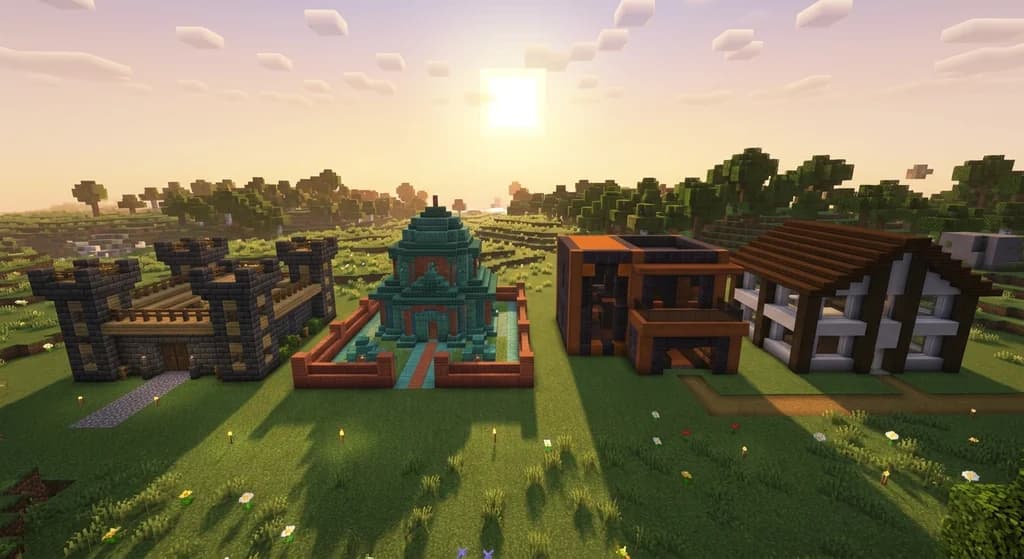
7 Best Complementary Block Palettes for Minecraft Builds 2026
Master modern Minecraft block combinations with 7 expert complementary palettes for 2026. High-contrast combos, color theory tips, and pro builder...
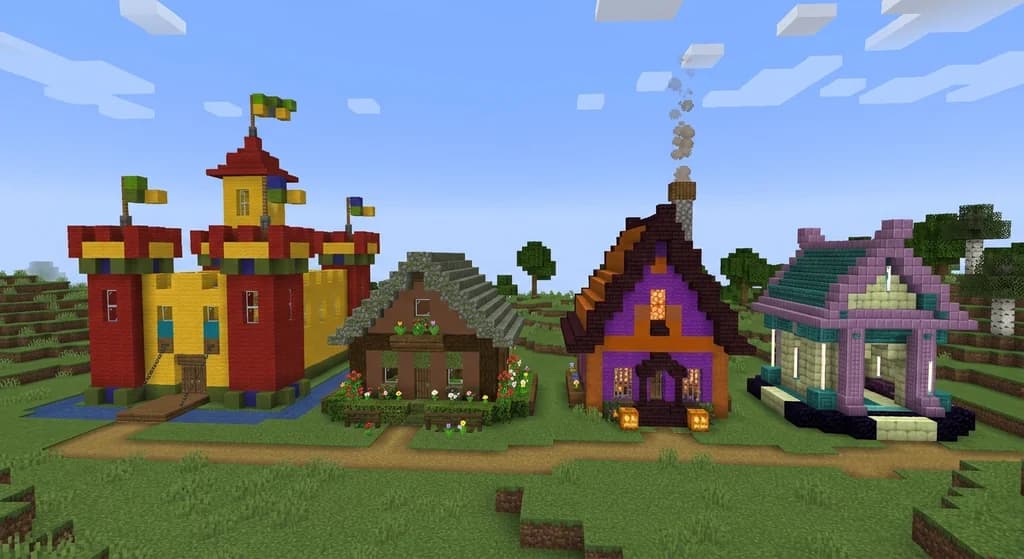
7 Best Tetradic Block Palettes for Minecraft Builds (2026)
Discover 7 tetradic Minecraft block palettes for 2026 builds. Learn color theory, block combos, and how to use four-color harmony for stunning structures.
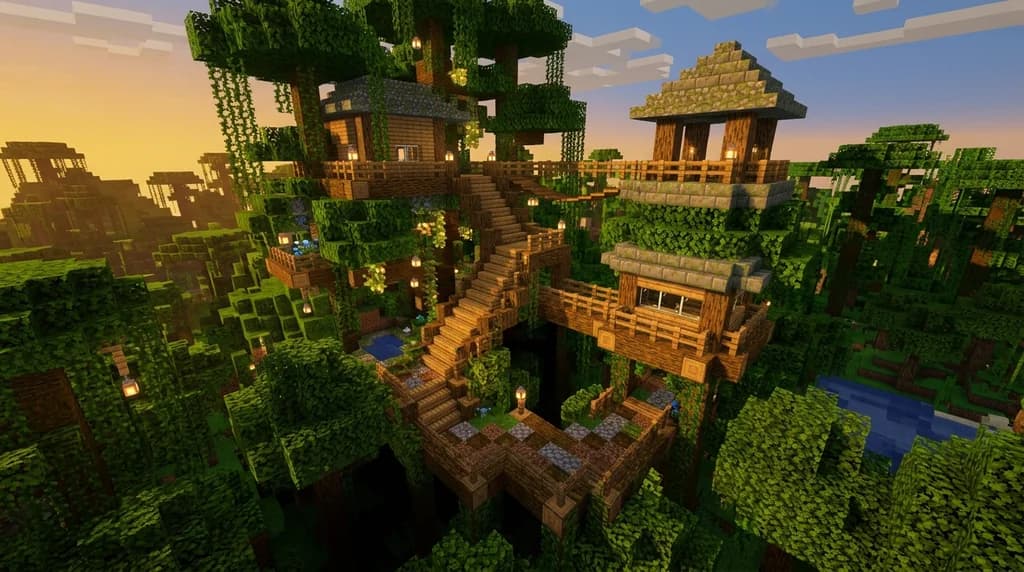
7 Best Analogous Block Palettes for Minecraft Treehouses 2026
Discover 7 expert analogous block palettes for Minecraft treehouses in 2026. Master green block harmony, moss-wood combos, and natural building tips for...
7 Best Mangrove and Bamboo Build Ideas for Minecraft 2026
Discover 7 stunning Minecraft mangrove and bamboo build ideas for 2026. Master tropical house block palettes, vibrant wood combos, and jungle architecture...
Have a question or another approach?
Compare notes with other readers. Include your edition and version when discussing mechanics.