How to Use a Minecraft Palette Generator for Block Harmony (2026)
Filed under Minecraft Build Palette & Block Harmony · How we create content
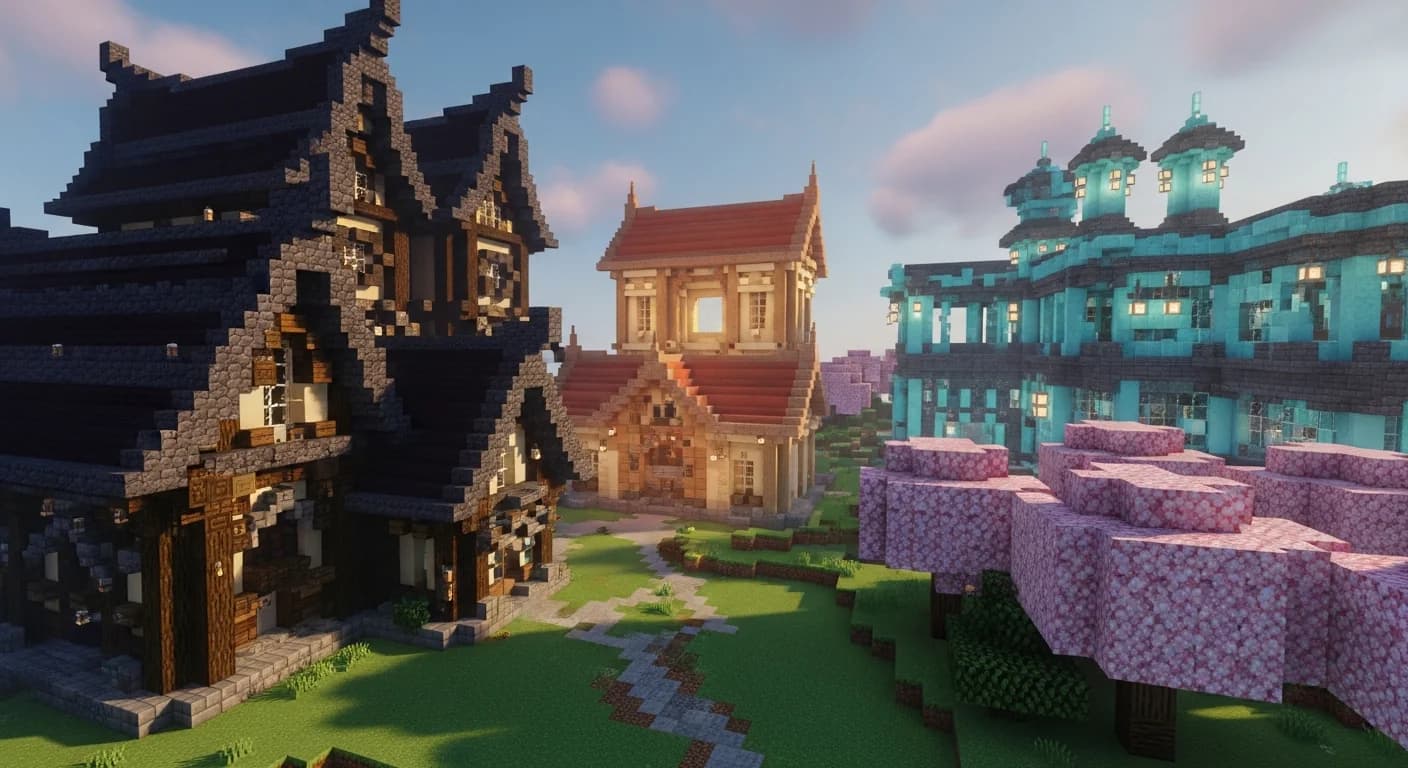
Key Takeaways
| Point | Details |
|---|---|
| Palette generator basics | A Minecraft palette generator maps color theory (analogous, complementary, triadic) onto real block IDs so you always have a harmonious combo ready. |
| Start with your base | Pick your dominant block first — it sets the hue anchor for every other choice in your palette. |
| Use the 60-30-10 rule | Assign 60% of your build to the base block, 30% to accent blocks, and 10% to trim/detail blocks for visual balance. |
| Test before you commit | Always build a small swatch wall in-game before committing thousands of blocks to a palette you haven't seen at scale. |
| Texture contrast matters | Pair smooth blocks with rough ones (e.g., polished deepslate + cobbled deepslate) to add depth even within a single color family. |
| Internal links drive discovery | Explore sibling palette guides for castles, cyberpunk cities, and medieval builds to expand your block vocabulary fast. |
Table of Contents
- What Is a Minecraft Palette Generator?
- How to Use a Minecraft Palette Generator Step by Step
- Best Block Combinations for Every Build Style
- Why Color Harmony Makes or Breaks a Build
- Tips for Applying Your Palette In-Game
- How to Put This Into Practice on Gaia Legends
- Conclusion
- Frequently Asked Questions
- Recommended
Most Minecraft builders don't have a bad eye — they just don't have a system. A Minecraft palette generator gives you that system. Instead of staring at the block menu hoping something clicks, you feed a color direction into a tool and get back a curated list of blocks that actually work together. This guide walks you through exactly how to use one, which block combos shine in 2026, and how to apply color theory to your next build without needing an art degree.
What Is a Minecraft Palette Generator?
A Minecraft palette generator is a tool — web-based or in-game — that maps standard color theory principles (analogous, complementary, and triadic harmonies) onto Minecraft's actual block library, returning a set of block IDs that will look cohesive together.
Instead of picking blocks by gut feeling, you input a primary color or block, and the generator suggests accent and trim blocks whose hues, values, and textures complement your base choice. Popular options include the community-built Minecraft Block Palette tool and the color-wheel features built into creative-mode resource packs.
The Three Harmony Types You Need to Know
| Harmony Type | How It Works | Best For |
|---|---|---|
| Analogous | 2–3 colors adjacent on the color wheel | Warm cottages, forest builds |
| Complementary | Opposite colors on the wheel | High-contrast accent walls, portals |
| Triadic | Three colors evenly spaced (120° apart) | Complex city builds, fantasy castles |
For a deep dive into triadic schemes, check out 7 Best Triadic Block Palettes: A Minecraft Build Tutorial (2026).
How to Use a Minecraft Palette Generator Step by Step
Using a palette generator is a three-step loop: anchor, expand, test.
Step 1 — Pick Your Base (Anchor) Block
Your base block sets the dominant hue. It should cover roughly 60% of your build's visible surface. Good anchors are neutral-leaning blocks with strong texture: deepslate bricks, oak planks, sandstone, or mud bricks.
Warning: Avoid choosing a brightly colored block (like magenta terracotta) as your base — it will overwhelm the build. Save vivid colors for the 10% trim layer.
Step 2 — Generate Accent and Trim Blocks
Feed your base block into the generator. Most tools return:
- Accent block (30% of build) — slightly lighter or darker value, same hue family
- Trim block (10% of build) — contrasting hue or high-value detail block (e.g., gold blocks, sea lanterns, chiseled stone bricks)
Write these three blocks down before you open your world. Discipline here prevents palette drift mid-build.
Step 3 — Build a Swatch Wall
Before placing thousands of blocks, build a 5×5 swatch wall in a flat creative test world. Place all three palette blocks side by side at full-wall scale. Check it at different times of day (Minecraft's day cycle changes lighting dramatically).
Pro Tip: Screenshot your swatch wall and compare it to your build's surroundings. Biome lighting in swamps, deserts, and snowy tundras shifts perceived color — what looks warm in plains can look muddy in a dark oak forest.
Best Block Combinations for Every Build Style
Here's a quick reference for popular 2026 build styles and their generator-recommended palettes:
| Style | Base Block | Accent Block | Trim Block |
|---|---|---|---|
| Medieval | Cobbled deepslate | Mossy stone bricks | Dark oak logs |
| Modern Industrial | Smooth stone | Exposed copper | Cyan terracotta |
| Fantasy Castle | Purpur block | Prismarine bricks | Glowstone |
| Cyberpunk | Blackstone | Blue stained glass | Magenta concrete |
| Swamp Cottage | Mud bricks | Mangrove planks | Moss blocks |
For medieval-specific combos, Best Medieval Minecraft Block Combinations for 2026 Builds goes deep on wood-stone ratios and texture layering. If neon cities are your thing, 7 Best Cyberpunk Minecraft Block Palettes for Neon Cities (2026) covers triadic neon harmony with exact block IDs.
Why Color Harmony Makes or Breaks a Build
Color harmony isn't decoration — it's the difference between a build that reads as intentional and one that looks like a block dump.
Value Contrast vs. Hue Contrast
Most beginners focus on hue (the color itself) and ignore value (how light or dark a block is). Pairing two blocks of the same hue but different values — like polished deepslate (light) and deepslate tiles (dark) — creates depth without any color clash at all. This is why monochromatic palettes work so well in Minecraft's lighting engine.
Texture Contrast Adds Dimension
Smooth blocks next to rough blocks create visual interest even within a single color family. Smooth quartz beside chiseled quartz is a classic example. The Minecraft Wiki notes that block texture variation is one of the primary visual tools available to builders, since all blocks share the same voxel geometry.
According to the Minecraft Wiki, there are over 900 distinct block types available in Java Edition as of recent updates — meaning the raw material for sophisticated palettes is already in your game. The challenge is selection, not availability.
Note: Palette generators work best when you constrain yourself to 3–5 blocks total. Every block you add past five increases the chance of visual noise exponentially.
Tips for Applying Your Palette In-Game
Good palette work doesn't stop at the generator. Here's how to carry it through to the finished build:
- Label your palette — Write the three block names in a book-and-quill or a sticky note. Refer back constantly.
- Use the 60-30-10 rule religiously — 60% base, 30% accent, 10% trim. It's borrowed from interior design and it works in Minecraft for the same reasons.
- Vary your block states — Rotate logs, stair orientations, and slab layers. Same block, different visual texture.
- Limit your light sources — Pick one light block per palette (sea lanterns OR glowstone, not both) to keep the lighting tone consistent.
- Check the palette at night — Some blocks look completely different under moonlight. Prismarine glows subtly; dark oak nearly disappears.
For a full color theory framework applied to house builds, How to Use Color Harmony for Houses to Build in Minecraft (2026) is required reading.
How to Put This Into Practice on Gaia Legends
Gaia Legends' creative districts are the perfect proving ground for palette work. The server's community build showcase runs weekly, and judges specifically call out color harmony as a scoring criterion — so a well-generated palette isn't just aesthetic, it's competitive.
Here's how to put this guide to work on the server:
- Use the in-game creative plots to build your swatch wall without wasting survival resources.
- Share your palette in the #build-planning Discord channel to get community feedback before you commit.
- Browse the creative district for inspiration — you'll find dozens of builds using the exact palette styles in the table above.
Gaia Legends is free to join, non-pay-to-win, and supports Java + Bedrock crossplay. Whether you're testing a medieval deepslate palette or a cyberpunk neon build, the community is there to help you refine it. Join at gaialegends.pro and start your legend today.
Conclusion
Getting your block palette right is one of the highest-leverage skills in Minecraft building. Here are the three things to take away:
- Use a palette generator to anchor your choices — pick a base block, let the tool suggest accents and trims, and stick to the 60-30-10 rule.
- Test every palette on a swatch wall before scaling up — lighting and biome context change everything.
- Texture contrast is as powerful as color contrast — mixing smooth and rough blocks within a single hue family creates depth without visual chaos.
Try building your next project with a strict three-block palette. The constraint feels limiting at first. The result rarely does.
Frequently Asked Questions
What is a Minecraft palette generator and how does it work?
A Minecraft palette generator is a tool that applies color theory — analogous, complementary, or triadic harmony — to Minecraft's block library. You input a base block or color, and the tool returns accent and trim blocks whose hues and values will look cohesive together. Most are web-based and free, using the game's actual block textures for accurate previews.
How many blocks should be in a Minecraft building palette?
Three to five blocks is the sweet spot. A base block (60% of the build), an accent block (30%), and a trim block (10%) covers most builds perfectly. Adding more blocks past five increases visual noise and makes the build feel chaotic rather than intentional.
What are the best free Minecraft palette generator tools?
The most-used community tools include the NovaSkin block palette browser and the Minecraft Wiki's block color reference pages. Many builders also use external color wheel tools like Adobe Color, then manually match the resulting hues to Minecraft block textures.
Can I use a palette generator for survival mode builds?
Absolutely. Generate your palette in a creative test world first, then note which blocks you need to farm or craft in survival. Knowing your palette in advance makes resource gathering far more efficient — you're not changing your mind mid-build.
Why does my build look muddy even with a good palette?
Usually it's a value problem, not a hue problem. If your base and accent blocks are too similar in lightness/darkness, they blend together and lose definition. Try swapping one block for a higher-contrast version — for example, replace stone bricks with cracked stone bricks or mossy stone bricks to add value variation.
How do I match my palette to a specific Minecraft biome?
Start by sampling the biome's natural blocks (grass color, water tint, tree type) and use those as your analogous anchor. Desert builds naturally suit warm sandstone palettes; swamp builds suit cool mud-and-mangrove combos. Fighting the biome's natural palette makes builds feel out of place, while working with it makes them feel like they belong.
Recommended
- 7 Best Modded Minecraft Server Hosting Services to Use in 2026
- 7 Essential Minecraft Performance Mods for Low-End PCs (2026)
- How to Master the Minecraft Survival Progression Guide in 2026
- How to Build a Minecraft Community House: 2026 Social Hub Guide
Ready to play? Join Gaia Legends today — no pay-to-win, Java + Bedrock crossplay.
- Java:
join.gaialegends.pro - Bedrock:
join.gaialegends.pro— Port19132
Further reading
These references were recorded with the article; specific claims have not been matched to source excerpts.
Frequently Asked Questions
What is a Minecraft palette generator and how does it work?
A Minecraft palette generator is a tool that applies color theory — analogous, complementary, or triadic harmony — to Minecraft's block library. You input a base block or color, and the tool returns accent and trim blocks whose hues and values will look cohesive together. Most are web-based and free, using the game's actual block textures for accurate previews.
How many blocks should be in a Minecraft building palette?
Three to five blocks is the sweet spot. A base block (60% of the build), an accent block (30%), and a trim block (10%) covers most builds perfectly. Adding more blocks past five increases visual noise and makes the build feel chaotic rather than intentional.
What are the best free Minecraft palette generator tools?
The most-used community tools include the NovaSkin block palette browser and the Minecraft Wiki's block color reference pages. Many builders also use external color wheel tools like Adobe Color, then manually match the resulting hues to Minecraft block textures.
Can I use a palette generator for survival mode builds?
Absolutely. Generate your palette in a creative test world first, then note which blocks you need to farm or craft in survival. Knowing your palette in advance makes resource gathering far more efficient — you're not changing your mind mid-build.
Why does my build look muddy even with a good palette?
Usually it's a value problem, not a hue problem. If your base and accent blocks are too similar in lightness/darkness, they blend together and lose definition. Try swapping one block for a higher-contrast version — for example, replace stone bricks with cracked stone bricks or mossy stone bricks to add value variation.
How do I match my palette to a specific Minecraft biome?
Start by sampling the biome's natural blocks (grass color, water tint, tree type) and use those as your analogous anchor. Desert builds naturally suit warm sandstone palettes; swamp builds suit cool mud-and-mangrove combos. Fighting the biome's natural palette makes builds feel out of place, while working with it makes them feel like they belong.
Related guides
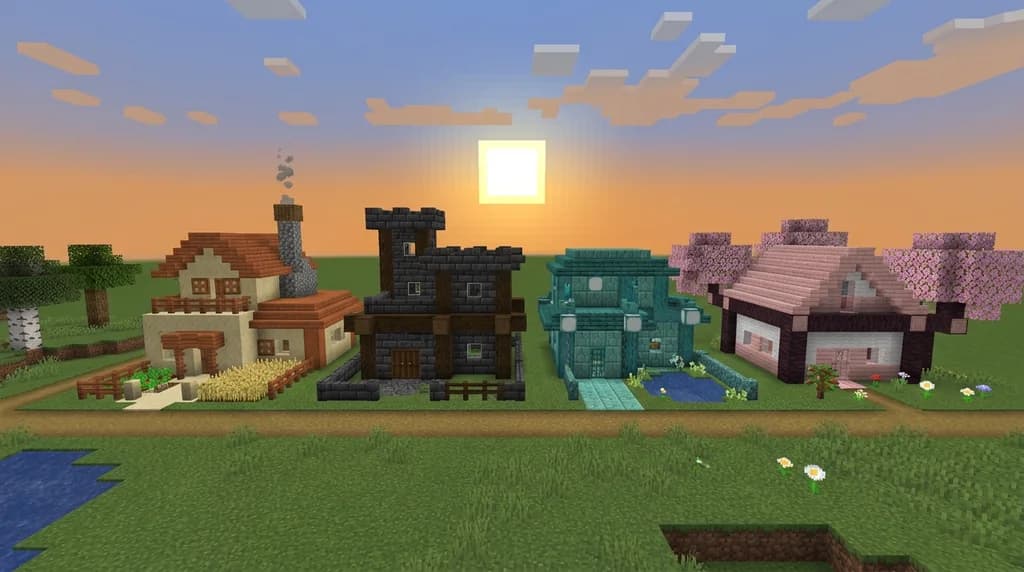
How to Use a Minecraft Palette Generator for Perfect Builds 2026
Learn how to use a Minecraft palette generator to create stunning, cohesive builds in 2026. Master block harmony theory, color matching, and pro design...
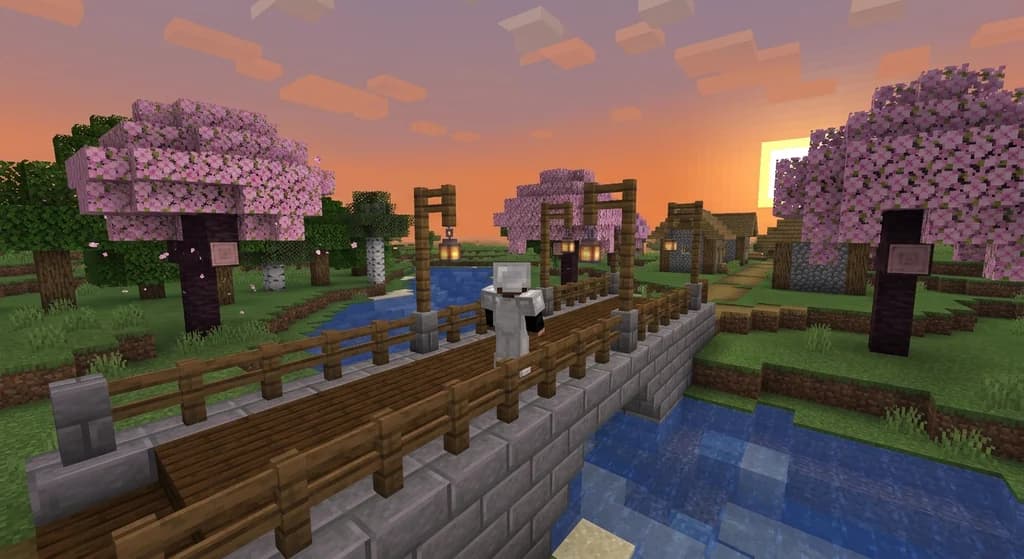
How to Build a Minecraft Bridge with 5 Block Palettes (2026)
Discover 5 stunning block palettes for Minecraft bridges in 2026. From rustic wood to nether luxury, learn how to pick blocks and build a pretty bridge...
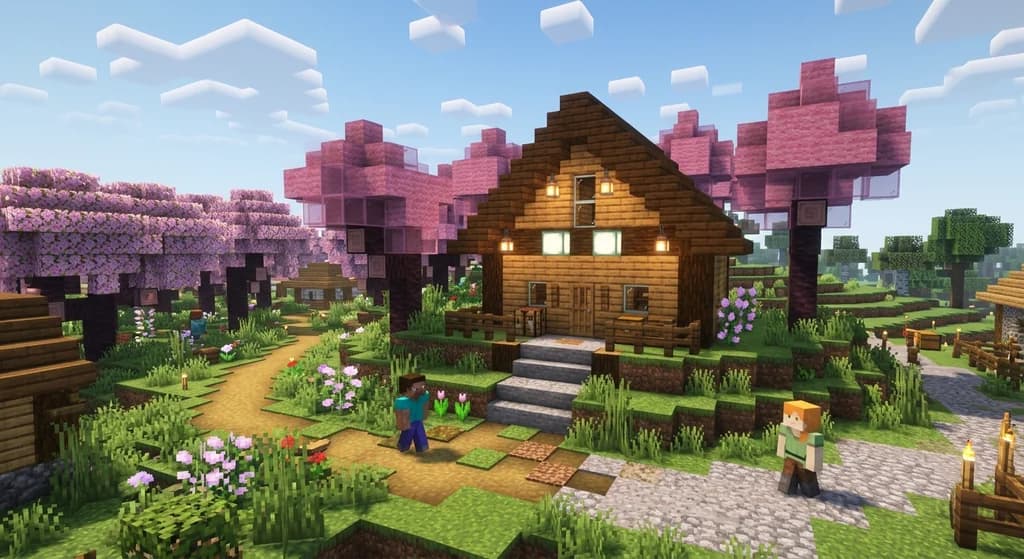
How to Use the 60-30-10 Rule for Balanced Minecraft Builds (2026)
Learn how to use the 60-30-10 rule for Minecraft builds with simple layers: 60% dominant, 30% contrast, 10% accent for balanced bases.
7 Best Rustic Farm Block Palettes for Minecraft (2026)
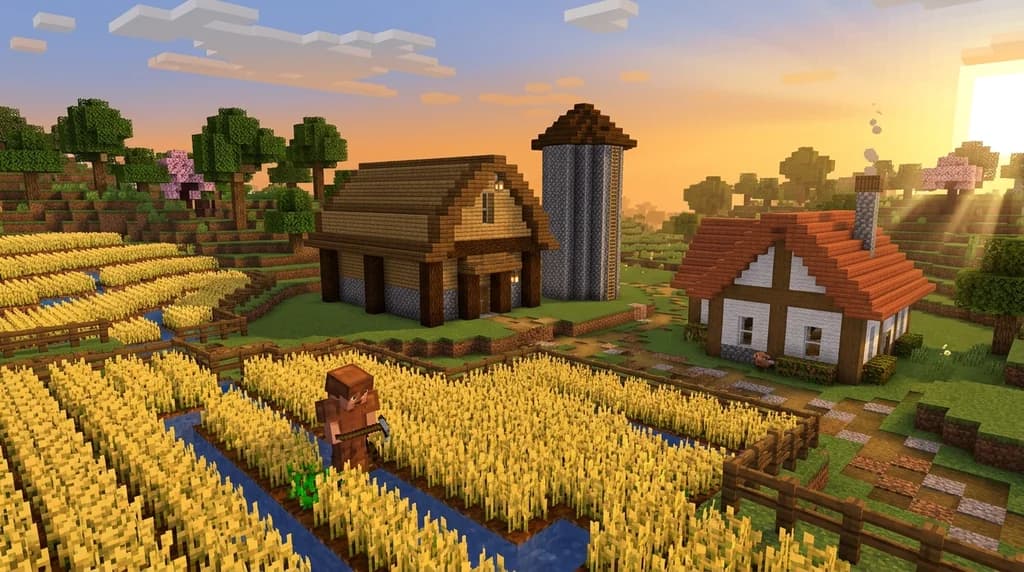
Discover 7 best rustic farm block palettes for Minecraft 2026. Perfect barn & farmhouse combos using survival-friendly blocks with warm, weathered charm.
Have a question or another approach?
Compare notes with other readers. Include your edition and version when discussing mechanics.