How to Use a Minecraft Palette Generator for Perfect Builds 2026
Filed under Minecraft Build Palette & Block Harmony · How we create content
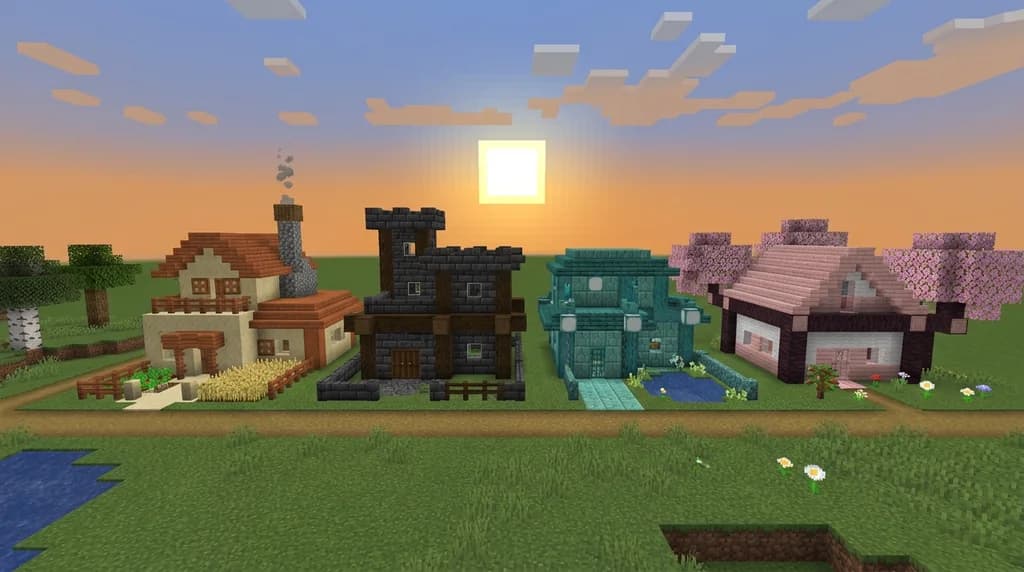
Key Takeaways
| Point | Details |
|---|---|
| Palette generator basics | A Minecraft palette generator translates color theory into specific block lists, eliminating guesswork before you build. |
| Three-block rule | Every strong Minecraft build palette needs a base block (60%), an accent block (30%), and a detail block (10%) — no exceptions. |
| Color harmony types | Complementary palettes create high contrast, analogous palettes feel natural and calm, and triadic palettes add vibrant energy to large builds. |
| Texture variety matters | Mixing smooth, rough, and patterned blocks within the same color family prevents flat, boring-looking walls. |
| Test before you commit | Always build a small 5×5 sample wall with your palette before starting the full build to catch clashes early. |
| Gaia Legends contests | Applying palette generator principles directly improves your score in Gaia Legends creative build competitions, where judges explicitly reward color cohesion. |
Table of Contents
- What Is a Minecraft Palette Generator?
- How to Choose the Right Color Harmony for Your Build
- How to Use a Minecraft Palette Generator Step by Step
- Best Block Combinations for Each Harmony Type
- Why Texture Variety Is Just as Important as Color
- Tips for Applying Your Palette Without Losing Your Mind
- How to Put This Into Practice on Gaia Legends
- Conclusion
- Frequently Asked Questions
- Recommended
Most Minecraft builders don't have a color problem — they have a system problem. They open their inventory, grab whatever looks close, and wonder why the finished wall feels muddy. A Minecraft palette generator solves this before you place your first block. It hands you a curated, theory-backed block list so every material you use belongs there. This guide walks you through exactly how to use one, which harmony types to pick for different build styles, and how to translate the output into walls that actually look good.
What Is a Minecraft Palette Generator?
A Minecraft palette generator is a tool — web-based or standalone — that applies color theory principles to Minecraft's block library, outputting a shortlist of blocks that work harmoniously together. Instead of eyeballing whether spruce planks clash with cobblestone, you feed the tool a mood, a biome, or a starting block, and it returns a structured palette: base blocks, accent blocks, and detail blocks, all pre-matched.
The best generators cross-reference a block's actual in-game RGB values against classic color wheel relationships: complementary (opposite hues), analogous (neighboring hues), and triadic (three evenly spaced hues). Some also factor in texture roughness so you don't accidentally pair two visually "busy" blocks.
Note: Palette generators are planning tools, not magic wands. The output is a starting point. You still decide proportions, placement, and depth — but you're deciding with a map instead of wandering blind.
Why Builders Skip This Step (and Regret It)
The most common reason builders skip palette planning is speed — it feels like extra work upfront. In practice, fixing a color-clashing 80×80 build takes far longer than spending five minutes with a generator before you start. Builders who plan palettes first report finishing large projects faster because they never second-guess a block mid-build.
How to Choose the Right Color Harmony for Your Build
Color harmony type is the single biggest decision you'll make with a palette generator. Get this right and everything downstream is easier.
| Harmony Type | Feel | Best For | Example Blocks |
|---|---|---|---|
| Complementary | Bold, high-contrast | Castles, industrial, gothic | Deepslate + Copper |
| Analogous | Calm, natural | Forests, cottages, treehouses | Oak + Spruce + Moss |
| Triadic | Vibrant, energetic | Fantasy builds, market districts | Terracotta + Prismarine + Acacia |
| Monochromatic | Sleek, modern | Minimalist homes, museums | White Concrete + Calcite + Diorite |
For most survival-style builds, analogous palettes are the safest choice — they mimic how nature actually arranges color, so they read as believable. If you're building something dramatic, like a dark fortress or a neon city, push toward complementary or triadic.
If you want to explore analogous palettes in depth for organic builds, our guide on 7 Best Analogous Block Palettes for Minecraft Treehouses 2026 breaks down seven ready-to-use combinations with exact block lists.
How to Use a Minecraft Palette Generator Step by Step
Here's the process that consistently produces clean results:
- Pick your build's dominant mood. Warm and rustic? Cool and futuristic? Dark and gothic? Write it down in one word.
- Choose a starting block. This becomes your base — the block that covers roughly 60% of your build's surface. Oak planks, deepslate bricks, sandstone — whatever fits the mood.
- Open a palette generator (Minecraft Palette Generator by Haiku is a popular web tool; BlockPalette.io is another widely used option). Enter your starting block or its hex color.
- Select your harmony type from the options above. The tool returns 3–6 block suggestions.
- Assign roles: base (60%), accent (30%), detail (10%). Don't let any single accent block exceed 30% or it competes with the base.
- Build a 5×5 test wall in a creative world. Stand back. Check how the blocks read from 20 blocks away — that's roughly how players will see your build in-game.
- Adjust one block at a time. If something's off, swap the weakest block, not the whole palette.
Pro Tip: After generating your palette, paste the block names into a book and quill in-game. You'll always have your palette list accessible without alt-tabbing out of Minecraft.
Warning: Don't add a fourth "bonus" block mid-build because you found something pretty in your inventory. It almost always breaks the palette's cohesion. Stick to your three assigned roles until the build is structurally complete.
Best Block Combinations for Each Harmony Type
Complementary Palettes
Complementary palettes live on opposite sides of the color wheel, creating strong visual tension that reads as dramatic and intentional. Deepslate bricks paired with oxidized copper is the most-cited complementary combination in 2025–2026 builder communities — the blue-green of aged copper sits directly opposite the warm-grey of deepslate on a perceptual color wheel.
For more high-contrast builds, see our deep-dive on 7 Best Complementary Block Palettes for Minecraft Builds 2026, which covers seven proven pairings with step-by-step application notes.
Analogous Palettes
Analogous palettes pull from adjacent hues and are the easiest to execute without formal design training. A classic example: moss blocks, oak planks, and stripped spruce logs — all warm-to-neutral earth tones that sit next to each other on the color wheel. These palettes work especially well for coastal and natural biome builds.
Our guide on 7 Best Coastal Block Palettes for Minecraft House Builds 2026 shows how analogous thinking applies to beach and shoreline aesthetics with sandstone-heavy combinations.
Triadic Palettes
Triadic palettes are the hardest to balance but the most visually exciting when done right. The key is keeping two of the three hues subordinate — use the third as your dominant base and let the other two appear only in accent and detail roles.
For a full breakdown of triadic block combinations, check out 7 Best Triadic Color Palettes for Vibrant Minecraft Builds 2026.
Why Texture Variety Is Just as Important as Color
Color harmony gets you 60% of the way to a great palette. The other 40% is texture contrast — mixing smooth, rough, and patterned surfaces within your chosen color family.
Consider two builds that both use a grey palette:
- Flat version: All stone bricks, all the same pattern. Reads as a grey rectangle.
- Textured version: Stone bricks (rough), polished andesite (smooth), and chiseled stone bricks (patterned). Same grey family, but the eye has something to travel across.
Block harmony theory — the principle that blocks should relate both in color and in surface texture — is what separates competent builders from impressive ones. When you use a palette generator, always check that your selected blocks don't all share the same texture family. If they do, manually swap one for a smoother or rougher variant in the same color range.
Pro Tip: Slabs and stairs of your chosen blocks add a third dimension of texture without introducing new colors. Use them liberally on rooflines, floors, and wall detailing.
Tips for Applying Your Palette Without Losing Your Mind
Large builds can feel overwhelming once you have your palette. These habits keep you on track:
- Zone your blocks. Assign each block a physical zone before you start: base block for walls, accent block for roofs and floors, detail block for trims and windows.
- Build in layers. Complete the base-block shell first, then add accent-block features, then detail-block trims last. This prevents you from decorating a wall you'll later tear down.
- Use the palette for interiors too. The most common mistake is having a beautiful exterior and a chaotic interior. Your palette generator output applies to both.
- Revisit the palette after 30 minutes of building. Step back, look at the structure, and check that the 60/30/10 ratio is holding. It drifts more than you'd expect.
How to Put This Into Practice on Gaia Legends
Gaia Legends runs regular creative build competitions where players submit original structures judged on creativity, technical skill, and — critically — color cohesion. Judges score palette use explicitly, which means players who arrive with a pre-planned palette generator output have a measurable advantage over those who improvise.
Here's how to apply this guide directly on the server:
- Use the creative plot system to build your 5×5 palette test wall before committing to a full structure. Plots give you a clean, flat canvas with access to the full block library.
- Reference the build contest brief posted in the Gaia Discord for each round — contest themes often hint at a preferred harmony type (e.g., "ancient ruins" leans complementary; "spring market" leans analogous).
- Share your palette in the #build-showcase channel before the deadline. Community feedback on your block choices is free design critique from experienced builders.
Winning a build contest on Gaia Legends earns exclusive rank rewards and cosmetic items unavailable anywhere else on the server. A palette generator is one of the fastest ways to close the gap between your current skill level and contest-winning quality.
Gaia Legends is free to join, non-pay-to-win, and supports Java + Bedrock crossplay. Join at gaialegends.pro and start your legend today.
Conclusion
Three things will immediately improve your Minecraft builds if you take them away from this guide:
- Use a palette generator before placing your first block — it gives you a theory-backed block list that removes guesswork entirely.
- Follow the 60/30/10 rule — base block dominates, accent block supports, detail block accents. Break this ratio and the palette fights itself.
- Add texture contrast within your color family — smooth, rough, and patterned blocks in the same hue range are what make a palette feel rich instead of flat.
Open a palette generator today, pick a harmony type that fits your next build's mood, and run through the seven-step process above. The difference between your last build and your next one might just be five minutes of planning.
Recommended
- How to survive Minecraft nights: essential survival strategies
- How to Level Up Minecraft Server Rank Progression Fast in 2026
- 7 Best Minecraft MMO Servers for an Immersive RPG Journey 2026
- How to Conquer Minecraft Ominous Trials: Pro Combat Tips 2026
Ready to play? Join Gaia Legends today — no pay-to-win, Java + Bedrock crossplay.
- Java:
join.gaialegends.pro - Bedrock:
join.gaialegends.pro— Port19132
Further reading
These references were recorded with the article; specific claims have not been matched to source excerpts.
Frequently Asked Questions
What is a Minecraft palette generator and how does it work?
A Minecraft palette generator is a tool that applies color theory — complementary, analogous, triadic, or monochromatic schemes — to Minecraft's actual block library, outputting a curated shortlist of blocks that work harmoniously together. You input a starting block or mood, select a harmony type, and the tool returns a base block, accent block, and detail block matched by hue and sometimes texture. It removes color guesswork before you build.
Which color harmony type is best for beginners using a palette generator?
Analogous color harmony is the best starting point for beginners. It pulls from neighboring hues on the color wheel — think oak planks, spruce logs, and moss blocks — which naturally mimic how colors appear in nature. The result always reads as cohesive and believable, even if your proportions aren't perfect. Complementary and triadic harmonies are more powerful but harder to balance without design experience.
What is the 60/30/10 rule in Minecraft building?
The 60/30/10 rule is a design principle where your base block covers roughly 60% of your build's visible surface, your accent block covers 30%, and your detail block covers the remaining 10%. This ratio creates visual hierarchy — the eye knows what to focus on and what to treat as background. Violating it, such as using two blocks at equal proportions, makes a build feel chaotic and unresolved.
What is block harmony theory in Minecraft?
Block harmony theory is the principle that Minecraft blocks should relate to each other in both color and surface texture. Color harmony alone isn't enough — if all your blocks share the same rough or smooth texture, the wall reads as flat and boring. True block harmony mixes smooth blocks (polished andesite), rough blocks (stone bricks), and patterned blocks (chiseled variants) within the same color family to give the eye something to travel across.
How do I test a Minecraft palette before committing to a full build?
Build a 5×5 sample wall in a creative world using your palette's base, accent, and detail blocks in their assigned proportions. Then stand 20 blocks away and evaluate how the blocks read at distance — that's the typical viewing range in-game. If a block looks too dominant or too invisible from that distance, swap it before you've invested hours in a full structure. This five-minute test saves enormous rework time.
Can I use a Minecraft palette generator for survival mode builds?
Absolutely. Palette generators work for any mode — you just filter your block choices by what's obtainable in survival. Most generators let you exclude blocks or flag them as hard-to-get. Plan your palette first, then gather the materials. This approach is actually more valuable in survival because you're committing real in-game time to gathering blocks, so knowing your palette is right before you start prevents costly material waste.
Related guides
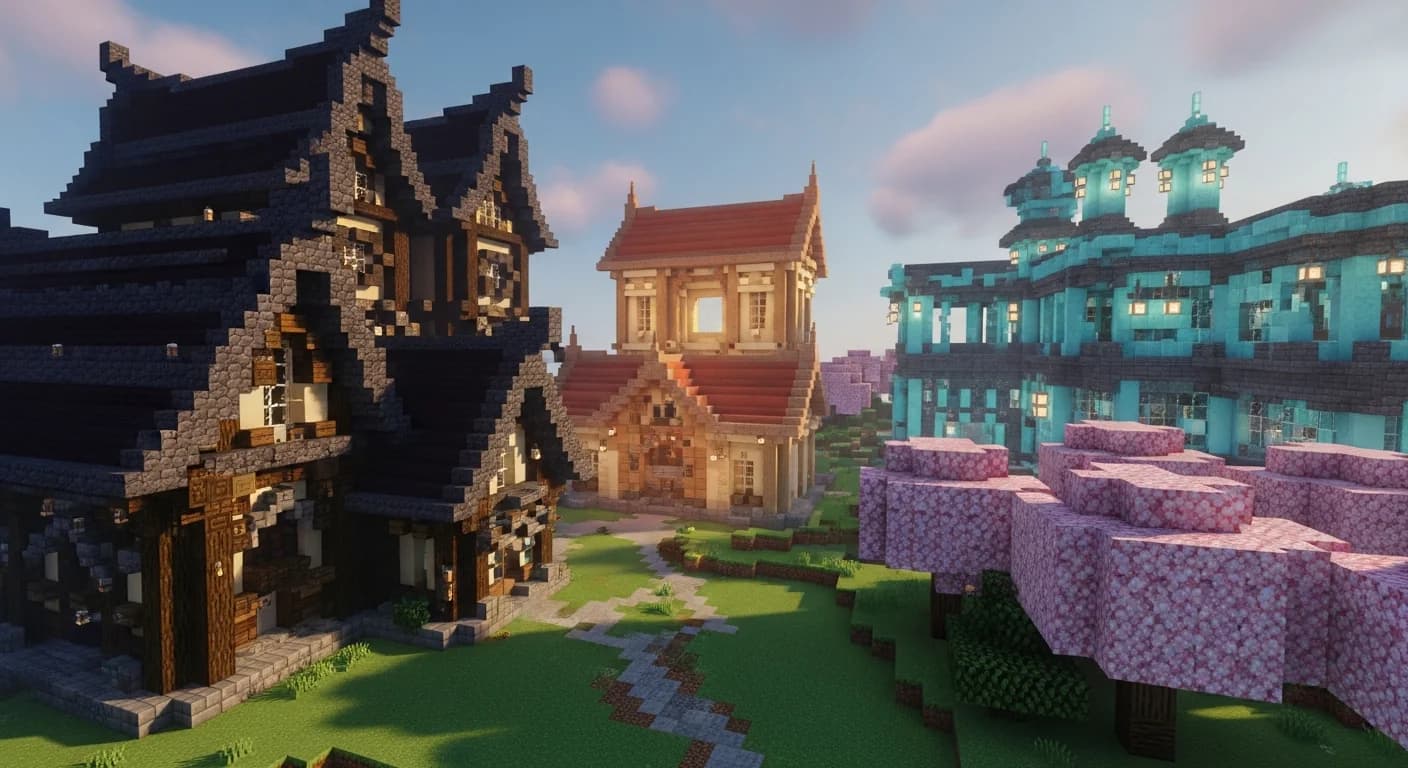
How to Use a Minecraft Palette Generator for Block Harmony (2026)
Learn how to use a Minecraft palette generator to create stunning block harmony in your builds. Step-by-step guide for 2026 with tips, tables, and real...
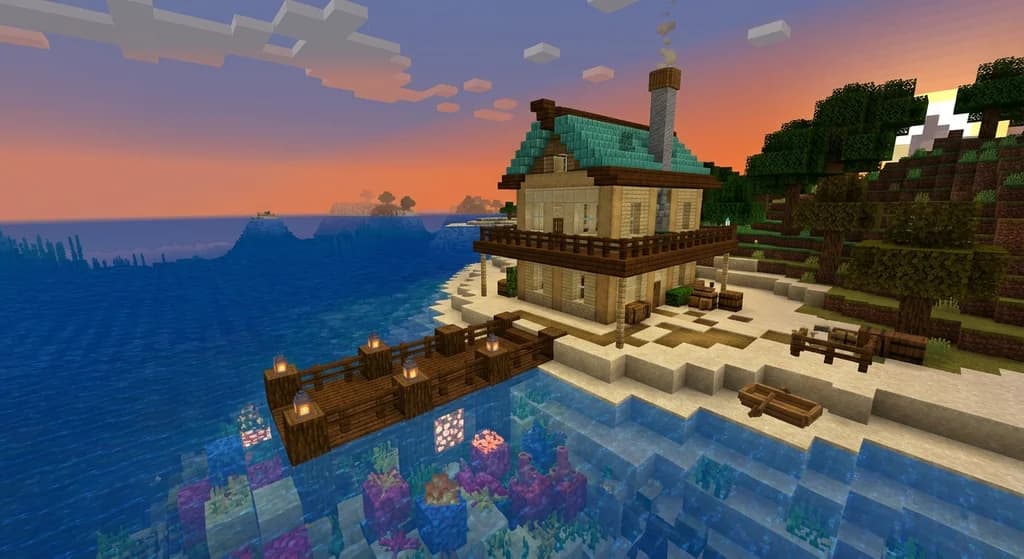
7 Best Coastal Block Palettes for Minecraft House Builds 2026
Discover the 7 best coastal block palettes for Minecraft house builds in 2026. Expert sandstone combos, beach house ideas, and seaside palette tips.
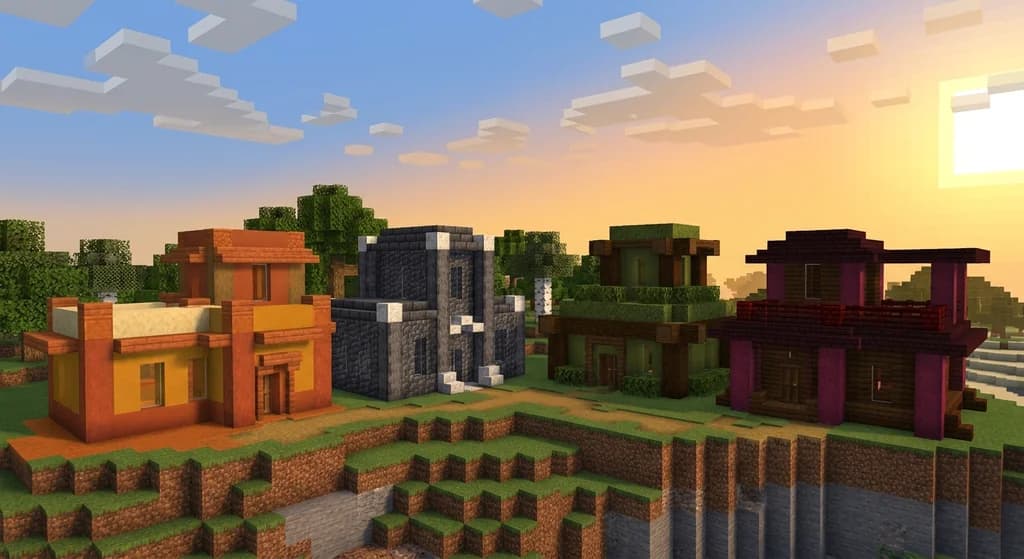
7 Best Analogous Block Palettes for Cohesive Minecraft Builds (2026)
Discover the 7 best analogous block palettes for cohesive Minecraft builds in 2026. Master color harmony with expert block combos, pro tips, and real...
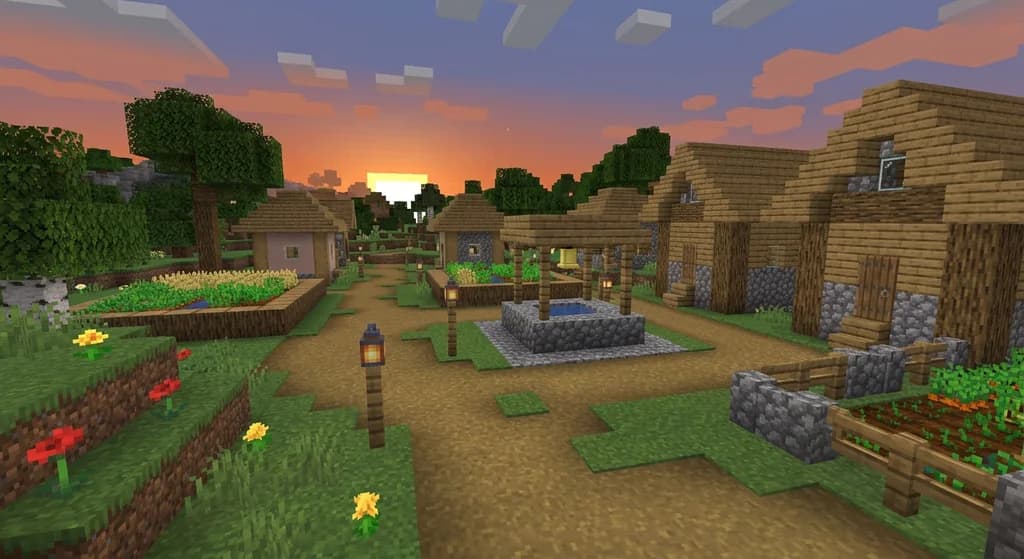
Dirt Paths: A Useful Block for Minecraft Pathways
Learn everything about dirt paths in Minecraft: how to make them, where they generate naturally, their unique properties like mob prevention and height, and creative uses for pathways and farms.
Have a question or another approach?
Compare notes with other readers. Include your edition and version when discussing mechanics.