How to Use Geyser to Join Java Minecraft Servers on Bedrock 2026
Filed under Minecraft Server Guides & Reviews · How we create content
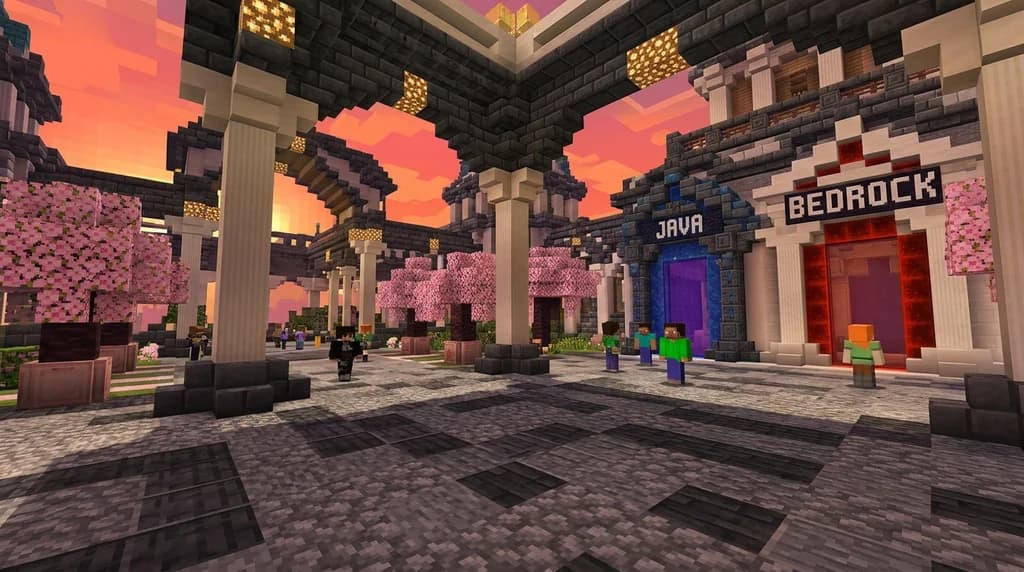
Key Takeaways
| Point | Details |
|---|---|
| Geyser is a protocol bridge | It translates Bedrock network packets into Java Edition packets in real time, letting Bedrock clients join Java servers without any client-side mods. |
| Port matters | Bedrock players connect on UDP port 19132 by default, while Java players use TCP port 25565 — mixing these up is the #1 connection failure. |
| Floodgate removes the Java account barrier | The companion Floodgate plugin lets Bedrock players join without owning Java Edition, using a "." prefix to mark their usernames. |
| Check limitations before playing | Features like custom UI screens, certain inventory interactions, and some command-block outputs behave differently on Bedrock clients through Geyser. |
| Server-side only | Geyser runs entirely on the server — Bedrock players install nothing, making crossplay invisible and frictionless for your community. |
| Find Geyser servers easily | Server browsers like the one on Gaia Legends let you filter specifically for Geyser-enabled servers so you skip the trial-and-error search. |
Table of Contents
- What Is Geyser and How Does It Work?
- How to Join a Java Server on Bedrock Using Geyser
- What Is Floodgate and Do You Need It?
- Does Geyser Support Every Java Server Feature?
- Why Is My Geyser Connection Failing?
- Tips for Finding Geyser-Enabled Servers in 2026
- How to Put This Into Practice on Gaia Legends
- Conclusion
- Frequently Asked Questions
- Recommended
Crossplay between Minecraft's Java and Bedrock editions has been the community's most-requested feature for years — and in 2026, GeyserMC makes it genuinely seamless. If you want to use Geyser to join Java servers from your phone, console, or Windows 10/11 Bedrock client, this guide covers everything: how the protocol bridge works, the exact steps to connect, what Floodgate adds, and how to troubleshoot the most common failures.
What Is Geyser and How Does It Work?
Geyser is an open-source protocol translation layer that converts Bedrock Edition network packets into Java Edition packets in real time, allowing Bedrock clients to connect to Java servers without any client-side installation.
Think of it as a live interpreter sitting between your Bedrock game and a Java server. When you move, break a block, or open a chest, your Bedrock client sends packets in Bedrock's binary format. Geyser intercepts those packets, translates them into the Java protocol, and forwards them to the server — and does the reverse for every response. The Java server never knows it's talking to a Bedrock client.
Geyser runs as a plugin on the server side, compatible with Spigot, Paper, Fabric, NeoForge, and standalone proxy setups like BungeeCord and Velocity (via GeyserMC on GitHub). Bedrock players install absolutely nothing.
Note: Geyser does not give Bedrock players access to Java-exclusive features or vice versa. It bridges connectivity — not feature parity.
Because the translation happens server-side, server owners can enable crossplay for their entire community with a single plugin install. That's a big deal for SMPs, survival servers, and minigame networks that want to grow their player base beyond one platform. If you're evaluating servers, our guide on how to find the best Minecraft SMP server for you in 2026 explains what other features to look for alongside crossplay support.
How to Join a Java Server on Bedrock Using Geyser
Bedrock players join a Geyser-enabled Java server by entering the server's IP address and port 19132 in the "Add Server" screen — no mods, no launcher changes, no Java account required if Floodgate is also installed.
Here's the step-by-step process from the Bedrock side:
- Open Minecraft Bedrock Edition on your device (mobile, console, or Windows).
- Navigate to Play → Servers → Add Server.
- Enter the server's IP address exactly as provided by the server owner.
- Set the port to 19132 (UDP) — this is Geyser's default Bedrock listener port.
- Save and connect.
That's it. If the server has Geyser installed and configured correctly, you'll load in just like a Java player would.
What the Server Owner Must Do
On the server side, setup involves:
- Download the correct Geyser build for your server type (Paper plugin, Fabric mod, or standalone) from Modrinth or the official GitHub releases.
- Drop the
.jarinto yourplugins/ormods/folder. - Start the server once to generate
config.ymlinsideplugins/Geyser-Spigot/. - Confirm
bedrock.portis set to19132andremote.addresspoints toauto(for same-machine setups) or your Java server's local IP. - Open UDP port 19132 in your firewall and hosting panel — TCP alone won't work.
- Restart the server.
Warning: Forgetting to open UDP 19132 is the single most common setup mistake. TCP-only firewall rules will silently block every Bedrock connection attempt while Java players connect fine.
GeyserMC's GitHub repository has over 9,700 stars and is actively maintained with regular releases tracking each new Minecraft version (via GeyserMC on GitHub).
What Is Floodgate and Do You Need It?
Floodgate is a companion plugin to Geyser that allows Bedrock players to join Java servers without owning a Java Edition account, using Xbox Live authentication instead.
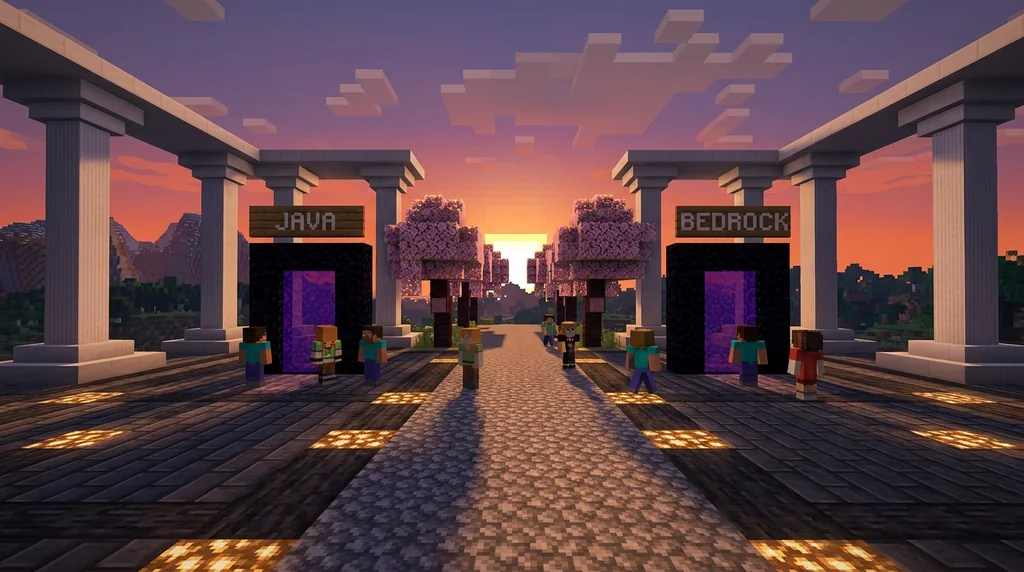
Without Floodgate, Bedrock players still need a Java account to authenticate — which defeats part of the crossplay appeal. Floodgate solves this by injecting Bedrock player data (verified via Xbox Live) directly into the join flow. Bedrock usernames get a . (period) prefix by default to avoid collisions with Java usernames, so a Bedrock player named Steve appears as .Steve on the server.
Floodgate also enables Bedrock-specific form UI support — things like modal dialogs that Bedrock players see natively instead of the chat-based prompts Java uses. It's available on Modrinth alongside Geyser.
| Feature | Geyser Alone | Geyser + Floodgate |
|---|---|---|
| Bedrock clients can connect | ✅ | ✅ |
| Java account required | ✅ Yes | ❌ No |
| Xbox Live auth for Bedrock | ❌ | ✅ |
| Bedrock form UI support | Partial | ✅ Full |
| Cross-platform friend lookup | ❌ | ✅ |
If you're running a public server and want the lowest barrier to entry for Bedrock players, install both. They're designed to work together.
Pro Tip: Set
send-floodgate-data: truein Geyser's config when Floodgate is on the same server. This enables full data-sharing between the two plugins and unlocks the complete crossplay feature set.
For servers that care about fair play across both platforms, also check our guide on how to spot and avoid pay-to-win Minecraft servers in 2026 — crossplay servers are only worth joining if the economy is balanced for everyone.
Does Geyser Support Every Java Server Feature?
Geyser supports the vast majority of Java gameplay, but certain features — including custom inventory UIs, some resource pack behaviors, and Java-exclusive commands — work differently or are unavailable for Bedrock clients.
Here are the most important limitations to know:
- Custom GUIs: Java plugins that use custom inventory screens (like custom shop menus) may not render correctly for Bedrock players.
- Resource packs: Java resource packs aren't automatically compatible with Bedrock's pack format. Servers need to provide a separate Bedrock pack or use a conversion tool.
- Spectator mode: Bedrock clients have limited spectator mode support through Geyser.
- Some commands: A handful of Java-only commands or command-block outputs may behave unexpectedly.
These limitations shrink with every GeyserMC release, and the team publishes a detailed compatibility tracker on their GitHub. For most survival, SMP, and minigame experiences, Bedrock players have a complete and enjoyable session.
If your server runs heavy custom plugins — like the ones covered in our Altar SMP plugin guide — test each plugin's UI with a Bedrock client before going live.
Why Is My Geyser Connection Failing?
Most Geyser connection failures come down to four causes: wrong port, firewall blocking UDP, version mismatch between Geyser and the server, or an incorrect remote address in config.
Troubleshooting Checklist
Work through these in order:
- Wrong port — Bedrock must use UDP 19132, not 25565. Double-check the "Add Server" screen.
- UDP not open — Most hosting panels default to TCP only. Explicitly open UDP 19132 in your firewall rules.
- Version mismatch — Geyser must match the Minecraft version your server runs. An outdated Geyser build will refuse connections from newer Bedrock clients. Always grab the latest build from Modrinth.
- Wrong remote address — If Geyser is on the same machine as the Java server,
remote.addressshould beauto. If it's on a separate proxy, point it to the Java server's internal IP. - Online mode mismatch — If your server is in offline mode but Geyser expects online mode (or vice versa), authentication will fail.
- Hosting plan restrictions — Some budget hosting providers block custom UDP ports. Check with your host if UDP 19132 can't be opened.
Warning: Never set your Java server to offline mode just to make Geyser work — this disables authentication entirely and exposes your server to griefing and impersonation. Use Floodgate instead, which handles Bedrock auth securely without touching Java's online mode setting.
Reducing lag is also critical for crossplay servers since Bedrock and Java clients can respond differently to high TPS drops. Our guide on reducing Minecraft server lag in 2026 pairs well with any Geyser setup.
Tips for Finding Geyser-Enabled Servers in 2026
The fastest way to find Geyser-enabled Java servers in 2026 is to use server browsers that let you filter by crossplay support, saving you from manually testing IPs.
Not every Java server runs Geyser — and there's no universal indicator in the vanilla server list. Here's how to find them efficiently:
- Use filtered server browsers: Platforms that tag servers with "Geyser" or "Bedrock crossplay" let you skip the guesswork entirely.
- Check server Discord servers: Most Geyser-enabled servers announce it in their
#infoor#how-to-joinchannels. - Look for dual IP listings: Servers that publish both a Java IP (port 25565) and a Bedrock IP (port 19132) are almost certainly running Geyser.
- Ask in community spaces: Reddit's r/MinecraftServer and various Discord communities maintain updated lists of crossplay servers.
If you're hunting for a great community alongside crossplay support, our post on how to find non-toxic Minecraft communities in 2026 gives you a solid vetting framework. And if you want a server with active gameplay beyond just crossplay, our best Minecraft SMP server guide covers what separates good servers from great ones.
For hosting your own Geyser server, RAM allocation matters more with the translation overhead. Our best Minecraft server hosting for mods guide covers providers that handle plugin-heavy setups well.
How to Put This Into Practice on Gaia Legends
Gaia Legends runs GeyserMC with Floodgate enabled, so whether you're on Java or Bedrock, you join the same world, the same community, and the same events. Bedrock players connect on port 19132 with no extra setup — just add the server and play.
Our server browser at gaialegends.pro lets you filter the server list by Geyser support, so you can instantly identify crossplay-ready servers without manually testing each one. It's one of the quickest ways to find a Geyser-enabled server that matches your preferred game mode.
Beyond crossplay, Gaia Legends offers a non-pay-to-win economy, active SMP seasons, and a moderation team that keeps the community genuinely welcoming. Gaia Legends is free to join, non-pay-to-win, and supports Java + Bedrock crossplay.
Join at gaialegends.pro and start your legend today.
Conclusion
Getting Geyser working opens your server — or your game — to the entire Minecraft player base, not just one edition. Here are the three things to take away:
- Geyser is server-side only — Bedrock players connect with zero client setup; the server owner handles everything.
- Add Floodgate if you want Bedrock players to join without a Java account — it's the complete crossplay stack.
- UDP port 19132 must be open — this single firewall rule resolves the majority of failed connection attempts.
Try it yourself: find a Geyser-enabled server, connect from your Bedrock client, and experience how invisible good crossplay infrastructure actually feels.
Frequently Asked Questions
How do you use Geyser to join Java servers on Bedrock?
To use Geyser to join Java servers on Bedrock, open Minecraft Bedrock Edition, go to Play → Servers → Add Server, enter the Java server's IP address, and set the port to 19132. The server must have GeyserMC installed. You don't need any mods or changes on your Bedrock client — the translation happens entirely on the server side.
Do I need to own Java Edition to join a Geyser server on Bedrock?
No — if the server also has Floodgate installed alongside Geyser, you can join using only your Xbox Live (Microsoft) account. Without Floodgate, the server may require Java Edition authentication. Most public crossplay servers run both plugins together specifically to remove this barrier for Bedrock players.
What port does Bedrock use to connect to a Geyser server?
Bedrock players connect to Geyser-enabled servers on UDP port 19132 by default. Java players continue to use TCP port 25565. If you're a server owner, you must open UDP 19132 in your firewall — TCP rules alone will not allow Bedrock connections even if everything else is configured correctly.
Is Geyser safe to use on my Minecraft server?
Yes. GeyserMC is open source, widely audited, and used by thousands of public servers. It does not modify your Java server's core files — it runs as a plugin or mod on top of your existing setup. Using Floodgate with proper online-mode settings keeps authentication secure for both Java and Bedrock players.
What are the biggest limitations of Geyser for Bedrock players?
The main limitations are: custom inventory GUIs from Java plugins may not render correctly, Java resource packs aren't automatically compatible with Bedrock's format, and spectator mode has limited support. For standard survival and SMP gameplay, these rarely come up. The GeyserMC team actively reduces the limitation list with each release.
Can console Bedrock players (PlayStation, Xbox, Switch) join Java servers with Geyser?
Yes. Geyser works for all Bedrock Edition platforms including PlayStation 4/5, Xbox, Nintendo Switch, iOS, Android, and Windows 10/11. The connection process is the same: add the server IP and port 19132 in the Servers tab. Console players may need to use a workaround like BedrockConnect to bypass the console's curated server list restrictions.
Recommended
- How to Use Wind Charges in Minecraft Combat: Best 2026 Pro Tips
- How to Master Completing Quests Fast in Minecraft MMOs 2026
- What is the Minecraft Open Water Fishing Requirement in 2026?
- How to Find Diamonds Fast in 2026: The Ultimate Mining Guide
Ready to play? Join Gaia Legends today — no pay-to-win, Java + Bedrock crossplay.
- Java:
join.gaialegends.pro - Bedrock:
join.gaialegends.pro— Port19132
Further reading
These references were recorded with the article; specific claims have not been matched to source excerpts.
Frequently Asked Questions
How do you use Geyser to join Java servers on Bedrock?
To use Geyser to join Java servers on Bedrock, open Minecraft Bedrock Edition, go to Play → Servers → Add Server, enter the Java server's IP address, and set the port to 19132. The server must have GeyserMC installed. You don't need any mods or changes on your Bedrock client — the translation happens entirely on the server side.
Do I need to own Java Edition to join a Geyser server on Bedrock?
No — if the server also has Floodgate installed alongside Geyser, you can join using only your Xbox Live (Microsoft) account. Without Floodgate, the server may require Java Edition authentication. Most public crossplay servers run both plugins together specifically to remove this barrier for Bedrock players.
What port does Bedrock use to connect to a Geyser server?
Bedrock players connect to Geyser-enabled servers on UDP port 19132 by default. Java players continue to use TCP port 25565. If you're a server owner, you must open UDP 19132 in your firewall — TCP rules alone will not allow Bedrock connections even if everything else is configured correctly.
Is Geyser safe to use on my Minecraft server?
Yes. GeyserMC is open source, widely audited, and used by thousands of public servers. It does not modify your Java server's core files — it runs as a plugin or mod on top of your existing setup. Using Floodgate with proper online-mode settings keeps authentication secure for both Java and Bedrock players.
What are the biggest limitations of Geyser for Bedrock players?
The main limitations are: custom inventory GUIs from Java plugins may not render correctly, Java resource packs aren't automatically compatible with Bedrock's format, and spectator mode has limited support. For standard survival and SMP gameplay, these rarely come up. The GeyserMC team actively reduces the limitation list with each release.
Can console Bedrock players (PlayStation, Xbox, Switch) join Java servers with Geyser?
Yes. Geyser works for all Bedrock Edition platforms including PlayStation 4/5, Xbox, Nintendo Switch, iOS, Android, and Windows 10/11. The connection process is the same: add the server IP and port 19132 in the Servers tab. Console players may need to use a workaround like BedrockConnect to bypass the console's curated server list restrictions.
Related guides
The Role of Volunteer Moderators in the Minecraft Forum Community
Explore how the Minecraft Forum is run by over 100 volunteer moderators, its community-driven history, and what this means for players seeking a trusted...
How to Play Minecraft Bedrock on Java Servers Without Geyser in 2026
Learn how to connect Bedrock Edition to Java servers without Geyser in 2026. Explore proxy setups, alternative crossplay plugins, and native Bedrock...
What is the Altar SMP Plugin? A Guide for Minecraft Servers 2026
Discover what the Altar SMP plugin is, how it works on Minecraft servers, and why it's one of 2026's most popular SMP gameplay styles. Full setup guide...
How to Reduce Minecraft Server Lag: 2026 Multiplayer Guide
Learn how to reduce Minecraft server lag in 2026. Fix high ping, TPS drops, and rubber-banding with proven multiplayer optimization tips for Java and Bedrock.
Have a question or another approach?
Compare notes with other readers. Include your edition and version when discussing mechanics.