How to Play Minecraft Bedrock on Java Servers Without Geyser in 2026
Filed under Minecraft Server Guides & Reviews · How we create content
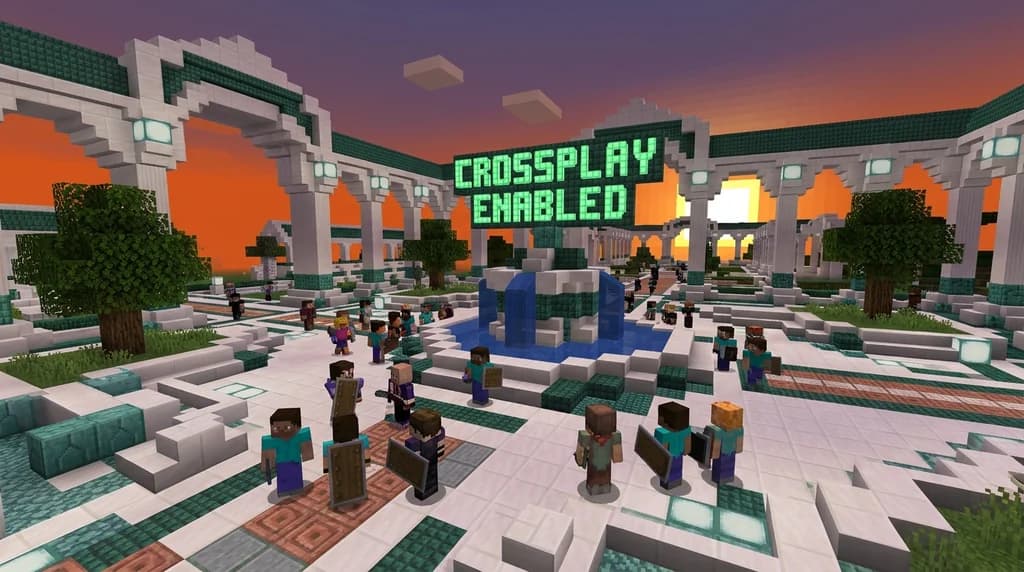
Key Takeaways
| Point | Details |
|---|---|
| Proxy setup | Use a Bedrock-compatible proxy like a custom BungeeCord fork to handle both editions. |
| Data sync | Sync player inventories and worlds between Java and Bedrock servers with MySQL or Redis. |
| Protocol handling | Bedrock uses RakNet/UDP, so your proxy must translate packets to Java's TCP. |
| Testing | Always test with a small group before opening to the public to catch desync issues. |
| Alternative plugins | Consider native Bedrock support plugins like GeyserConnect alternatives that run server-side. |
Table of Contents
- Why Would You Want to Play Bedrock on a Java Server?
- Which Methods Actually Work for Bedrock-to-Java Crossplay Without Geyser?
- How to Set Up a Bedrock-Compatible Proxy
- Configuring Your Server for Bedrock Compatibility
- Testing and Troubleshooting Your Crossplay Setup
- How to Put This Into Practice on Gaia Legends
- Conclusion
- Recommended
Most players think Geyser is the only way to connect Bedrock Edition to Java servers. It’s not. In 2026, there are multiple methods to play Bedrock on a Java server without Geyser, each with its own trade-offs. Whether you’re a server owner wanting to expand your player base or a Bedrock player craving Java’s plugin ecosystem, this guide walks you through the alternatives—from proxy-level solutions to data syncing.
Why Would You Want to Play Bedrock on a Java Server?
Bedrock players often seek out Java servers for their deeper plugin support, larger modding communities, and more mature SMP experiences—things Bedrock-only servers can’t always match.
Java Edition dominates the server landscape with tools like Paper, Spigot, and a massive library of plugins. If you’re on Bedrock (mobile, console, or Windows 10/11), you might feel left out of creative building communities or complex factions servers that rely on Java-exclusive mechanics. Crossplay without Geyser opens those doors.
What is a Bedrock-to-Java crossplay without Geyser? It’s any setup that lets a Bedrock client connect to a Java server without using the GeyserMC proxy. Instead, it uses a custom proxy that understands both protocols natively, or a separate Bedrock server that synchronises world data and inventories with the Java server. This approach gives you full control over the translation layer and can be more performant when tuned correctly.
Pro Tip: Before diving in, make sure your Java server is running a modern, high-performance fork. Paper is used by over 70% of Minecraft servers, making it a reliable base for crossplay setups (via PaperMC).
Which Methods Actually Work for Bedrock-to-Java Crossplay Without Geyser?
Three proven methods exist: a custom Bedrock-compatible proxy, a data-synced Bedrock server, or a plugin that natively handles Bedrock connections on the Java side—each suits different server architectures.
Here’s a quick comparison:
| Method | Complexity | Performance | Maintenance |
|---|---|---|---|
| Custom proxy (BungeeCord fork) | High | Excellent | Moderate |
| Data-synced Bedrock server | Medium | Good | High |
| Native Bedrock plugin (non-Geyser) | Medium | Good | Low |
Custom proxy is the most scalable. You fork BungeeCord or Velocity to accept Bedrock’s RakNet/UDP connections and translate them to Java’s TCP. This requires solid networking knowledge but delivers seamless crossplay. BungeeCord is the most widely used proxy for Minecraft Java Edition, with over 100,000 servers relying on it (via SpigotMC).
Data-synced Bedrock server runs a separate Bedrock server (like PocketMine-MP) that shares the same world files and player data as your Java server via MySQL or Redis. Bedrock players join the Bedrock server, but everything they do reflects on the Java side. This is easier to set up but can lead to desync if not carefully managed.
Native Bedrock plugin is a server-side Java plugin that implements the Bedrock protocol directly, without a separate proxy. It’s less common but can be lightweight. Look for plugins on SpigotMC or PaperMC that advertise “native Bedrock support.”
How to Set Up a Bedrock-Compatible Proxy
A Bedrock-compatible proxy acts as a bridge: it listens on Bedrock’s default port 19132, accepts RakNet connections, and forwards them to your Java backend as standard TCP traffic.
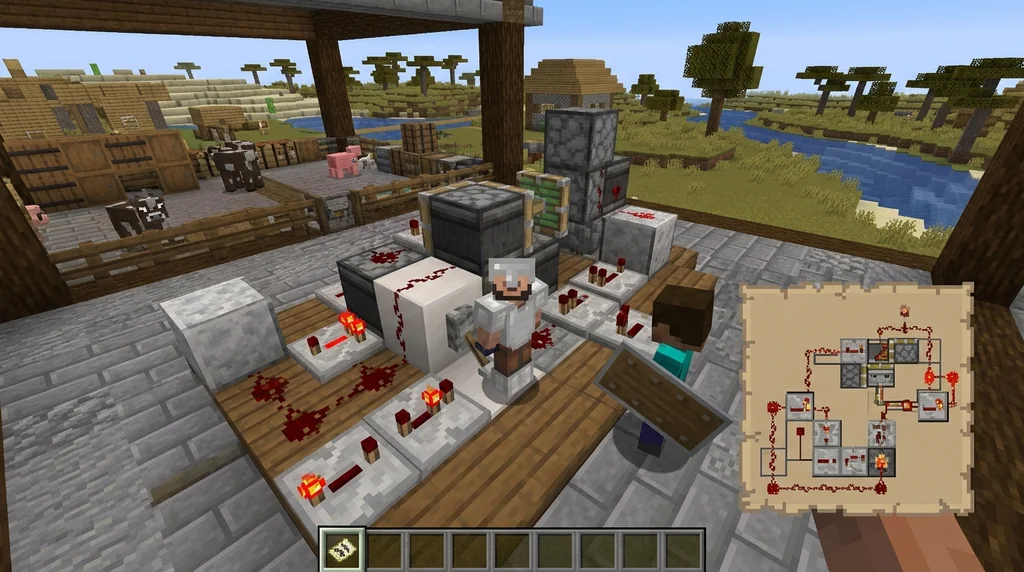
Step-by-Step
- Choose a base proxy: Start with a BungeeCord or Velocity fork that supports Bedrock. Some community forks add RakNet support. Check repositories on GitHub or SpigotMC.
- Install and configure: Set up the proxy on a separate machine or the same server. Configure it to listen on port 19132 for Bedrock and port 25565 for Java. Bedrock Edition uses RakNet over UDP on port 19132, while Java Edition uses TCP on port 25565 (via Minecraft Wiki).
- Link to your Java server: In the proxy’s config, point it to your Java server’s address and port. Enable IP forwarding if you use BungeeCord.
- Port forwarding: Make sure both ports are open on your router. If you’re new to this, check our guide on how to port forward a Minecraft server.
- Test: Connect from a Bedrock client using the server’s IP and port 19132. You should land in the same lobby as Java players.
Warning: Running a proxy adds latency. Always test with a few players before opening to the public, and monitor CPU usage—packet translation can be intensive.
Configuring Your Server for Bedrock Compatibility
Your Java server must be ready to handle Bedrock-specific quirks, like different movement physics and missing Java-exclusive features, to avoid gameplay inconsistencies.
Essential Adjustments
- Disable Java-exclusive mechanics: Turn off features like sweeping edge or off-hand restrictions that Bedrock can’t handle. Use plugins to normalise combat.
- Unify world generation: Ensure your world uses the same seed and version on both editions, or use a plugin that syncs chunks.
- Inventory and economy sync: If you use a data-synced Bedrock server, set up MySQL to share player data. Otherwise, the proxy method usually handles inventory natively through packet translation.
- Community considerations: When evaluating a server for crossplay, look for active staff and clear rules—our community check guide can help you spot red flags.
Note: Bedrock players may see slight visual differences, like missing block animations. Communicate these to your community to avoid confusion.
Testing and Troubleshooting Your Crossplay Setup
Thorough testing prevents launch-day disasters—start with a whitelist, gather feedback, and monitor logs for packet errors.
Common Issues and Fixes
- Connection refused on port 19132: Double-check your firewall and port forwarding. Use our ping check guide to verify the port is reachable.
- Desync or rubberbanding: This often indicates packet loss. Increase proxy thread count or switch to a more efficient protocol handler.
- Bedrock players can’t break certain blocks: Adjust your server’s block break speeds with a plugin, as Bedrock and Java have different timings.
- Whitelist issues: If you run a whitelisted server, ensure Bedrock players can apply. Learn how from our whitelist application guide.
Pro Tip: Keep your proxy and server software updated. Velocity proxy supports modern forwarding and can handle thousands of concurrent players with low latency (via PaperMC).
How to Put This Into Practice on Gaia Legends
Gaia Legends demonstrates a real-world crossplay setup without Geyser. Our custom proxy natively accepts Bedrock connections, translating packets on the fly so that Bedrock and Java players share the same world, economy, and chat—no extra plugins needed.
We’ve tuned our server to normalise combat, block interactions, and movement so that everyone gets a fair experience. Gaia Legends is free to join, non-pay-to-win, and supports Java + Bedrock crossplay. Join at gaialegends.pro and start your legend today.
Conclusion
Playing Bedrock on a Java server without Geyser is fully achievable in 2026. The key takeaways:
- A custom proxy or data-synced Bedrock server can replace Geyser, giving you full control.
- Protocol translation (RakNet to TCP) is the core technical hurdle—plan your proxy accordingly.
- Thorough testing and community communication ensure a smooth crossplay experience.
Don’t let edition barriers limit your Minecraft adventures. Pick a method, set it up, and open your server to millions of Bedrock players.
Recommended
- How to Use Tamed Wolves in Minecraft Boss Fights (2026) | Gaia Legends
- How to Customize Minecraft MMORPG HUDs and Action Bars in 2026 | Gaia Legends
- How to Build a Minecraft Fishing Village in Survival (2026 Guide) | Gaia Legends
- How to Price Items on a Minecraft Player Economy Server (2026) | Gaia Legends
Ready to play? Join Gaia Legends today — no pay-to-win, Java + Bedrock crossplay.
- Java:
join.gaialegends.pro - Bedrock:
join.gaialegends.pro— Port19132
Further reading
These references were recorded with the article; specific claims have not been matched to source excerpts.
Frequently Asked Questions
Can I play Minecraft Bedrock on a Java server without Geyser?
Yes. You can use a custom proxy that supports Bedrock’s RakNet protocol, run a separate Bedrock server that syncs data with the Java server, or install a native Bedrock plugin on your Java server. Each method bypasses Geyser entirely and gives you full control over the crossplay experience.
What’s the easiest method to connect Bedrock to a Java server without Geyser?
A data-synced Bedrock server is often the easiest. Set up a Bedrock server (like PocketMine-MP) that shares the same world and player data via MySQL. Bedrock players join that server, and everything syncs to the Java side with minimal configuration.
Do I need to port forward for Bedrock-to-Java crossplay?
Yes. You must open UDP port 19132 for Bedrock connections and TCP port 25565 for Java. If you use a proxy, forward both ports to the proxy machine. Always check your firewall and router settings to avoid connection refused errors.
Will Bedrock players have the same gameplay as Java players?
Not perfectly. Bedrock has different movement, combat, and block-breaking mechanics. You’ll need to adjust your server with plugins to normalise these differences. Some visual features, like off-hand items, may not work for Bedrock clients.
Can I use Velocity proxy for Bedrock crossplay?
Velocity doesn’t natively support Bedrock, but community forks add RakNet handling. You’ll need to find or build a Velocity fork that accepts Bedrock connections, then configure it to forward traffic to your Java backend. It’s more technical but offers high performance.
Is it safe to run a Bedrock-compatible proxy on my server?
Yes, if you keep the proxy updated and monitor for exploits. Any proxy adds a potential attack surface, so use a trusted fork and restrict access with a firewall. Regular backups and logging help you recover quickly from issues.
Related guides
How to Use Geyser to Join Java Minecraft Servers on Bedrock 2026
Learn how to use Geyser to join Java Minecraft servers on Bedrock in 2026. Step-by-step setup, Floodgate tips, and crossplay troubleshooting in one guide.
How to Set Up a Minecraft Server Using the Official Server.jar
Learn how to download and set up the official Minecraft server.jar for Java Edition. This quick reference covers EULA acceptance, first-run setup, and CLI vs GUI management.
Minecraft Realms: A Quick Reference for Private Server Play
Learn everything you need to know about Minecraft Realms: subscription tiers, pricing, player limits, requirements, and how to set up a private server for friends in Java and Bedrock Edition.
Java Realms Content Creator Program Categories Overview
Compare the five Java Realms map categories and choose where your creation fits before submitting it for review.
Have a question or another approach?
Compare notes with other readers. Include your edition and version when discussing mechanics.