How to Prevent Griefing on Minecraft Servers: A Complete Protection Guide
Filed under Minecraft Server Guides & Reviews · How we create content
Version scope: Not edition-specific
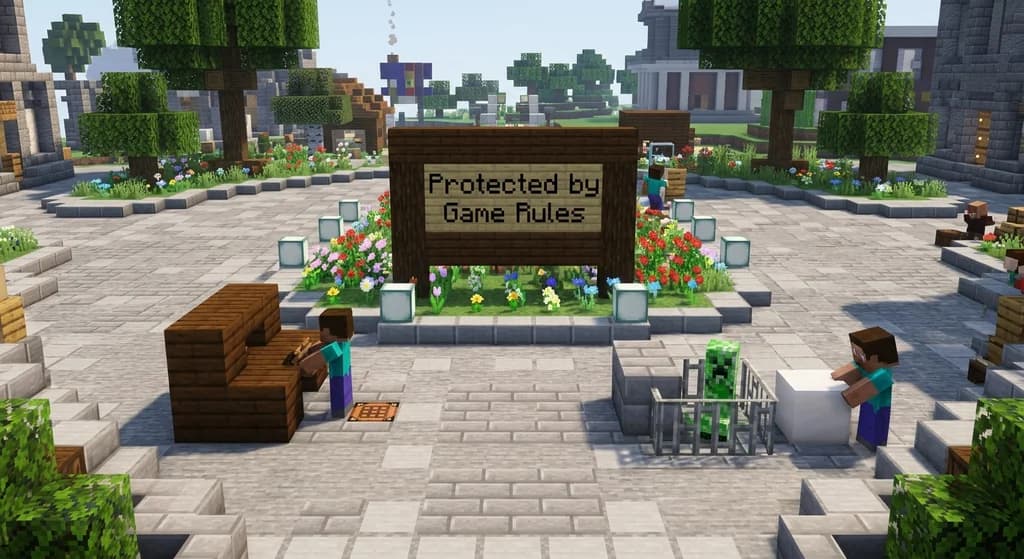
Key Takeaways
| Point | Details |
|---|---|
| Use /gamerule mobGriefing false | Use /gamerule mobGriefing false to stop creeper, enderman, and other mobs from damaging builds. |
| Set /gamerule doFireTick false | Set /gamerule doFireTick false to prevent fire from spreading and burning down structures. |
| Enable keepInventory true to | Enable keepInventory true to reduce the incentive for griefers to kill players for loot. |
| Bedrock Edition players can | Bedrock Edition players can change some game rules from the world menu without losing achievements. |
Griefing is the nightmare of every server admin. A creeper blasts a hole in your spawn. An enderman steals a chunk of your mountain base. A troll sets fire to a wooden town hall. But before you reach for plugins, know this: vanilla Minecraft gives you powerful built-in tools to prevent most common griefing tactics.
This guide covers the game rules, commands, and server settings you can set in minutes — without mods. We'll also touch on when you might want modded server software for deeper protection.
Game Rules That Prevent Grief
Minecraft's /gamerule command is your first line of defense. Here are the most critical rules for preventing grief:
mobGriefing — When set to false, mobs cannot destroy blocks or pick up items. This stops creepers from cratering your terrain, endermen from moving blocks, and villagers from trampling crops. It also prevents foxes from stealing items. As the wiki states: "Mobs === Rules that manage mob behavior, such as mob griefing, anger mechanics, and raids." This is a boolean rule, so the command is /gamerule mobGriefing false.
doFireTick — Fire spreading is a common grief tool. When set to false, fire will not spread or go out naturally. Use /gamerule doFireTick false to protect wooden builds from arson. Fire placed by flint and steel will still exist, but it won't spread.
keepInventory — Set to true with /gamerule keepInventory true. Players keep their items on death. This removes the incentive for griefers to kill others for loot, and reduces the impact of trap-based grief.
entityDrops — In Java Edition, /gamerule entityDrops false prevents item frames, armor stands, and other entities from dropping items when broken. Useful for protecting decorative items.
Other Helpful Rules
doMobLoot— Set tofalseto stop mobs from dropping items (though this affects gameplay).doTileDrops—falsestops blocks from dropping items when broken. This can be used selectively but is drastic for survival servers.tntExplodes— In Bedrock Edition,/gamerule tntExplodes falseprevents TNT from destroying blocks.
Using the /gamerule Command
In Java Edition, game rules can be changed using toggle buttons on the "Edit Game Rules" menu built into the "Create World" and "World Options" screens. For existing worlds, you need cheats enabled:
- Open the world to LAN (allow cheats).
- Run the command in chat:
/gamerule <rule> <value>. - On a dedicated server, use the console or OP status.
Bedrock Edition players have an advantage: Some game rules can be changed in Bedrock Edition without cheats (either by /gamerule command or the world menus, e.g., World Options and Create New World), thus safely keeping achievements enabled while configuring these game rules. This is a big deal if you want anti-grief measures on a survival world with achievements.
Bedrock Edition Exclusive Rules
Bedrock Edition has unique game rules not found in Java Edition. For example, tntExplodes is listed among Bedrock Edition exclusive game rules. Check the wiki for the full list.
Layered Protection: From Vanilla to Modded
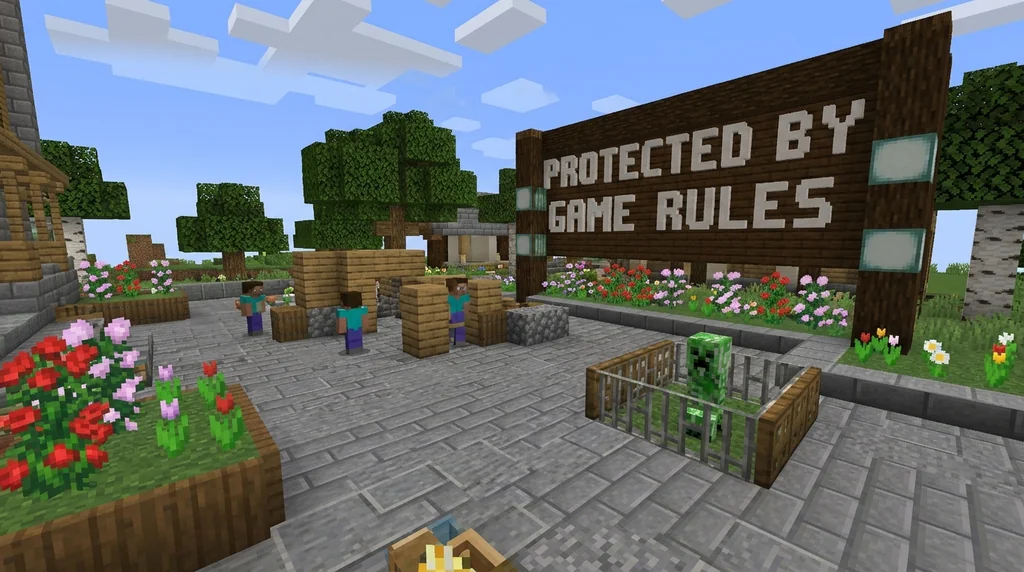
The game rules above stop most griefing in pure survival. But what about players who break blocks illegally? That's where server software extensions help.
Some use modded server software to provide additional features outside the vanilla experience, as the Server page notes. This is your path to land claiming, per-block protection, and rollback commands. Popular server software like Spigot, Paper, or Fabric + plugins (e.g., GriefPrevention, WorldGuard) give you tools the vanilla game lacks.
However, even without plugins, a well-configured vanilla server can be grief-resistant. Combine game rules with a whitelist, regular backups, and clear community rules.
What About Spawn Protection?
Vanilla Minecraft has a built-in spawn protection that prevents players from breaking or placing blocks within a radius of the spawn point. This is controlled in server.properties by the spawn-protection value (default 16 blocks). It only affects non-OP players. You can increase it or combine it with /gamerule rules.
Restoring After Grief
Even with prevention, grief can happen. If a griefer managed to break blocks before you set rules:
- Use
/gamerule doTileDrops falsetemporarily to stop block drops while you investigate. - Refer to backups. Automatic world backups are crucial.
- For servers running modded software, consider a plugin that logs block changes.
Key Takeaway: Start Simple
You don't need a complex plugin setup to run a safe server. Start with these three game rules:
/gamerule mobGriefing false
/gamerule doFireTick false
/gamerule keepInventory true
Test them on a backup first. Let your players know the rules. If you still face issues, move to modded server software with claim systems.
For more on finding safe servers to play on, check our guide How to Find Safe, Free Minecraft Servers to Join in 2026. And if your server is already struggling with population drop due to grief, read How to Spot a Dying Minecraft Server: 7 Warning Signs (2026).
Sources
- Some game rules can be changed in Bedrock Edition without cheats (either by /gamerule command or the world menus, e.g., World Options and Create New World), thus safely keeping achievements enabled while configuring these game rules. — Game rule
- Mobs === Rules that manage mob behavior, such as mob griefing, anger mechanics, and raids. — Game rule
- Some use modded server software to provide additional features outside the vanilla experience — Server
Frequently Asked Questions
Can I set game rules without cheats on a Bedrock server?
Yes. Some game rules can be changed in Bedrock Edition without cheats (either by /gamerule command or the world menus, e.g., World Options and Create New World), thus safely keeping achievements enabled while configuring these game rules.
Does mobGriefing false stop all block damage?
It stops mobs like creepers, endermen, and villagers from breaking or placing blocks. However, it does not prevent TNT explosions (unless the Bedrock rule tntExplodes is also set) or player-created fire.
What is the difference between mobGriefing and doFireTick?
mobGriefing affects mob behavior like block destruction. doFireTick controls whether fire spreads naturally. They cover different threats: mobGriefing for creeper blasts, doFireTick for arson.
Related guides

How Data Packs Work in Minecraft: Setup and Installation
Learn what data packs are, how to install them in Minecraft Java Edition 1.13+, and how to manage load order, reloading, and safe mode. A quick reference guide.
Hermitcraft: A Private Server for Minecraft Content Creators
Learn what Hermitcraft is, how the private whitelisted server for Minecraft YouTubers started, who the Hermits are, and how it has shaped the community through events and Marketplace content.

How to Set Up a Minecraft Server Using the Official Server.jar
Learn how to download and set up the official Minecraft server.jar for Java Edition. This quick reference covers EULA acceptance, first-run setup, and CLI vs GUI management.
Minecraft Hardcore Mode: Features and Mechanics
Learn everything about Minecraft Hardcore Mode: how to enable it, the permadeath mechanics, spectator mode, multiplayer rules, and how it works on Java and Bedrock editions.
Have a question or another approach?
Compare notes with other readers. Include your edition and version when discussing mechanics.