How to Find Safe, Free Minecraft Servers to Join in 2026
Filed under Minecraft Server Guides & Reviews · How we create content
Version scope: Minecraft Java Edition & Bedrock Edition 1.20-1.21
Key Takeaways
| Point | Details |
|---|---|
| The Official Minecraft Server List provides verified external servers for Java Edition | a safe starting point. |
| Bedrock Edition includes featured | Bedrock Edition includes featured servers promoted by Mojang and limited-time event servers that are always free. |
| Third-party server list sites offer more variety but require safety checks | read reviews, check player counts, and avoid IPs with no community. |
| Use an alternate Minecraft | Use an alternate Minecraft account when joining unknown servers and never share your password or personal info. |
Minecraft is better with friends, but not every server is worth your time — or your account's safety. Free servers are everywhere in 2026, but finding one that's both active and trustworthy takes a little know-how. This guide walks you through the safest ways to discover free servers, how to vet them, and what to avoid.
Why Free Servers? And Why Caution?
Free servers are the heart of Minecraft's multiplayer community. From survival and minigames to roleplay and factions, most public servers don't charge a dime to join. But free doesn't mean risk-free. Some servers may have weak moderation, outdated software, or even phishing attempts. The key is knowing where to look and what red flags to spot.
Start with Mojang's Official Resources
The Official Minecraft Server List (Java Edition)
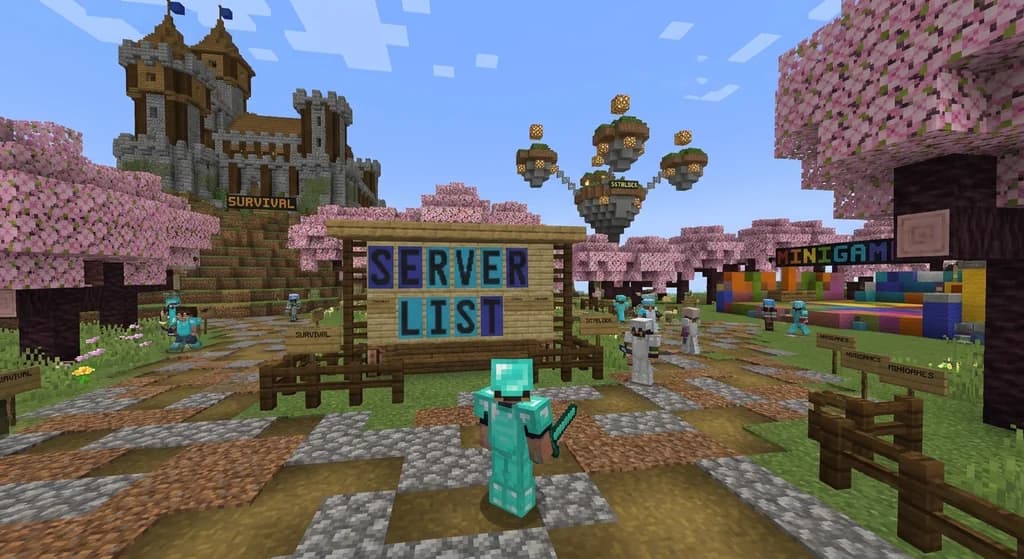
The safest first stop is the Official Minecraft Server List. As the Minecraft Wiki confirms, "The Official Minecraft Server List includes addresses of verified external Minecraft servers that can be added to the game, except on consoles." These servers are verified, meaning they meet basic standards set by Mojang. You can access this list directly from the Java Edition client. It's a curated starting point — not exhaustive, but trustworthy.
Featured Servers on Bedrock Edition
If you're playing on Bedrock (Windows, console, mobile), the in-game server list includes a default set of featured servers. According to the Wiki, "In Bedrock Edition, the server list provides a default set of featured servers promoted by Mojang Studios." These are always free to join and include well-known networks like Mineplex (until its shutdown) and The Hive. They are actively vetted by Mojang, making them the safest option for Bedrock players.
Mojang's Limited-Time Event Servers
For a fresh experience, watch for official Mojang event servers. The Wiki notes that "In-game live events, known officially as Live Events, and internally as Gatherings, are public multiplayer servers hosted by Mojang Studios for a limited amount of time in Bedrock Edition." These events pop up for special occasions (like Minecraft Live) and are completely free, with no chat distractions. A dedicated button appears on the title screen when one is active.
Expanding Your Search with Server List Sites
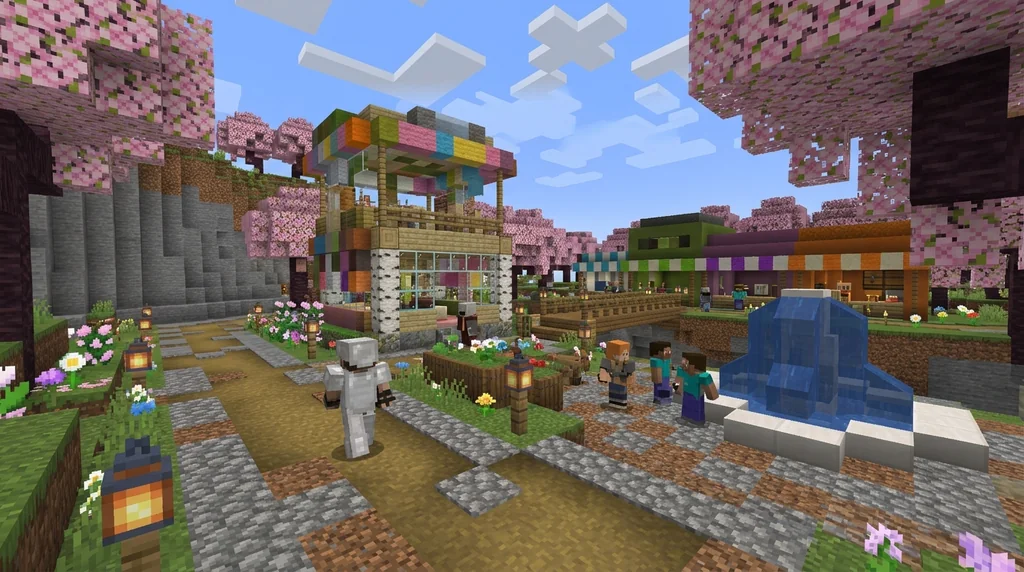
Once you've exhausted the official options, third-party server lists offer thousands of free servers. Sites like Planet Minecraft, MinecraftServers.org, and TopG let you filter by game mode, version, and player count. But not all lists are equal. For a deeper comparison, check out our guide to Top 7 Minecraft Server List Sites for Active Servers (2026).
How to Vet a Server from a List
- Read recent reviews: Look for complaints about pay-to-win, abusive staff, or frequent crashes. A server with no reviews is a red flag.
- Check the player count: Servers with 0–5 players may be dying or newly started. Aim for servers with at least 10–20 concurrent players for a stable community.
- Visit the server's Discord: Legitimate servers almost always have a Discord. Join it before you connect in-game to gauge the community and ask questions.
- Look for a website: A server with its own domain and clear rules is usually more trustworthy than one with only a bare-bones IP address.
- Use an alt account: When trying a server for the first time, use a second Minecraft account without valuable skins or items. This protects your main account if the server is compromised.
What Makes a Server 'Safe'?
Safety means more than just avoiding malware. A safe server has:
- Active, transparent moderation — staff members present in-game or on Discord.
- Clear rules — posted publicly, enforced fairly.
- No pay-to-win mechanics — free servers that sell game-breaking items are not 'free' in spirit; they're designed to frustrate you into paying.
- Regular backups — you can't verify this as a player, but a server that's been around for years likely protects its data.
- Secure login — never enter your Mojang/Microsoft password on any server screen. Only your Minecraft username and the server IP are needed.
For a detailed checklist, see How to Tell if a Minecraft Server IP is Safe: 7 Warning Signs (2026).
Popular Free Server Types Worth Trying
- Survival (SMP): Classic multiplayer survival. Look for 'hermitcraft-like' servers with a shopping district.
- Minigames: Bed Wars, SkyWars, Build Battle — usually free on large networks.
- Roleplay: Join a roleplay server with lore and character progression. Our guide on How to Find the Best Roleplay Minecraft Servers in 2026 can help.
- Skyblock: Start on a small island and expand. Avoid servers that sell instant resources.
- Prison: Mine through ranks in a themed prison. Some are pay-to-win, so read reviews first.
What About Minecraft Realms?
Minecraft Realms is a paid subscription service — not free. As the Wiki states, "Minecraft Realms is an official subscription-based server hosting service." Realms is great for private groups, but if you're looking for public, free servers, skip Realms.
Final Checklist Before You Join
- ✔️ Server appears on the Official Server List or a reputable third-party list with positive reviews.
- ✔️ Server IP is publicly posted — not hidden behind a Discord invite gate.
- ✔️ Server has active players (check via the list ping data).
- ✔️ You've joined their Discord or visited their website to confirm the community is alive.
- ✔️ You're using an alt account with no personal info.
- ✔️ The server doesn't ask for your password or for you to download any 'client mod' to join.
If a server fails any of these checks, move on. There are thousands of free servers — patience pays off.
Frequently Asked Questions
Can I play on free servers on Nintendo Switch or PlayStation?
Yes, but with limitations. Consoles can only join Bedrock Edition servers that are either official featured servers or manually added via a server list (if the console allows it). PlayStation requires you to add servers through the game's settings using an IP address. The safest option is the featured servers list.
Are all free servers full of griefers?
Not at all. Many free servers have robust anti-grief plugins and active staff. Check if the server advertises 'grief prevention' or uses plugins like CoreProtect. Servers with a whitelist or application process tend to have fewer griefers.
How do I find servers that are still active in 2026?
Use server list sites with filters for 'last updated' and 'player count'. Also, check forums like r/mcservers on Reddit and Discord server discovery channels. Our guide on How to Use Discord to Find Active Minecraft Servers in 2026 covers this in depth.
What if a server asks me to pay to rank up?
That's a sign of pay-to-win. Legitimate free servers may have optional cosmetic ranks, but if game progression is locked behind payments, leave immediately. No free server should force you to pay to have fun.
Can I host my own free server instead?
Yes. Mojang provides the server software for free — "The default server software (server.jar in Java Edition and BDS in Bedrock Edition) provides a stable environment for players to play a multiplayer game. It is provided free of charge by Mojang Studios." You'll need your own hardware or a free hosting tier (like Aternos), but that's a different guide entirely.
Sources
- The Official Minecraft Server List includes addresses of verified external Minecraft servers that can be added to the game, except on consoles. — Server
- In Bedrock Edition, the server list provides a default set of featured servers promoted by Mojang Studios. — Server
- In-game live events, known officially as Live Events, and internally as Gatherings, are public multiplayer servers hosted by Mojang Studios for a limited amount of time in Bedrock Edition. — Event servers
- The default server software (server.jar in Java Edition and BDS in Bedrock Edition) provides a stable environment for players to play a multiplayer game. It is provided free of charge by Mojang Studios. — Server
- Minecraft Realms is an official subscription-based server hosting service. — Realms
Frequently Asked Questions
Can I play on free servers on Nintendo Switch or PlayStation?
Yes, but with limitations. Consoles can only join Bedrock Edition servers that are either official featured servers or manually added via a server list if the console allows it. PlayStation requires adding servers through the game's settings using an IP. The safest option is the featured servers list.
Are all free servers full of griefers?
Not at all. Many free servers have robust anti-grief plugins and active staff. Check if the server advertises 'grief prevention' or uses plugins like CoreProtect. Servers with a whitelist or application process tend to have fewer griefers.
Related guides
Minecraft Realms: A Quick Reference for Private Server Play
Learn everything you need to know about Minecraft Realms: subscription tiers, pricing, player limits, requirements, and how to set up a private server for friends in Java and Bedrock Edition.
Official Minecraft Live Events: What They Are and How to Join
Learn what official Minecraft Live Events are, how to join them in Bedrock Edition, and what to expect inside these limited-time multiplayer servers...
Top 7 Minecraft Server List Sites for Active Servers (2026)
Find active Minecraft servers with the top 7 server list sites of 2026. Compare features, traffic, and community trust to pick the best Minecraft server...
How to Find the Best Roleplay Minecraft Servers in 2026
Discover how to find the best roleplay Minecraft servers in 2026 using trusted server lists, Discord communities, and safety checks. Join active RP worlds...
Have a question or another approach?
Compare notes with other readers. Include your edition and version when discussing mechanics.