Using Minecraft: Guide to Creative for Building Tips
Filed under Minecraft Build Palette & Block Harmony · How we create content
Version scope: Not established
Key Takeaways
| Point | Details |
|---|---|
| The guide contains two page types | tutorials and community builds, offering both instruction and inspiration. |
| Use the guide's screenshots | Use the guide's screenshots as direct references for block palette ideas and color combinations. |
| Apply the 60-30-10 color | Apply the 60-30-10 color rule to balance dominant, contrast, and accent blocks in your builds. |
| Community builds in the | Community builds in the guide show real-world applications of block harmony and detailing. |
| Pair the guide with | Pair the guide with other resources like the Pale Oak Block Palette Guide for extended palette options. |
If you're looking for inspiration to level up your builds, Minecraft: Guide to Creative is a resource worth exploring. It's not a mod or a datapack—it's a real-world book packed with building tips, tutorials, and curated community projects.
Minecraft: Guide to Creative is a guide that contains various building tips, tutorials, and images for inspiration.
This guide is structured into two main sections, each serving a different purpose.
There are two types of pages within the book, tutorials and community builds.
Let's look at how you can use each part to improve your block palette choices and overall build harmony.
What Are the Two Page Types in the Guide?
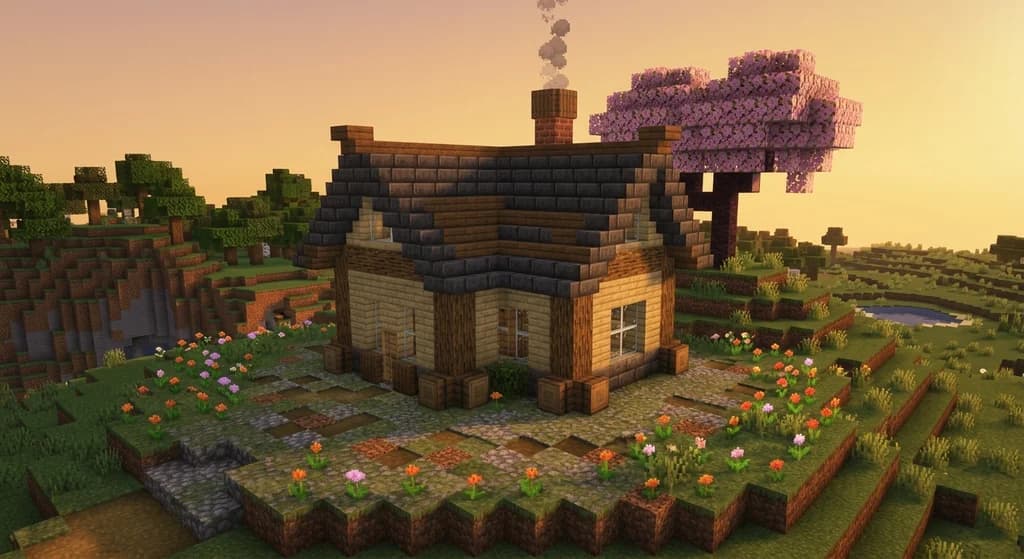
The tutorials section walks you through specific building techniques—roof shapes, wall detailing, landscaping, and more. The community builds section showcases finished projects submitted by players. Both sections are valuable for block palette inspiration because they show real block combinations in context.
When browsing the tutorials, pay attention to the blocks used in each step. For example, a medieval house tutorial might use stone bricks as the dominant block, dark oak logs for contrast, and spruce trapdoors for accents. You can extract these palettes and adapt them to your own builds.
How to Use the Guide for Block Palette Inspiration
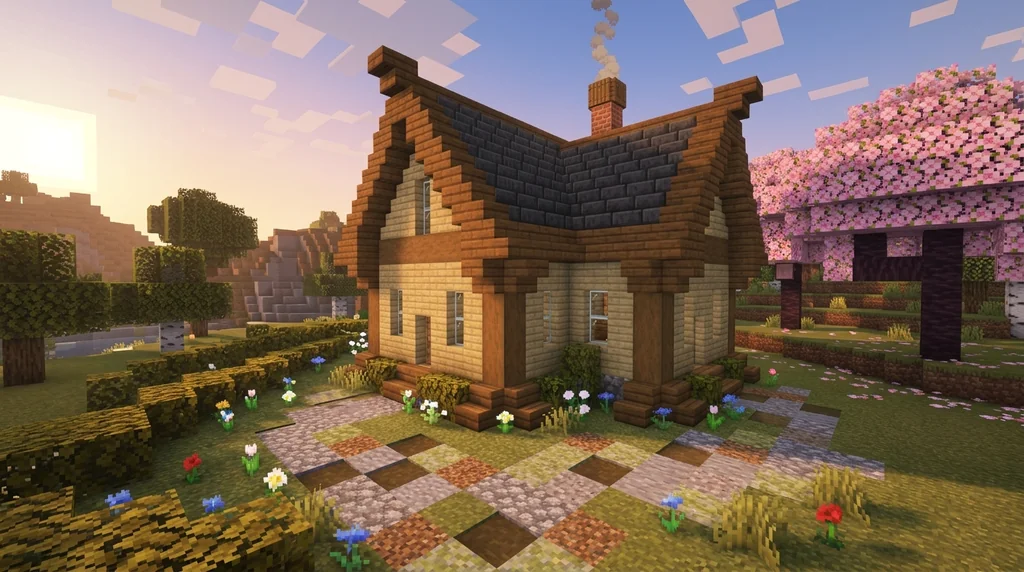
The quickest way to benefit from Minecraft: Guide to Creative is to treat its pages like a color swatch catalog. Look at the screenshots and note which blocks appear together. Are they warm or cool tones? Do they use similar textures or contrasting ones?
For a structured approach, pair the guide with the 60-30-10 rule: use about 60% of a dominant block (e.g., pale oak planks), 30% of a contrasting block (e.g., deepslate bricks), and 10% of an accent block (e.g., sea lanterns or copper grates). You'll find many community builds in the guide naturally follow this balance.
If you see a build you like in the guide, try recreating it in a creative world and then tweaking the palette. Swap out one or two blocks for alternatives from the Pale Oak Block Palette Guide to make it your own.
Translating Tutorials into Personal Palettes
The tutorial pages aren't just step-by-step instructions—they're templates for technique. Once you learn a method (like creating a curved wall or a layered roof), you can apply it with your own block choices. Start with a palette you already like and see how the tutorial's shape works with different materials.
For example, if a tutorial uses oak logs for pillars, you could swap them for mangrove logs or dark prismarine to change the mood. This experimentation is the core of creating your own block palettes.
Community Builds as a Source of Fresh Ideas
The community builds section is especially useful for seeing how other players handle block harmony in large projects. You might discover a combination you never considered—like pairing mud bricks with mangrove wood—by studying a finished build.
Take screenshots or notes of palettes that catch your eye, then test them in a small build (like a house or a bridge) before committing to a large project. The 7 Best Roofing Block Palettes for Minecraft Houses (2026) guide can help you choose a roof that matches your chosen palette.
Final Tips for Creative Mode Building
- Experiment without pressure: Creative mode lets you break and place blocks freely. Use it to iterate on palettes you find in the guide.
- Use reference images: Keep the guide open on a second screen or take photos of pages you like.
- Combine multiple sources: The guide is one tool. Pair it with online palette lists and your own observations for the best results.
Sources
- Minecraft: Guide to Creative is a guide that contains various building tips, tutorials, and images for inspiration. — Minecraft: Guide to Creative
- There are two types of pages within the book, tutorials and community builds. — Minecraft: Guide to Creative
Frequently Asked Questions
What types of pages are in Minecraft: Guide to Creative?
The guide contains two types of pages: tutorials that teach specific building techniques, and community builds that showcase finished projects from players for inspiration.
Can I use Minecraft: Guide to Creative in survival mode?
The guide is designed for creative mode building tips, but the block palette ideas and construction techniques it teaches can be applied to survival mode builds as well, provided you have access to the same blocks.
Related guides

Lighthouses in Minecraft: Quick Reference
Discover how to build a lighthouse in Minecraft with this quick reference guide. Learn about the award-winning Lightning Rod Lighthouse build and the...
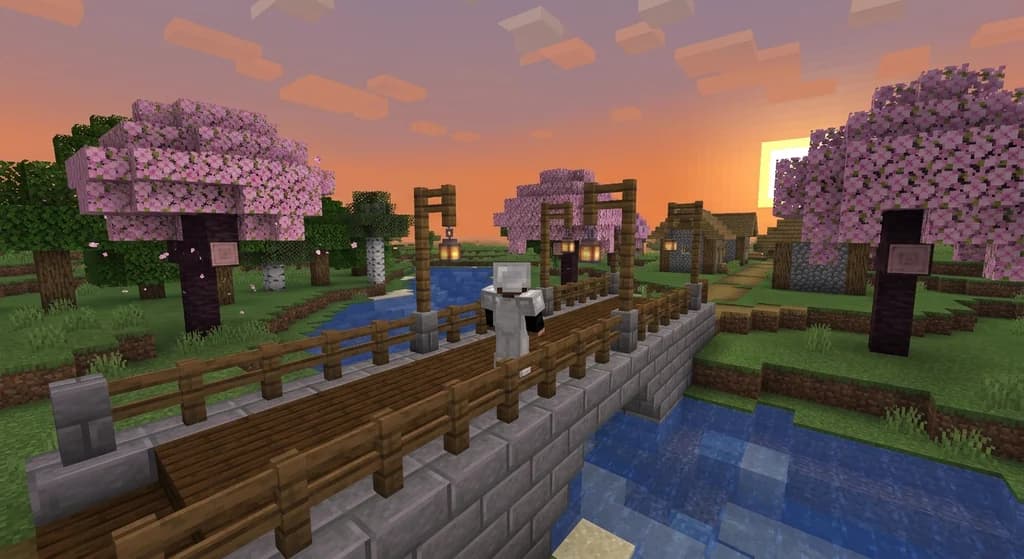
How to Build a Minecraft Bridge with 5 Block Palettes (2026)
Discover 5 stunning block palettes for Minecraft bridges in 2026. From rustic wood to nether luxury, learn how to pick blocks and build a pretty bridge...
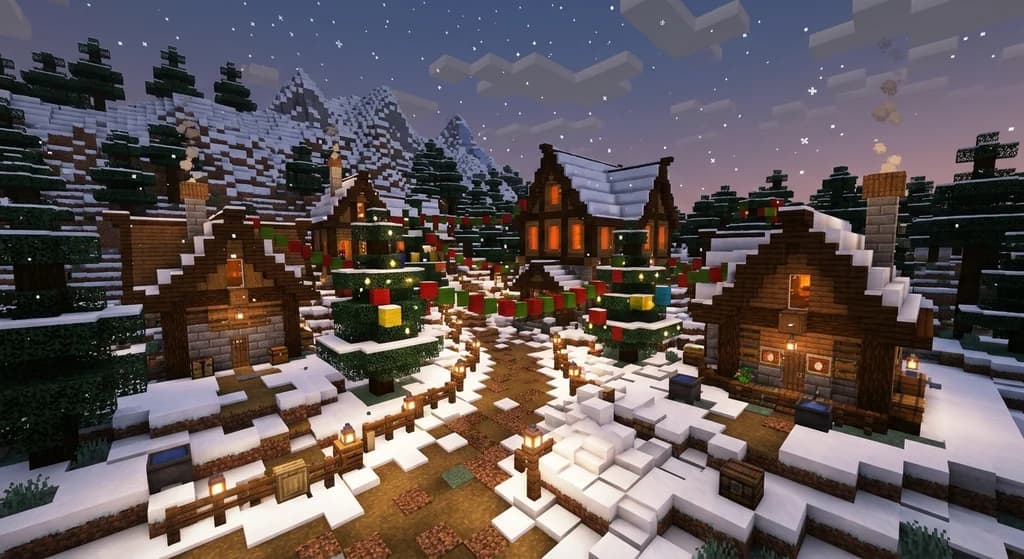
7 Best Christmas Village Block Palettes for Minecraft (2026)
Discover the 7 best Christmas village block palettes for Minecraft in 2026. Learn festive block combos, color theory, snow textures, and winter lighting tips.
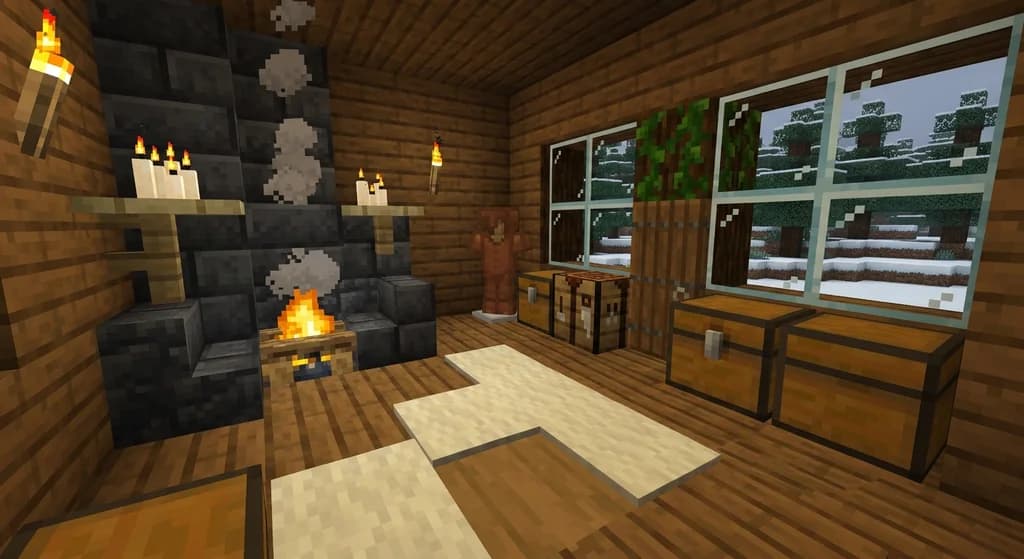
7 Best Interior Block Palettes for Cozy Minecraft Homes (2026)
Discover the best interior block palettes for cozy Minecraft homes in 2026. Try 7 wood, wool, and candle palettes you can copy into your next build.
Have a question or another approach?
Compare notes with other readers. Include your edition and version when discussing mechanics.