How to Create Your Own Block Palettes in Minecraft (2026)
Filed under Minecraft Build Palette & Block Harmony · How we create content
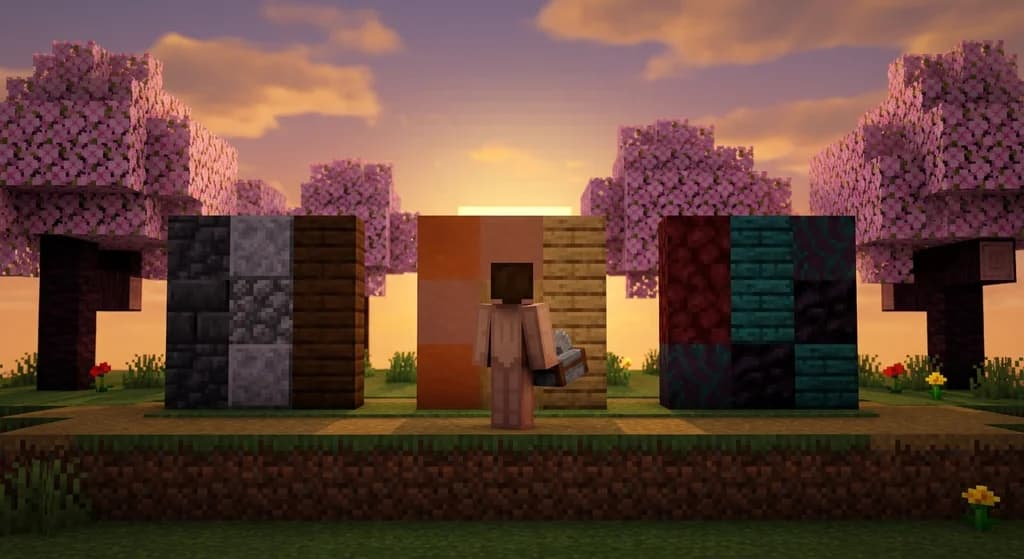
Key Takeaways
| Point | Details |
|---|---|
| Learn color theory basics | Understand hue, saturation, and value to create balanced block combinations. |
| Start with a statement block | Pick one standout block as the foundation of your palette. |
| Use texture variety | Combine smooth and rough blocks (like stone and wood) for depth. |
| Test your palette in different lighting | Place sample walls in sun, shade, and torchlight. |
| Apply the 60-30-10 rule | 60% dominant block, 30% secondary, 10% accent for visual harmony. |
| Save your palettes | Tools like Gaia Legends let you store and share custom palettes with other players. |
Table of Contents
- What Is a Block Palette in Minecraft?
- Why Should You Create Your Own Block Palettes?
- How Do You Choose a Color Scheme for Your Palette?
- Top 5 Block Palette Creation Methods
- How to Test Your Block Palette in Different Lighting Conditions
- How to Put This Into Practice on Gaia Legends
- Conclusion
- Recommended
What Is a Block Palette in Minecraft?
A block palette is a curated set of 3–5 blocks chosen for their color harmony and texture contrast, used consistently throughout a build.
A block palette is the foundation of every great Minecraft build. Instead of grabbing random blocks, you pick a cohesive group that looks good together. This simple technique transforms your builds from chaotic to intentional.
Minecraft 1.21 features over 800 unique block types, giving builders an enormous palette to choose from (via Minecraft Wiki). With so many options, narrowing down to just a few can feel overwhelming — that's why a structured approach matters.
Note: Most experienced builders use a palette of 3–5 blocks. More than 5 can overwhelm the eye and make a build feel cluttered.
Why Should You Create Your Own Block Palettes?
Creating your own palette gives you full control over the mood, theme, and visual coherence of your build, rather than relying on pre-made sets.
Pre-made palettes are great starting points, but custom palettes let you express your unique style. You can match specific biomes, replicate real-world architecture, or tell a story through blocks.
Why This Matters
- Consistency: Every part of your build uses the same block family, making the structure feel unified.
- Recognition: Viewers instantly identify a "style" from blocks alone — a signature look.
- Satisfaction: Building with a cohesive palette feels rewarding and produces standout results.
How Do You Choose a Color Scheme for Your Palette?
Start by picking a statement block that sets the mood, then choose 1–2 complementary blocks for texture and accent using a color wheel or natural references.
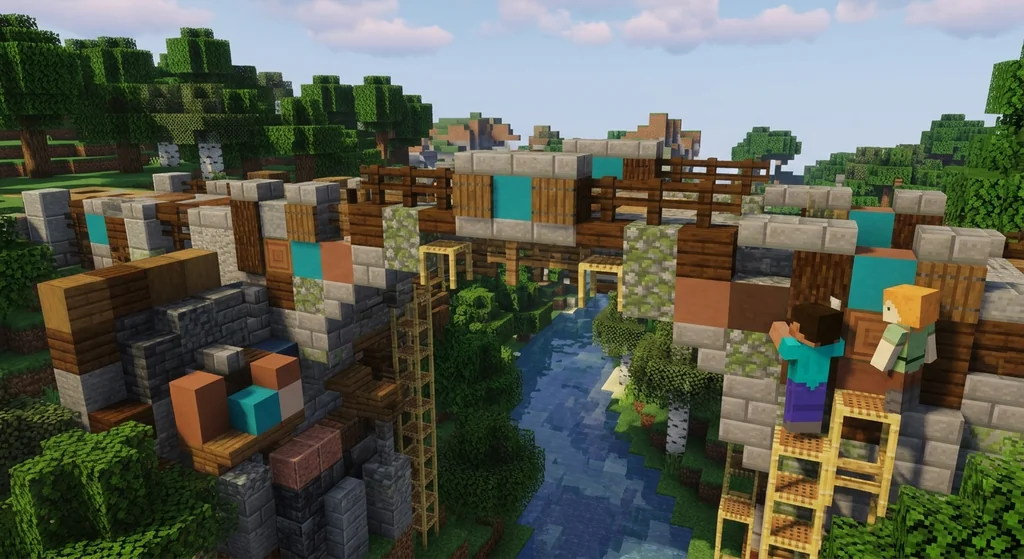
The easiest way is to use a color wheel. Minecraft blocks span the rainbow. Pick one color you love (like deep blue with dark prismarine), then find blocks with similar saturation. Alternatively, use nature: look at a biome's natural blocks. The game includes 16 different colors of wool and 16 colors of terracotta (via Minecraft Wiki), giving you plenty of options for accenting.
For earthy tones, check out our 7 Best Badlands Block Palettes for Stunning Minecraft Builds (2026). For outdoor builds, see 7 Best Garden & Landscape Block Palettes for Minecraft 2026.
Pro Tip: Take a screenshot of a real-world photo and use an eyedropper tool to extract colors, then match them to Minecraft blocks.
Top 5 Block Palette Creation Methods
These five methods — monochromatic, analogous, complementary, triadic, and tetradic — cover 90% of successful block palettes used by top builders.
1. Monochromatic
Use variations of one color. Example: deepslate, polished andesite, and smooth stone for a gray palette. Deepslate tiles have a blast resistance of 6.0, making them durable for builds (via Minecraft Wiki). For a dramatic dark look, see 7 Best Deep Dark Block Palettes for Minecraft Builds (2026).
2. Analogous
Colors next to each other on the wheel. Example: terracotta (orange/red), oak planks (tan), and orange wool. There are 8 distinct wood types in the Overworld (via Minecraft Wiki), so you can find the perfect shade.
3. Complementary
Opposite colors. Example: netherrack (red) with warped planks (cyan). This creates high contrast and visual pop.
4. Triadic
Three evenly spaced colors. Example: prismarine (blue-green), honeycomb (yellow), and purple wool. Balanced and dynamic.
5. Tetradic
Two complementary pairs, doubling the complexity. For a deep dive, see 7 Best Tetradic Block Palettes for Minecraft Builds (2026).
How to Test Your Block Palette in Different Lighting Conditions
Always test your palette in daylight, torchlight, and shadow before committing to a large build — lighting dramatically changes how blocks appear.
Place 2×2 sample walls in a flat area. Build one in full sun, one under a roof, and one with torches. Stone looks very different at night. Sea lanterns emit a light level of 15, the highest possible in Minecraft (via Minecraft Wiki), so they can warm up cool palettes.
Quick Reference Table
| Condition | Sample Wall Blocks | Observation |
|---|---|---|
| Full sun | Polished diorite, birch planks | Bright, washed out |
| Torchlight | Spruce planks, deepslate | Warm, cozy |
| Shade | Netherrack, crimson planks | Dark, muted |
Warning: Avoid pure black blocks like coal ore in dark areas — they become invisible and ruin the palette.
For cozy palettes that work indoors, check 7 Best Interior Block Palettes for Cozy Minecraft Homes (2026).
How to Put This Into Practice on Gaia Legends
Gaia Legends gives you a dedicated palette saving system to store, share, and apply your favorite block combinations directly in-game.
Gaia Legends is free to join, non-pay-to-win, and supports Java + Bedrock crossplay. Join at gaialegends.pro and start your legend today.
Conclusion
- Start with a statement block and build a 3–5 block palette around it.
- Use color theory methods like analogous or complementary for instant harmony.
- Always test in multiple lighting conditions before building large.
Now apply these techniques to your next project. Your builds will look twice as good with half the effort.
Recommended
- What is the Michael Reeves Minecraft Modpack? (2026 Guide)
- How to Use the Minecraft Trading Wiki to Maximize Villager Deals in 2026
- How to Master the Gaia Legends Fishing Minigame in 2026: Tips & Tricks
- How to Use Speedrun Timers for Better Splits in Minecraft (2026 Guide)
Ready to play? Join Gaia Legends today — no pay-to-win, Java + Bedrock crossplay.
- Java:
join.gaialegends.pro - Bedrock:
join.gaialegends.pro— Port19132
Further reading
These references were recorded with the article; specific claims have not been matched to source excerpts.
Frequently Asked Questions
How do I create block palettes in Minecraft?
Start by choosing a mood or theme, then pick a statement block. Use color theory (monochromatic, analogous, complementary) to select 2–4 additional blocks. Test your palette in different lighting by building sample walls before constructing your main build.
What is the 60-30-10 rule for Minecraft block palettes?
The 60-30-10 rule allocates 60% of your build to a dominant block, 30% to a secondary block, and 10% to an accent block. This creates visual balance and prevents a palette from feeling overwhelming.
How many blocks should be in a Minecraft palette?
Aim for 3 to 5 blocks. Fewer than three can feel flat; more than five can look chaotic. The most effective palettes use a primary, secondary, and accent block with occasional texture variations.
What are the best tools for testing block palettes in Minecraft?
Built-in creative mode allows you to place sample walls quickly. Many servers offer palette-saving plugins like Gaia Legends' system. External tools like Block Palette Generator websites let you preview combos before building.
Can I use block palettes in survival mode?
Yes. Once you've designed a palette, gather the required blocks via mining, trading, or crafting. Stick to your palette choices — don't substitute random blocks because they're available. Consistency is key.
How do I make a palette for a specific biome?
Look at the natural blocks in that biome. For a desert build, use sandstone, terracotta, and cactus green. For a swamp, use spruce, moss blocks, and lily pads. Mimicking the environment ensures the build blends in.
Related guides
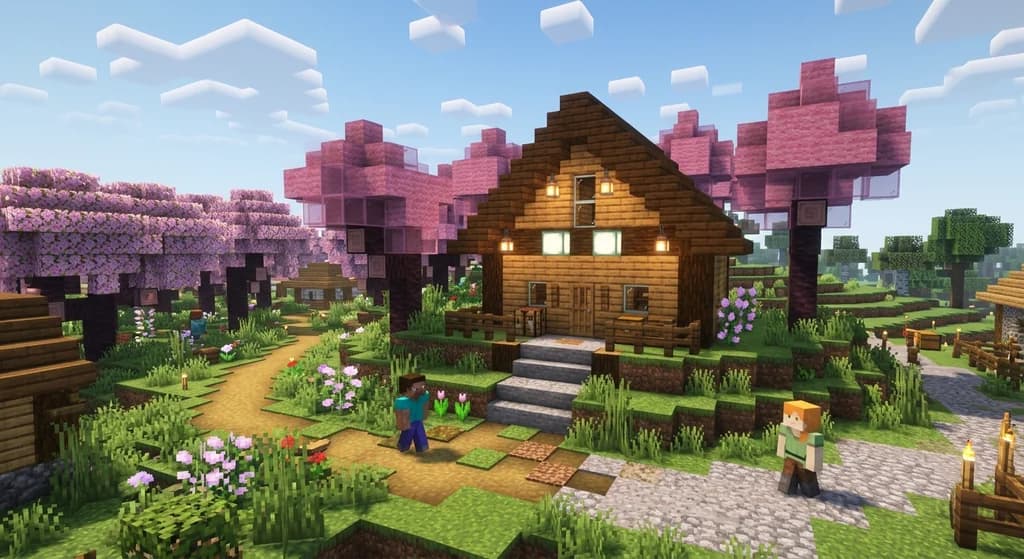
How to Use the 60-30-10 Rule for Balanced Minecraft Builds (2026)
Learn how to use the 60-30-10 rule for Minecraft builds with simple layers: 60% dominant, 30% contrast, 10% accent for balanced bases.
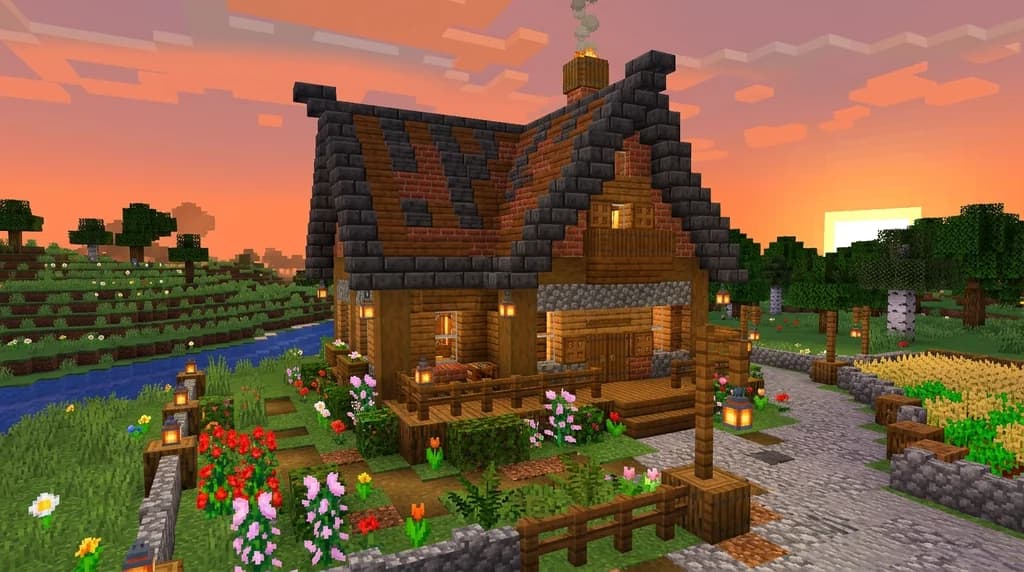
7 Best Roofing Block Palettes for Minecraft Houses (2026)
Discover the 7 best Minecraft roof block palettes for 2026. From deepslate tiles to terracotta, learn which block combos create durable, beautiful roofs.
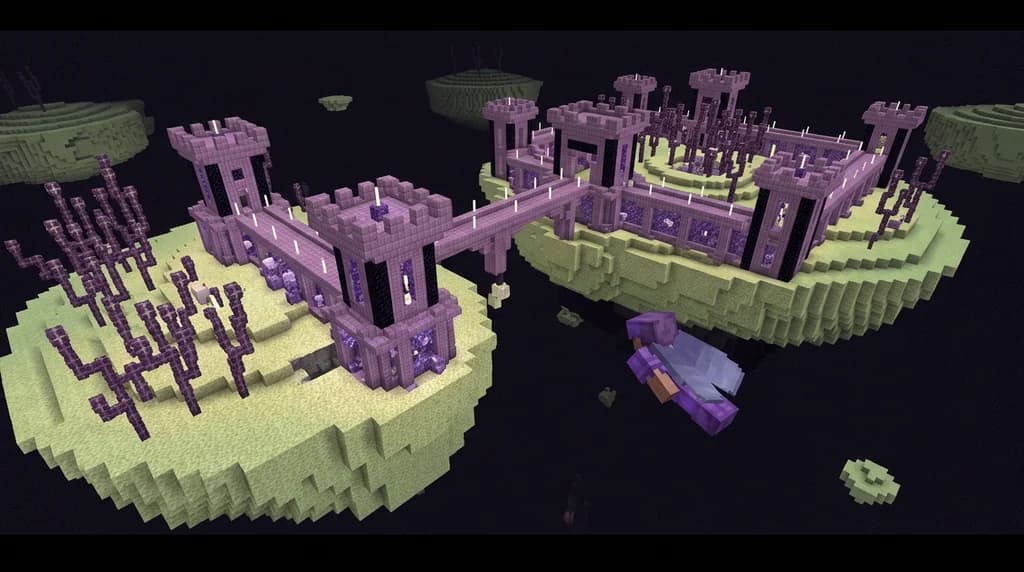
7 Best End Block Palettes for Surreal Minecraft Builds (2026)
Discover 7 surreal Minecraft end block palettes for 2026. Combine purpur, obsidian, amethyst, and more for alien builds. Includes tips and Gaia Legends...
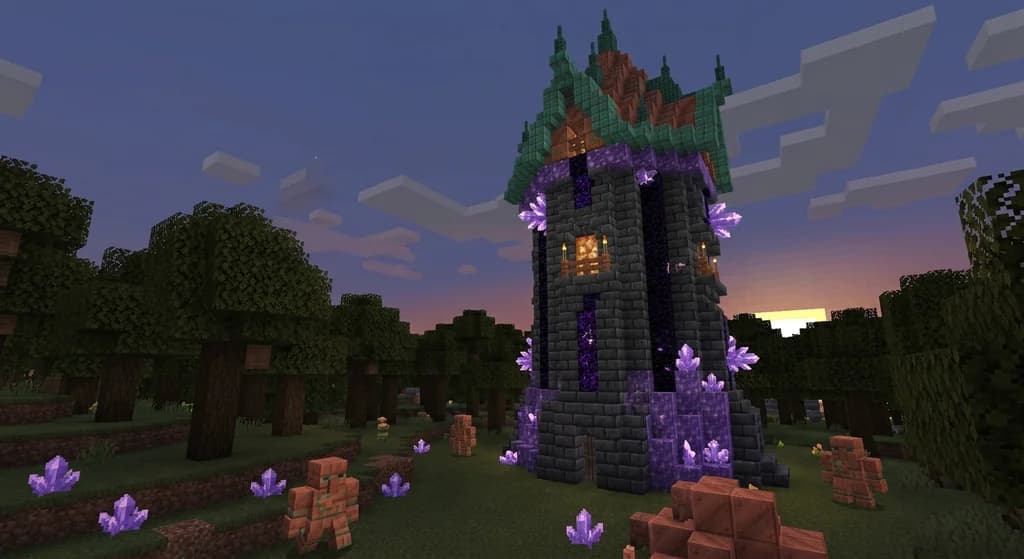
Best Minecraft Block Palette for a Wizard Tower in 2026
Discover the best Minecraft wizard tower block palette for 2026. Learn how to combine deepslate, amethyst, copper, and crying obsidian for a magical...
Have a question or another approach?
Compare notes with other readers. Include your edition and version when discussing mechanics.