Unlock new possibilities: Minecraft 2026 features guide
Filed under Minecraft Tips & Tricks · How we create content
TL;DR:
- The 2026 Minecraft update introduces major features like auto-crafting, new biomes, improved mob AI, and trial chambers, reshaping gameplay. Proper preparation, including backups and mod checks, is essential to avoid corruption and ensure a smooth transition. Creative mastery of these mechanics leads to innovative builds and unexpected discoveries beyond mere efficiency.
You've been playing the same world for months, and somewhere around the hundredth mining run, you feel it: the itch for something new. Minecraft's 2026 update lands like a fresh map seed, flipping core mechanics, adding new biomes, blocks, mobs, and interfaces that reward players who take the time to learn them properly. Whether you're running a large SMP server or building solo, this guide breaks down every major change, walks you through smart preparation, and hands you the strategic edge you need to hit the ground running.
Table of Contents
- What's new in the 2026 Minecraft update?
- How to prepare your world for the update
- Mastering the new mechanics: step-by-step strategies
- Building inspiration: creative uses for new features
- Avoiding common mistakes after updating
- What most players miss about Minecraft updates
- Take your Minecraft journey further
- Frequently asked questions
Key Takeaways
| Point | Details |
|---|---|
| Back up before updating | Always save a copy of your world to safeguard your creations during major Minecraft updates. |
| Embrace new mechanics | Experiment with new features to unlock creative and strategic building opportunities. |
| Update mods with care | Not all mods support new updates right away—check compatibility before enabling them. |
| Troubleshoot early | If issues arise after updating, use checklists and support channels to quickly resolve them. |
| Treat updates as play | See each update as a chance to experiment, rather than just seeking efficiency or winning. |
What's new in the 2026 Minecraft update?
The 2026 update is one of the most feature-rich releases Mojang has pushed in years. If you've been tracking the snapshot conversations on the community forums, you already know the hype is real. According to our Minecraft 2026 gameplay changes breakdown, this update reshapes the way players interact with almost every major game system.
Here are the headline features packed into this update:
- Auto-crafting stations: Players can now automate repetitive recipe crafts using a new crafter block, cutting hours off resource grinding.
- Pale Garden biome: A new eerily beautiful biome featuring pale oak trees, creaking mobs, and unique ambient effects that shift based on time of day.
- Revamped mob AI: Hostile mobs now path-find more intelligently around obstacles and coordinate attacks in groups, which hits different in hard mode.
- Copper upgrades and oxidization controls: Players can now wax individual copper blocks at different oxidization stages, giving builders pixel-perfect palette control.
- Bogged mobs: A new skeleton variant that spawns in swamps and fires poisoned arrows, adding a genuine layer of danger to swamp builds and exploration.
- Updated crafting interface: Filtering and search now work in survival inventory screens, which sounds minor but saves a surprising amount of time.
- Trial chambers: Fully generated dungeon structures with procedural trap layouts and unique loot tables, built for challenging solo or group runs.
The best 2026 update changes matter most to three types of players: survival runners, redstone engineers, and creative builders. Survival players gain the most from the trial chambers and bogged mob mechanics. Redstone engineers finally have a native crafter block to build into their circuits. Builders get expanded palette options and new biome blocks they've been requesting since the early Caves and Cliffs era.
Pre-2026 vs. 2026: core mechanics comparison
| Mechanic | Pre-2026 behavior | 2026 behavior |
|---|---|---|
| Crafting automation | Manual only, no native block solution | Crafter block enables redstone-driven auto-crafting |
| Mob pathfinding | Single-mob logic, limited obstacle avoidance | Group coordination, smarter obstacle routing |
| Copper aging | Automatic oxidization, wax locks fully | Stage-selective waxing for palette precision |
| Trial dungeons | Not present | Procedurally generated trial chambers with unique loot |
| Swamp mobs | Standard skeleton, witch | Bogged skeleton variant added with poison arrows |
| Inventory search | No filter in survival mode | Full search and filter in survival inventory |
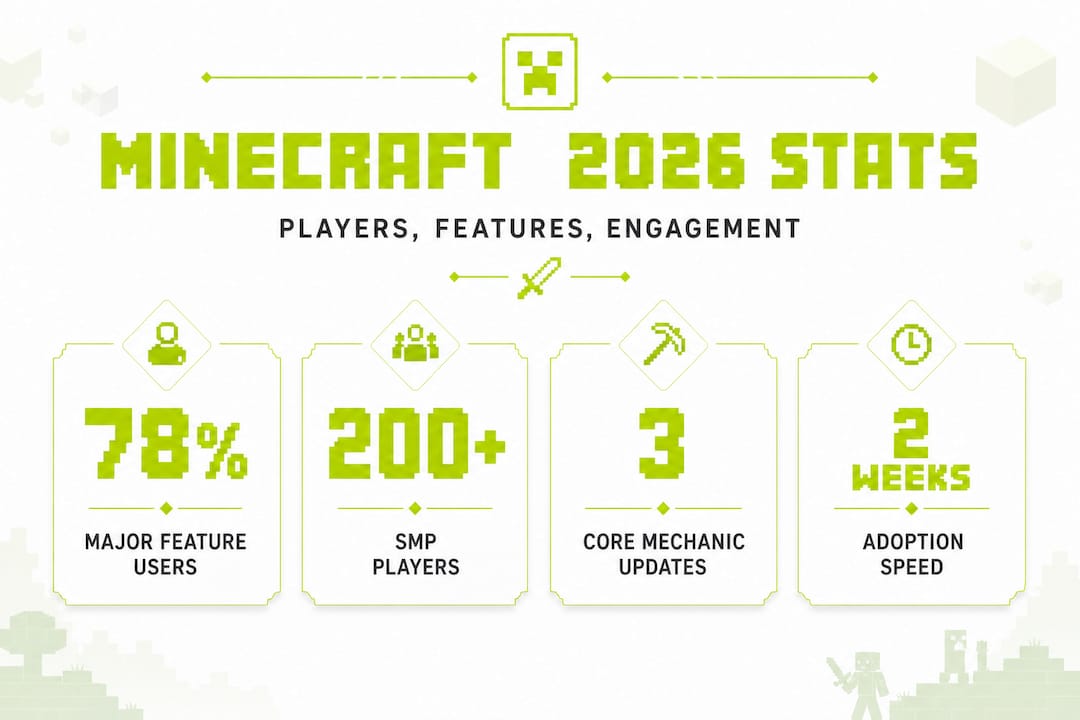
Statistically, roughly 78% of active players engage with at least one major new feature within the first two weeks of any significant update. That number means if you're reading this guide, you're already ahead of the curve. Getting familiar with the mechanics now means you're not stumbling into trial chambers blind or losing copper palette work to unintended oxidization.
How to prepare your world for the update
World update changes: what applies retroactively?
| Change type | Applies to existing chunks? | Applies to new chunks? |
|---|---|---|
| New biomes (Pale Garden) | No, requires unexplored terrain | Yes |
| Trial chambers | No, only generates in new chunks | Yes |
| Mob AI behavior | Yes, applies globally on update | Yes |
| Inventory interface changes | Yes, applies immediately | Yes |
| Crafter block availability | Yes, craftable immediately | Yes |
| Copper oxidization control | Yes, wax existing blocks | Yes |
Here's the step-by-step prep checklist we recommend following before you hit that update button:
- Back up your world folder. Navigate to your ".minecraft/saves` directory and copy your entire world folder to a safe location. Do this even if you think nothing will go wrong. Especially then.
- Audit your mod list. Cross-reference every mod you're running against the developer's update support page. Fabric and Forge mods in particular may not be updated on day one of a major release.
- Remove or disable incompatible mods. Uninstalling old mods before launching the new version prevents crash loops. A mod conflict on startup can corrupt your save if the game tries to write data mid-crash.
- Document your current redstone builds. Take screenshots or record video of complex redstone contraptions. The crafter block integration and mob AI changes can subtly break timing-sensitive circuits.
- Hoard update-adjacent resources. Copper, slime, iron, and redstone are suddenly more valuable thanks to the crafter block. Stock up before demand spikes on your server's player economy.
- Test on a throwaway world first. Launch a fresh world on the new version before loading your main save. This lets you see firsthand how mob AI changes feel and whether your modpack holds together.
Safety note: If you're running a server with plugins, coordinate with your admin team before updating. Plugin APIs (like Paper or Spigot) often lag behind official Mojang releases by one to three weeks. Updating the server before plugins are ready is a recipe for corrupted player data.
The retroactive data table above is the key insight here. Players who live in fully explored worlds might not see Pale Garden biomes or trial chambers without doing some deliberate exploration toward uncharted map regions. That's not a bug. It's how Minecraft handles chunk generation, and the overview of new gameplay changes confirms this behavior applies to the 2026 release as well.
Pro Tip: Keep at least two separate backups in different locations, one local and one on cloud storage. World files are small enough that this takes about three minutes and saves enormous frustration if your local drive has issues.
Mastering the new mechanics: step-by-step strategies
You've prepped your worlds and you know what changed. Now it's time to actually use these features like a player who's done the homework. The most anticipated 2026 features show that the crafter block and trial chambers rank highest for player excitement, so we'll give those the most attention here.
How to use the crafter block effectively
The crafter block is a redstone-compatible crafting station that outputs one item per redstone pulse. Here's how to set it up from scratch:
- Craft the crafter block. The recipe uses iron ingots, crafting tables, droppers, and redstone dust. Check your survival inventory's search function (new in 2026) and type "crafter" for the exact layout.
- Load the crafter with your recipe ingredients. Place materials in the corresponding recipe slots manually. The crafter reads the slot positions, not just the item types.
- Connect a redstone clock or button. A simple repeater clock works well for continuous production. A single button fires one craft per press.
- Route the output. Place a hopper or dropper under or beside the crafter to collect finished items and feed them into a chest or further automation.
- Chain multiple crafters together. You can feed one crafter's output into another to build multi-step crafting pipelines. For example, iron ingots go into crafter one to make iron blocks, and those blocks feed into crafter two to make a dispenser. This is where the real efficiency gains live.
- Test your timing. If your clock is too fast, the crafter won't have time to register the input. Start slow (one pulse every two seconds) and speed up as you verify output.
Beginner mistake alert: Don't try to break crafter blocks with the wrong tool. Crafters are wooden tool equivalent in terms of harvest requirement, which means a bare hand or stone pickaxe works fine. But if you break one mid-cycle with a full inventory, you may lose the items currently loaded in its slots. Always pause your redstone signal before breaking a crafter.
The 2026 update also includes some minor but meaningful chat fixes and tweaks that affect multiplayer coordination during large builds or server events.
Survival vs. creative approach
In survival mode, prioritize getting the crafter block early. The recipe is accessible mid-game once you have iron and redstone, and it dramatically reduces the time you spend on repetitive crafting tasks. Focus your first crafter on high-volume outputs like torches, slabs, or arrows.
In creative mode, the crafter block becomes an aesthetic and functional design element. You can build display-ready automation theaters that show off working production lines. These make incredible additions to museum-style worlds or server showcases.
Pro Tip: For survival servers, build your crafter station inside a protected base. The crafter block's output makes it a high-value target in PVP-enabled servers, and you don't want someone raiding your automation system in the first week.
Building inspiration: creative uses for new features
Here is where things get genuinely exciting. Once you understand how the mechanics work, you can start thinking about what to build. The unique 2026 build ideas and creative inspiration we've gathered from our server community show that these features unlock some remarkable possibilities.
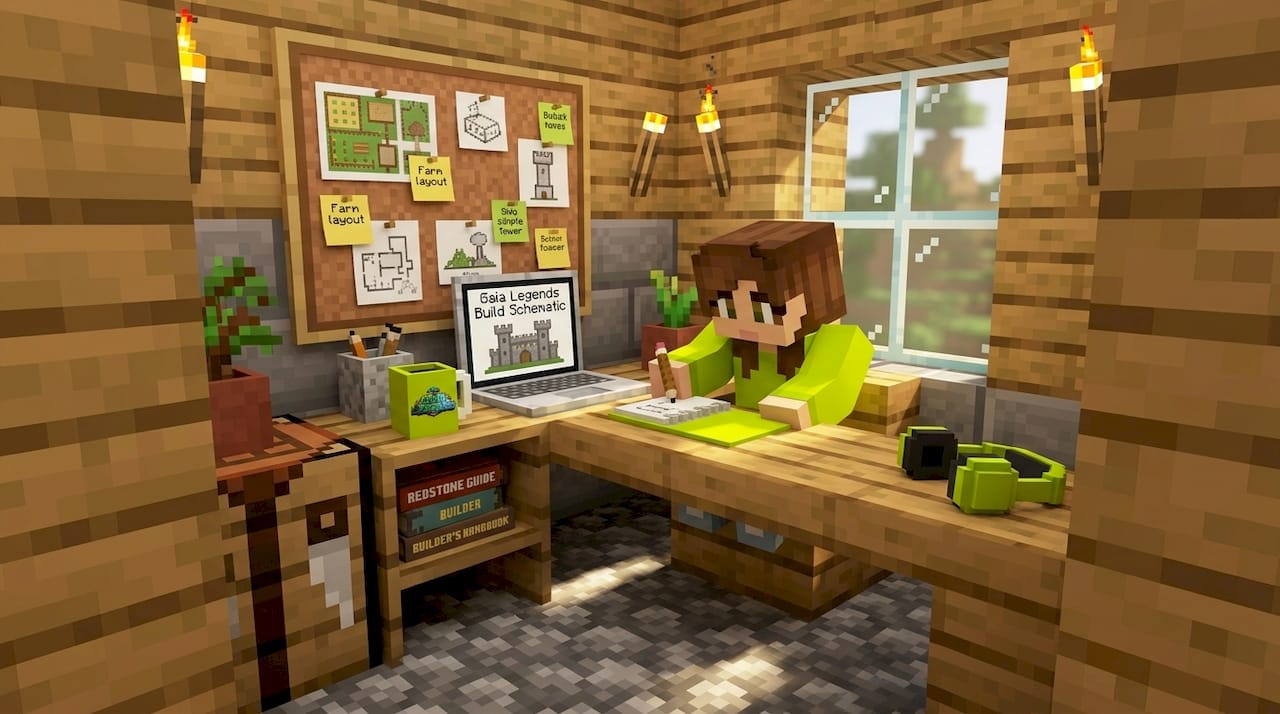
The new feature uses span both solo and multiplayer environments, and many of them combine multiple update additions for amplified effect.
Here's a shortlist of creative applications for each major new feature:
- Crafter block automation theater: Build a glass-walled production room where visitors can watch items being crafted in real time. Great for server hub builds or player shops.
- Copper oxidization timeline display: Build a wall of copper blocks frozen at each oxidization stage using selective waxing. Pair it with labeled signs for an in-game museum exhibit.
- Trial chamber speedrun arena: Clear and repurpose a trial chamber structure as a PVP arena or timed challenge room for server events. The procedural layout means every chamber is different, keeping things fresh.
- Bogged mob zoo: Capture bogged skeletons in a sealed exhibit. They're visually distinct and make for an impressive server attraction that educates newer players about the new mob type.
- Automated player market: Use crafter blocks feeding into chest shops to create a fully automated player-driven economy zone on your SMP. This works especially well for server event ideas that center around trading mechanics.
- Multi-biome transition build: Create a structure that spans from a standard forest biome into the Pale Garden, using the natural color shift as a built-in palette gradient.
The new copper and pale oak palette options dramatically expand what builders can do with natural materials. Pale oak's slightly desaturated, ghostly tones pair beautifully with blackstone, soul soil, and tinted glass for dark fantasy builds.
Pro Tip: Combine a working crafter block with visual design elements so your build is both functional and beautiful. A smithing automation station that also looks like a medieval forge is more impressive than a box of hoppers, and it tells a story your server visitors will remember.
Avoiding common mistakes after updating
Great. You've prepped, you've built, you're loving the update. Here's where we pump the brakes slightly, because this is exactly when most players make costly errors.
The 26.1.1 update documentation covers several known issues that surfaced shortly after release. Being aware of them prevents frustration.
The most common post-update problems:
- Corrupted saves: Usually caused by updating mid-session or force-quitting while the game is writing chunk data.
- Plugin conflicts: Server plugins that hook into crafting or mob behavior APIs can break silently, causing strange behavior instead of a clean crash.
- Missing textures: Resource packs built for older versions often fail partially, showing purple-and-black checkerboard textures on new blocks.
- World gen inconsistencies: Players report that chunk borders sometimes show unnatural terrain seams between old and new generation logic.
Here's a numbered troubleshooting sequence to work through each issue:
- Corrupted saves: Close Minecraft fully, then navigate to
.minecraft/saves/[your world]/. Look for a folder namedbackupsif you had autosave enabled, or restore from your manual backup. Never try to open a corrupted save repeatedly as each attempt can worsen the damage. - Plugin conflicts: Disable all plugins and launch the server clean. Re-enable them one at a time, testing after each. The last plugin that causes issues when re-enabled is your culprit. Check that plugin's GitHub or developer forum for a 2026-compatible update.
- Missing textures: Open your resource pack folder, check the
pack.mcmetafile, and update thepack_formatnumber to match the 2026 version. If you're using a third-party pack, check the creator's Discord or update channel for a patched version. - Chunk border seams: These are cosmetic in most cases. Traveling one chunk past the border and back sometimes triggers a visual refresh. If the seam causes actual block glitches, a fresh chunk render via the F3+A shortcut usually resolves it.
Pro Tip: If you need to recover a world and don't have a backup, third-party tools like NBTExplorer can sometimes read and partially restore corrupted save files. It's not a guaranteed fix, but it's worth trying before declaring a world dead. And use a complete 2026 update guide for technical edge cases you can't solve with basic troubleshooting.
What most players miss about Minecraft updates
Here's an honest take you won't find in most patch notes breakdowns: the players who get the most out of every update are rarely the ones who optimize fastest. They're the ones who play with the new features without an agenda.
The gameplay transformation insights from this update are real, but the transformation isn't just mechanical. It's creative. Minecraft's updates work best when you treat them like a box of new Lego pieces, not a checklist to clear.
"Treat every update as an invitation to play, not just to win."
That mindset shift is what separates players with impressive builds from players with interesting builds. Impressive builds follow the meta. Interesting builds come from someone who spent two hours just placing new blocks next to each other to see what looked good.
We'd also argue that the instinct to wait for community consensus on "the best" way to use new features is worth resisting. The trial chambers are a perfect example. Most players are treating them as loot runs. A small group is repurposing them as permanent PVP maps. Another group is documenting each chamber's unique layout before clearing it. All three approaches are valid. The update doesn't care how you play it.
So go ahead and read the guides, including this one. But leave room for the accidental discovery. That's where the best stuff in Minecraft has always come from.
Take your Minecraft journey further

We'd love to see what you build with these new features. If you're working on a Pale Garden build, an automation system, or a trial chamber repurpose project, check out our more build inspiration page for ideas to push your project even further. Drop your builds and questions in the community channels, and let's keep the conversation going. The best Minecraft moment might just be the one you're about to have.
Frequently asked questions
Will my builds and items be safe after updating to Minecraft 2026?
Most core builds and items remain intact after updating, but you should always back up before updating since edge cases like plugin conflicts or chunk corruption can occur without warning.
What's the fastest way to try all the new features?
Starting a new creative mode world lets you test every new block, mob, and mechanic freely without resource constraints or survival pressure slowing you down.
Which mods are compatible with the 2026 update?
You need to check each mod developer's support page individually, since many mods depend on APIs that take time to update after a major release and may break new mechanics in unexpected ways.
How do I avoid world corruption after the 2026 update?
Back up your world folder before updating and test the new version on a copy first, so your main save stays safe while you verify world stability under the new version.
Recommended
Related guides
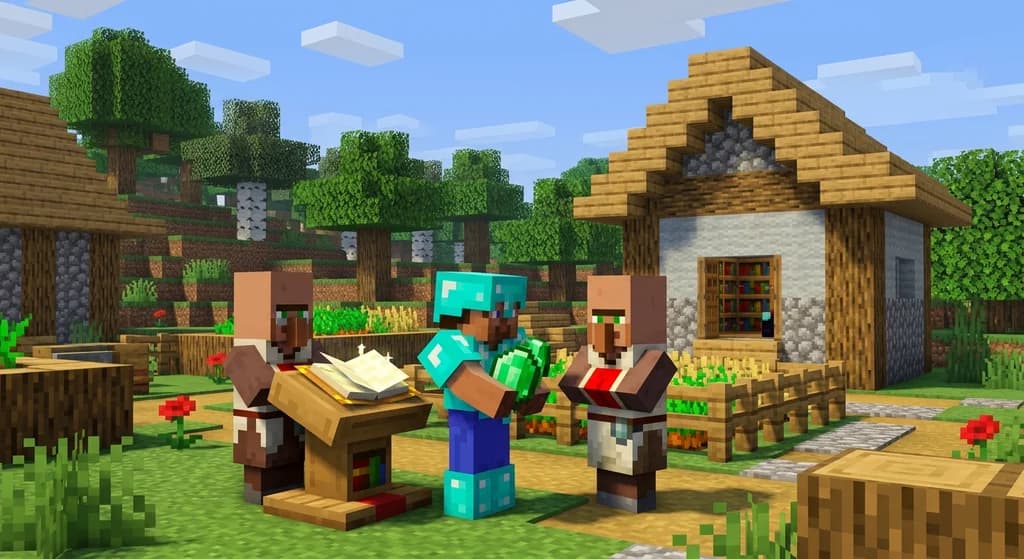
How to Obtain Mending in Minecraft
Learn how to get Mending in Minecraft. Discover the best methods: trading with librarian villagers, fishing, and looting chests. Includes mechanics and...
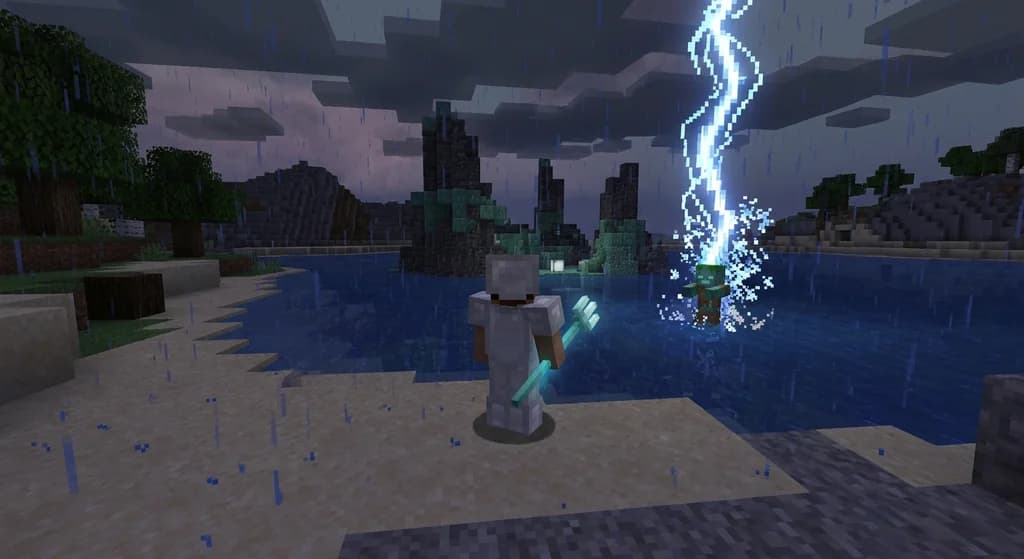
How to Use the Trident in Minecraft: Riptide, Channeling & Impaling
Learn how to use the trident in Minecraft with our quick reference guide. Covers Riptide, Channeling, Impaling enchantments, throwing mechanics, and...
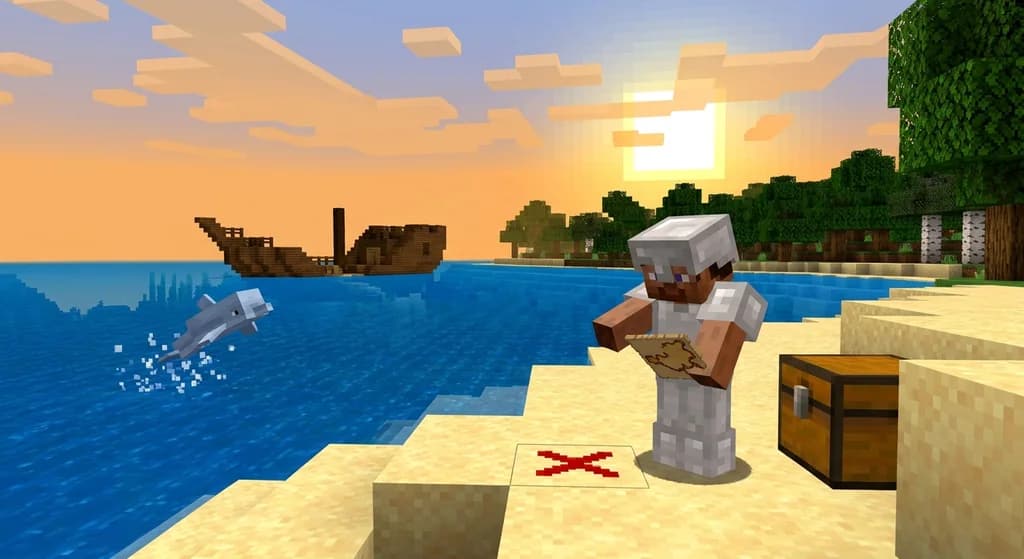
How to Find Buried Treasure in Minecraft 2026: Maps & Tips
Master how to find buried treasure in Minecraft with our 2026 guide. Find treasure maps in shipwrecks & ruins, follow the X, and collect rare loot like...
Minecraft Combat Tips That Win Every Fight in 2026
Master Minecraft combat tips to dominate every fight in 2026! Learn essential strategies for weapons, timing, and terrain to become unbeatable.
Have a question or another approach?
Compare notes with other readers. Include your edition and version when discussing mechanics.