Decoding the Minecraft 26.1.1 Update: Chat Fixes (2026)
Filed under Minecraft Tips & Tricks · How we create content
Minecraft version varies by section · Updated 2026-05-10
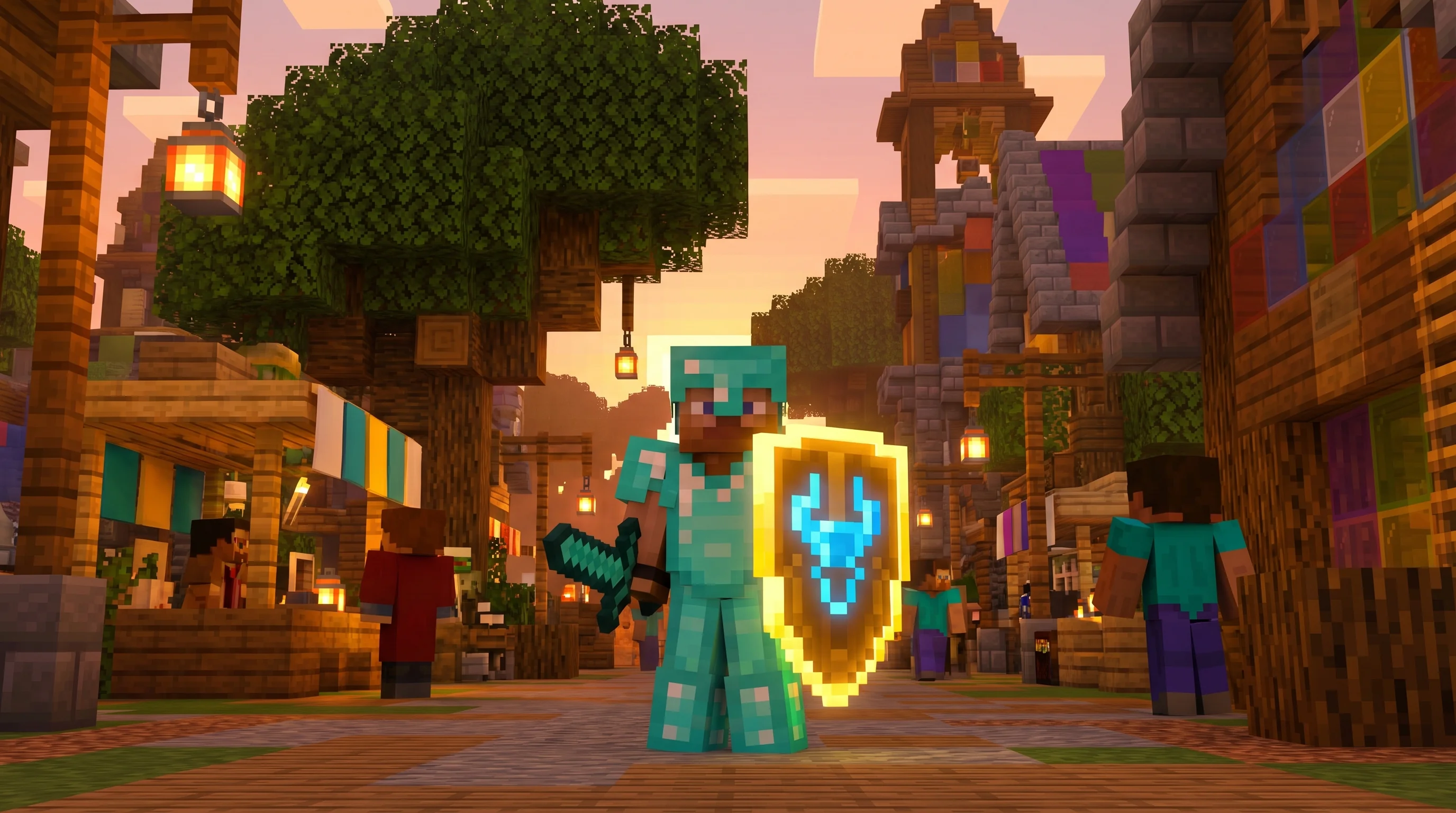
Welcome back, builders and server administrators! If you have been following the recent patches, you know that the latest major branch brought a lot of exciting features, but it also introduced a rather frustrating UI glitch. The Minecraft 26.1.1 Update is here, and while it might not add new mobs or biomes, it brings a critical fix that every multiplayer enthusiast needs to know about.
Why does this minor hotfix matter so much? Because player safety is the foundation of any great multiplayer experience. A bug recently slipped through the cracks that created a bizarre paradox: if you had your chat enabled, you could not report toxic messages. Mojang has swiftly stepped in with the Minecraft 26.1.1 patch notes to rectify this issue.
In this comprehensive breakdown, we are going to explore exactly what changed, how the chat reporting system has been restored, and why these seemingly small background fixes are vital for the long-term health of the game. Whether you are a casual player or a dedicated server owner, understanding these moderation mechanics is key to navigating the modern multiplayer landscape.
What is New in the Minecraft 26.1.1 Update?
When a major version drops, it is almost inevitable that a few bugs will tag along for the ride. That is exactly what happened with the recent 26.1 rollout. The Minecraft 26.1.1 Update was officially deployed on a Wednesday to quickly patch a critical vulnerability. Hotfixes like this are typical for Mojang; they prefer to release them mid-week so the development team is fully available to monitor the deployment and address any immediate server-side hiccups.
This specific update is incredibly focused. This hotfix resolves exactly 1 documented bug, specifically tracked on the Mojang bug tracker as MC-307140. While one bug might sound insignificant, the severity of this particular issue warranted an immediate, standalone release rather than waiting for a larger 26.2 update. Crucially, this fix has been deployed simultaneously across both Java and Bedrock Editions, ensuring total parity for cross-platform communities.
The bug in question—MC-307140—completely broke the player reporting interface under specific, yet extremely common, conditions. Specifically, chat messages could no longer be reported if the player's chat was actually enabled. This meant that the very people actively participating in server conversations were stripped of their ability to flag toxic or inappropriate behavior. The patch corrects an important issue that was initially reported during the 26.1 release cycle.
By pushing this update out so quickly, Mojang has finalized the core stability for the 26.1 branch, ensuring that the foundational systems work as intended before they move on to developing new gameplay features.
How to Use Restored Chat Reporting in 26.1.1
Now that the Minecraft 26.1.1 Update has fixed the reporting UI, it is a great time to refresh our memories on how to effectively use this system. Player reporting is a powerful tool, and using it correctly helps keep the entire ecosystem safe.
If you encounter a player violating community guidelines in chat, the process is now seamless once again. Simply pause the game to access the main menu, and click on the "Player Reporting" button. With bug MC-307140 resolved, you will now see the full list of recent chat messages, even if your chat settings are toggled to "Enabled" or "Shown."
Select the specific messages that violate the rules, choose the appropriate category for the offense (such as harassment, hate speech, or spam), and provide a brief description of the context if necessary. Once submitted, the report goes directly to Mojang's moderation team for review. Players can also check the status of their submitted reports via the "Privacy & Safety" tab in their Microsoft Account dashboard to see if action has been taken.
Pro Tip: When reporting a message, try to select a few surrounding messages as well. This provides the moderation team with essential context, making it much easier for them to understand the situation and take appropriate action against the offending player.
Here is a quick look at how the feature state has changed with this hotfix:
| Feature State | Minecraft 26.1 (Before) | Minecraft 26.1.1 (After) |
|---|---|---|
| Chat Reporting UI | Broken when chat was enabled | Fully functional and accessible |
| Bug MC-307140 | Active and highly disruptive | Resolved permanently |
| Moderation Workflow | Hindered by interface glitch | Restored to full capacity |
Best 3 Impacts Players Should Know
Even though the Minecraft 26.1.1 changelog is remarkably brief, the ripple effects of this update are significant. Here are the top three impacts this hotfix has on the game:
1. Unblocked Reporting Interface
The most obvious and immediate impact is the restoration of the reporting UI. Players no longer have to perform bizarre workarounds—like disabling their chat entirely—just to access the report button. This user-friendly restoration means that toxic behavior can be flagged immediately, reducing the friction that often discourages players from reporting bad actors.
2. Seamless 26.1 Branch Compatibility
Because this is a minor hotfix, it maintains deep compatibility with the broader 26.1 ecosystem. Server owners do not need to wait for extensive plugin updates or mod rewrites to upgrade. Furthermore, this update does not affect world generation or data pack structures, making it 100% safe to apply to existing long-term survival worlds without risk of corruption.
3. Empowered Community Moderation
While server admins have their own tools, Mojang's overarching reporting system acts as a crucial safety net. By fixing this bug, the developers have re-empowered the community to self-moderate. Players are the first line of defense against toxicity, and equipping them with functional tools is essential for a healthy multiplayer environment.
Why Fixing MC-307140 Matters
It is easy to dismiss a one-line changelog, but analyzing why Mojang prioritized MC-307140 reveals a lot about their current development philosophy. Player safety is not just a secondary feature; it is a core pillar of the modern Minecraft experience.
When the chat reporting system was first introduced, it was met with mixed reactions. However, it has evolved into a necessary framework for protecting younger players and maintaining the game's family-friendly reputation. The bug introduced in 26.1 created a critical vulnerability in this framework. If players cannot report toxic messages while actively participating in chat, the entire system falls apart. It essentially gave bad actors a free pass, knowing that the UI was glitching for the majority of the player base.
By dropping everything to release the Minecraft 26.1.1 Update, Mojang signaled that they will not tolerate extended periods where safety tools are compromised. This swift action builds trust with the community and reassures parents and server administrators that the game remains a safe space. This update also integrates more tightly with the Xbox Safety Service, ensuring that reports are processed with the same priority as other titles in the Microsoft ecosystem.
Furthermore, this fix opens up creative administrative possibilities. Server owners can now confidently host large-scale, open-chat events—like server-wide town halls or massive building competitions—knowing that the safety net is fully functional. You no longer have to worry about un-reportable toxicity ruining a major community gathering.
How to Put This Into Practice on Gaia Legends
Player safety is paramount on Gaia Legends. We believe that a great server is a safe server, and this update aligns perfectly with our core values. The Minecraft 26.1.1 Update restores essential chat reporting features, empowering our community to help moderators maintain a safe, toxic-free environment on our servers.
On Gaia Legends, we heavily rely on our community to be the eyes and ears of the server. While our dedicated moderation team works around the clock, having the official reporting tools fully functional means you can easily flag inappropriate behavior the moment it happens. This synergizes beautifully with our custom in-house anti-toxicity plugins, creating a multi-layered defense against bad actors.
Whether you are trading in the main hub, collaborating on a massive survival build, or participating in our weekly community events, you deserve a chat experience free from harassment.
We take pride in staying on the cutting edge of Minecraft updates so you never have to choose between playing on your favorite server and enjoying the latest bug fixes.
Conclusion
The latest hotfix might be small in file size, but it is massive in terms of community impact. By addressing a critical flaw in the moderation interface, Mojang has ensured that the game remains safe and enjoyable for everyone.
Here are your key takeaways from today's breakdown:
- The update completely resolves bug MC-307140, restoring the ability to report messages while chat is enabled.
- It stabilizes the 26.1 branch, allowing servers to update safely without breaking major plugins.
- The patch reinforces Mojang's commitment to player safety and rapid response to critical vulnerabilities.
We highly encourage all players to log in, update their clients, and test out the changes. A safer game is a better game, and thanks to this update, we can all get back to mining, crafting, and chatting with peace of mind.
Frequently Asked Questions
What's new in the Minecraft 26.1.1 Update?
The Minecraft 26.1.1 Update is a targeted hotfix that primarily focuses on resolving a critical chat reporting bug. Specifically, it fixes issue MC-307140, which prevented players from reporting inappropriate messages if their chat was enabled. This update restores vital player safety tools and finalizes the stability of the 26.1 major release branch.
Is Minecraft 26.1.1 out yet?
Yes, the Minecraft 26.1.1 Update is officially out and available for download. Players can update their game clients immediately through the official Minecraft Launcher. Server administrators are also encouraged to apply this hotfix to their multiplayer servers right away to ensure that all chat moderation and player safety tools are fully functional.
When did Minecraft 26.1.1 release?
Minecraft 26.1.1 was released on a Wednesday shortly after the initial 26.1 major update. Mojang typically deploys these critical hotfixes mid-week. This scheduling ensures that the core development team is actively available in the office to monitor the global rollout, address any unexpected server-side issues, and guarantee a smooth update process for the community.
What is bug MC-307140 in Minecraft?
Bug MC-307140 was a critical user interface glitch introduced in the 26.1 update. It created a frustrating paradox where players were completely unable to use the in-game reporting tool to flag inappropriate chat messages if their chat was actively enabled. This effectively broke community moderation until it was patched in version 26.1.1.
Do I need to update my server to Minecraft 26.1.1?
Absolutely. Updating your server to Minecraft 26.1.1 is highly recommended because it restores essential player safety features. Without this hotfix, your community members will struggle to report toxic behavior or rule violations. Since it is a minor patch, it maintains high compatibility with existing 26.1 plugins, making the upgrade process quick and painless.
How does chat reporting work in version 26.1.1?
In version 26.1.1, chat reporting functions exactly as originally intended. You can pause the game, open the player reporting menu, and select specific inappropriate messages directly from the chat log. Because the MC-307140 bug is fixed, you no longer need to disable your chat to access this vital moderation interface.
Related guides
Minecraft Animal Mobs Reference Guide
A quick reference guide to animal mobs in Minecraft. Learn the list of animals, their properties, breeding mechanics, and how they differ from monsters.
Minecraft Structures: A Reference Guide to Generated Formations
Learn everything about Minecraft generated structures. This quick reference covers structure types, generation mechanics, structure-like features, and how to use /locate in Java and Bedrock Editions.
Minecraft Spyglass Scouting: Mechanics and Usage
A complete quick reference guide to the Minecraft spyglass. Covers crafting, exact FOV mechanics (7° Java / 6° Bedrock), the square overlay, and scouting limitations.
Minecraft Food Mechanics: Eating, Hunger, and Saturation
Learn how eating, hunger, and saturation work in Minecraft. This quick reference covers consumption time, health regeneration, sprinting limits, and starvation damage.
Have a question or another approach?
Compare notes with other readers. Include your edition and version when discussing mechanics.