7 Best Changes in the Minecraft 26.1 Update (2026 Guide)
Filed under Minecraft Update Changelogs · How we create content
Minecraft version varies by section · Updated 2026-05-17
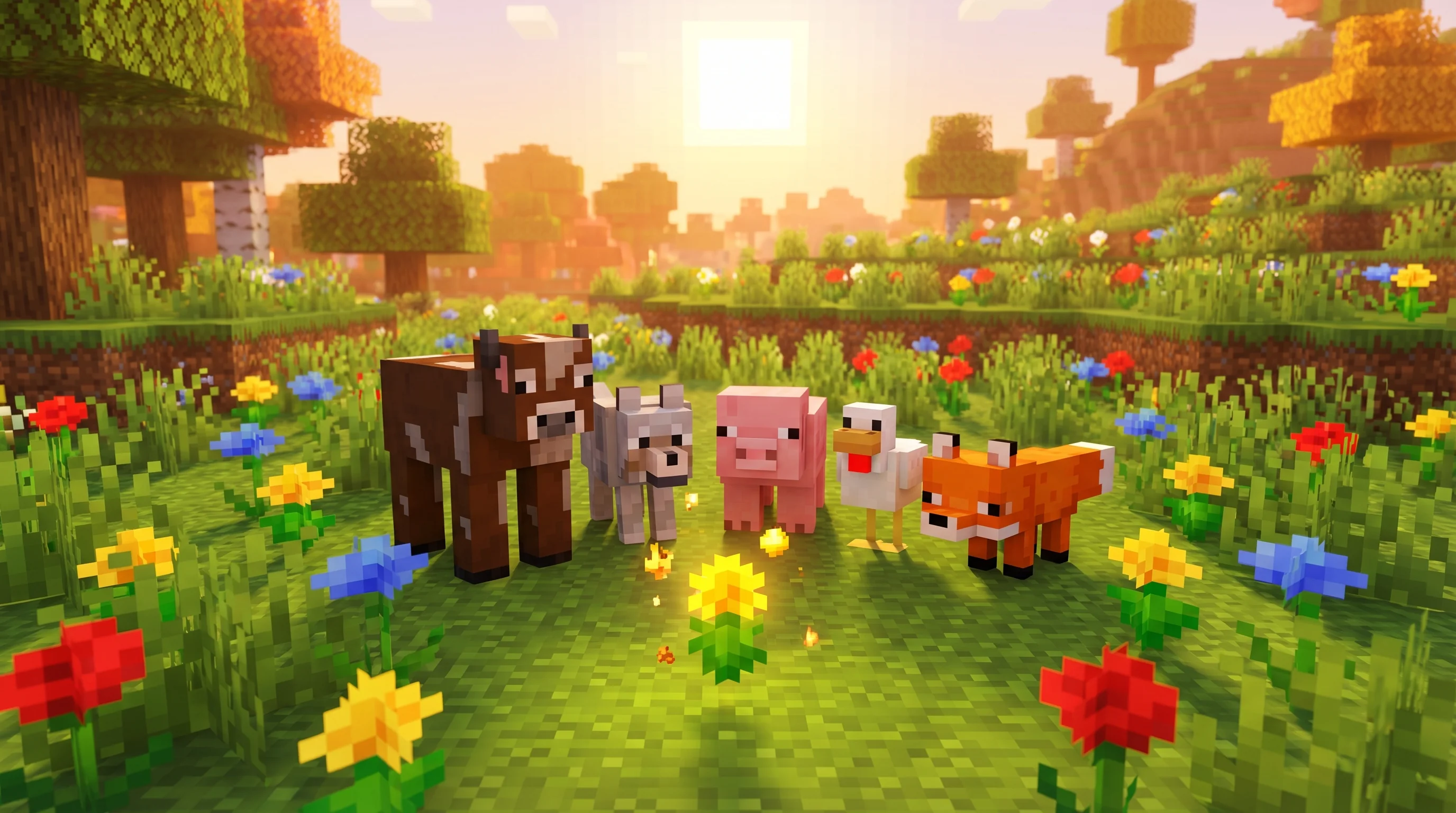
What's New in Minecraft 26.1? A Full Changelog Breakdown
If you've been playing Minecraft for any length of time, you know that some updates sneak up on you — and some grab you by the collar. The Minecraft 26.1 update, officially dubbed the "Tiny Takeover" drop, is firmly in the second category. Baby mobs have stormed every biome with fresh models, new sounds, and a brand-new flower that lets you keep them tiny forever. Oh, and Name Tags are finally craftable. Let that sink in.
This guide breaks down every meaningful change in the 26.1 patch notes — what changed, why Mojang made the call, and what you can actually do with each change. Whether you're a casual builder, a redstone engineer, or a server regular, at least three of these changes will affect how you play immediately.
Let's get into it.
What is New in Minecraft 26.1?
The 26.1 changelog falls into five clean buckets: baby mob overhaul, new items and crafting, block and Stonecutter improvements, sound additions, and technical under-the-hood changes. Here's the full picture before we zoom in.
Baby Mob Visual & Audio Overhaul
This is the headline act. Mojang has updated the models and textures of over 30 baby mob variants, spanning everything from the humble baby Chicken to the eerie baby Drowned. The list includes:
- Cow, Mooshroom, Sheep, Pig, Cat, Ocelot, Wolf, Chicken
- Rabbit (with brand-new animations for both adult and baby)
- Horse, Donkey, Mule, Zombie Horse, Skeleton Horse
- Camel, Llama, Bee, Fox, Goat, Armadillo
- Polar Bear, Panda, Snifflet, Dolphin
- Squid, Glow Squid, Turtle, Axolotl
- Strider, Hoglin, Zoglin
- Zombie, Husk, Drowned, Piglin, Zombified Piglin
- Villager, Zombie Villager
That's a sweeping refresh. Bounding boxes have been adjusted on many of these mobs to match their new proportions — baby Zombies, Piglins, and Squid all got bigger hitboxes to fit their new look.
On the audio side, baby Wolf, Cat, Pig, Horse, and Chicken all have brand-new sounds. Adult animals also received new sound variants: Cats get 1 new variant, Pigs get 2, Cows get 1, and Chickens get 1. Each animal is assigned a random variant — including the original, now labelled "classic" — when it spawns.
New Items: Golden Dandelion and Craftable Name Tags
Two items debut in 26.1 that will immediately change how players interact with their pets and builds. More on both below in the deep-dive sections.
Stonecutter Upgrades
The Stonecutter quietly becomes a lot more useful. You can now feed it raw Deepslate or Tuff and get their polished, brick, and tile variants directly — no intermediate steps. Same story for Stone → Cobblestone. Builders, your workflow just got leaner.
Sound: Trumpet Instrument for Note Blocks
Place a Note Block on top of a Copper Block and you'll now hear a Trumpet instrument. The exact sound varies depending on the oxidation level of the Copper Block underneath — fresh copper sounds different from fully oxidized copper. That's four distinct trumpet tones available just from one instrument type.
Technical Changes
- The main menu background panorama has been updated.
- The lightmap algorithm — the system that maps light levels to on-screen brightness — has been completely rewritten. Results are mostly the same, but edge cases are cleaner: the Darkness effect and Wither fight darkening now behave identically across all dimensions, and Night Vision adds ambient light instead of scaling colors (so pitch-black areas no longer look oddly bright under Night Vision).
- JVM options have been tweaked for performance.
How to Use the Golden Dandelion in Minecraft 26.1
The Golden Dandelion is the most creatively exciting addition in this update, and it's deceptively simple to use.
Crafting the Golden Dandelion
Craft it with 1 Dandelion and Gold Nuggets at a crafting table. Dandelions are everywhere, and Gold Nuggets are easy to stockpile — this is one of the most accessible new recipes in recent memory.
Freezing and Unfreezing Baby Mobs
Hold the Golden Dandelion and right-click (interact) with any baby mob. The mob's aging timer stops completely. You'll see green particles drifting downward as confirmation. That baby Wolf, baby Fox, or baby Axolotl stays tiny indefinitely.
Changed your mind? Interact again with the Golden Dandelion on the same mob and aging resumes — this time, green particles drift upward.
Limitations to Know
Note: The Golden Dandelion does not work on undead baby mobs (baby Zombies, baby Husks, etc.) or baby Villagers. Additionally, the "frozen" state is persistent; if you move a frozen baby mob through a Nether Portal, it will remain in its baby form on the other side.
Creative Uses for the Golden Dandelion
- Permanent baby pet zoo: Freeze a baby Axolotl, baby Fox, and baby Bee for a miniature wildlife exhibit in your base.
- The Snifflet Garden: Since the Snifflet (baby Sniffer) is now part of the visual overhaul, freezing one allows you to keep the colorful, dinosaur-like baby as a permanent garden decoration.
- Aesthetic builds: Baby Camels and baby Llamas frozen in place make incredible decorative animals for market stalls or caravan builds.
Pro Tip: Pair the Golden Dandelion with the new craftable Name Tags to give your permanent baby pets unique identities. A named, permanently-young baby Wolf named "Pebble" is peak Minecraft character work.
Best 7 Changes Players Should Know in Minecraft 26.1
Here's the ranked breakdown of the most impactful changes from the 26.1 patch notes.
1. Over 30 Baby Mob Models Revamped
The sheer scale here is the story. Mojang touched over 30 baby mob variants in a single drop. Baby Rabbits even got new animations for both their adult and baby forms — and the old programmer art Rabbit textures have been permanently removed. If you were attached to those, pour one out.
Creative use: Build a "Tiny Takeover" petting zoo on your server. The new models are detailed enough to make mob displays genuinely impressive.
2. Golden Dandelion — Keep Babies Young Forever
Covered in depth above, but it earns the #2 spot because it fundamentally changes how players interact with pet mobs. This is the first time you can choose to keep a mob in its baby state indefinitely without any tricks or workarounds.
3. Name Tags Are Now Craftable
This is the quality-of-life change veteran players have wanted for years. Previously, Name Tags were rare loot found in Ancient City and Woodland Mansion chests, or bought from Master Librarian Villagers. Now:
Recipe: 1 Paper + 1 Metal Nugget (any metal — Gold, Iron, or Copper Nuggets all work)
Note: Name Tags have been removed from Ancient City and Woodland Mansion loot tables, and Master Librarians no longer sell them. Instead, the Wandering Trader now offers Name Tags for 1 Emerald each. The crafting recipe is far more efficient for bulk use.
Creative use: Name every animal in a large mob farm. Previously cost-prohibitive at scale, now trivially cheap.
4. Stonecutter Now Handles Deepslate, Tuff, and Stone Variants Directly
| Workflow | Before 26.1 | After 26.1 |
|---|---|---|
| Deepslate → Deepslate Bricks/Tiles | Multiple intermediate steps | Direct in Stonecutter |
| Tuff → Tuff Bricks/Polished Tuff | Multiple intermediate steps | Direct in Stonecutter |
| Deepslate → Polished Deepslate | Multiple intermediate steps | Direct in Stonecutter |
| Stone → Cobblestone | Crafting table only | Direct in Stonecutter |
This is a builder's dream. Deepslate and Tuff builds are among the most popular aesthetic choices right now, and the friction of converting raw materials has always been a minor but persistent annoyance. That's gone.
Creative use: Stockpile raw Tuff from Trial Chambers and batch-convert it into Tuff Bricks at the Stonecutter for sleek dungeon or castle builds — no intermediate crafting steps needed.
5. Trumpet Instrument for Note Blocks on Copper
The Note Block instrument list just got richer. Place a Note Block on any Copper Block — regular, Exposed, Weathered, or Oxidized — and it plays a Trumpet. Each oxidation stage produces a subtly different trumpet tone, giving composers 4 distinct brass sounds from one instrument type.
Creative use: Build a jazz bar or medieval fanfare tower using Copper Blocks at different oxidation stages to create a natural brass section with tonal variety.
Pro Tip: You can lock Copper oxidation with a Honeycomb to preserve a specific trumpet tone permanently. Plan your Note Block compositions before waxing.
6. Rewritten Lightmap Algorithm
This one flies under the radar but matters for builders and map-makers. The new algorithm fixes several edge-case bugs and standardizes behavior:
- Darkness effect and Wither fight darkening now work identically in all dimensions (Overworld, Nether, End).
- Night Vision now adds flat ambient light rather than scaling colors — meaning fully dark areas no longer appear brighter than torch-lit areas under Night Vision. Horror maps and dark dungeons just became more reliably atmospheric.
Creative use: Map-makers building horror or stealth experiences can now trust that Night Vision potions won't accidentally illuminate areas they designed to stay dark.
7. Baby Mob Behavior Tweaks
Several smaller behavioral fixes round out the baby mob overhaul:
- Baby Polar Bears no longer attack Foxes — a welcome de-escalation in snowy biomes.
- Armor on baby Wolves will no longer render — cleaner visuals for your armored adult Wolves.
- Saddles on baby Pigs and baby Camels no longer render — no more visual weirdness on young mounts.
- Small Armor Stands now display adult armor scaled down correctly.
- Zombie Horses no longer panic when hurt — they'll stand their ground now.
Why the Villager Trade Changes Matter
This section of the 26.1 patch notes is subtle but has real long-term implications for how servers and players interact with Villager economies.
Deterministic Trade Sequences
Villager profession trades are now generated using deterministic random sequences — the same system used for loot drops and Piglin barter loot. In plain language: a given Villager's initial trade offers are now tied to the world seed, not pure randomness. Re-rolling trades still produces a new sequence, but that sequence is also seed-determined.
Why it matters: This closes a loophole where players could exploit trade re-rolls for guaranteed outcomes. It also makes Villager economies more consistent and reproducible across playthroughs on the same seed.
Master Librarian Changes
| Trade | Before 26.1 | After 26.1 |
|---|---|---|
| Name Tags | Offered by Master Librarians | Removed; craftable instead |
| Red & Yellow Candles | Not offered | 3 Emeralds each |
| Enchanted Book | Not always guaranteed | Always offered (with Rebalance experiment) |
| Wandering Trader: Name Tags | Not offered | 1 Emerald each |
The shift of Name Tags from Librarian trade to craftable recipe is the most player-facing change here. Master Librarians now offer Red and Yellow Candles for 3 Emeralds — a reasonable trade for decoration-focused players who don't want to set up a Candle farm.
Pro Tip: If you're playing with the Rebalance experiment enabled, Master Librarians now guarantee an Enchanted Book trade among their three available trades. This makes Librarian Villager setups more reliable for enchanting-focused players.
How to Put This Into Practice on Gaia Legends
The Minecraft 26.1 update is a gift for Gaia Legends players specifically, and here's why.
The combination of craftable Name Tags and the Golden Dandelion opens up a style of base-building that was previously too resource-intensive to bother with: the permanent named baby pet companion. On Gaia, where player bases are showcases of creativity and personality, you can now freeze a baby Fox, baby Wolf, or baby Axolotl in its tiny form, slap a Name Tag on it, and make it a permanent fixture of your home. No more watching your baby pets grow up and lose their charm.
The Stonecutter upgrades also synergize beautifully with Gaia's building culture. Deepslate and Tuff are some of the most-used materials for premium base aesthetics on the server, and being able to convert raw materials directly into Tiles or Bricks at the Stonecutter will dramatically speed up large-scale builds.
Finally, the Trumpet Note Block instrument is a perfect addition for Gaia players who love building music halls, taverns, or event spaces — the four oxidation-based tones give composers real brass-section flexibility.
Conclusion: What You Should Do Right Now
The Minecraft 26.1 update is one of the most player-friendly patches in recent memory. It removes friction (craftable Name Tags, better Stonecutter), adds genuine new mechanics (Golden Dandelion), and polishes the game's visual and audio identity in a big way (30+ baby mob overhauls, Trumpet instrument).
Three key takeaways:
- Craft Name Tags immediately — 1 Paper + 1 Metal Nugget is trivially cheap, and you'll want them for your new permanent baby pets.
- Find a Dandelion and some Gold Nuggets — the Golden Dandelion is the most fun new item in the update and works on a huge range of mobs.
- Update your Stonecutter workflow — if you build with Deepslate or Tuff, your crafting process just got significantly faster.
Log in, grab a Dandelion, and go find a baby mob worth keeping forever. The Tiny Takeover is here, and it's exactly as chaotic and adorable as advertised.
Frequently Asked Questions
What's new in Minecraft 26.1?
The Minecraft 26.1 update ("Tiny Takeover") overhauls over 30 baby mob models and textures, adds the Golden Dandelion to permanently stop mobs from aging, makes Name Tags craftable with 1 Paper and 1 Metal Nugget, lets Stonecutters directly craft Deepslate and Stone variants, and adds a Trumpet instrument for Note Blocks placed on Copper Blocks. A rewritten lightmap algorithm also improves lighting consistency across all dimensions.
Is Minecraft 26.1 out yet?
Yes, Minecraft 26.1 is out now. The update — officially called the "Tiny Takeover" drop — has been released for Java Edition. If you're playing on a server like Gaia Legends, which updates within 24 hours of any Minecraft release, you can jump in and experience all the new baby mob changes, Golden Dandelion, and craftable Name Tags right away.
When did Minecraft 26.1 release?
Minecraft 26.1 released in 2026 as the "Tiny Takeover" update. The exact date corresponds to the official Mojang release. Servers that track the latest Java Edition version, such as Gaia Legends, typically have the update live within 24 hours of the official drop, so check gaialegends.pro for current version status.
How do you craft the Golden Dandelion in Minecraft 26.1?
Craft the Golden Dandelion using 1 Dandelion and Gold Nuggets at a crafting table. Once crafted, hold it and right-click (interact) any baby mob to stop it from aging permanently. Green particles drifting downward confirm the effect. Interact again with the same mob to resume aging. Note that it does not work on undead baby mobs or baby Villagers.
How do you craft a Name Tag in Minecraft 26.1?
In Minecraft 26.1, Name Tags are now craftable using 1 Paper and 1 Metal Nugget — any metal works, including Gold Nuggets, Iron Nuggets, or Copper Nuggets. This replaces their previous sources: Name Tags have been removed from Ancient City and Woodland Mansion loot chests, and Master Librarians no longer sell them. The Wandering Trader now offers them for 1 Emerald each.
What baby mobs were updated in Minecraft 26.1?
Over 30 baby mob variants received new models and textures in Minecraft 26.1, including Cow, Mooshroom, Sheep, Pig, Cat, Ocelot, Wolf, Chicken, Rabbit, Horse, Donkey, Mule, Zombie Horse, Skeleton Horse, Camel, Llama, Bee, Fox, Goat, Armadillo, Polar Bear, Panda, Snifflet, Dolphin, Squid, Glow Squid, Turtle, Axolotl, Strider, Hoglin, Zoglin, Zombie, Husk, Drowned, Piglin, Zombified Piglin, Villager, and Zombie Villager.
Related guides
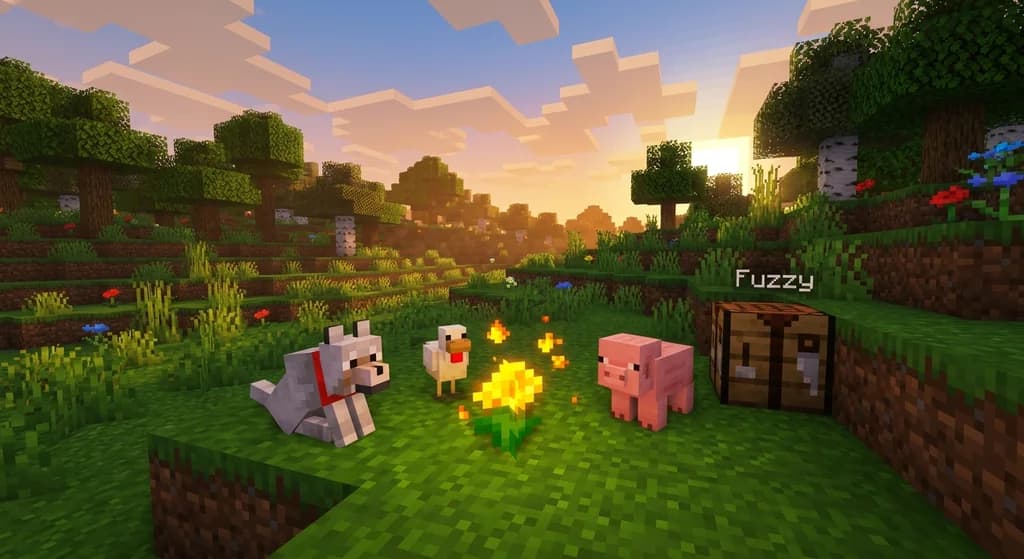
5 Best Features in Minecraft 26.1 Update (2026 Patch Notes)
Minecraft 26.1 adds the Golden Dandelion, craftable Name Tags, Stonecutter shortcuts, a Copper Trumpet, and 30+ revamped baby mobs. Full changelog breakdown inside.
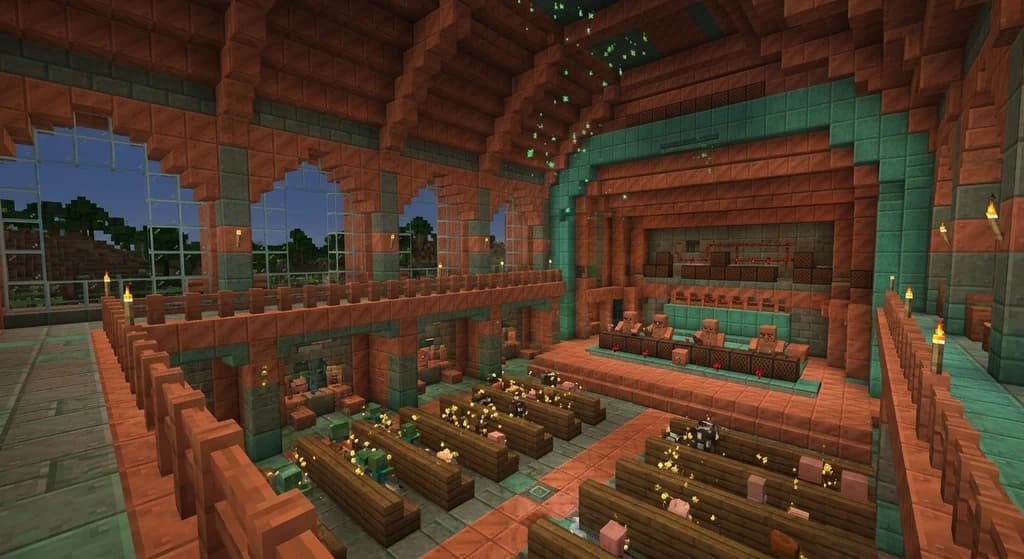
How to Master the Perpetual Tiny Mob Copper Orchestra 2026
Discover the ultimate Minecraft gameplay challenge for bored players: build a Perpetual Tiny Mob Copper Orchestra using Golden Dandelions, Copper Golems, and Oxidized Trumpets in 2026.
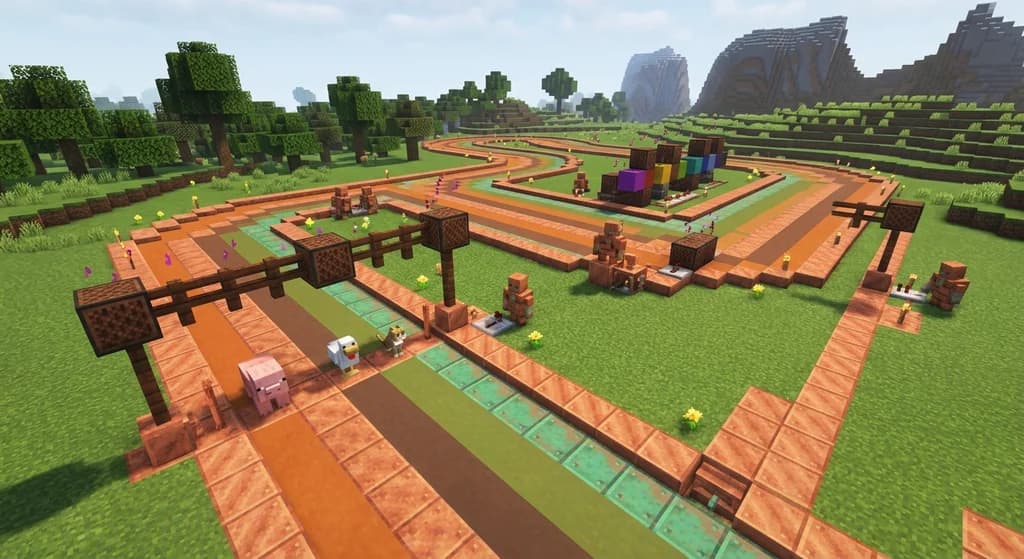
How to Build a Copper Golem Baby Mob Racing Circuit 2026 Guide
Build a Copper Golem baby mob racing circuit in Minecraft 2026. Use Golden Dandelion age-locking, oxidation trumpet lap timers & Gaia Legends betting arenas.
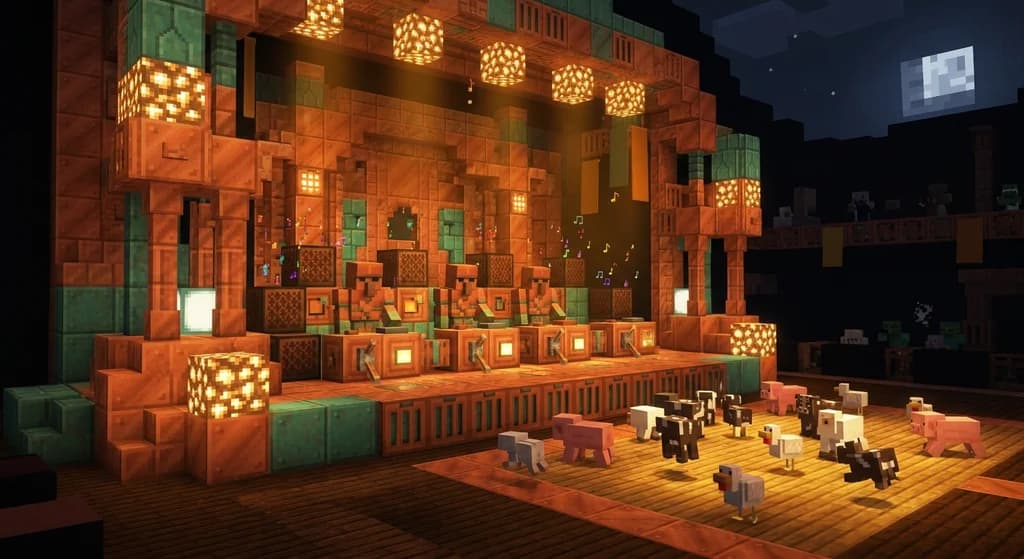
Build an Automated Copper Golem Jazz Orchestra: 2026 Guide
Learn Minecraft copper golem automation to build a Jazz Orchestra with oxidizing Trumpet Note Blocks and Golden Dandelion baby mob choir vocals. Full 2026 setup guide.
Have a question or another approach?
Compare notes with other readers. Include your edition and version when discussing mechanics.