Understanding Minecraft Mods and Modpacks
Filed under Vanilla-Enhanced Modpacks & QoL · How we create content
Version scope: Minecraft Java Edition
Key Takeaways
| Point | Details |
|---|---|
| Mods are unofficial code | Mods are unofficial code injections that modify game behavior, distinct from data packs and resource packs. |
| Modpacks group compatible mods | Modpacks group compatible mods into a single installable package, often themed around exploration, tech, or magic. |
| Java Edition mods require | Java Edition mods require a mod loader such as Fabric, Forge, or Quilt. |
| Utility mods enhance vanilla | Utility mods enhance vanilla gameplay without drastic changes, while optimization mods improve performance. |
| Mojang uses the term | Mojang uses the term 'mod' broadly in marketing, but the community reserves it for third-party modifications. |
What Exactly Is a Minecraft Mod?
A mod — short for "modification" — is a piece of unofficial code that changes how Minecraft behaves. As the Minecraft Wiki explains, a mod is "a piece of unofficial code that is injected into the game for the purpose of modifying its behavior."
A mod (short for modification) is a piece of unofficial code that is injected into the game for the purpose of modifying its behavior.
Mods can do almost anything: fix bugs, adjust core mechanics, add new blocks and items, change world generation, or completely revamp the game with unique features.
They can be used to enhance the game by means ranging from fixing bugs, adjusting core mechanics, to completely revamping the way the game is played with unique features.
In the Minecraft community, the term "mod" is used in a strict sense to mean unofficial, community-made code that requires a third-party mod loader. This sets them apart from official customization tools like data packs, resource packs, and add-ons.
Within the Minecraft community, the term is conventionally used in a strict sense to refer to unofficial, community-made code alterations that require third-party mod loaders.
Under this definition, "mods" are distinct from officially supported game customization features, such as data packs, resource packs, and add-ons.
That said, even Mojang sometimes uses "mod" loosely. The official Minecraft.net Creator page refers to add-ons as a way to "mod Minecraft," and one promotional piece called a data pack/resource pack combo a "Java mod."
For example, the official Minecraft.net's Creator homepage refers to the use of add-ons as a way to "mod Minecraft".
Similarly, an official promotional material has referred to a data pack and resource pack combination, Phantom Frames, as a "Java mod".
How Mods Differ from Data Packs and Resource Packs
Data packs and resource packs are officially supported ways to customize Minecraft. Data packs use JSON and functions to change gameplay (recipes, loot tables, advancements), while resource packs swap textures, sounds, and models. Neither requires a mod loader, and both work on vanilla servers.
Mods, by contrast, are compiled code that runs inside the game's Java runtime. They can modify internal systems that data packs cannot reach — like rendering, physics, or adding entirely new dimensions. This power comes with a trade-off: mods must be updated for each Minecraft version, and they can conflict with one another.
The Three Main Categories of Mods
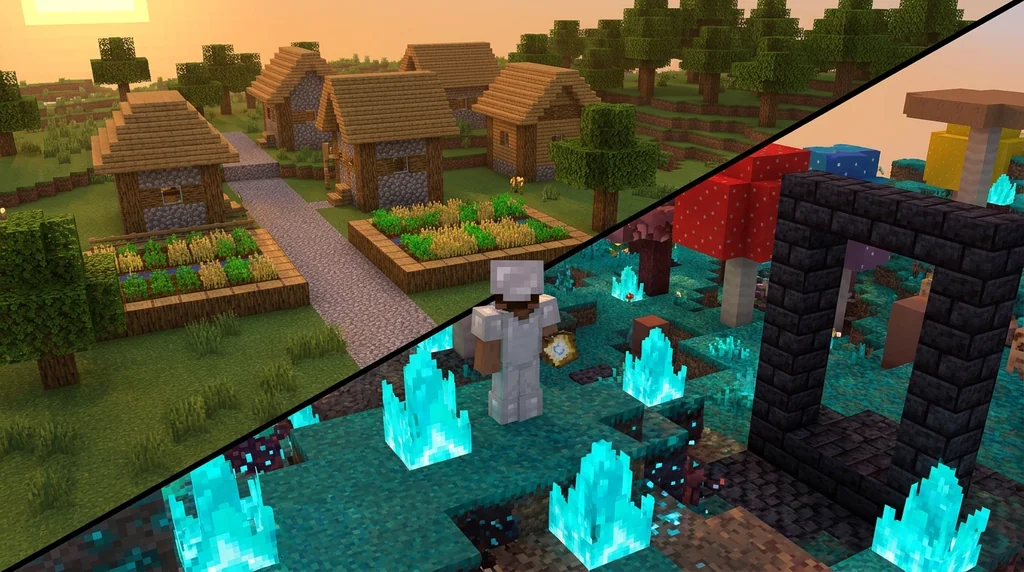
Mods generally fall into a few broad types:
- Content mods add new blocks, items, mobs, biomes, or dimensions. Examples include Biomes O' Plenty and The Aether.
- Utility mods improve the game without overhauling it — things like mini-maps, inventory sorting, or HUD tweaks. As the wiki notes, "utility mods serve to improve the game by adding or improving minor features while being close to vanilla."
- Optimization mods focus on performance. They "modify the game's rendering to improve frame rates and load times, making the game more accessible on lower-end hardware."
There are also utility mods serve to improve the game by adding or improving minor features while being close to vanilla (as not to change the game drastically).
Optimization mods modify the game's rendering to improve frame rates and load times, making the game more accessible on lower-end hardware (see also Tutorial:Improving frame rate).
Many players combine all three types into a single modpack.
What Is a Modpack?
A modpack is a curated collection of mods designed to work together, usually around a specific theme or gameplay goal. Instead of downloading and configuring dozens of mods individually, you install one modpack and get a complete experience.
For example, the Divine Dimensions modpack "regroups many mods to add a ton biomes and dimensions to the game, revamps the existing ones."
A Modpack that regroups many mods to add a ton biomes and dimensions to the game, revamps the existing ones.
Modpacks can be found on platforms like CurseForge, Modrinth, or ATLauncher. They often include a custom configuration to ensure mods are balanced and compatible.
Getting Started with Mod Loaders
To run mods in Minecraft Java Edition, you need a mod loader. The three most common are:
- Fabric — lightweight, modern, and fast to update. Most new utility and optimization mods target Fabric first.
- Forge — the older, more established loader. Many large content mods (like Twilight Forest) require Forge.
- Quilt — a fork of Fabric focused on community governance and technical improvements.
Choose a loader based on which mods you want to use. Most modpacks are built for either Fabric or Forge, not both.
Quick Checklist: Starting Your First Modded World
- Decide what experience you want: vanilla-plus, tech, magic, exploration, or a mix.
- Choose a mod loader (Fabric for lightweight, Forge for heavy content mods).
- Pick a modpack from a trusted launcher, or build your own using a base modpack.
- Install the modpack using a launcher like Prism Launcher, CurseForge, or ATLauncher.
- Launch the game with the modded profile and check for conflicts in the log.
For more on building custom packs, see our guide on using a base modpack to create your own Minecraft modpack.
FAQ
Can I use mods on a vanilla server?
Most mods require the server to have the same mods installed. However, some client-only mods (like mini-maps or HUD tweaks) work on vanilla servers without any server-side installation.
Are mods safe to download?
Stick to reputable sources like CurseForge, Modrinth, or GitHub repositories from known mod authors. Always scan downloaded files and avoid sketchy third-party sites.
Do mods work with every Minecraft version?
No. Mods are version-specific. You must match the mod's supported version to your Minecraft installation. Mod loaders also need to be updated for each major release.
What's the difference between a mod and a plugin?
Plugins run on server software like Bukkit or Spigot and modify server-side behavior without changing the client. Mods run on the client (and often the server) and can change the game's code directly.
Can I use Fabric and Forge together?
Not easily. They are separate mod loaders and usually incompatible in the same instance. Choose one loader and stick with it for a given modpack.
Sources
- A mod (short for modification) is a piece of unofficial code that is injected into the game for the purpose of modifying its behavior. — Mod
- They can be used to enhance the game by means ranging from fixing bugs, adjusting core mechanics, to completely revamping the way the game is played with unique features. — Mod
- Within the Minecraft community, the term is conventionally used in a strict sense to refer to unofficial, community-made code alterations that require third-party mod loaders. — Mod
- Under this definition, "mods" are distinct from officially supported game customization features, such as data packs, resource packs, and add-ons. — Mod
- For example, the official Minecraft.net's Creator homepage refers to the use of add-ons as a way to "mod Minecraft". — Mod
- Similarly, an official promotional material has referred to a data pack and resource pack combination, Phantom Frames, as a "Java mod". — Mod
- There are also utility mods serve to improve the game by adding or improving minor features while being close to vanilla (as not to change the game drastically). — Mod
- Optimization mods modify the game's rendering to improve frame rates and load times, making the game more accessible on lower-end hardware (see also Tutorial:Improving frame rate). — Mod
Related guides
What Are Minecraft Mods? Definition and Overview
Learn the official Minecraft mod definition, how mods differ from data packs, types like utility and optimization mods, and community vs. Mojang usage.
AppleSkin Mod Overview for Minecraft 1.21
Discover the AppleSkin mod for Minecraft Java Edition 1.21+. This quick reference covers hunger and saturation display, features, compatibility with modpacks like lelMc and Shozamaks Optimized, and installation tips.
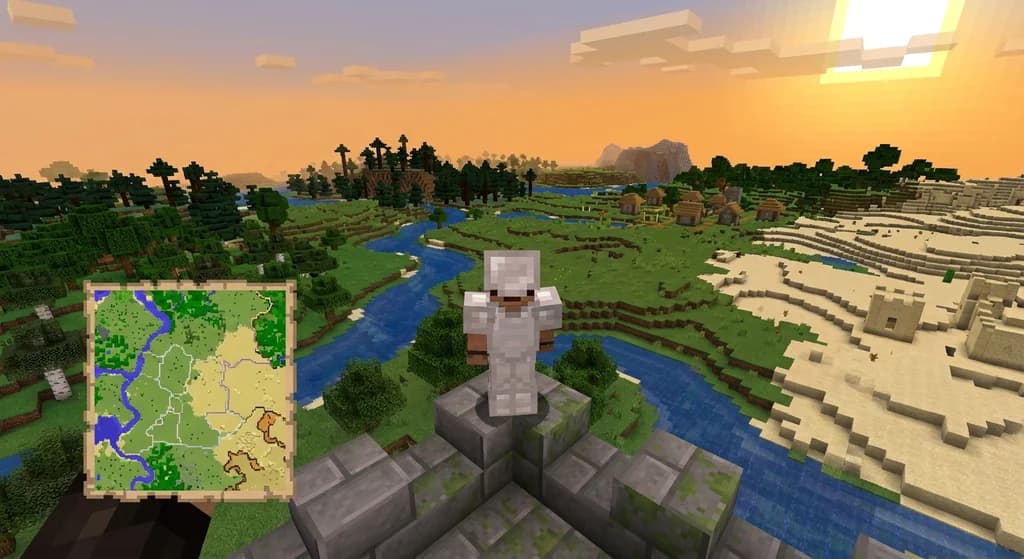
Xaero's Minimap and World Map: Server Integration Mods
Discover how mods like MapSyncer and ClanCraft integrate Xaero's Minimap and World Map with Minecraft servers: syncing explored terrain, adding land claims, and sharing waypoints for better multiplayer coordination.
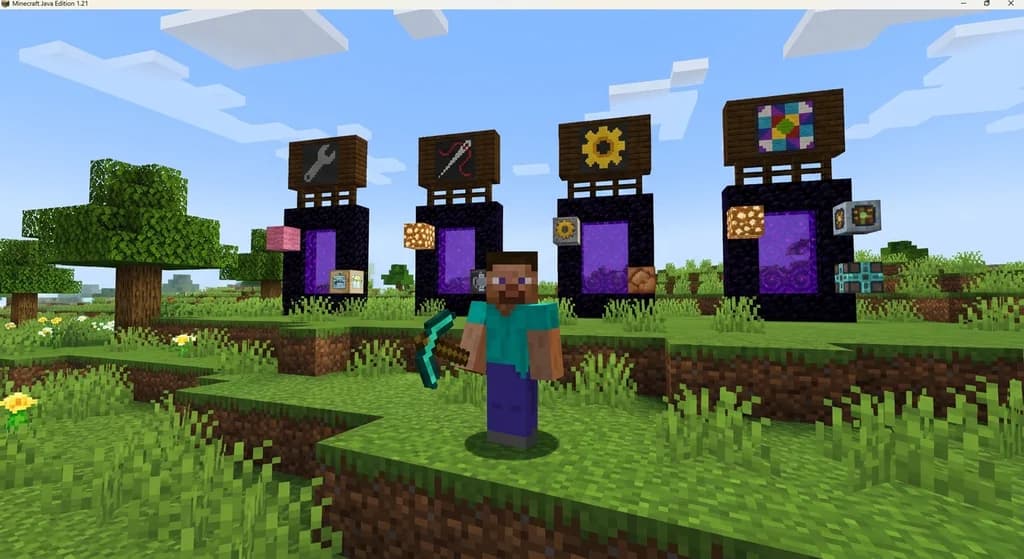
How to Choose the Best Mod Loader for Vanilla+ Minecraft in 2026
Confused about Forge vs Fabric vs NeoForge vs Quilt for Vanilla+ Minecraft in 2026? Learn which mod loader offers the best performance, mod compatibility,...
Have a question or another approach?
Compare notes with other readers. Include your edition and version when discussing mechanics.