25 Inspiring Minecraft builds for every skill level
Filed under Minecraft Tips & Tricks · How we create content
TL;DR:
- Minecraft players often feel paralyzed by endless creative options and a blank canvas that can be intimidating. To streamline the process, it’s important to choose builds that match your skill level, available resources, and aesthetic goals, while focusing on small details and cohesive palettes for maximum impact. Experimentation, embracing happy accidents, and pushing creative limits lead to more memorable and personalized structures beyond mere copying or following tutorials.
Staring at a freshly generated world and feeling absolutely paralyzed by possibility is one of the most relatable Minecraft experiences out there. You have unlimited blocks, unlimited terrain, and zero idea where to start. Whether you've been playing for a week or a few years, that blank canvas can feel more intimidating than exciting. This guide cuts through the noise with 25 standout build ideas organized by skill level and theme, so you can jump straight into creating something you're genuinely proud of. From cozy starter cottages to jaw-dropping multiplayer cities, we've got concrete examples, comparisons, and pro tips to spark your next great project.
Table of Contents
- How to choose your next Minecraft build
- Creative starter builds for beginners
- Intermediate and advanced Minecraft builds to try
- Best communal and multiplayer builds
- Theme-based Minecraft builds: Unleash your imagination
- Why experimentation is the real heart of Minecraft building
- Find more build guides and inspiration
- Frequently asked questions
Key Takeaways
| Point | Details |
|---|---|
| Pick builds for your skill | Choose projects that match your experience and let you learn new techniques. |
| Use themes for creativity | Applying themed builds and color palettes makes your worlds more unique and visually interesting. |
| Experiment often | Trying new ideas—even ones that might fail—will help you grow as a Minecraft builder. |
| Collaborate for fun | Community builds turn teamwork into grand projects and stronger friendships. |
How to choose your next Minecraft build
With the stage set for creative possibilities, let's define how to choose a project that fits your interests and strengths. Not every build idea is the right fit at the right time. Picking a project that matches your current skill, your available resources, and your personal aesthetic goals is what separates a satisfying build session from an abandoned, half-finished mess.
Three key criteria will guide every great decision:
- Skill level: Are you still getting comfortable with layering rooflines, or are you already experimenting with custom terrain and complex redstone? Beginner builders benefit most from builds that reward quick completion. Experienced players thrive when they're challenged by scale and technical complexity. Matching difficulty to ability keeps motivation high.
- Available resources: Building a grand obsidian palace in early survival mode sets you up for frustration. Consider what blocks you actually have access to before committing to a concept. Some builds demand rare materials like amethyst or copper, while others shine with basic wood and stone combinations. Planning around your material supply makes the whole process smoother.
- Build theme and aesthetic goals: Do you want something that fits naturally into a forest biome? Are you chasing a sleek modern city look? Do you love fantasy architecture with spires and stained glass? Your theme determines your palette, your shapes, and your overall sense of visual harmony. Getting clear on the look you want before laying a single block saves hours of backtracking.
We love original build ideas that showcase builds from the community, because real player creations reflect what's genuinely achievable, not just what looks good in a controlled creative world.
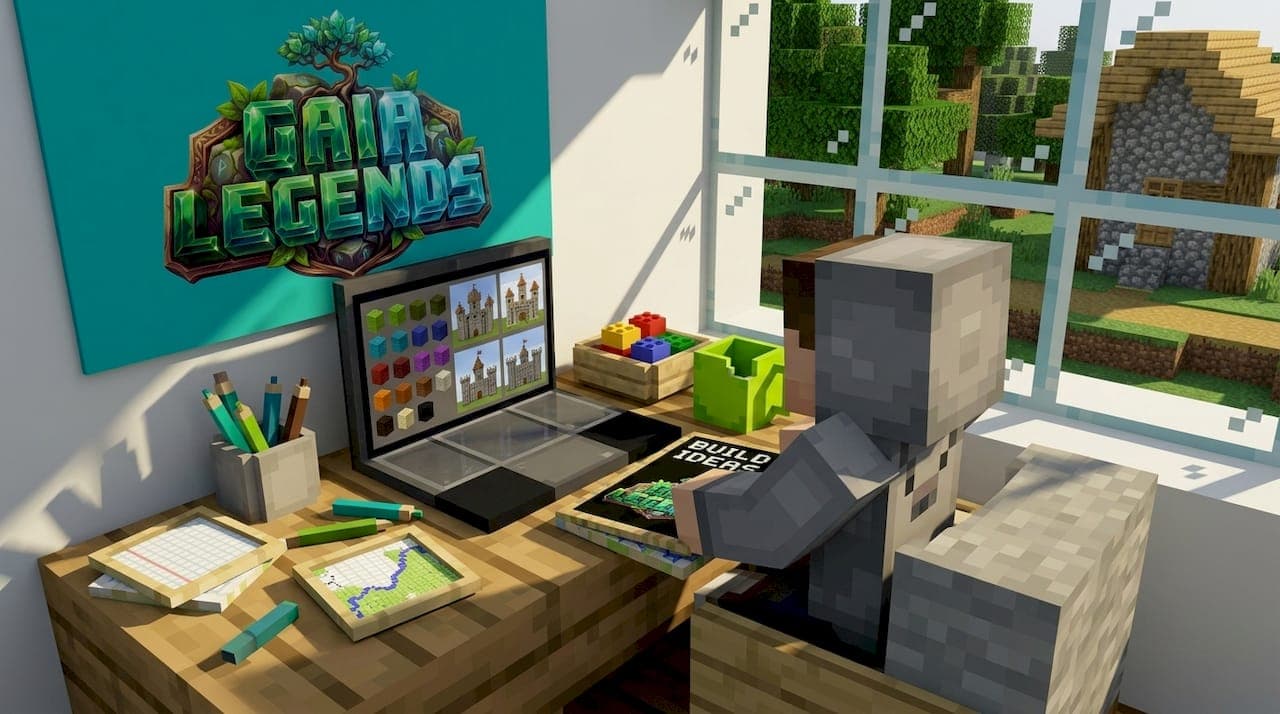
Pro Tip: Before you start building, take five minutes to set up an inspiration board. Save screenshots of builds you admire, bookmark community showcases, or sketch a rough layout on paper. Builders who reference visual inspiration make fewer costly detours during the actual construction process.
Choosing the right scale also matters more than most players realize. A medium-sized, well-detailed build almost always looks better than a massive structure that feels empty inside. Focus on finishing one project with care before scaling up to the next.
Creative starter builds for beginners
Now that you know what to look for, let's start with beginner-friendly builds that are rewarding and approachable. These projects are designed to teach you fundamental skills like layout planning, material mixing, and basic shape construction without overwhelming you.
Here are some excellent starter builds to try:
- Cozy starter house: A simple wooden cottage with a sloped roof teaches you how rooflines work, how to frame windows, and how interior and exterior design relate to each other. Use oak logs for framing, stripped wood for contrast, and stone brick for the foundation to immediately add visual depth.
- Small working farm: Designing a farm with crop rows, a water channel, and a simple fence perimeter introduces you to functional building. You learn to plan space practically while still making something that looks organized and intentional. Add lanterns and pathways to make it feel lived-in.
- Watchtower: A tall, narrow structure with an observation platform sounds simple, but it forces you to think vertically. You'll practice staggering block types as you build upward to avoid the flat, one-material look that makes beginner towers look unfinished.
- Decorative pond: Digging a small natural-looking pond with lily pads, clay edges, cattails (using bamboo or dead bushes), and surrounding flower patches is a fantastic way to practice organic shapes. Nature-inspired builds teach you that curves and irregularity often look more realistic than perfect symmetry.
- Treehouse: Building in and around an existing tree or constructing a large custom tree base is a classic beginner challenge. It introduces the concept of integrating your build with the surrounding terrain, which is one of the most important skills in Minecraft architecture.
- Stone path village gate: Even something as simple as designing a gate between two guard posts teaches you how symmetry works, how to frame an entry point, and how to use slabs and stairs to add trim details without needing complex blocks.
Many tutorials for building popular Minecraft creations start with these exact project types because the learning value is high while the resource demand stays low.
For starter build inspiration that goes beyond basic rectangles, community galleries show you just how far these simple project types can be pushed.
"Focus on layering terrain and adding small details for big visual impact. A single flower pot on a window ledge or a carpet pattern on a floor completely changes how a build reads to the eye."
The key lesson at this stage is that details matter more than size. A tiny house with varied textures, purposeful landscaping, and a cohesive color palette will always impress more than a giant cube made of one block type.
Intermediate and advanced Minecraft builds to try
As your skills improve, tackling more ambitious ideas opens up new creative techniques and design strategies. These builds will push you to think about proportion, technical execution, and large-scale planning in ways that beginner projects simply can't teach.
Here are seven builds that raise the bar considerably:
- Medieval castle: This is one of the most popular intermediate challenges for good reason. A castle teaches you about towers, curtain walls, gatehouses, and interior courtyards. The real learning goal is understanding how large exterior forms translate into functional interiors. Use a mix of stone brick, cracked stone brick, and mossy variants to make walls feel aged and textured.
- Giant custom tree base: Scaling up the beginner treehouse concept into a massive, hollow tree structure with multiple interior levels is a serious undertaking. Builders have to think about trunk width, branch angles, and leaf canopy placement all at once. Brown mushroom blocks work surprisingly well for bark-textured sections.
- Functioning redstone door: Adding a redstone-powered hidden door, drawbridge, or piston entrance to any build immediately elevates it from decorative to interactive. The learning goal here is understanding redstone logic and how mechanical elements can enhance architectural design. Start simple with a two-by-two flush piston door.
- Underground city: Carving out a sprawling city beneath the surface is an advanced challenge because you're working within limitations: no natural light, irregular cave shapes, and the need to light every corridor. The reward is a genuinely dramatic build that feels unique every time.
- Massive sailing ship: A large ship requires you to master curved hull shapes, deck layering, mast construction, and interior detailing all in one project. It's one of the best exercises in building perfect circles and curved geometry in Minecraft, which is a skill that carries over to almost every other advanced build type.
- Pixel art mural: A large flat canvas pixel art piece of a game character, logo, or custom design teaches you color mapping, grid planning, and the creative challenge of translating 2D images into block form. It's a relaxing but absorbing project that results in a stunning visual centerpiece.
- Floating island base: Designing a base that hovers in the sky forces you to think about silhouette, visible undersides, and how waterfalls or chains can connect to lower structures. The underside of the island is often neglected, but detailing it with exposed roots, hanging vines, or layered stone makes the whole build sing.
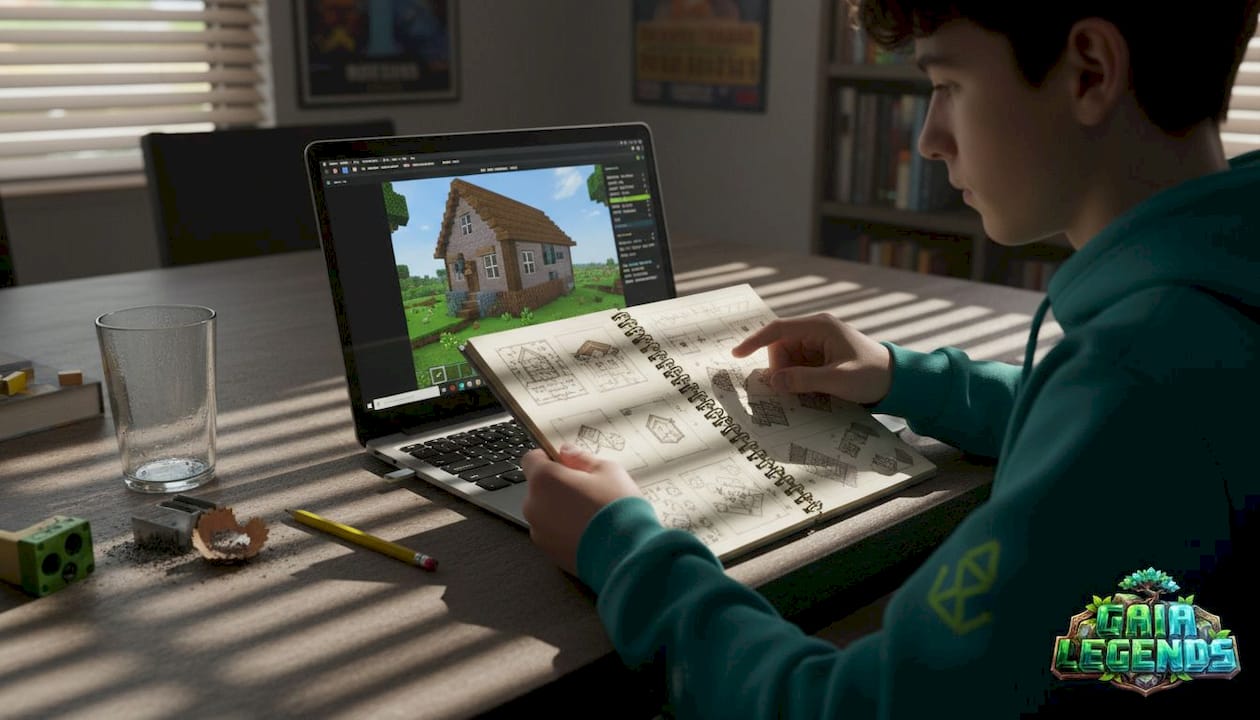
Pro Tip: Use a blueprint or rough grid sketch before starting any of these large-scale builds. Break the structure into sections and tackle one zone at a time. Trying to build everything at once leads to proportion errors that are frustrating and time-consuming to fix later.
Investing time in strong block palette inspiration before you start one of these advanced builds pays off enormously. The difference between a build that looks professional and one that looks flat is almost always the palette.
Best communal and multiplayer builds
Once you've mastered solo builds, collective projects add a whole new dimension of shared creativity and accomplishment. Multiplayer builds bring a social energy to construction that solo projects simply can't replicate, and they're often the most memorable creations on any server.
Top communal build ideas include:
- Spawn hub: The first thing players see when joining a server, a great spawn hub needs to communicate the server's theme, provide clear navigation, and look welcoming. This is a high-stakes build that benefits from a dedicated team with different specialties, such as one builder handling exterior, another managing interior, and a third focused on signage and wayfinding.
- Server marketplace: A community trading hall or bazaar where players set up stalls is both functional and visually exciting. Dividing the stall design into a template that everyone follows keeps the build cohesive even when dozens of players contribute their individual sections.
- Minigame arenas: Parkour courses, PvP arenas, spleef pits, and archery ranges all require careful planning around game mechanics as well as aesthetics. Arenas need to balance visual appeal with fair gameplay geometry, which is a fascinating design challenge.
- Public gardens: A community garden or park with themed sections, fountains, statues, and pathways is a calming collaborative project. It's a great choice for servers where players have different skill levels, since garden zones can be assigned based on complexity.
- Themed districts: Organizing a server's build area into distinct neighborhoods (a fantasy quarter, a modern district, an ancient ruins zone) gives each player creative ownership while contributing to a unified world.
For anyone interested in building a community house, starting with a shared communal space is one of the best ways to establish server culture and teamwork norms. You can also dive into broader server community creations for more ideas on organizing large group projects.
Here's a quick comparison of solo versus multiplayer builds to help you decide what fits your situation:
| Build type | Main features | Player count | Teamwork needed | Social impact |
|---|---|---|---|---|
| Cozy cottage | Personal aesthetic, small scale | 1 | None | Low |
| Watchtower | Vertical practice, resource-light | 1 | None | Low |
| Medieval castle | Large scale, mixed textures | 1 to 3 | Moderate | Medium |
| Spawn hub | Server branding, navigation | 3 to 6 | High | Very high |
| Marketplace | Functional stalls, economy | 4 to 10 | High | Very high |
| Minigame arena | Gameplay geometry, fairness | 3 to 8 | High | High |
| Public gardens | Organic design, zones | 2 to 10 | Moderate | High |
| Themed district | Cohesive world-building | 5 or more | Very high | Extremely high |
The biggest tip for multiplayer builds is assigning clear zones before construction starts. Overlapping build areas create style clashes and confusion. Clear boundaries and a shared material palette keep the final result looking intentional.
Theme-based Minecraft builds: Unleash your imagination
Ready to level up your creativity? Choosing a theme can spark wholly new directions for your Minecraft worlds. A strong theme gives every build decision a reference point, making it easier to choose blocks, shapes, and details that all feel connected.
Popular build themes to explore:
- Fantasy: Wizard towers, dragon lairs, elvish treehouses, and enchanted forests. This theme rewards bold block choices like purple concrete, dark oak, and sea lanterns.
- Futuristic and sci-fi: Space bases, neon cities, and android labs. Smooth quartz, cyan glass, and sea lanterns build that clean, clinical aesthetic perfectly.
- Ancient civilizations: Roman villas, Egyptian pyramids, and Greek temples. Sandstone, stone brick, and chiseled blocks capture the grandeur of antiquity.
- Spooky and gothic: Haunted mansions, graveyard landscapes, and pumpkin patches. Blackstone, dark oak, cobwebs, and soul lanterns set a perfectly eerie mood.
- Modern and urban: Skyscrapers, suburban homes, and city streets. White concrete, glass panes, and dark wood give contemporary builds their sharp, polished look.
The real magic happens when you commit to palette examples for themed builds with full intention. Mixing and remixing themes can also produce stunning results. A futuristic city built inside ancient ruins, or a modern beach house placed within a fantasy woodland, creates unexpected visual tension that makes a build truly memorable.
Here's a quick reference for matching themes to signature blocks and unique features:
| Theme | Signature blocks | Unique feature idea |
|---|---|---|
| Fantasy | Dark oak, purple concrete, sea lanterns | Wizard tower with glowing spire |
| Futuristic | Smooth quartz, cyan glass, prismarine | Floating space station with observation dome |
| Ancient | Sandstone, chiseled stone, terracotta | Buried pyramid with interior traps |
| Spooky | Blackstone, soul sand, dark oak | Haunted manor with secret basement |
| Modern | White concrete, glass panes, spruce | Urban penthouse with rooftop pool |
Don't feel locked into one theme either. Some of the most celebrated player builds come from blending two aesthetics together. A fantasy castle built with modern interior design, or an ancient ruin reclaimed by futuristic technology, gives your world layers that tell a story without a single word.
Why experimentation is the real heart of Minecraft building
Here's a perspective we don't think gets enough attention: following tutorials and copying trending builds will improve your technical skill, but it rarely produces your best work. The builds players remember years later, the ones they still screenshot and share, almost always came from an idea that took an unexpected turn.
The uncomfortable truth is that the fear of wasting blocks or time keeps many players from experimenting. They play it safe, repeat what they know, and never discover that adding an accidental arch or swapping in a surprising block type could transform an ordinary build into something stunning.
"The best Minecraft moments come from ideas that didn't go as planned. They went better."
That quote lives in our building philosophy. A wall that collapsed became a deliberate ruined aesthetic. A misplaced tower turned into an asymmetrical design that made a whole castle look more natural. Happy accidents are only accidents if you don't recognize their potential.
Pro Tip: Keep a dedicated creative mode or test world specifically for experimentation. Build versions of ideas at small scale before committing to a full survival build. This removes the fear of "wasting" materials and frees you to take real creative risks.
We'd also challenge the idea that complex builds are inherently better than simple ones. A small, exceptionally detailed garden nook with a mossy bench, a campfire, and surrounded by wildflowers can hit harder emotionally than a massive castle that was built for scale alone. Size is easy. Feeling is hard. Chase the feeling.
Find more build guides and inspiration
You can start by exploring our full library of more build inspiration, which features community showcases, block palette deep dives, and build challenges you can tackle solo or with friends. Our guides are grounded in real server experience and updated regularly to reflect the latest Minecraft updates. Bookmark the builds you love, share your own creations with our community, and keep coming back every time you need a creative reset. Your best build is still ahead of you.
Frequently asked questions
What are the easiest Minecraft builds for new players?
Starter houses, small farms, and basic watchtowers are simple projects perfect for beginners. These builds appear in beginner-focused Minecraft tutorials because they teach core layout and material skills quickly without requiring rare resources.
How can I make my builds look more detailed?
Mix different blocks, add depth to walls, and use creative palettes to enhance detail. Exploring palette-focused build guides will show you exactly how subtle block swaps can transform a flat-looking structure into something visually rich.
What are some good multiplayer build ideas?
Spawn hubs, community houses, minigame arenas, and marketplaces work especially well for teams. The guide on building a community house is a great starting point for collaborative server projects.
Where can I find unique inspiration for Minecraft builds?
Guides, community showcases, and tutorials feature creative ideas you can use or adapt. The community build idea gallery is one of the best places to browse real player creations for fresh directions.
How do I get better at building complex Minecraft structures?
Start with basic forms, study advanced builds, and experiment with templates or blueprints. The Minecraft Legends beginner guide is a solid foundation that progressively walks you through more complex building concepts as your confidence grows.
Recommended
Related guides
How to Obtain Mending in Minecraft
Learn how to get Mending in Minecraft. Discover the best methods: trading with librarian villagers, fishing, and looting chests. Includes mechanics and...
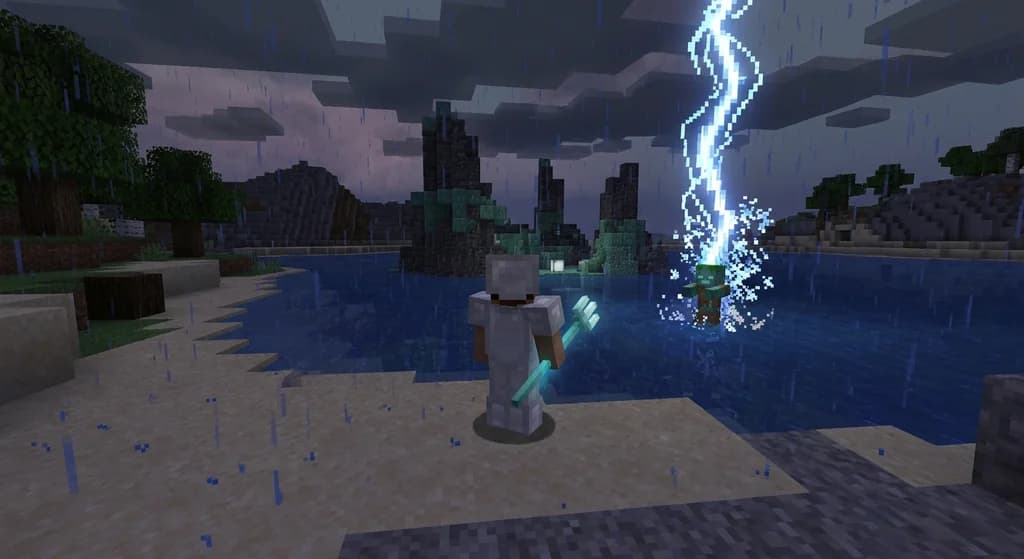
How to Use the Trident in Minecraft: Riptide, Channeling & Impaling
Learn how to use the trident in Minecraft with our quick reference guide. Covers Riptide, Channeling, Impaling enchantments, throwing mechanics, and...
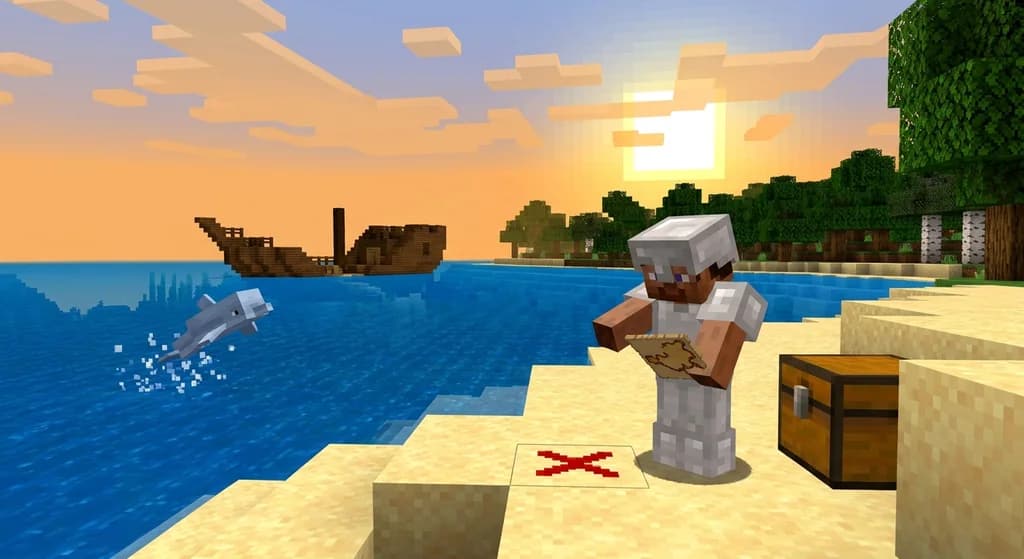
How to Find Buried Treasure in Minecraft 2026: Maps & Tips
Master how to find buried treasure in Minecraft with our 2026 guide. Find treasure maps in shipwrecks & ruins, follow the X, and collect rare loot like...
Minecraft Combat Tips That Win Every Fight in 2026
Master Minecraft combat tips to dominate every fight in 2026! Learn essential strategies for weapons, timing, and terrain to become unbeatable.
Have a question or another approach?
Compare notes with other readers. Include your edition and version when discussing mechanics.