Minecraft Random Generation Quick Reference: Seeds and /random Command
Filed under Speedrunning & Competitive Minecraft · How we create content
Version scope: Minecraft Java Edition 1.16 - 1.20.2
Key Takeaways
| Point | Details |
|---|---|
| World seeds determine every | World seeds determine every generated world; same seed always produces the same terrain in the same game version. |
| Seeds can be numbers | Seeds can be numbers (including negatives) or phrases (converted to 32-bit integers via Java's hashCode method). |
| The /random command (Java | The /random command (Java 1.20.2+) generates random integers in a range and can control deterministic random sequences. |
| Anomalous seeds cause feature | Anomalous seeds cause feature repetition (e.g., diagonal or every-chunk) due to random number generator quirks. |
| Seeds are not compatible | Seeds are not compatible across major version updates that change terrain generation. |
| Use /seed in Java | Use /seed in Java (no cheats) or the Edit World screen in Bedrock to view your current world's seed. |
How World Seeds Work
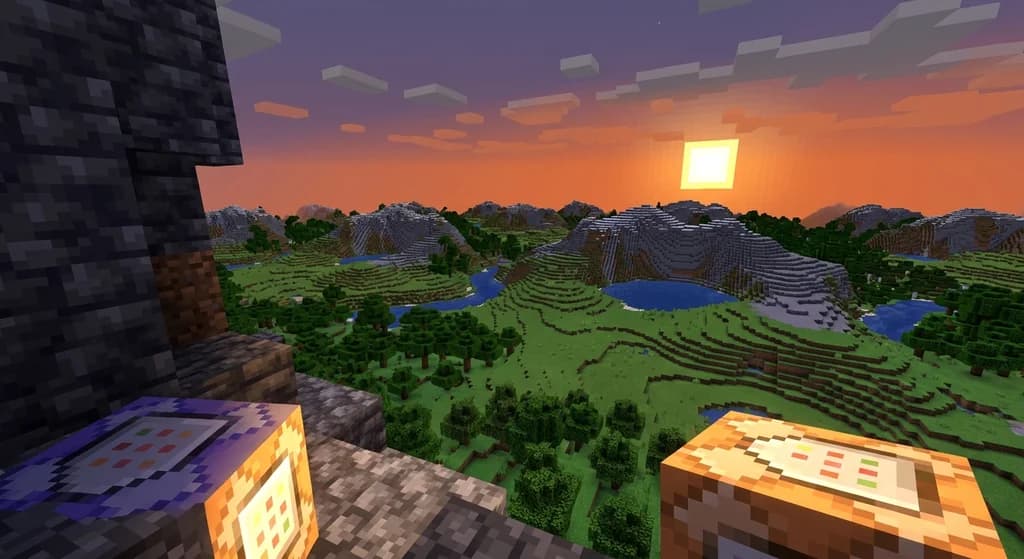
The world seed is the foundation of every Minecraft world. As the Minecraft Wiki states:
The world seed (or simply seed; referred to as seed for the world generator in-game) is a value made up of character(s) (including negative or positive integers) that is used as the basis for generating every Minecraft world.
When you create a world, the seed can be set automatically or chosen manually. The reproducibility of seeds is key for speedrunners and builders:
Thus, the same seed generates the same terrain every time.
Seeds can be numbers or text. If you use a word or phrase, it is converted to a 32-bit integer using Java's .hashCode() method. Negative integers work too.
However, major game updates change terrain generation, so seeds are version-dependent:
Whenever the world generation algorithm is updated (usually by adding new biomes to the game), the same seed no longer generates the same terrain.
To view your current world's seed in Java Edition, use the /seed command — available even with cheats disabled. In Bedrock Edition, find it on the Edit World screen; Bedrock also includes 25 seed templates for worlds with specific features near spawn.
Seeds are somewhat compatible between Java and Bedrock for terrain and biomes, but structure placement differs, which matters when choosing which edition to speedrun. See our guide on Java vs Bedrock for speedrunning for more details.
Using the /random Command (Java 1.20.2+)
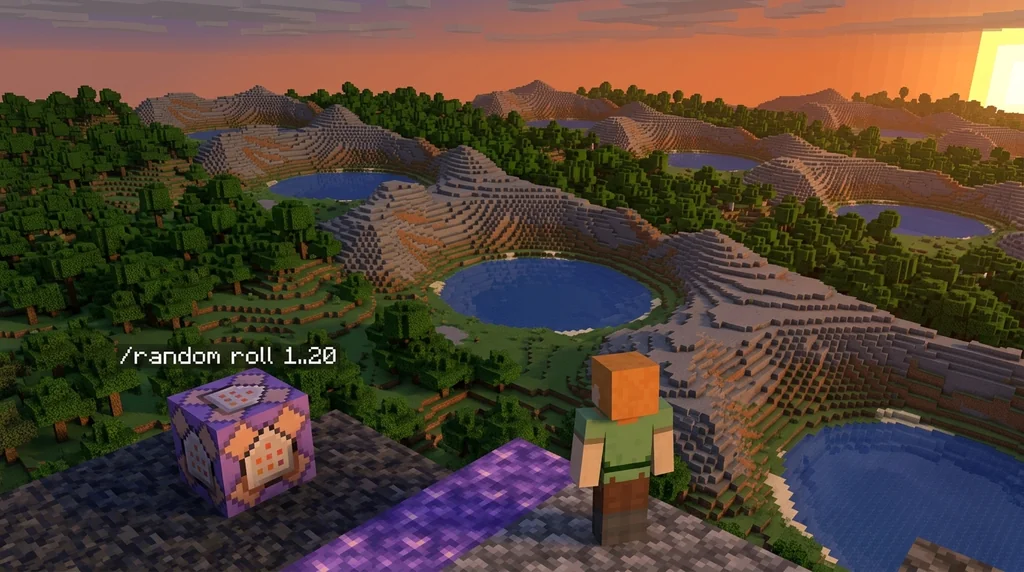
The /random command, added in snapshot 23w31a for Java Edition 1.20.2, generates random integers and controls random sequences:
23w31a is the first snapshot for Java Edition 1.20.2, released on August 2, 2023, which adds the "Villager Trade Rebalance" experimental toggle, adds /random command and fixes bugs.
Basic syntax: /random value <range> or /random roll <range>. The range is specified like 1..6 for a six-sided die. The command outputs a random integer:
random (value|roll) <range> Outputs a random integer.
The value variant shows the result only to you; roll broadcasts it to all players. You can also specify a named random sequence to sample from, and reset or seed sequences for deterministic randomness. For example, includeWorldSeed and includeSequenceId booleans let you control whether the result depends on the world or sequence name. Without operator privileges, players can use /random value or /random roll without a sequence specified.
Anomalous Seeds: When Generation Goes Strange
Certain world seeds produce unexpected results due to how the random number generator works:
Certain world seeds are known for producing unexpected results when used for generating worlds, often due to interacting with random number generators in certain ways.
For example, in Java Edition before 1.18, the seed 102496288339226 causes features like trees and ores to repeat along the positive-positive diagonal. Another seed, 107038380838084, causes affected structures to repeat every chunk on the X-axis. These are edge cases that fascinate world generation enthusiasts and can be used to create surreal landscapes.
Sources
- The world seed (or simply seed; referred to as seed for the world generator in-game) is a value made up of character(s) (including negative or positive integers) that is used as the basis for generating every Minecraft world. — World seed
- Thus, the same seed generates the same terrain every time. — World seed
- Whenever the world generation algorithm is updated (usually by adding new biomes to the game), the same seed no longer generates the same terrain. — World seed
- 23w31a is the first snapshot for Java Edition 1.20.2, released on August 2, 2023, which adds the "Villager Trade Rebalance" experimental toggle, adds /random command and fixes bugs. — Java Edition 23w31a
- random (value\|roll) \<range\> Outputs a random integer. — Commands/random
- Certain world seeds are known for producing unexpected results when used for generating worlds, often due to interacting with random number generators in certain ways. — Anomalous world seeds
Frequently Asked Questions
Can I change the seed of an existing world?
Yes, using world templates. By exporting the world and adding a manifest.json with `allow_random_seed:true`, you can change the seed when re-importing, but new chunks will use the new seed — old chunks remain unchanged.
Are seeds the same between Java and Bedrock Edition?
Terrain generation and biomes are compatible between editions, but the placement of structures (villages, strongholds, etc.) differs. The same seed will produce similar terrain but different structure layouts.
How do I find my world's seed in singleplayer?
In Java Edition, type `/seed` — this command works even with cheats off. In Bedrock Edition, the seed is shown on the Edit World screen. You can also select 'Re-create' in the Worlds menu to see the seed.
What is an anomalous seed?
An anomalous seed is a world seed that produces unexpected generation patterns due to interactions with the random number generator, such as diagonal feature repetition or structures replicating every chunk. These are rare and vary by version.
Related guides
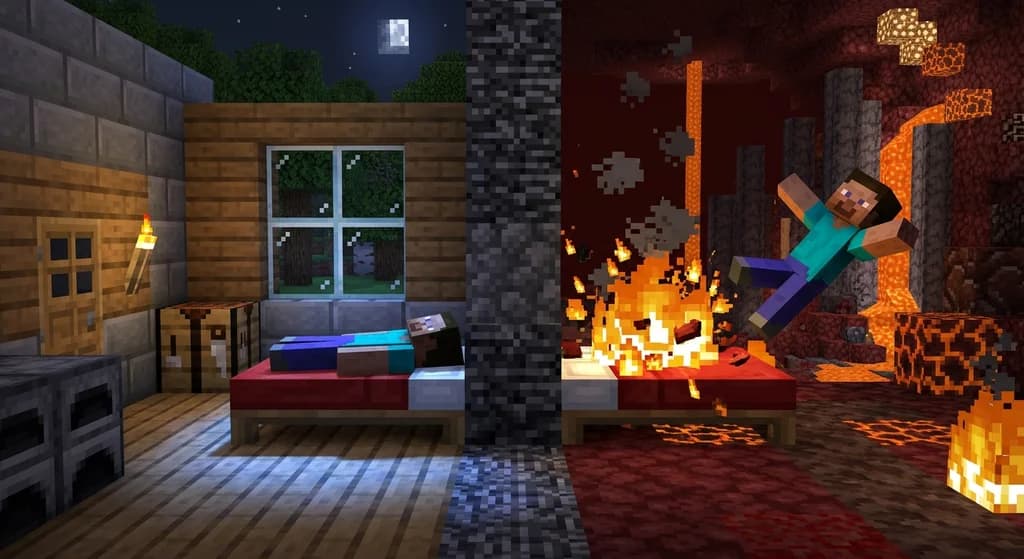
Minecraft Bed Mechanics: Overworld vs. Other Dimensions
Compare how beds work in the Overworld versus the Nether and End. Learn about sleeping mechanics, explosion power, and key differences for survival and speedrunning.
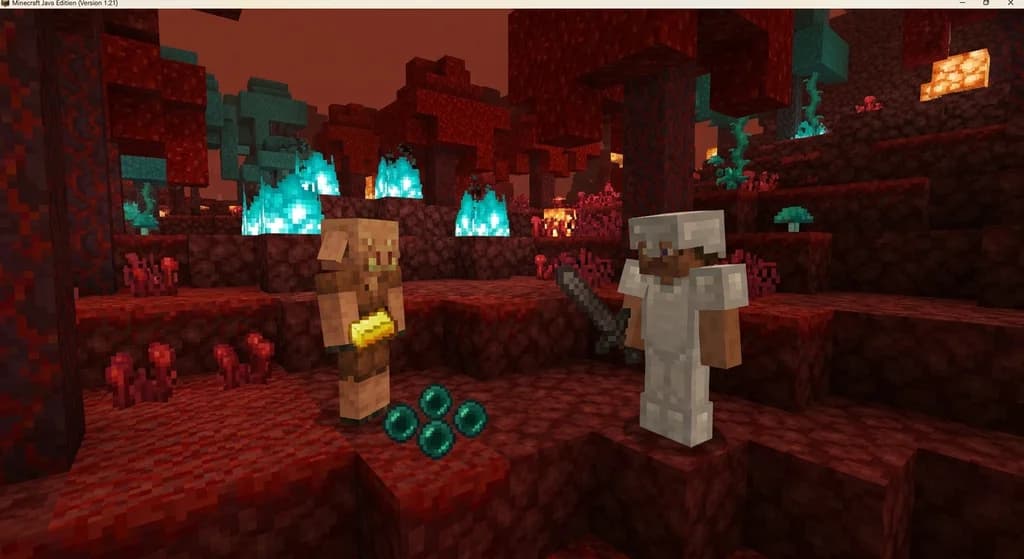
Piglin Bartering for Ender Pearls: Probabilities and Mechanics
Learn the exact probability (10/469 ≈ 2.13%) of piglins bartering ender pearls, how many you get, and how to optimize this mechanic for speedruns.
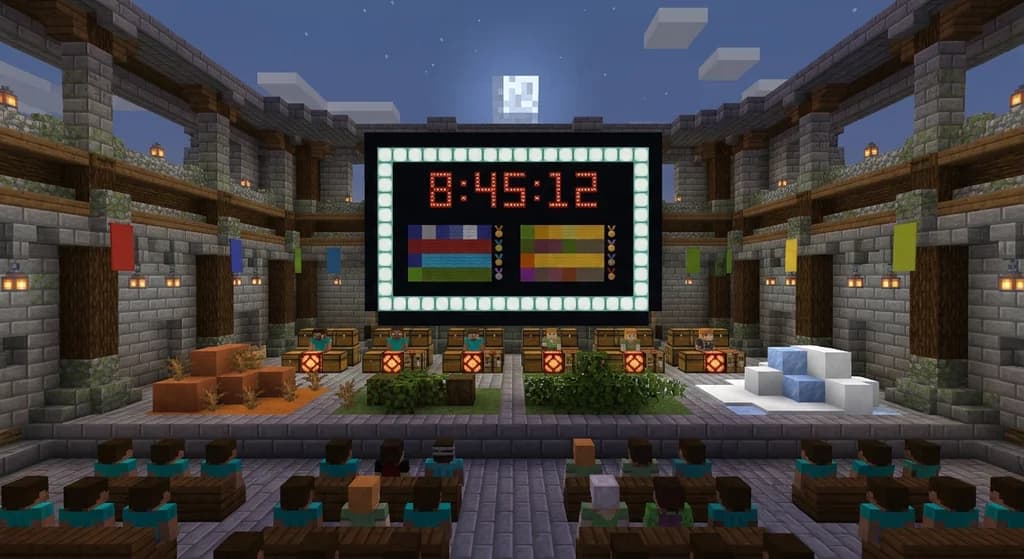
The Midoffs LIVE Speedrunning Tournament at TwitchCon
Discover everything about The Midoffs LIVE speedrunning tournament at TwitchCon Rotterdam 2026. Learn the event date, location, and what made it a landmark for competitive Minecraft.
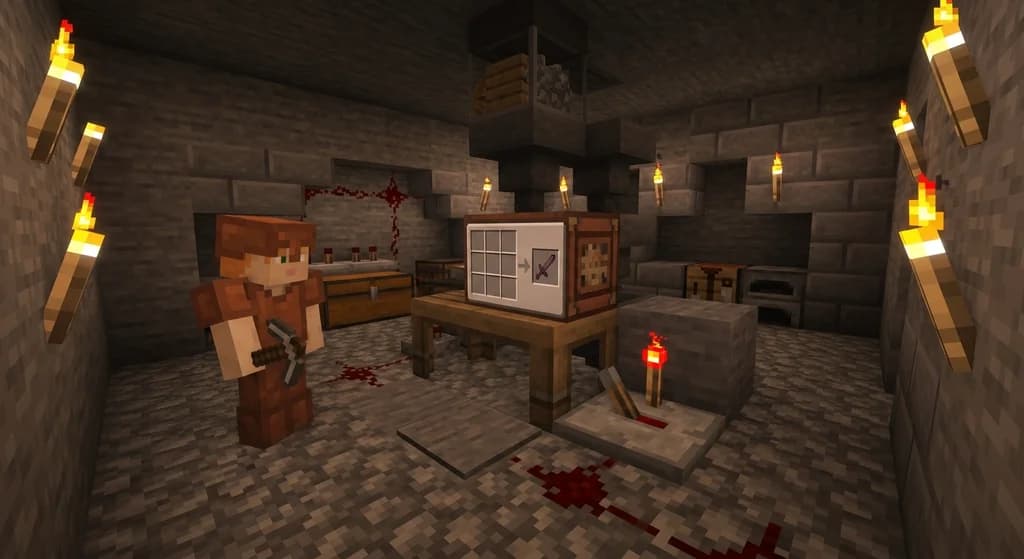
Minecraft Crafter Block: Complete Reference
Complete quick reference for the Minecraft Crafter block. Learn about inventory slots, slot locking, redstone crafting, automatic recipes, comparator output, and Java vs Bedrock differences.
Have a question or another approach?
Compare notes with other readers. Include your edition and version when discussing mechanics.