What Is Hardcore Mode in Minecraft?
Filed under Hardcore Survival & Permadeath · How we create content
Version scope: Java and Bedrock Editions
Key Takeaways
| Point | Details |
|---|---|
| Hardcore mode locks the | Hardcore mode locks the world to Hard difficulty and permanently ends your run upon death. |
| It can only be | It can only be enabled during world creation and cannot be changed through normal in-game menus. |
| Upon death, you are | Upon death, you are given the choice to spectate the world or return to the title screen; there is no respawn option. |
| In multiplayer, the entire server is Hardcore | it is impossible to have a mix of Hardcore and non-Hardcore players. |
| While normally irreversible, external | While normally irreversible, external tools (NBTExplorer) or Bedrock's template system can toggle the setting. |
| The longest recorded Hardcore | The longest recorded Hardcore world survival lasted 5 years, highlighting the mode's extreme challenge. |
What Is Hardcore Mode?
Hardcore mode is a variant of Survival where the world is locked to Hard difficulty and the player cannot respawn after dying. It's the ultimate test of survival, stripping away the safety net of respawning.
Hardcore:
Hardcore is a variant of Survival where the world is locked to Hard difficulty and the player cannot respawn after dying.
When creating a Hardcore mode world, "Allow Commands"/"Cheats", "Starting Map",[BE only] and "Bonus Chest" world options are locked and disabled.
How to Enable Hardcore Mode
Hardcore mode must be chosen when you create a new world. In Java Edition, you cycle the "Game Mode" button until it reads "Hardcore". In Bedrock Edition, it's a separate toggle in the world creation menu.
Hardcore:
Hardcore can only be enabled in the Create new world screen; in Java Edition as a state of the "Game Mode" button, in Bedrock Edition as a separate toggle.
In addition, Hardcore mode worlds are restricted to Hard difficulty which cannot be changed.
When you enable Hardcore mode, several world options become locked and disabled, including Allow Commands/Cheats, Starting Map (Bedrock only), and Bonus Chest. The world is permanently locked to Hard difficulty, which cannot be changed later. Hardcore mode cannot be disabled for an existing world through normal gameplay.
What Happens When You Die in Hardcore Mode
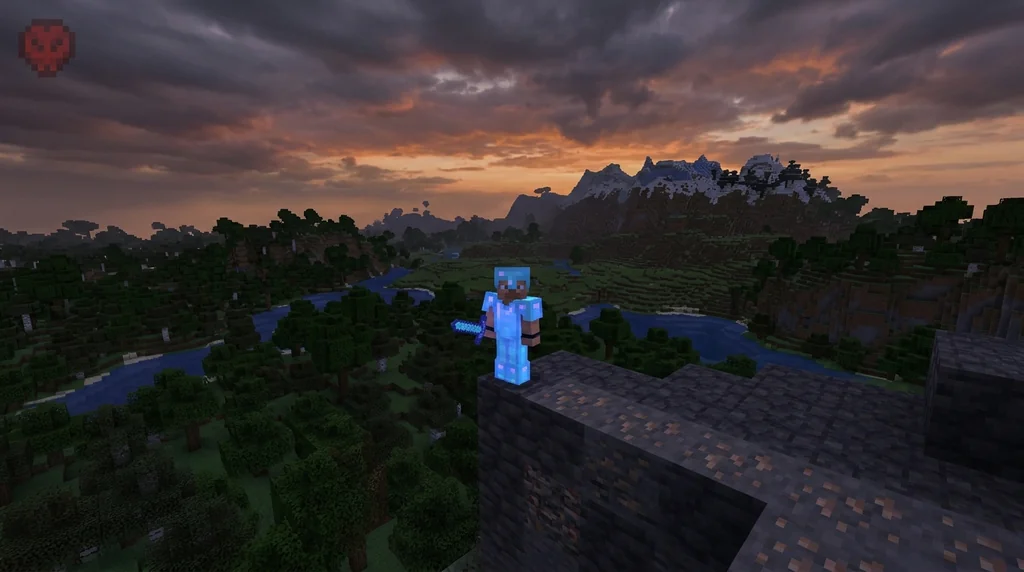
The defining feature of Hardcore mode is that death is permanent. Instead of giving you the option to respawn, the game presents two choices: spectate the world in Spectator mode, or return to the title screen.
Hardcore:
Instead, the player is given two options: to spectate the world, which sets the player's game mode to Spectator mode and respawns them at the world's spawn point, or return back to the title screen.
Re-opening the world after death simply returns to the same death screen or the Spectator mode depending on the outcome.
Re-opening the world after death returns you to the same death screen or Spectator mode, depending on your previous choice. There is no way to respawn and continue playing.
Hardcore Mode in Multiplayer vs. Singleplayer
Hardcore mode is a property of the world, not the player. The setting is stored in the level.dat file. This means that on a multiplayer server, all players are subject to Hardcore rules. It is impossible to have some players in Hardcore mode and others in regular Survival.
Hardcore:
In multiplayer, all players have Hardcore mode enabled — it is impossible to have some players in Hardcore and some not.
Server operators can use the /gamemode command to change the game mode of themselves or another player.
Server operators can use the /gamemode command to change the game mode of themselves or other players, but this doesn't circumvent the Hardcore death screen. Even players switched to Creative mode will see the Hardcore death screen upon dying.
Can You Recover a Hardcore World After Death?
Normally, a Hardcore world is lost forever after death. However, there are a few workarounds. In Java Edition, external tools like NBTExplorer can open the level.dat file and change the hardcore boolean tag from 1 (true) to 0 (false), converting the world back to a regular Survival world.
Hardcore:
It is normally impossible to toggle Hardcore mode once the world has been created, though it is possible to use external programs such as NBTExplorer to change it by setting the [Boolean] hardcore tag to either 1 (hardcore) or 0 (normal).
In Bedrock Edition, Hardcore can be switched on and off along with other world creation settings on any world by converting it to a world template and "re-creating" it.
In Bedrock Edition, you can convert the world into a world template and "re-create" it. This allows you to toggle Hardcore mode off while keeping all world data and even preserving achievement eligibility.
Essential Survival Tips for Hardcore Mode
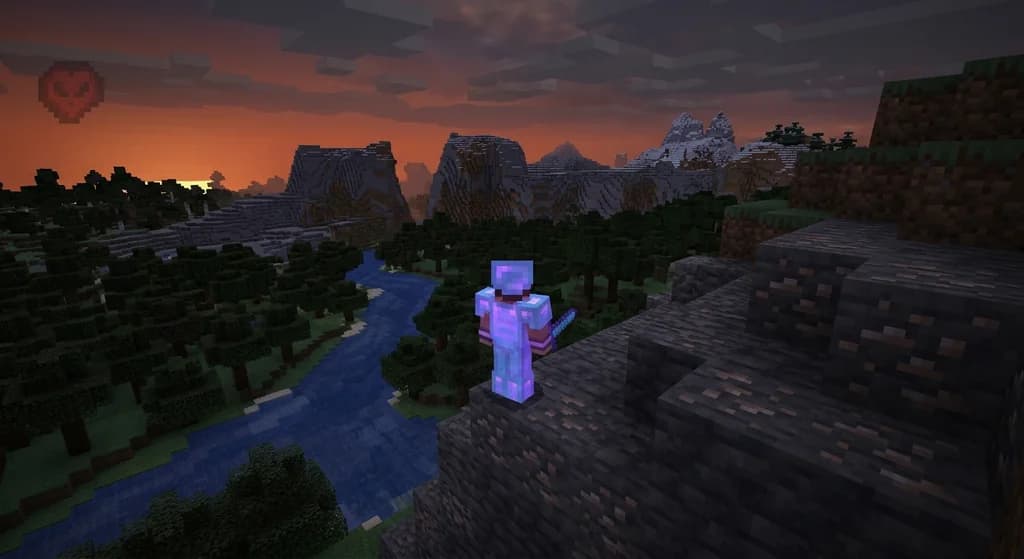
Surviving in Hardcore mode requires careful planning and knowledge of the game's mechanics. Understanding fall damage reduction with cobwebs and honey blocks can save your life from a simple misstep. Mastering iron golem spawning mechanics provides a powerful defender for your base. Knowing the difficulty settings is crucial since Hard difficulty makes zombies break down doors. Don't forget to learn water breathing mechanics to avoid drowning in deep oceans or underground lakes. Finally, keep an eye on your UI — the Hardcore heart icon is a constant reminder of the stakes.
Trivia and Records
The longest recorded Hardcore world record lasted for 5 years.
Hardcore:
The longest Hardcore world record lasted for 5 years.
Sources
- Hardcore is a variant of Survival where the world is locked to Hard difficulty and the player cannot respawn after dying. — Hardcore
- When creating a Hardcore mode world, "Allow Commands"/"Cheats", "Starting Map",\[BE only\] and "Bonus Chest" world options are locked and disabled. — Hardcore
- Hardcore can only be enabled in the Create new world screen; in Java Edition as a state of the "Game Mode" button, in Bedrock Edition as a separate toggle. — Hardcore
- In addition, Hardcore mode worlds are restricted to Hard difficulty which cannot be changed. — Hardcore
- Instead, the player is given two options: to spectate the world, which sets the player's game mode to Spectator mode and respawns them at the world's spawn point, or return back to the title screen. — Hardcore
- Re-opening the world after death simply returns to the same death screen or the Spectator mode depending on the outcome. — Hardcore
- In multiplayer, all players have Hardcore mode enabled — it is impossible to have some players in Hardcore and some not. — Hardcore
- Server operators can use the /gamemode command to change the game mode of themselves or another player. — Hardcore
Frequently Asked Questions
Can I enable Hardcore mode on an existing world?
No, Hardcore mode can only be enabled during world creation. It cannot be toggled on or off for existing worlds through normal gameplay. The only exceptions are using external tools like NBTExplorer (Java Edition) or the Bedrock template trick, which allow you to edit the world's settings outside of the game.
Are commands available in Hardcore mode?
By default, the 'Allow Commands' option is locked and disabled when creating a Hardcore world. However, if you are the server operator or have access to the console, you can still use commands like /gamemode to change player states, though this does not bypass the permanent death screen.
Related guides
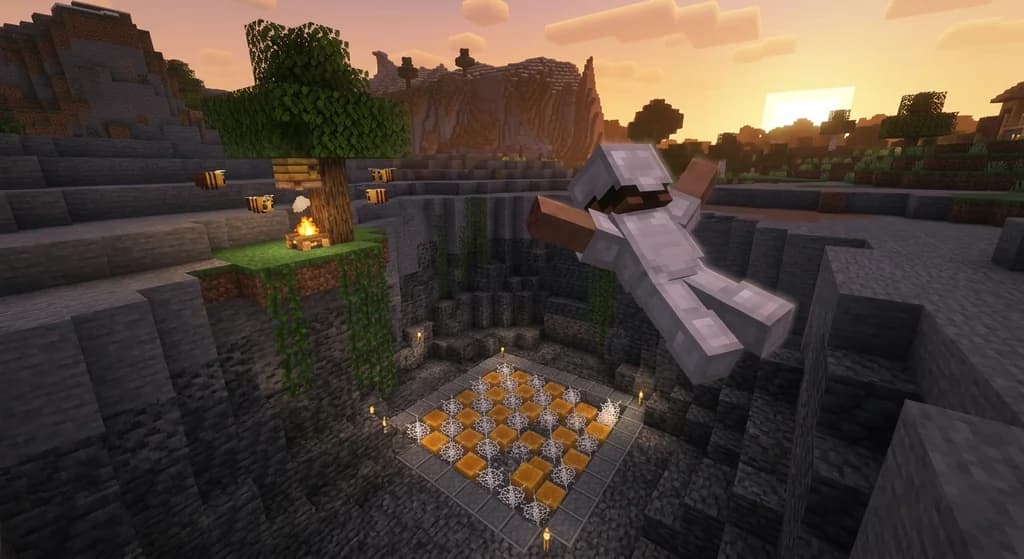
Fall Damage Reduction with Cobwebs and Honey Blocks
Learn how cobwebs and honey blocks reduce or eliminate fall damage in Minecraft Java Edition. Essential quick reference for hardcore mode survival and permadeath tactics.
Understanding Hardcore Mode in Minecraft for Servers and Single-Player
Learn everything about Hardcore mode in Minecraft: permadeath, locked Hard difficulty, server behavior, how to enable it, and the longest recorded...
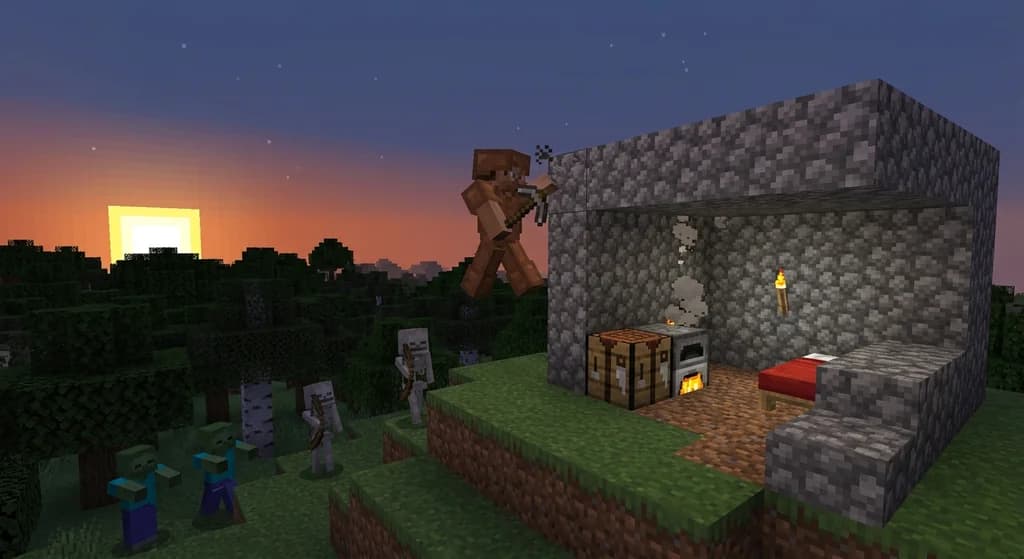
How to Survive Minecraft Hardcore Mode in 2026: The Ultimate First Week Guide
Master how to survive minecraft hardcore mode with our ultimate first week guide. From day 1 shelter to Nether prep, learn permadeath survival and see how...
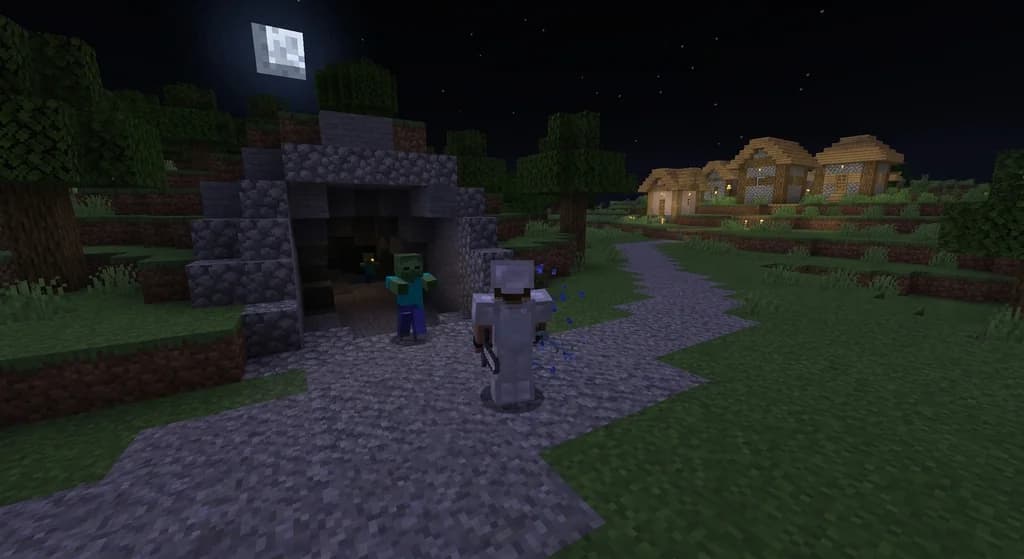
Surviving Zombies: Understanding Difficulty Settings in Minecraft
Learn how Minecraft difficulty settings affect zombie spawning, villager conversion rates, and hostile mob behavior. A complete guide to Peaceful, Easy, Normal, and Hard modes.
Have a question or another approach?
Compare notes with other readers. Include your edition and version when discussing mechanics.