Using the Loom for Banner Patterns in Minecraft
Filed under Minecraft Tips & Tricks · How we create content
Version scope: Java Edition 1.14+ and Bedrock Edition 1.10+
Key Takeaways
| Point | Details |
|---|---|
| The loom applies banner | The loom applies banner patterns using one banner, one dye, and one pattern item. |
| Banner patterns are not | Banner patterns are not consumed when used, making them infinitely reusable. |
| There are 10 banner | There are 10 banner pattern items; 6 can be crafted and 4 must be found or traded. |
| You can layer multiple | You can layer multiple patterns on a banner, and wash off the last layer in a cauldron. |
| The loom was added | The loom was added in the Village & Pillage update (Java 1.14 / Bedrock 1.10). |
The loom is the dedicated workstation for adding custom designs to banners. Introduced in the Village & Pillage update, it makes banner customization straightforward and efficient.
How the Loom Works
The loom is a job site block used by the Shepherd villager profession. To use it, you need three items:
- 1 Banner (any color)
- 1 Dye (any color)
- 1 Banner Pattern item
Place the banner in the top-left slot, the dye in the top-right, and the pattern in the bottom slot. The loom will show a preview of the resulting design. Click the output slot to apply the pattern.
The pattern must be combined with 1 banner and 1 dye.
Banner patterns are a set of 10 items used to apply unique designs to banners using a loom, and are freely reusable.
Banner patterns are a set of 10 items used to apply unique designs to banners using a loom, and are freely reusable.
Upon usage in the loom, the banner pattern is not consumed.
Upon usage in the loom, the banner pattern is not consumed.
This means you can use the same pattern item on as many banners as you like, making it a one-time investment.
All Banner Patterns and How to Get Them
There are 10 banner pattern items in the game. Six can be crafted, and the remaining four must be found or traded.
It is possible to craft all but 4 of the banner patterns.
| Pattern | How to Obtain |
|---|---|
| Creeper Charge | Craft with paper + creeper head |
| Flower Charge | Craft with paper + oxeye daisy |
| Skull Charge | Craft with paper + wither skeleton skull |
| Thing | Craft with paper + enchanted golden apple |
| Field Masoned | Craft with paper + bricks |
| Bordure Indented | Craft with paper + vine |
| Globe | Trade with master-level shepherd (Java only) |
| Snout | Craft with paper + netherite ingot |
| Piglin | Found in bastion remnant chests |
| Flow | Found in trial chamber chests (1.21+) |
Most can be crafted, but some are only found in structures or through other means.
Layering Patterns on a Banner
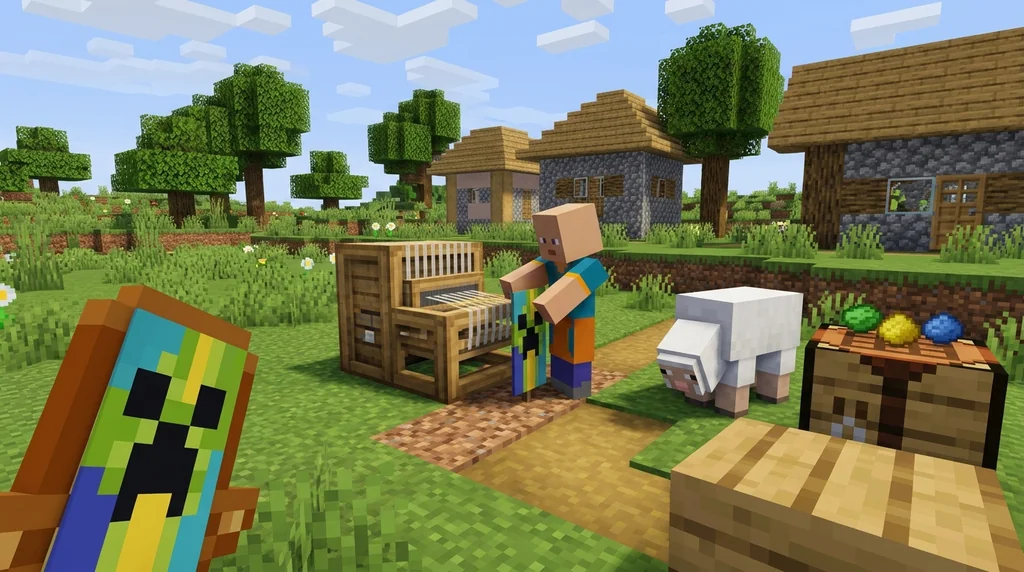
You can add multiple patterns to a single banner by repeating the loom process. Each new pattern is layered on top of the previous ones, allowing for complex designs.
If you make a mistake or want to start over, you can remove the last applied layer by using the banner on a cauldron filled with water. This washes off only the most recent pattern, leaving earlier layers intact.
Copying a Banner
To duplicate a finished banner, place it in a crafting grid with a blank banner of the same base color. This copies the entire design, including all layers, to the new banner.
What the Loom Is Not
The loom is only for applying banner pattern items. You cannot use it to:
- Create basic patterns like stripes or gradients (those are done in the crafting table)
- Copy banners (use the crafting table for that)
- Remove patterns (use a cauldron)
For creating simple patterns without pattern items, the crafting table is still your tool. The loom is specifically for the unique designs that require a banner pattern item.
Why Use the Loom?
The loom offers two major advantages over the crafting table:
- Reusability – Pattern items are not consumed, so you can use them forever.
- Preview – The loom shows the resulting design before you commit, reducing waste.
This makes the loom the go-to tool for any serious banner customization project.
For more on how banners fit into decoration, see our Minecraft Structures: A Reference Guide to Generated Formations.
Sources
- The pattern must be combined with 1 banner and 1 dye. — Banner Pattern
- Banner patterns are a set of 10 items used to apply unique designs to banners using a loom, and are freely reusable. — Banner Pattern
- Upon usage in the loom, the banner pattern is not consumed. — Banner Pattern
- It is possible to craft all but 4 of the banner patterns. — Banner Pattern
- Most can be crafted, but some are only found in structures or through other means. — Banner Pattern
Frequently Asked Questions
Are banner patterns consumed when used?
No. When you use a banner pattern in a loom, the pattern item is not consumed. You can reuse it on as many banners as you want.
Can I remove a pattern from a banner?
Yes. Place the banner in a cauldron filled with water to wash off the most recently applied layer. This can be repeated to remove multiple layers one by one.
How many banner patterns are there?
There are 10 banner pattern items in total. Six can be crafted, and four are obtained from structures or trading.
Can I copy a banner with patterns?
Yes. Place a banner with patterns and a blank banner of the same base color in a crafting table to copy the design.
Does the loom work in both Java and Bedrock?
Yes. The loom was added in Java Edition 1.14 and Bedrock Edition 1.10, and works the same way in both versions.
Related guides
Minecraft Animal Mobs Reference Guide
A quick reference guide to animal mobs in Minecraft. Learn the list of animals, their properties, breeding mechanics, and how they differ from monsters.
Minecraft Structures: A Reference Guide to Generated Formations
Learn everything about Minecraft generated structures. This quick reference covers structure types, generation mechanics, structure-like features, and how to use /locate in Java and Bedrock Editions.
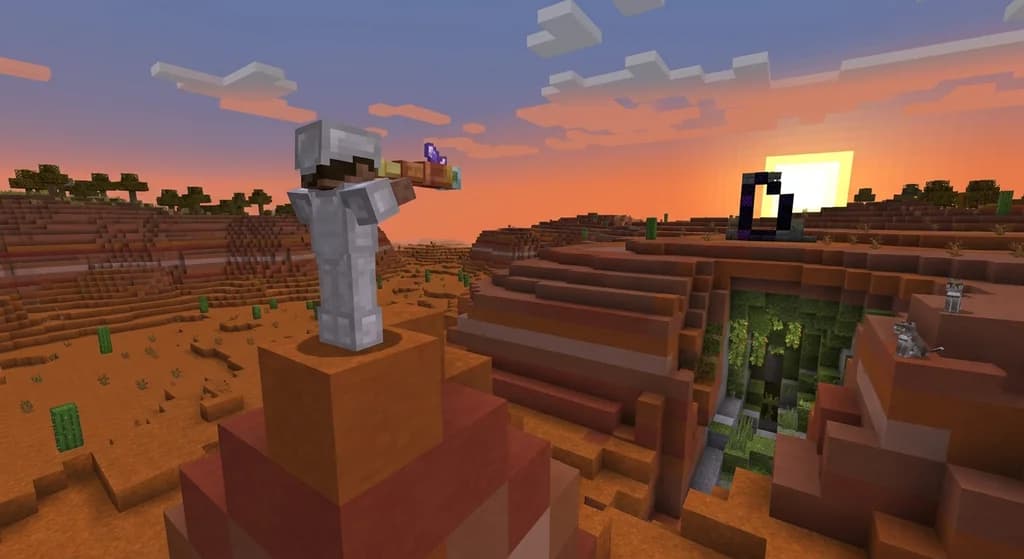
Minecraft Spyglass Scouting: Mechanics and Usage
A complete quick reference guide to the Minecraft spyglass. Covers crafting, exact FOV mechanics (7° Java / 6° Bedrock), the square overlay, and scouting limitations.
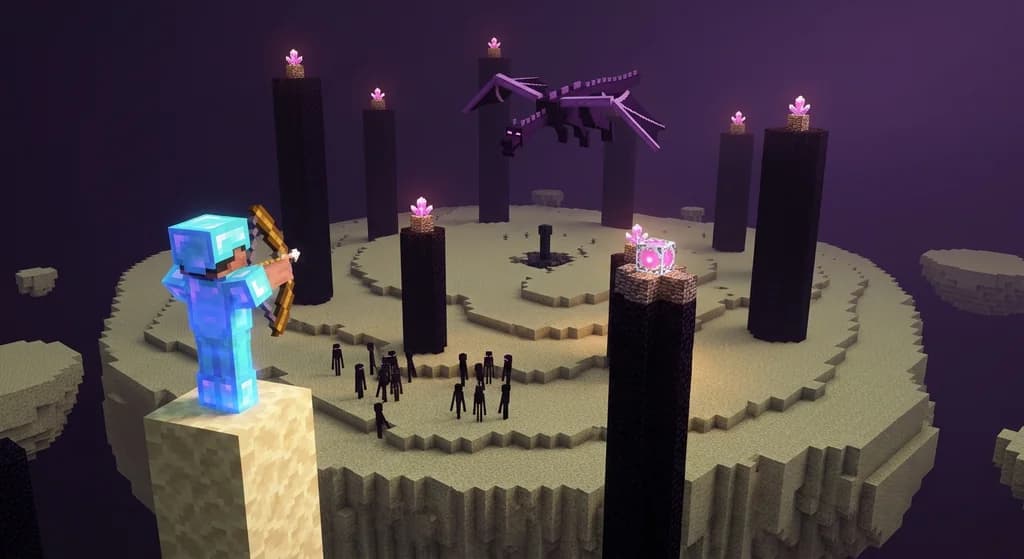
How to Defeat the Ender Dragon: Mechanics and Reference
A complete quick reference guide to defeating the Ender Dragon in Minecraft. Covers accessing The End, boss attacks (charging, fireballs), rewards (12,000 XP), and the respawn sequence.
Have a question or another approach?
Compare notes with other readers. Include your edition and version when discussing mechanics.