How to Rebuild After a Hardcore Minecraft Death (2026 Guide)
Filed under Hardcore Survival & Permadeath · How we create content
Key Takeaways
| Point | Details |
|---|---|
| Hardcore death is permanent | your world is deleted and you can't respawn unless you have a backup. |
| Back up your world | Back up your world folder after every session to avoid losing everything. |
| Log your fatal mistake | Log your fatal mistake after each death to identify patterns and improve. |
| Prioritize a shield, iron | Prioritize a shield, iron armor, and a water bucket in your first hour. |
| Use community tools like | Use community tools like Gaia's Hardcore Run Tracker to learn from collective deaths. |
Table of Contents
- What Happens When You Die in Hardcore Minecraft?
- How to Rebuild After a Hardcore Death
- What Should You Do Immediately After a Hardcore Death?
- Best Practices for Starting a New Hardcore World
- How to Put This Into Practice on Gaia Legends
- Conclusion
- Recommended
If you've ever wondered what happens when you die in hardcore Minecraft, the answer is brutal: your world is deleted instantly, and you're sent back to the title screen with no chance to respawn. That's the core rule of permadeath, and it's why hardcore mode is both terrifying and thrilling. In this guide, you'll learn exactly what triggers that deletion, how to mentally and strategically rebuild after a hardcore death, and a step-by-step recovery plan to make your next run your best yet. We'll also show you how to log your fatal mistakes so you never repeat them.
What Happens When You Die in Hardcore Minecraft?
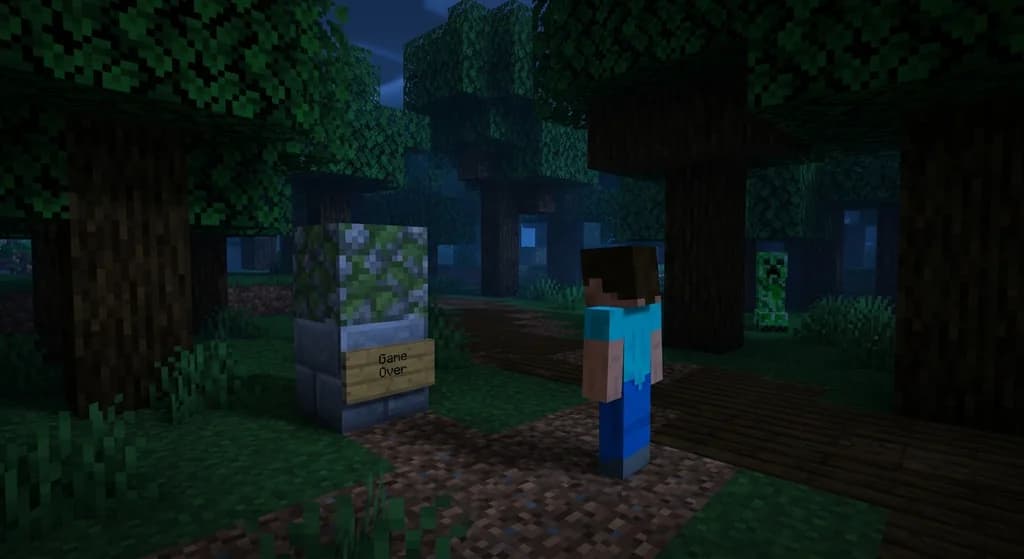
Dying in hardcore Minecraft deletes your world file and returns you to the title screen, with no respawn option available.
Hardcore mode is a world type in Minecraft Java Edition where death is permanent. When you die, the game marks the world as "deleted" and you're kicked out. The world remains on your computer, but you can't re-enter it unless you've made a backup. In fact, "In Hardcore mode, death is permanent: when you die, the world is deleted and you are returned to the title screen (via Minecraft Wiki)." Additionally, "Hardcore mode is exclusive to Java Edition and locks the difficulty to Hard, which makes mobs deal more damage (via Minecraft Wiki)."
The deletion is irreversible unless you manually copied the world folder beforehand. So the first rule of hardcore survival is to back up your world regularly. If you don't, a single creeper explosion can end weeks of progress.
Why Hardcore Mode Feels Different
Hardcore mode isn't just about difficulty; it's about stakes. Every encounter could be your last. That's why you need to plan every move carefully. If you're new to hardcore, you might want to read our How to Survive a Pillager Raid in Hardcore Minecraft guide before venturing into a village.
How to Rebuild After a Hardcore Death
Rebuilding after a hardcore death starts with a mental reset: accept the loss, learn from your mistake, and plan a new run with a smarter strategy.
The first step is to step away from the game for at least an hour. Grief is real, and rushing into a new world while frustrated leads to repeat mistakes. Once you're calm, write down what killed you. Was it a fall? A mob? A misjudged jump? This log becomes your personal death audit.
Step-by-Step Recovery Plan
- Take a break – Give yourself time to process the loss.
- Log your fatal mistake – Record the exact cause of death and the situation.
- Choose a new seed – Pick a seed with a good balance of resources and biomes.
- Set early goals – Aim for a shield, iron armor, and a secure base within the first hour.
- Prepare better – Review potion and gear strategies before heading into dangerous areas.
A great way to track your progress is to use a hardcore run tracker. On Gaia Legends, we have a built-in tracker that records each death and helps you identify patterns. You'll also learn from our community's collective experience—for example, "On Gaia Legends: Our hardcore community has logged over 1,200 deaths in the past year, and the most common fatal mistake is rushing a cave without a shield."
Also, remember to follow proper server etiquette if you're playing on a multiplayer hardcore server—check out our 7 Rules for Hardcore Minecraft Server Etiquette guide.
What Should You Do Immediately After a Hardcore Death?
Immediately after a hardcore death, your first move should be to locate your world backup if you made one, then document what killed you.
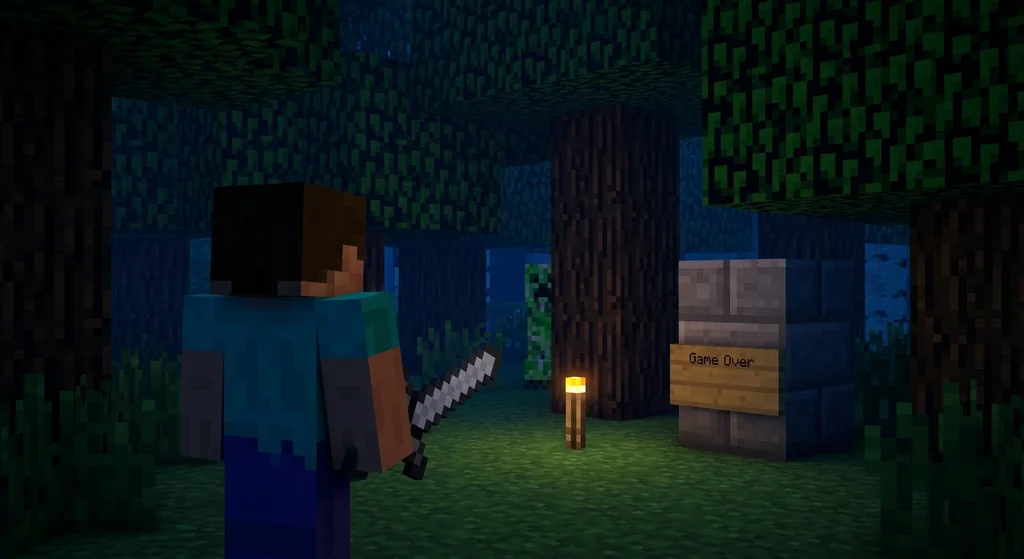
If you backed up your world, you can restore it by copying the backup folder back into your .minecraft/saves directory. If you didn't, the world is gone forever. Either way, you need to learn from the experience. Write down the cause of death, the location, and what you could have done differently. This is the single most valuable habit you can develop as a hardcore player.
How to Back Up a Hardcore World
Backing up is simple: navigate to your .minecraft/saves folder, find the world folder, and copy it to a safe location. Do this after every session. "You can convert a Hardcore world to a Survival world by editing the level.dat file, but this disables the Hardcore tag (via Minecraft Wiki)." So even if you want to keep the world as a non-hardcore survival, you can.
Warning: Never edit your level.dat file without making a backup first. A single typo can corrupt your entire world.
Note: Backing up your world folder does not require any mods; it's just a file copy.
Best Practices for Starting a New Hardcore World
Starting a new hardcore world requires a different mindset: prioritize safety, gear up early, and avoid risky encounters until you're overgeared.
Your first hour should be about securing food, wood, and a shelter. Don't venture into caves until you have a shield and iron armor. A good rule of thumb is to never go below Y=0 without a water bucket and a totem of undying if you can find one. Also, always carry a bed to set your spawn point.
Equipment Priorities
| Priority | Item | Why |
|---|---|---|
| 1 | Shield | Blocks most melee and projectile damage |
| 2 | Iron Armor | Reduces damage from all sources |
| 3 | Water Bucket | Saves you from falls and lava |
| 4 | Food (Steak or Cooked Porkchop) | Restores hunger and health |
| 5 | Torches | Prevents mob spawns |
For more advanced tips, check out our Best Potions for Hardcore Minecraft Survival guide to brew potions that can save your life. And if you're planning to take on the Ender Dragon, read our How to Defeat the Ender Dragon in Hardcore Minecraft guide first.
Pro Tip: Always carry a shield in your off-hand. It blocks 100% of melee damage and 66% of projectile damage when raised (via Minecraft Wiki).
If you're aiming for the ultimate challenge, our How to Beat the Peaceful-to-Hardcore Minecraft Challenge guide will help you transition safely.
How to Put This Into Practice on Gaia Legends
Gaia Legends gives you a structured way to track your hardcore runs and learn from the community's mistakes.
On Gaia Legends, you can use our Hardcore Run Tracker to log each death, categorize the cause, and see statistics across the server. This turns your personal post-death checklist into a communal learning tool. We also host weekly hardcore challenges and offer a supportive community that shares tips and strategies. Gaia Legends is free to join, non-pay-to-win, and supports Java + Bedrock crossplay.
Join at gaialegends.pro and start your legend today.
Conclusion
Recovering from a hardcore death is about learning, not mourning: log your mistake, plan a safer run, and use community tools to improve.
- Accept that the world is gone and move on.
- Document your death to avoid repeating the same mistake.
- Start your next world with a safety-first strategy.
Now that you know what happens when you die in hardcore Minecraft, you're ready to rebuild smarter. Take what you learned here, apply it, and you'll survive longer than ever.
Recommended
- How to Write a Minecraft Server Code of Conduct in 2026 | Gaia Legends
- How to Build a Boss Fight Arena in Minecraft 2026: Full Design | Gaia Legends
- How to Make Villagers Restock Faster in Minecraft (2026) | Gaia Legends
- 7 Best Interior Block Palettes for Cozy Minecraft Homes (2026) | Gaia Legends
Ready to play? Join Gaia Legends today — no pay-to-win, Java + Bedrock crossplay.
- Java:
join.gaialegends.pro - Bedrock:
join.gaialegends.pro— Port19132
Further reading
These references were recorded with the article; specific claims have not been matched to source excerpts.
Frequently Asked Questions
What happens when you die in hardcore Minecraft?
When you die in hardcore Minecraft, your world is permanently deleted and you are returned to the title screen. There is no respawn option. The only way to recover is to have a backup of your world folder.
Can you recover a deleted hardcore world?
If you made a backup of your world folder before death, you can restore it by copying it back into your saves folder. Without a backup, the world is gone forever.
How do you back up a hardcore world?
Navigate to your .minecraft/saves folder, find your world folder, and copy it to an external drive or cloud storage. Do this after every session to avoid losing progress.
What is the best strategy for a new hardcore world?
Prioritize safety: get a shield, iron armor, and a secure base early. Avoid caves until you're properly geared. Always carry a water bucket and a bed.
How do you avoid common hardcore deaths?
Common deaths include falls, creeper explosions, and mob swarms. Use a shield, stay aware of your surroundings, and never mine straight down. Carry a water bucket to break falls.
Can you play hardcore mode on a server?
Yes, but server admins must enable hardcore mode in server.properties. On Gaia Legends, we offer hardcore challenges with a tracker to log deaths and learn from them.
Related guides
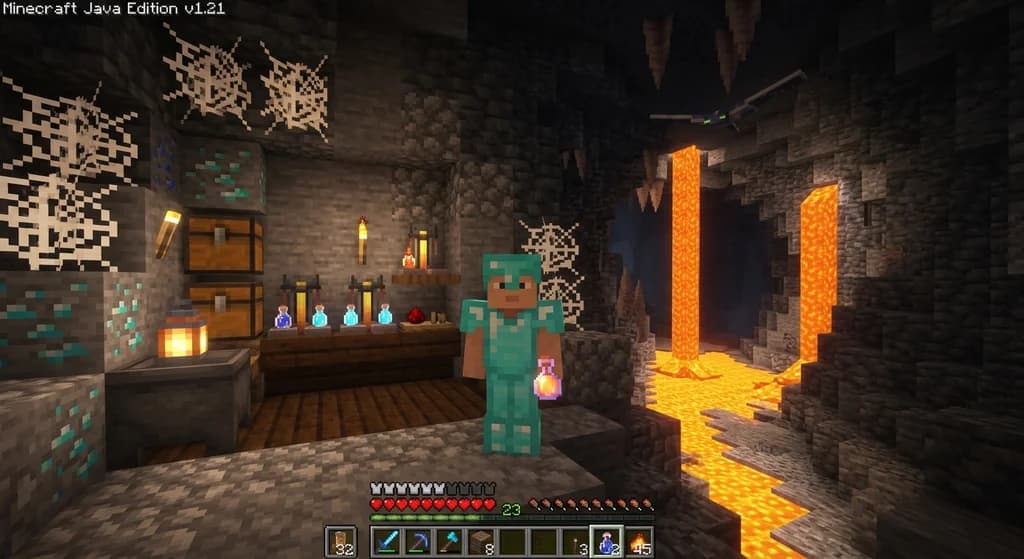
Best Potions for Hardcore Minecraft Survival: Brew These First (2026)
Best potions to brew for hardcore Minecraft survival: Fire Resistance, Health, Speed, Night Vision, and more. Build a hardcore potion kit that saves your...
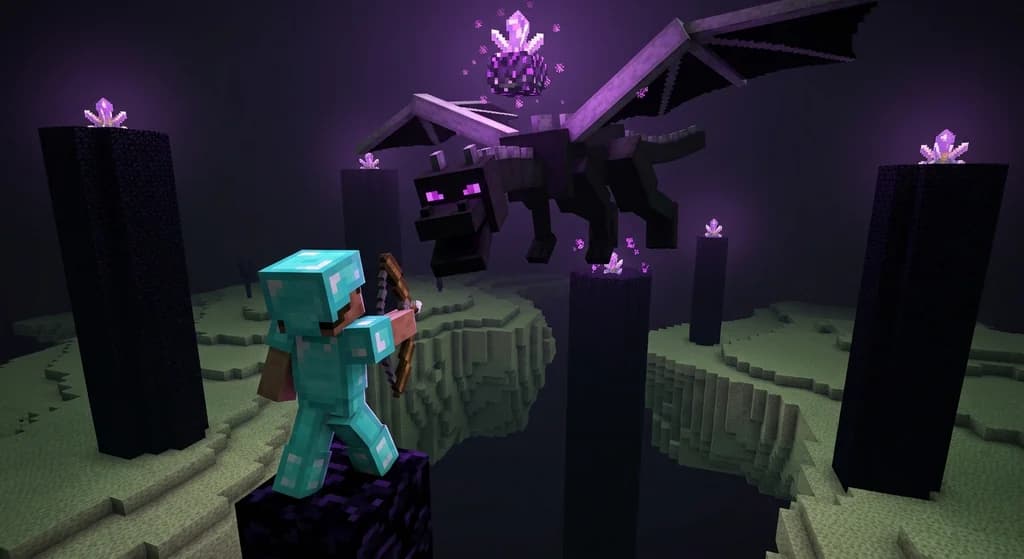
How to Defeat the Ender Dragon in Hardcore Minecraft (2026 Guide)
Master the hardcore Ender Dragon fight with this 2026 guide: find the stronghold, destroy crystals, choose gear, and survive permadeath.
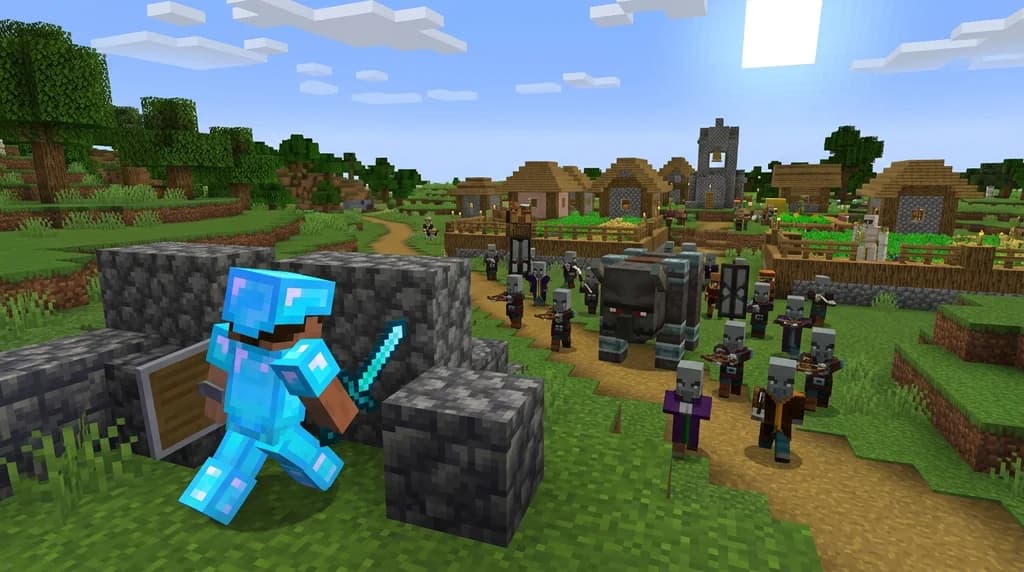
How to Survive a Pillager Raid in Hardcore Minecraft (2026)
Learn proven strategies to survive pillager raids in hardcore Minecraft. Pre-raid prep, defensive bunkers, iron golems, and retreat tactics—read the 2026...
7 Rules for Hardcore Minecraft Server Etiquette (2026)
Learn the 7 unspoken hardcore Minecraft server etiquette rules that keep permadeath communities alive, respectful, and genuinely fun in 2026.
Have a question or another approach?
Compare notes with other readers. Include your edition and version when discussing mechanics.